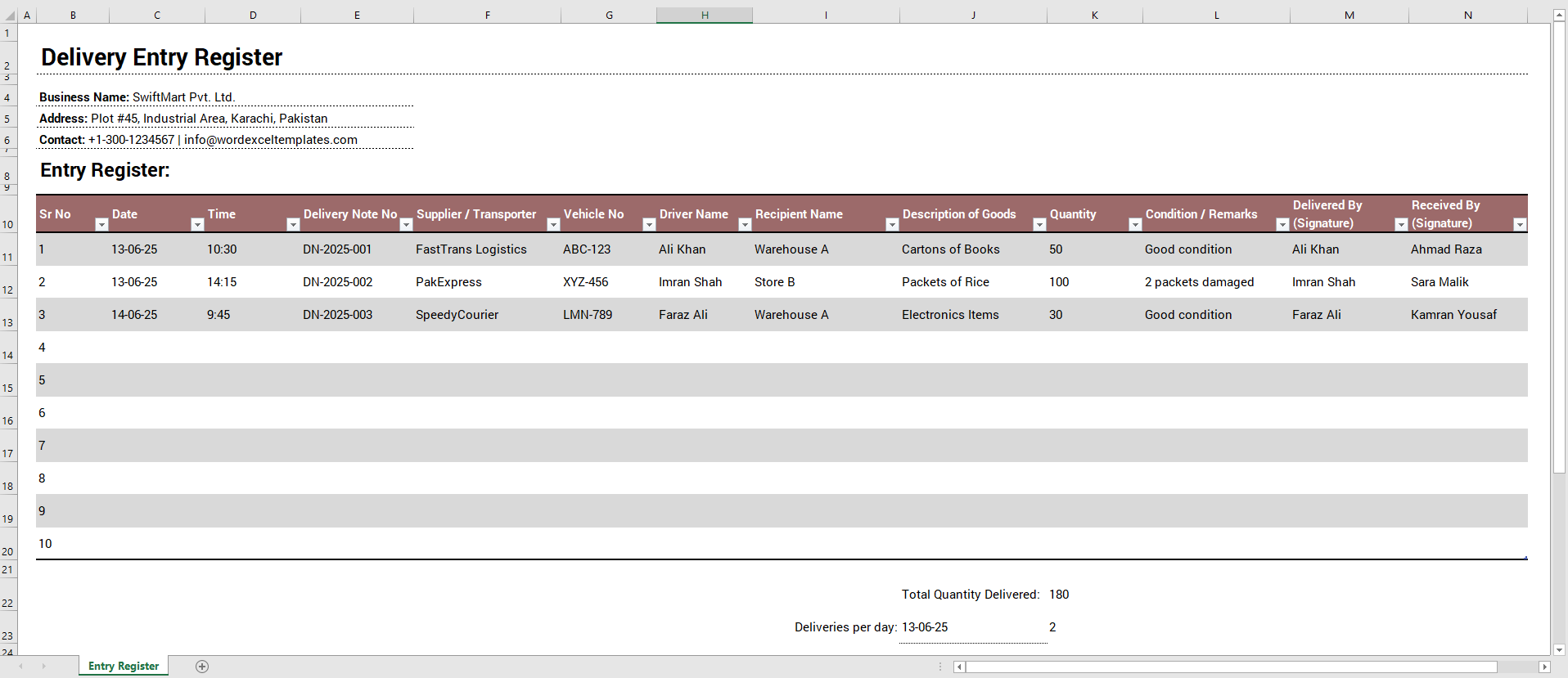
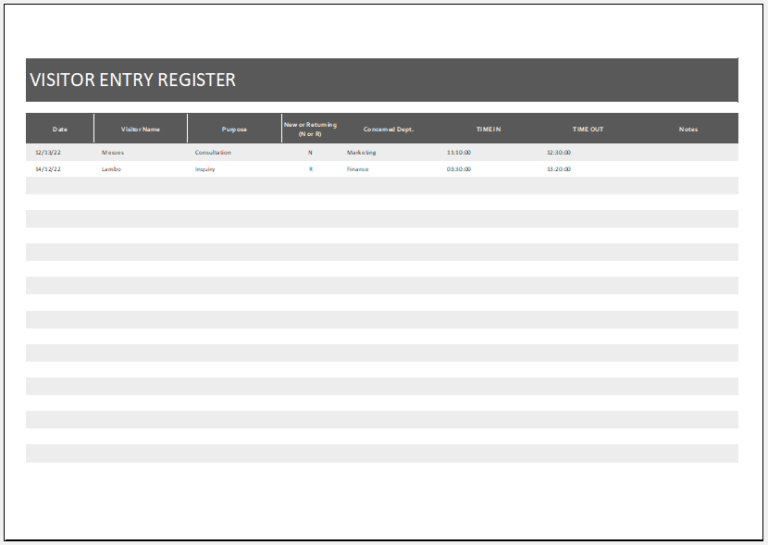
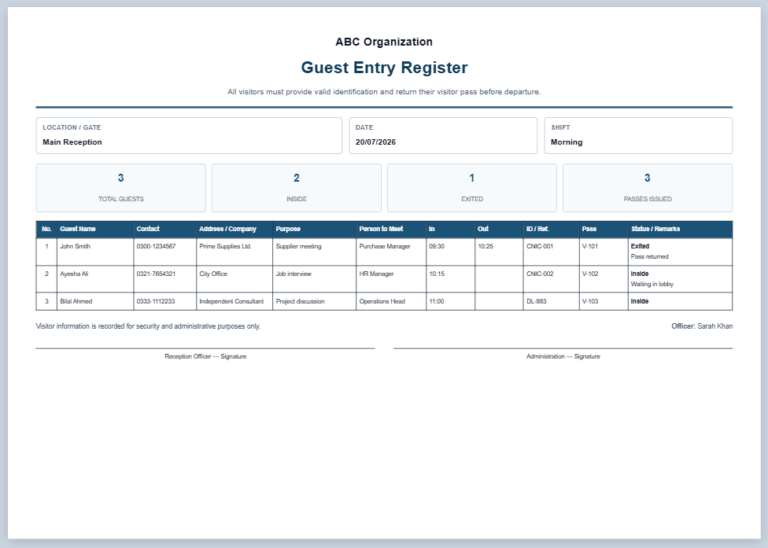
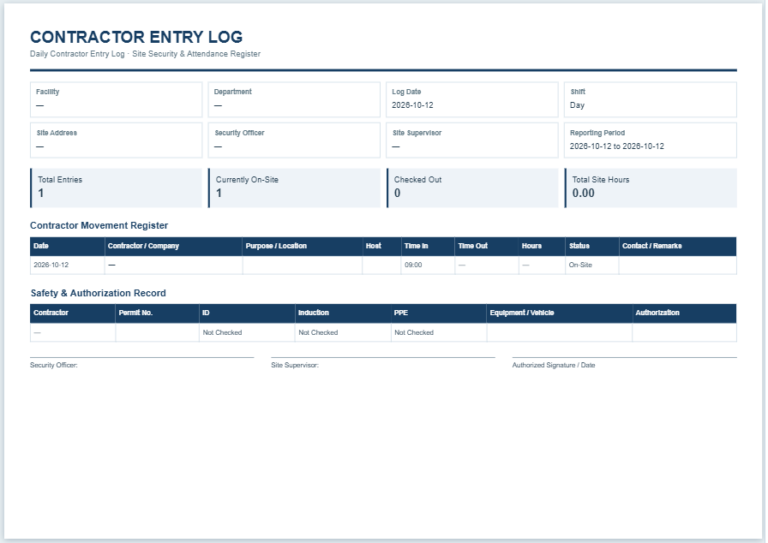
A delivery entry register is used to record goods, packages, documents, and other items received or dispatched by a business. Maintaining a clear delivery record helps staff identify what arrived or left the premises, when the transaction occurred, and who was responsible for receiving or handing over the items.
Use the Delivery Entry Register Generator below to create and print a customized register online. You can enter your organization details, add individual delivery records, record incoming and outgoing deliveries, track quantities and delivery status, and maintain remarks for each entry.
Delivery Entry Register Generator
Create a printable register for incoming and outgoing deliveries. Add as many entries as needed.
Delivery Entries
Delivery Entry Register
| Sr. | Date | Time | Type | Delivery Note No. | Supplier / Transporter | Vehicle No. | Driver | Recipient / Location | Description of Goods | Qty | Condition / Remarks | Delivered By | Received By | Status |
|---|
What Is a Delivery Entry Register?
A delivery entry register is a structured record of incoming and outgoing deliveries. It may be maintained by an office, warehouse, store, reception desk, security department, dispatch section, or any organization that regularly receives or sends goods.
Instead of relying on individual delivery slips or informal notes, the register keeps important delivery information together in chronological order. This makes previous entries easier to check when a delivery needs to be verified or investigated.
Depending on the organization, a delivery register may be maintained electronically, in a spreadsheet, or as a printed document.
What Information Should Be Recorded?
The information required will depend on the organization’s delivery process. A practical delivery register can include:
- Date and time of the delivery
- Incoming or outgoing delivery type
- Delivery note or reference number
- Supplier, courier, or transporter name
- Vehicle number
- Driver or delivery person
- Recipient or delivery location
- Description of the goods or package
- Quantity
- Condition of the items
- Remarks or exceptions
- Name of the person delivering the items
- Name of the person receiving the items
- Delivery status
Only information that is useful for identifying and verifying a delivery should be collected. Organizations can add or remove fields according to their internal procedures.
How to Maintain a Delivery Entry Register
Delivery information should ideally be recorded when goods are received or dispatched rather than being entered later from memory.
Check important details such as the delivery note number, description, quantity, condition, and recipient before completing the entry. Where signatures or acknowledgements are required by company procedure, obtain them at the time of handover.
Entries should also be kept consistent. For example, employees should use the same date format, delivery-status terminology, and method of identifying suppliers or departments throughout the register.
If goods arrive damaged, incomplete, or otherwise different from the accompanying documentation, record the issue clearly in the remarks field and follow the organization’s applicable receiving or reporting procedure.
Benefits of Keeping a Delivery Record
A properly maintained register provides a useful reference when staff need to determine whether a particular delivery was received or dispatched.
It can also help an organization:
- Maintain an organized history of deliveries
- Identify the date and time an item was received or dispatched
- Determine who handled a particular delivery
- Record shortages, damage, delays, or other exceptions
- Support internal inventory and administrative processes
- Investigate missing or disputed deliveries
- Improve accountability between receiving, stores, dispatch, and other departments
A delivery register is primarily a record-keeping tool. It should not automatically be treated as proof of ownership, payment, legal acceptance, or contractual delivery unless the relevant procedures and documentation establish that purpose.
Using the Online Delivery Entry Register Generator
The generator above provides a convenient way to prepare a delivery register without designing a table manually.
Enter the organization and reporting-period information, then add the required delivery entries. Each entry can record delivery details such as type, status, supplier or transporter, vehicle, recipient, goods, quantity, condition, and the people involved in the handover.
The Live Preview updates as information is entered so that the completed register can be checked before printing.
For recurring business records, organizations may also choose to transfer or maintain the information in their internal spreadsheet, inventory, document-management, or logistics system according to their own record-retention procedures.
About the Excel Delivery Entry Register Template
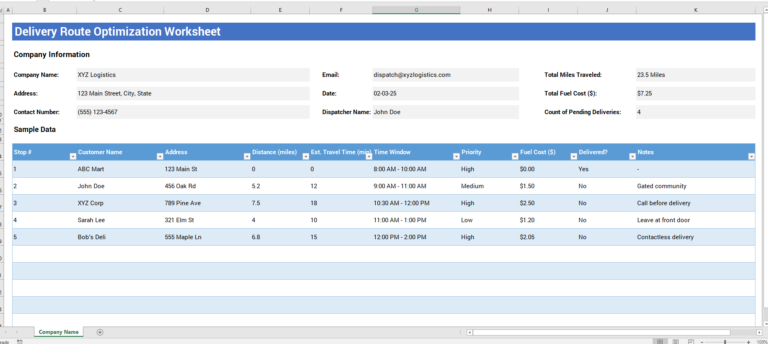
The Excel template provided below is designed for users who prefer to maintain delivery records in a spreadsheet.
It provides a structured table for recording delivery information and can be adapted to suit an office, warehouse, retail store, reception area, dispatch department, or other workplace.
Before using the template, review the available columns and adjust them according to your organization’s actual delivery process. Additional fields can be added where required, while unnecessary fields can be removed to keep data entry practical.
The online generator is useful when you need to prepare and print a register quickly, while the downloadable Excel version is better suited to users who want to maintain and update delivery records over time.