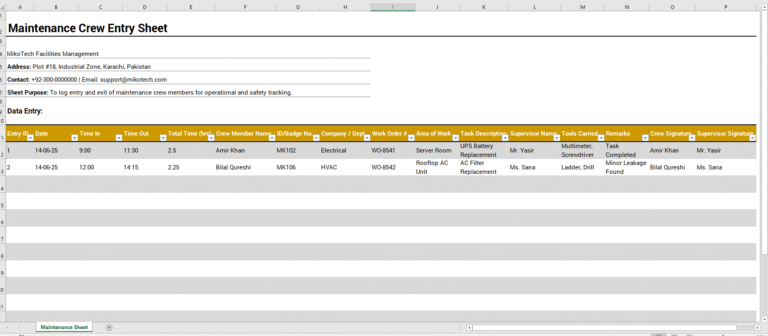
A workplace may need to hire contractors for their specialized expertise. Contractors can carry out short-term projects without being engaged as long-term employees.
When hiring contractors, a business expects them to fulfill their agreed responsibilities and follow site procedures. A contractor entry log helps record their attendance and time on the premises.
The log records who enters and leaves the site and when. It can support attendance reviews, but it does not establish whether all contractual responsibilities have been fulfilled.
Significance of a Contractor Entry Log
A contractor entry log provides a clear record of visits and supports site security and accountability. It can help you:
- Record contractors’ arrival and departure times.
- Identify who is currently on-site.
- Review attendance against agreed schedules.
What Should a Contractor Entry Log Include?
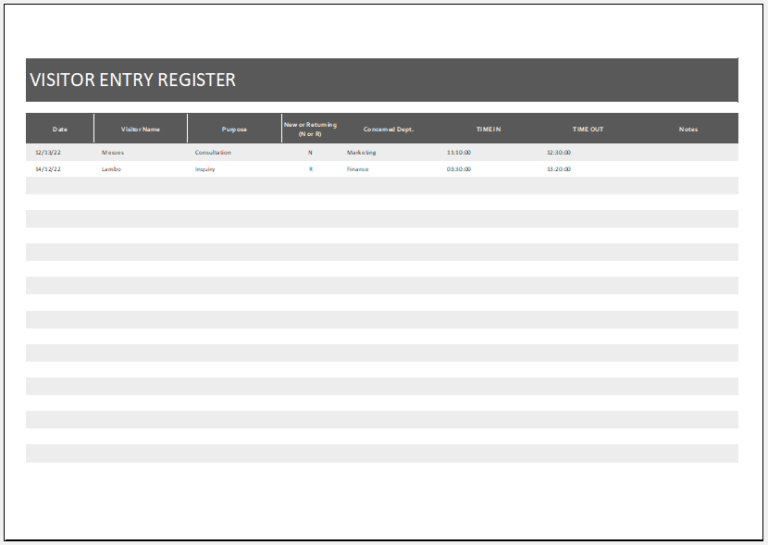
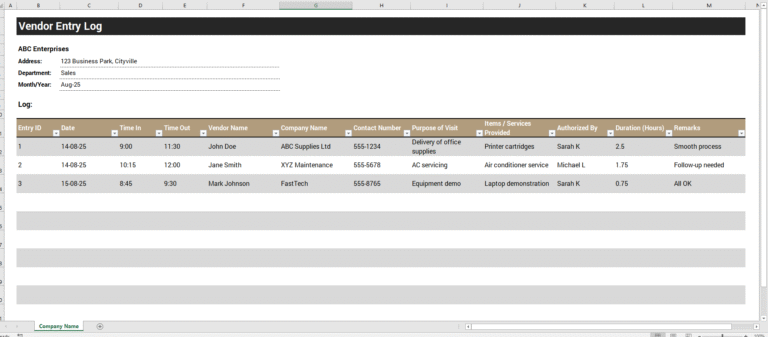
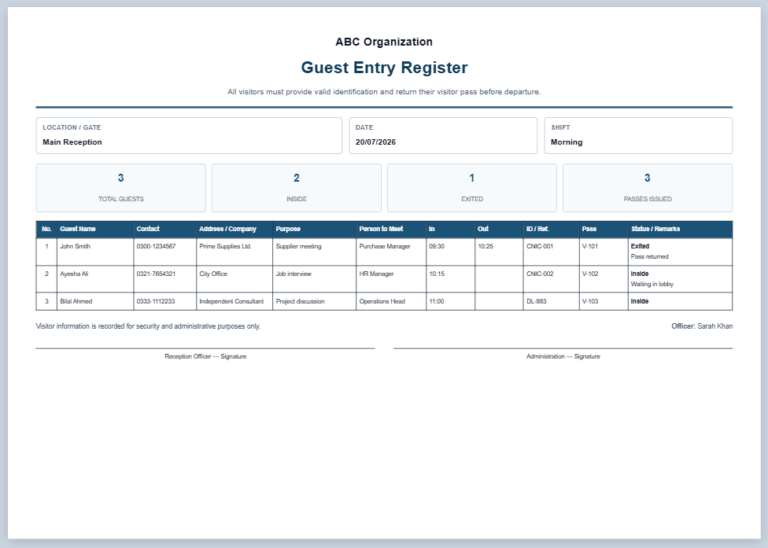
Depending on the workplace’s requirements, the log may include:
- Full name of each contractor.
- Company or organization name.
- Date of entry.
- Time of entry.
- Purpose or reason for the visit.
- Area or department where they will work.
- Name of the person authorizing entry.
- Time of exit.
- Contractor’s signature, if required.
- Supervisor’s or security officer’s signature on exit, if required.
- Contact number and contractor ID, where relevant.
- Tools or equipment brought on-site, if applicable.
- Safety clearance status or visitor badge number, if required.
Benefits of Using a Contractor Entry Log
A contractor entry log can:
- Support workplace security by recording arrivals and departures.
- Help staff identify who is on-site and why.
- Support checks that contractors have permission to enter designated areas.
- Make attendance and punctuality easier to review.
- Provide supporting information when questions or disputes arise.
- Assist emergency procedures by identifying contractors recorded as present.
These benefits depend on entries being accurate and kept up to date.
Limitations of a Contractor Entry Log
- Recording every contractor’s entry and exit can take time, especially at busy sites.
- Information may be entered incorrectly or omitted, particularly in a manual log.
- Arrival and departure times do not necessarily represent billable working hours or completed work.
How to Create a Contractor Entry Log?
Use a clear layout that makes entries easy to complete and review. Consider the following points:
Add the Basic Details
Title the document “Contractor Entry Log” and include the company name, site location, and reporting period. Add the project name where relevant and identify the person responsible for maintaining the log. A signature field can be included if approval is required.
Keep the Information Relevant
Include only the details needed for site access and recordkeeping. Keep completed logs secure and available to authorized personnel.
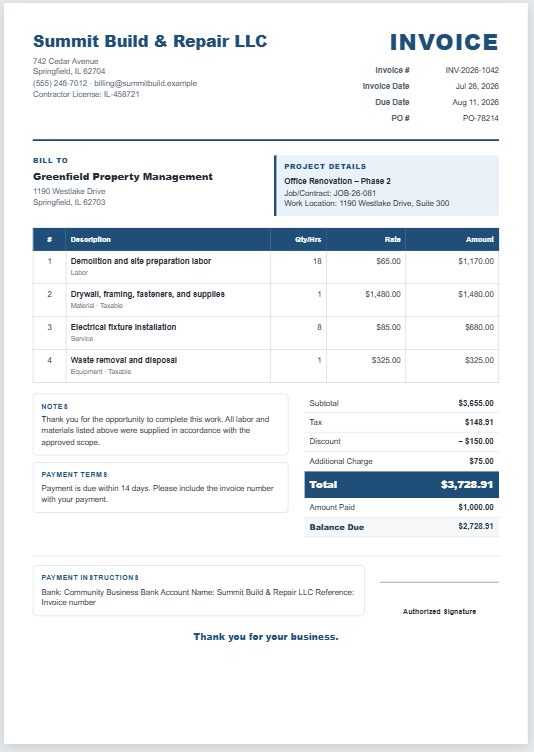
A contractor entry log helps workplaces organize access records and review attendance. If a payment dispute arises, it may provide useful supporting information, but it should be considered alongside the contract, approved timesheets, and records of completed work.
Records remain in this browser page until you close or reload it. Download or print to retain your log.