Keeping your contacts informed after changing your residential or business address is essential for uninterrupted communication and accurate record keeping. Our Online Address Change Notification Letter Generator helps you create a professional, well-formatted notification letter within minutes. Whether you are relocating your home, moving your business to a new office, updating your mailing address, or notifying banks, suppliers, customers, government departments, or service providers, this generator simplifies the entire process.
Unlike generic letter templates, this interactive tool allows you to customize every section of your notification letter while instantly generating a polished preview. There is no need to download any software or manually format a document. Simply enter your information, review the live preview, and print or download your completed letter.
How the Generator Works
The generator uses a simple step-by-step form that guides you through every section of your address change notification letter.
Begin by entering your personal or business information, including your name, company name, contact details, and both your previous and new addresses. Next, provide the recipient’s details, select the effective date of your address change, and choose the purpose of your notification.
Address Change Notification Letter Generator
Create a polished address change notification letter for personal, business, legal, vendor, customer, bank, utility, school, employer, or government office use.
FAQs
What is an address change notification letter?
Can I use this for business relocation?
Does the print button print only the letter?
Is my data uploaded anywhere?
As you fill in each field, the letter preview updates instantly, allowing you to see exactly how your finished document will appear before printing or downloading it.
Multiple Letter Types
The generator supports a wide range of address change notifications, including:
- Residential Address Change
- Business Relocation
- Office Address Change
- Mailing Address Update
- Billing Address Update
- Shipping Address Update
- Registered Office Change
- Branch Office Relocation
- Vendor Notification
- Customer Notification
- Bank Address Change
- Government Department Notification
- Utility Company Notification
- Insurance Provider Notification
- Employer or Employee Notification
- Educational Institution Address Update
This flexibility makes the tool suitable for individuals, freelancers, businesses, organizations, and corporate users.
Smart Customization Features
The generator automatically formats your letter using professional business standards. It intelligently organizes sender information, recipient details, dates, addresses, subject lines, greetings, and closing statements.
You can also customize the content by selecting optional paragraphs such as:
- Reason for relocation
- Business expansion
- Office renovation
- Lease expiration
- No interruption of services
- Existing agreements remain valid
- Request to update records
- Appreciation message
- Request for confirmation
Only the sections you choose will appear in the final document, keeping your letter clean and relevant.
Professional Templates
Choose from several professionally written letter styles designed for different situations. Available templates include Professional, Business, Corporate, Personal, Legal, Vendor Notification, Customer Notification, Bank Notification, Government Office, Utility Company, Insurance Company, School, University, Employer, and Employee.
Each template automatically adjusts the wording and formatting to suit your selected audience.
Live Preview
One of the most useful features of this generator is the real-time preview. Every change you make is reflected instantly in the preview panel, allowing you to review your letter before printing or downloading it.
This eliminates formatting errors and ensures your final document is ready to use immediately.
Automatic Formatting
The generator includes several intelligent features to save time and improve accuracy. It can automatically:
- Insert today’s date
- Generate professional subject lines
- Create reference numbers
- Capitalize names correctly
- Format addresses
- Remove unnecessary spaces
- Hide empty fields
- Apply professional letter formatting
These automated features help you create a polished letter with minimal effort.
Editing and Download Options
After completing your letter, you can:
- Print only the completed letter
- Download it as a PDF
- Save it as a Microsoft Word (.DOC) document
- Download a plain text (.TXT) version
- Copy the formatted letter
- Copy plain text for emails
- Save your work as a draft
- Reload previously saved drafts
- Delete saved drafts when no longer needed
These options make it easy to reuse and manage your documents whenever necessary.
Fully Responsive Design
The generator works seamlessly on desktops, laptops, tablets, and smartphones. Its responsive layout automatically adjusts to different screen sizes, allowing you to create professional letters from virtually any device.
No Registration Required
There is no software to install and no account is required. Simply enter your information, customize the letter, preview the result, and print or download your completed Address Change Notification Letter in just a few minutes.
Whether you are informing customers, suppliers, banks, government offices, service providers, or personal contacts, this online generator provides a fast, convenient, and professional solution for preparing accurate address change notification letters.
MS Word Sample Templates
The sample template provides an ideal generic example of the address change notification letter.
Samples
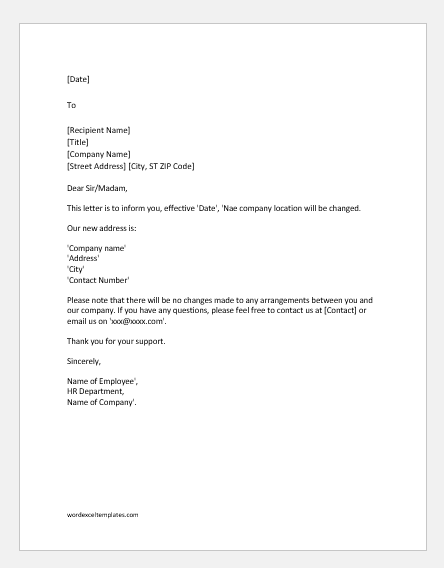
Business change of address
Dear Sir/Madam,
This letter is to inform you, effective ‘Date’, [XYZ] company location will be changed.
Our new address is:
‘Company Name’
‘Address’
‘City’
‘Contact Number’
Please note that there will be no changes made to any arrangements between you and our company. If you have any questions, please feel free to contact us at [Contact] or email us at [EMAIL].
Thank you for your support.
Sincerely,
Name of Employee,
HR Department,
Name of Company.
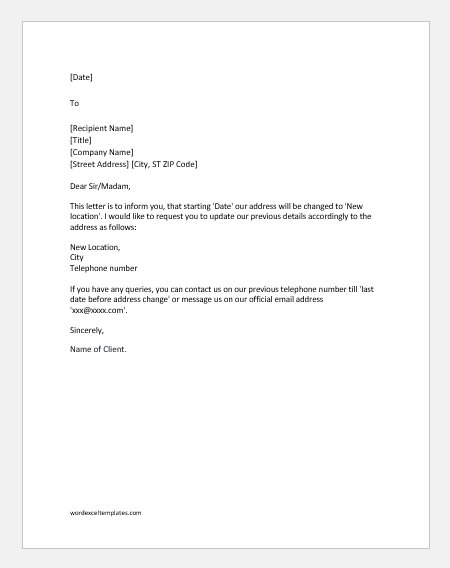
Change of address notification to vendors
Dear Sir/Madam,
This letter is to inform you that starting [Date] our address will be changed to [New location]. I would like to request you update our previous details accordingly to the address as follows:
New Location,
City
Telephone number
If you have any queries, you can contact us on our previous telephone number till the ‘last date before address change’ or message us at our official email address [EMAIL].
Sincerely,
Name of Client.
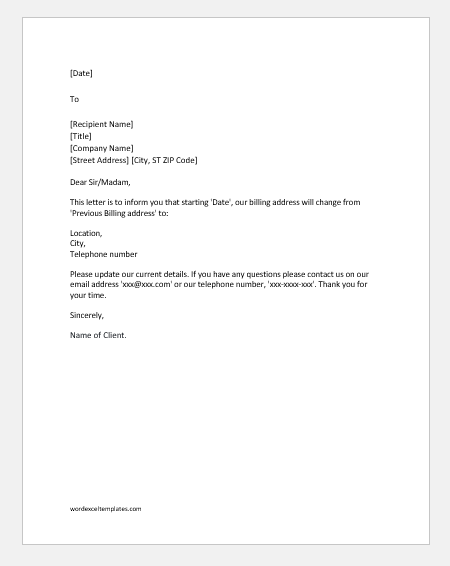
Change of billing address letter to vendors
Dear ‘Name of Vendor’,
This letter is to inform you that starting ‘Date’, our billing address will change from ‘Previous Billing address to:
Location,
City,
Telephone number
Please update our current details. If you have any questions please contact us at our email address [EMAIL], or our telephone number [#]. Thank you for your time.
Sincerely,
Name of Client.
Office address change letter
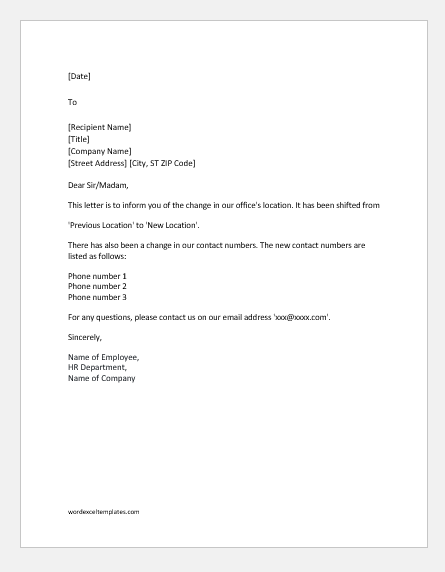
Dear client,
This letter is to inform you of the change in our office’s location. It has been shifted from
‘Previous Location’ to ‘New Location’.
There has also been a change in our contact numbers. The new contact numbers are listed as follows:
Phone number 1
Phone number 2
Phone number 3
For any questions, please contact us at our email address [EMAIL].
Sincerely,
Name of Employee,
HR Department,
Name of Company
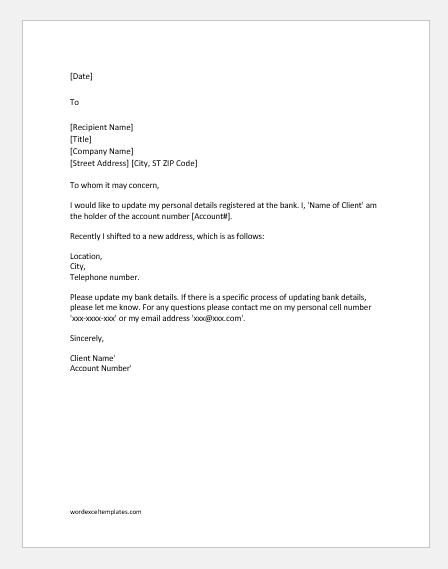
Change of address letter to bank
To whom it may concern,
I would like to update my personal details registered at the bank. I, ‘Name of Client’ am the holder of the account number [Account#].
Recently I shifted to a new address, which is as follows:
Location,
City,
Telephone number.
Please update my bank details. If there is a specific process for updating bank details, please let me know. For any questions please contact me at my personal cell number [#] or my email address [EMAIL].
Sincerely,
Client Name
Account Number
- First Warning Letter for Negligence of Duty
- Ramadan Schedule Notification for Staff
- One Day Absent Note to Boss
- Request Letter to Staff for Voluntary Deduction from Salary
- Holiday Closing Messages
- Letter Requesting Transfer to another Department
- Letter Requesting Promotion Consideration
- Umrah Leave Request Letter to Boss
- Ramadan Office Schedule Announcement Letters/Emails
- Letter to Friend Expressing Support
- Letter to Employer Requesting Mental Health Accommodation
- Letter Requesting Reference Check Information
- Letter Requesting Salary Certificate
- Letter Requesting Recommendation from Previous Employer
- One Hour Off Permission Letter to HR