Identity cards are used everywhere, and their importance cannot be denied. Companies and organizations issue a photo ID badge to every staff member. It works as a security measure and as proof that the person works for that organization.
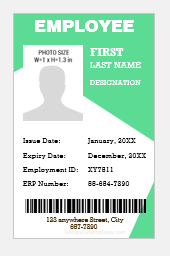
Photo ID badges come in many designs. One of the most popular is the vertical design, where the badge is taller than it is wide. Every newly hired employee receives a badge as their identity. A well-designed vertical badge reflects the worth and prestige of the company and leaves a good impression on anyone who sees it.
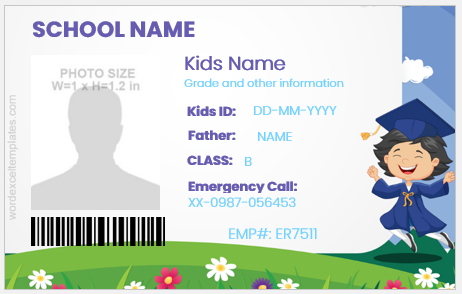
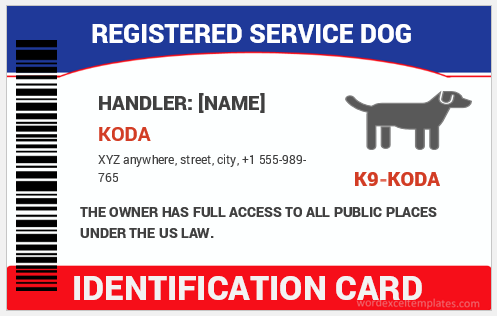
Whether a badge is horizontal or vertical, it usually carries the following details.
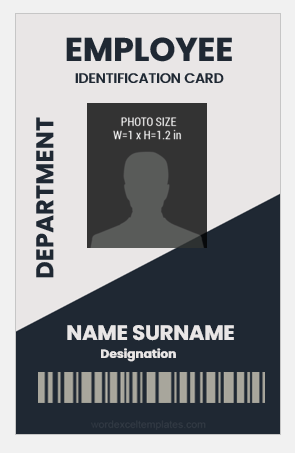
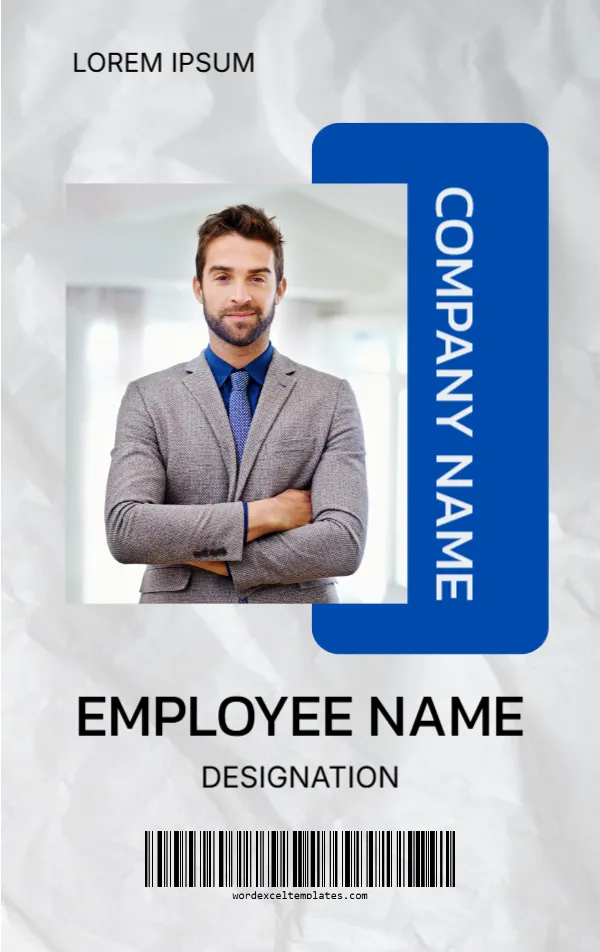
Employee Photo: The main element of a vertical photo ID badge is the employee’s photo, so that everybody can recognize the person.
Employee Details: Along with the photo, the badge shows basic details such as the employee’s full name, job title, ID number, department and expiry date. A barcode made from the ID number can also be added.
Company Details: The badge also carries the name of the company, organization or agency, and the company logo can be placed on it. You can choose the colour theme that matches your brand. The badge is worn on a lanyard around the neck, so people can see who you are and which organization you belong to.
Vertical Photo ID Badge Generator
Our vertical photo ID badge generator helps you create professional badges for your staff, students or visitors.
- Easy to fill in: Enter the details for each person, upload a photo and see the badge in the live preview.
- Printable: Once you are done, click Print / Save PDF. Several badges are placed on each A4 sheet, ready to cut out.
- Reusable: Add all your employees at once, or one by one, and print a badge for each of them in a single go.
- Professional design: Choose a colour theme and a photo shape, and add your logo for a clean, professional look.
- Back side and Excel tracker: Add a back side with a return address and terms, and download an Excel file that shows which badges are valid, expiring soon or expired.
- Customizable: Edit every detail according to your company’s needs and policies.
Vertical Photo ID Badges Generator
Design portrait ID badges, add a photo for each person and print them several to an A4 sheet. Photos stay in your browser and are never uploaded.
Organization
Look
The barcode is made from the ID number (letters, numbers and - . space only). Test-scan a printed badge before you rely on it.
People
One badge is printed for each person. Photos are cropped to a square automatically, so a head-and-shoulders photo works best.
Add Many at Once
The expiry date can be 2027-06-30 or 30/06/2027 (day first). Add photos afterwards by opening each person.
Extra Blank Badges
Back of the Badge
Print the front sheets, then feed the same sheets back in to print the back sheets, so the back lines up with each front. Every back is the same, so only the order of the sheets matters.
Excel Tracker
The Excel file lists every badge holder with the days left and status (Valid, Expiring soon or Expired). The status updates when you change the date on the Settings sheet.
Find below the MS Word Editable Templates