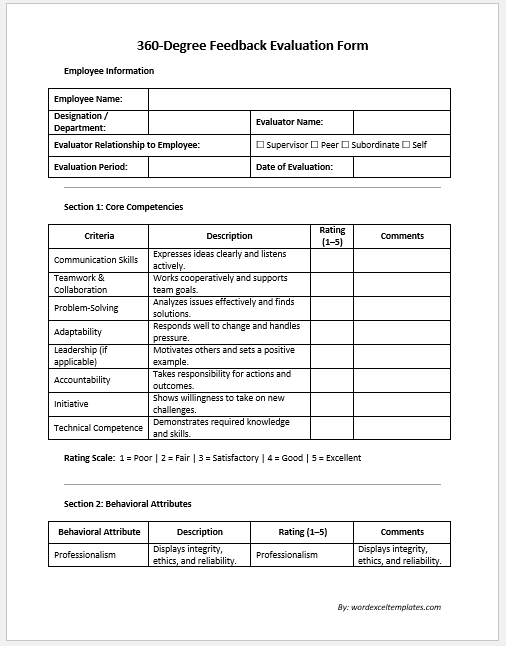
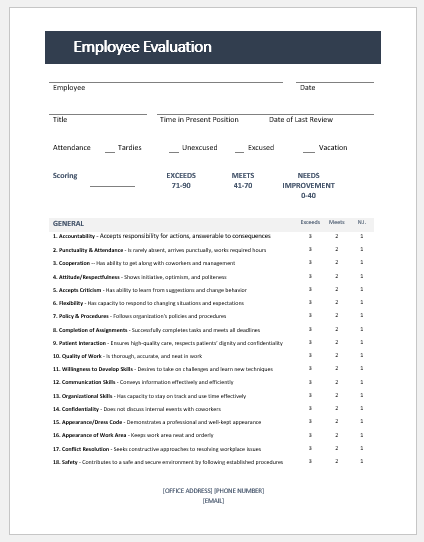
An evaluation form is one of the most effective tools for measuring performance, collecting feedback, and making informed decisions. Whether you need to evaluate employees, students, training sessions, vendors, projects, interviews, or customer service, our Online Evaluation Form Generator helps you create professional evaluation forms in just a few minutes.
Unlike traditional paper forms or spreadsheets, this online tool automatically organizes your information, calculates evaluation scores, and produces a clean, printable document. Simply enter your details, rate each evaluation criterion, and the generator instantly prepares a professional evaluation form that can be printed or downloaded for your records.
What Can This Evaluation Form Generator Do?
The generator supports multiple evaluation types, making it suitable for businesses, schools, colleges, training institutes, government offices, nonprofit organizations, and individual professionals.
Supported evaluation forms include:
- Employee Performance Evaluation
- Student Evaluation Form
- Training Evaluation Form
- Customer Service Evaluation
- Interview Evaluation Form
- Event Evaluation Form
- Project Evaluation Form
- Supplier & Vendor Evaluation
Each form automatically adjusts to the selected evaluation type while allowing complete customization.
Evaluation Form Generator
Create employee, student, training, customer service, event, interview, project, and supplier evaluation forms with live scoring, printable preview, HTML download, and browser saving.
Input Details
Evaluation Setup
Evaluation Criteria Table
| Criteria Name | Rating | Weight % | Comments | Action |
|---|
Additional Details
Completion Progress
Completion: 0%
Live Printable Preview
FAQs
Can I use this evaluation form generator in WordPress?
Yes. Paste the complete HTML file into a WordPress Custom HTML block, or use the shortcode plugin files listed above.
Does the print button print only the evaluation form?
Yes. The print button opens a print-ready copy of only the live preview area, not the form controls or webpage content.
Can I customize the criteria?
Yes. You can add, delete, edit, rate, weight, and comment on each evaluation criterion.
Is data uploaded to a server?
No. All calculations, previews, saving, and downloads happen inside your browser.
Professional Evaluation Criteria
The generator includes an editable evaluation table where you can assess multiple performance criteria. Each row allows you to enter:
- Evaluation criterion
- Rating score
- Weight percentage
- Individual comments
Need additional evaluation points? Simply add more rows or remove unnecessary ones. The form is completely flexible and adapts to your requirements.
Automatic Score Calculations
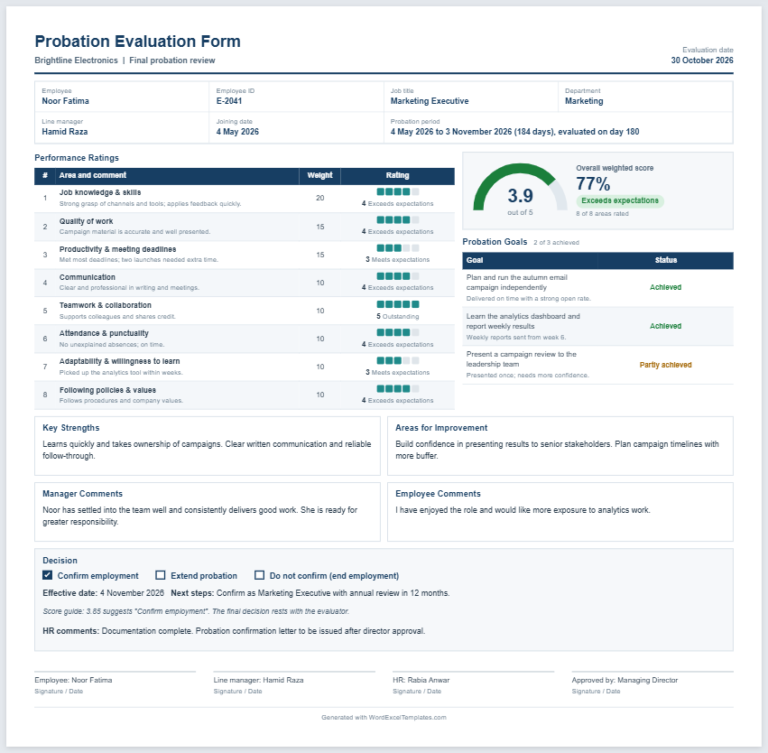
One of the biggest advantages of this generator is its automatic calculations. As ratings are entered, the tool instantly calculates:
- Total Score
- Weighted Score
- Average Rating
- Overall Percentage
- Final Performance Level
Performance levels are generated automatically based on the calculated percentage, making evaluations faster and more consistent.
Complete Evaluation Information
The form contains dedicated sections for recording all important details, including:
- Organization or Company Name
- Evaluation Title
- Evaluation ID
- Evaluation Date
- Evaluation Period
- Evaluator Information
- Employee, Student, Vendor, or Project Details
- Department or Course
- Position or Role
- Strengths
- Areas for Improvement
- Recommendations
- Final Remarks
- Approval Details
- Signature Section
These fields help create a complete and professional evaluation report.
Live Preview While You Work
As you enter information into the form, a professional evaluation report is generated instantly in the preview section. There is no need to switch between editing and viewing modes.
The live preview lets you verify formatting, calculations, and entered information before printing or downloading the final document.
Built for Productivity
The Evaluation Form Generator includes several advanced features that simplify the evaluation process:
- Automatic Evaluation ID generation
- Rating summary display
- Progress indicator
- Optional company logo upload
- Show or hide comments section
- Show or hide signature section
- Browser-based data saving
- Reload previously saved evaluations
- Clear saved information with one click
- Copy evaluation text for emails or reports
- Reset the entire form instantly
These features help reduce repetitive work while improving accuracy.
Print or Download Instantly
Once the evaluation is complete, you can generate a professional printable version immediately.
The tool allows you to:
- Print only the completed evaluation form
- Download a clean printable copy
- Save your work for future editing
- Create multiple evaluation forms without refreshing the page
The print layout is optimized for standard A4 paper, making it suitable for office records and official documentation.
Works on Every Device
The Evaluation Form Generator is fully responsive and works smoothly on:
- Desktop computers
- Laptops
- Tablets
- Android phones
- iPhones
No software installation is required. Everything runs directly inside your web browser.
Why Use Our Online Evaluation Form Generator?
Our generator eliminates manual calculations, improves consistency, reduces paperwork, and creates professional evaluation reports within minutes. Whether you evaluate one employee or hundreds of records every month, the tool helps you save time while maintaining accurate documentation.
It is an ideal solution for HR departments, schools, universities, training providers, project managers, business owners, and organizations that regularly perform structured evaluations.
Frequently Asked Questions
Is this Evaluation Form Generator free to use?
Yes. You can create, edit, and print professional evaluation forms online.
Can I customize the evaluation criteria?
Yes. You can add, edit, or remove evaluation criteria at any time.
Does the generator calculate scores automatically?
Yes. The tool automatically calculates totals, weighted scores, percentages, average ratings, and overall performance levels.
Can I print the completed evaluation form?
Yes. The print option generates a clean A4 document containing only the completed evaluation form.
Can I save my work?
Yes. You can save the form in your browser and continue editing it later.
Is the tool mobile-friendly?
Absolutely. The generator works on desktops, tablets, and smartphones without requiring any additional software.
MS Word Templates
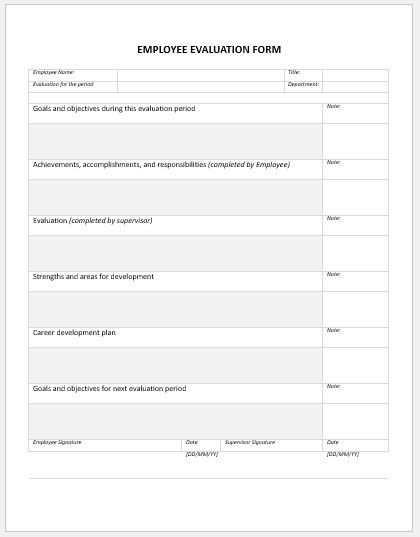
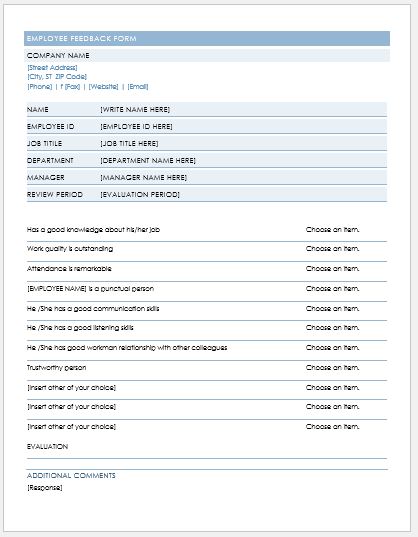
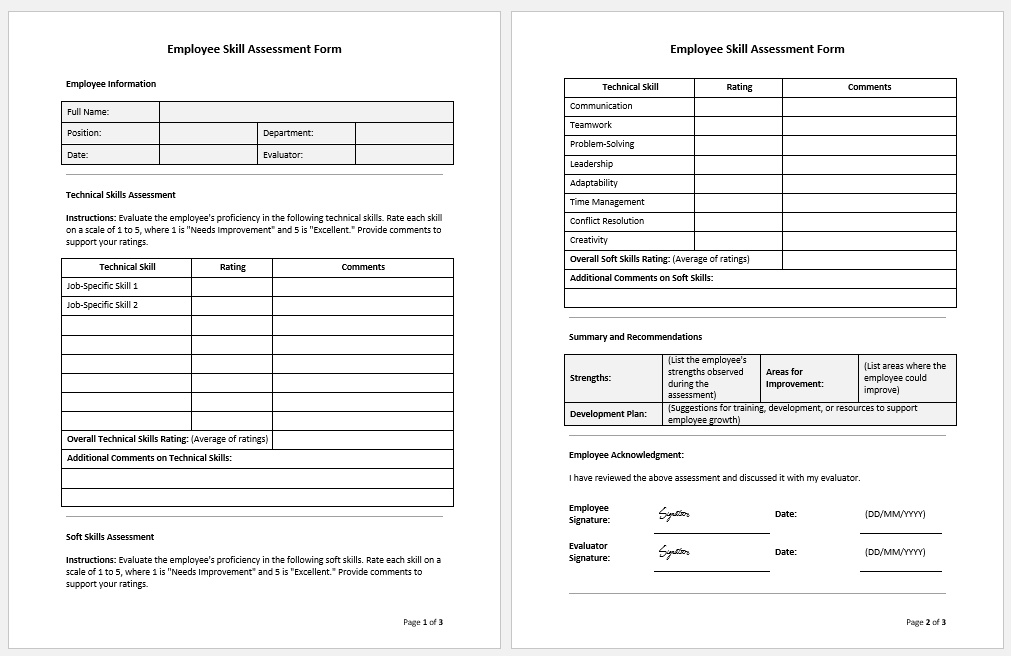
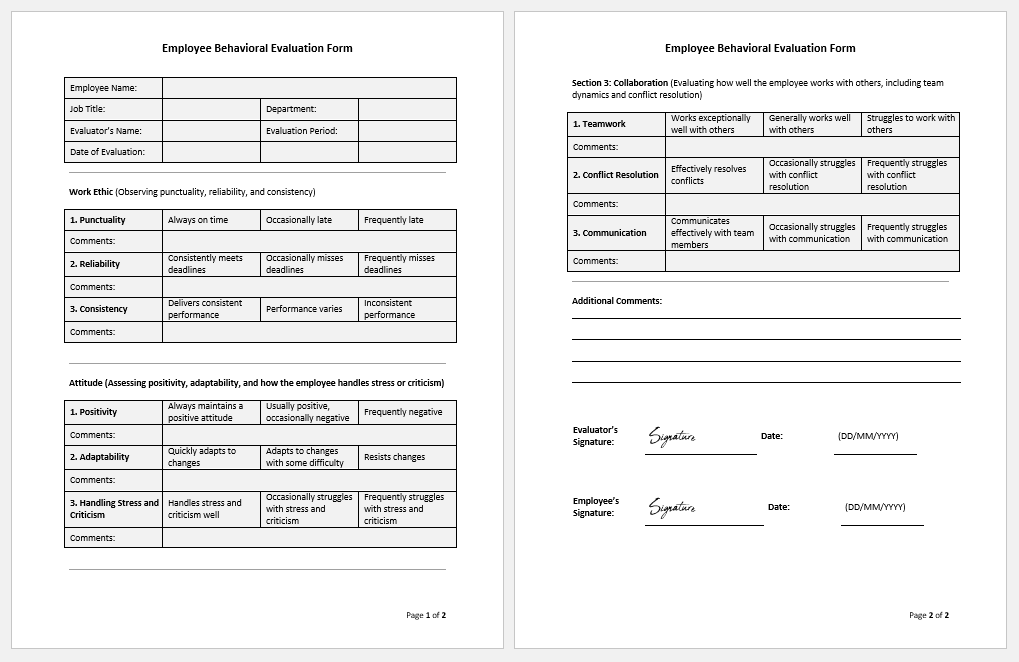
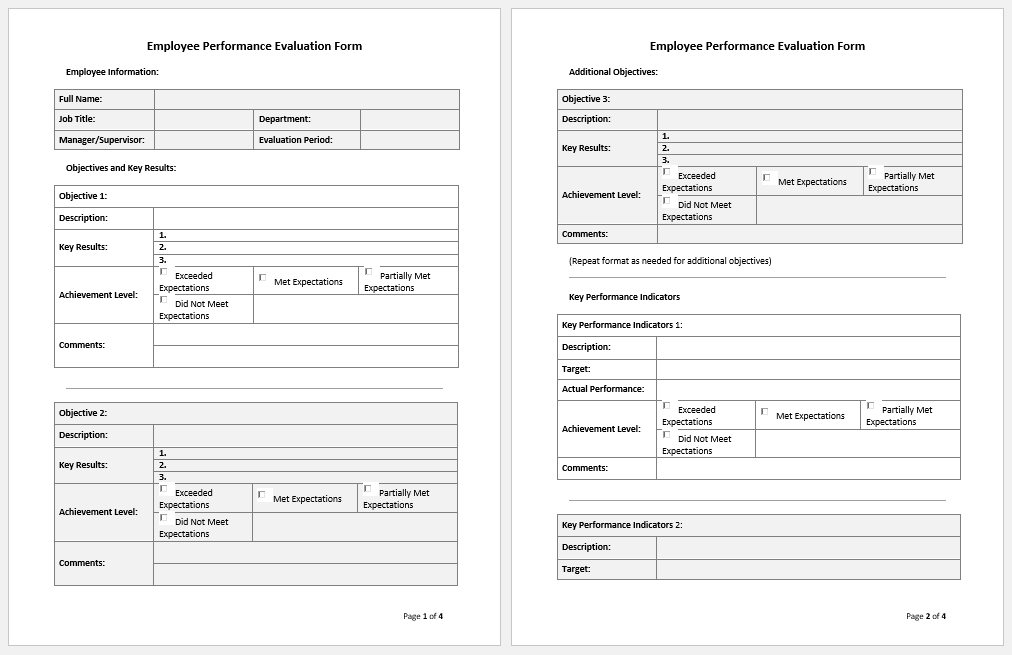
For users who prefer editing documents offline, we also provide this Evaluation Form in Microsoft Word format. The template offers the same professional structure as the online generator while giving you complete freedom to customize it according to your organization’s requirements. You can easily edit headings, evaluation criteria, rating scales, comments, logos, fonts, and branding using Microsoft Word without requiring any special software or technical skills. Once customized, the document can be printed, shared digitally, or saved as a PDF for official use.
Whether you’re conducting employee appraisals, student assessments, training reviews, vendor evaluations, or project performance reviews, the editable Word template provides a convenient and reusable solution for creating polished evaluation forms whenever you need them.


File: Word (.doc) 2010/+
Size 47 KB

File: Word (.doc) 2010/+
Size 47 KB
Feedback Form
- Reimbursement Management Forms
- Forms Used for Workplace Ethics and Policies
- Forms used for Operations in an Organization
- Procurement/Supply Chain Forms
- Downloadable Forms for Unprofessional Behavior
- Commonly Downloaded Office Forms
- Employee Dispute & Grievance Forms
- Insurance & Protection Benefit Forms
- Employee Retirement & Pension Forms
- Employee Service & Tenure Forms
- Employee Health & Well-being Forms
- Employee Scrutiny & Evaluation Forms
- Employee Training and Development Forms
- Customer Service and Support Form Generator
- Commonly Used Forms for Payroll Correction