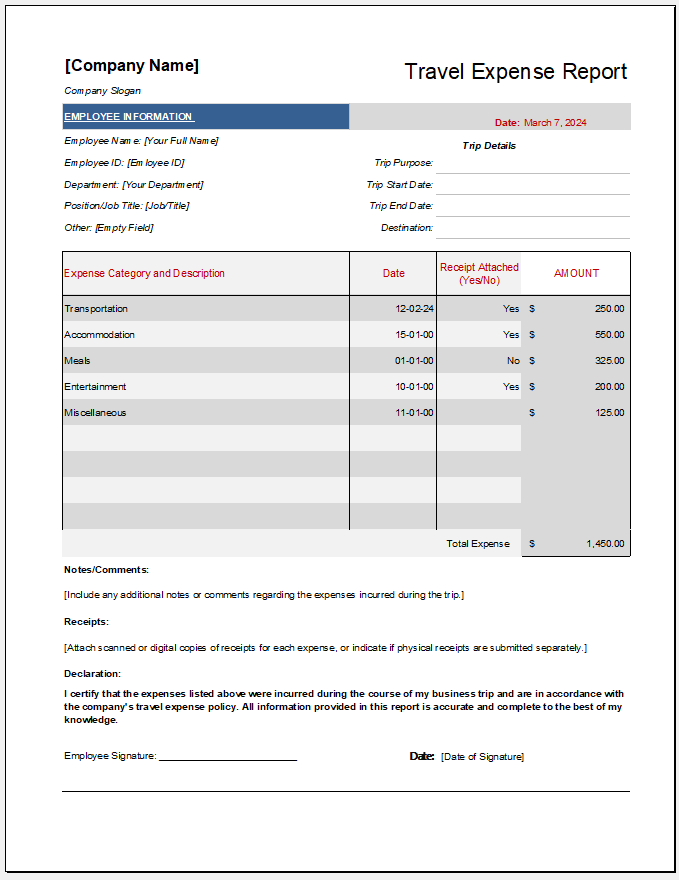
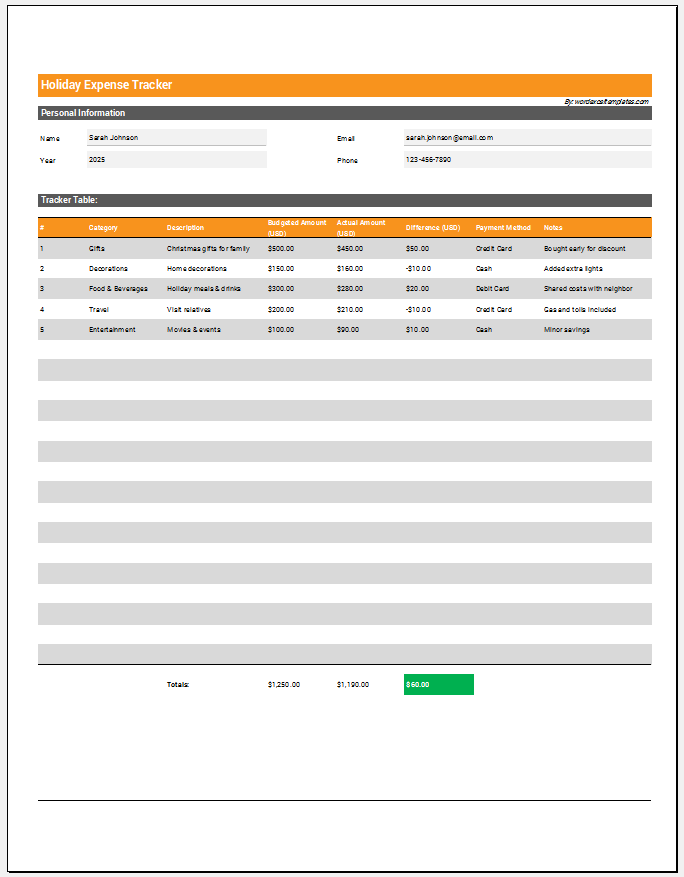
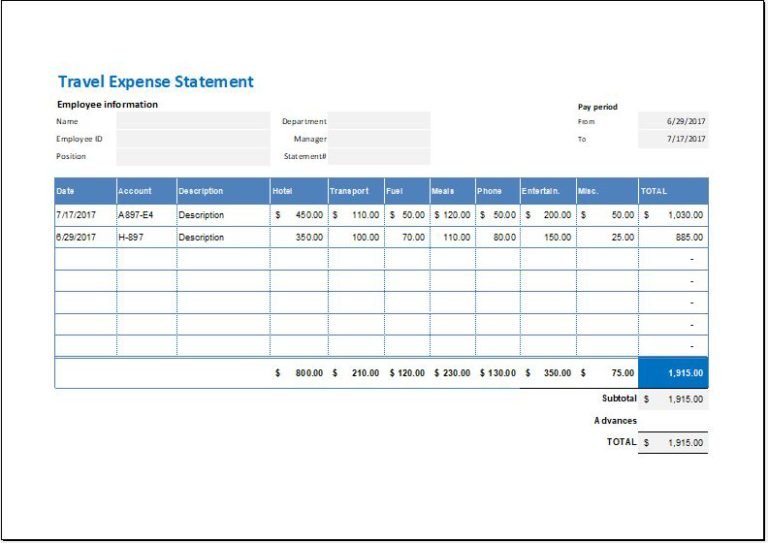
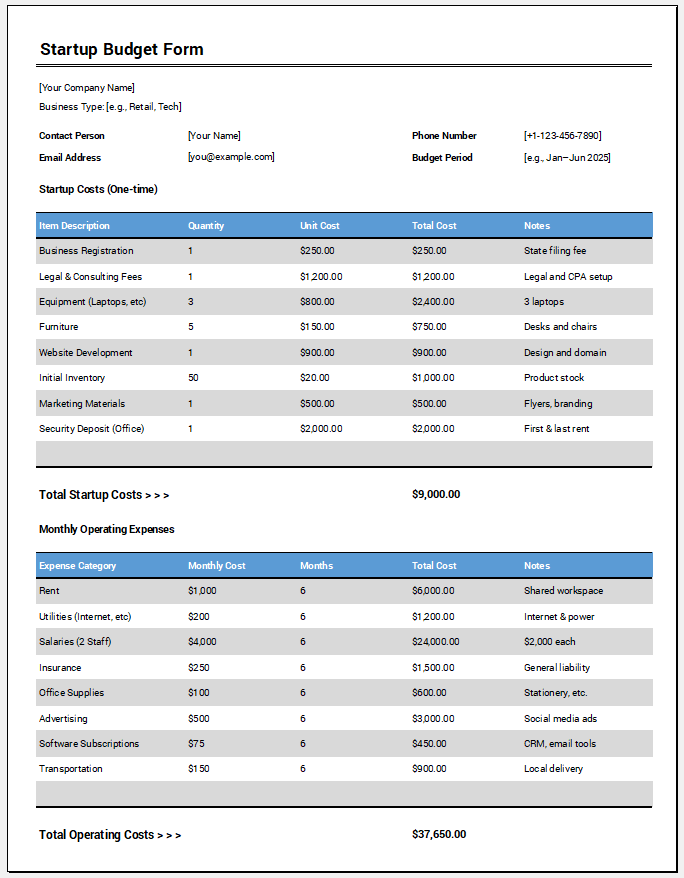
Managing employee travel expenses can be challenging, especially when multiple approvals, estimated costs, and reimbursement requests are involved. Our Travel Expense Approval Form Generator simplifies the entire process by allowing organizations and employees to create professional travel approval forms online within minutes.
This easy-to-use tool helps employees submit travel requests, estimate expenses, and obtain approvals before undertaking official business travel. Whether you are planning a client meeting, training session, conference, site visit, or business trip, this generator provides a structured and professional way to document all travel-related information.
What Does This Generator Do?
The Travel Expense Approval Form Generator creates a complete travel request and expense approval document that can be used by businesses, educational institutions, government departments, non-profit organizations, and corporate teams.
Users simply enter the required information into the form fields, and the generator automatically prepares a professional approval document ready for printing or downloading. Here is the form to get start with.
Travel Expense Approval Form Generator
Create a professional travel expense approval request with live calculations, approval workflow, and print-ready preview.
Company Information
Employee Information
Travel Details
Estimated Expense Breakdown
| # | Category | Description | Qty | Unit Cost | Amount |
|---|
Advance Request
Approval Section
Notes & Justification
NorthBridge Consulting Ltd.
Travel Expense Approval Form
Operations
Employee Information
Travel Details
Expense Breakdown
| # | Category | Description | Qty | Unit Cost | Amount |
|---|
Expense Summary
Approval Workflow
Notes & Justification
The generated form includes employee information, travel details, estimated expenses, approval workflow, and expense summaries in a clean and organized format.
Company and Employee Information
The generator allows users to enter complete company and employee details, including:
- Company Name
- Department Name
- Manager Information
- Employee Name
- Employee ID
- Job Title
- Contact Information
- Email Address
This information helps identify who is requesting travel approval and which department is responsible for the request.
Travel Details Section
The travel section captures all important trip information, including:
- Travel Request Number
- Request Date
- Purpose of Travel
- Destination City
- Destination Country
- Departure Date
- Return Date
- Transportation Method
The system automatically calculates the total number of travel days based on the selected departure and return dates.
This eliminates manual calculations and helps management review trip duration quickly.
Expense Breakdown Management
One of the most powerful features of this generator is its dynamic expense table.
Users can add multiple expense items such as:
- Airfare
- Hotel Accommodation
- Meals
- Transportation
- Fuel
- Parking Charges
- Conference Fees
- Entertainment Expenses
- Miscellaneous Costs
For each expense item, users can enter:
- Expense Category
- Description
- Quantity
- Unit Cost
The generator automatically calculates line totals and updates the overall expense summary instantly.
Additional rows can be added or removed whenever required.
Advance Payment Request
Many organizations provide travel advances to employees before a trip begins.
This generator includes an Advance Request section where users can:
- Indicate whether an advance is required
- Enter the advance amount requested
The approval team can easily review the requested advance before authorizing travel.
Automatic Calculations
The generator performs several calculations automatically, including:
- Travel Duration
- Expense Subtotals
- Estimated Travel Cost
- Advance Amount
- Remaining Amount
- Grand Total
Automatic calculations help eliminate errors and improve accuracy.
Approval Workflow
A dedicated approval section allows organizations to document internal authorization procedures.
The generated form includes fields for:
- Immediate Supervisor Approval
- Department Head Approval
- Finance Department Approval
- Human Resources Approval
- Final Approval Status
Approval statuses can be marked as:
- Pending
- Approved
- Rejected
This structured workflow helps ensure compliance with company travel policies.
Live Document Preview
As information is entered into the form, a professional document preview is generated instantly alongside the input fields.
The live preview allows users to:
- Review entered information
- Check expense calculations
- Verify travel details
- Confirm approval information
before printing or downloading the final document.
Print and Download Options
Once the form is complete, users can:
- Generate the final form
- Print the approval document
- Download the document
- Save a copy for future reference
- Reset the form and start again
The print feature is designed to print only the generated approval form rather than the entire webpage, resulting in a cleaner and more professional document.
Data Validation and Error Prevention
To improve accuracy, the generator includes built-in validation features such as:
- Required field verification
- Date validation
- Prevention of invalid return dates
- Automatic formatting
- Error highlighting
These features help users complete the form correctly before submission.
Fully Responsive Design
The Travel Expense Approval Form Generator works seamlessly across:
- Desktop Computers
- Laptops
- Tablets
- Mobile Phones
Users can create and manage travel approval requests from virtually any device.
Why Use This Generator?
This online tool eliminates the need to create travel approval forms manually. It improves consistency, reduces paperwork, automates calculations, and creates professional documentation that can be shared with supervisors, finance departments, and management teams.
Whether you are requesting approval for a short business trip or a multi-day corporate travel assignment, this generator provides a fast, accurate, and professional solution.
Simply fill in the required details, review the live preview, and print or download your completed Travel Expense Approval Form in minutes.
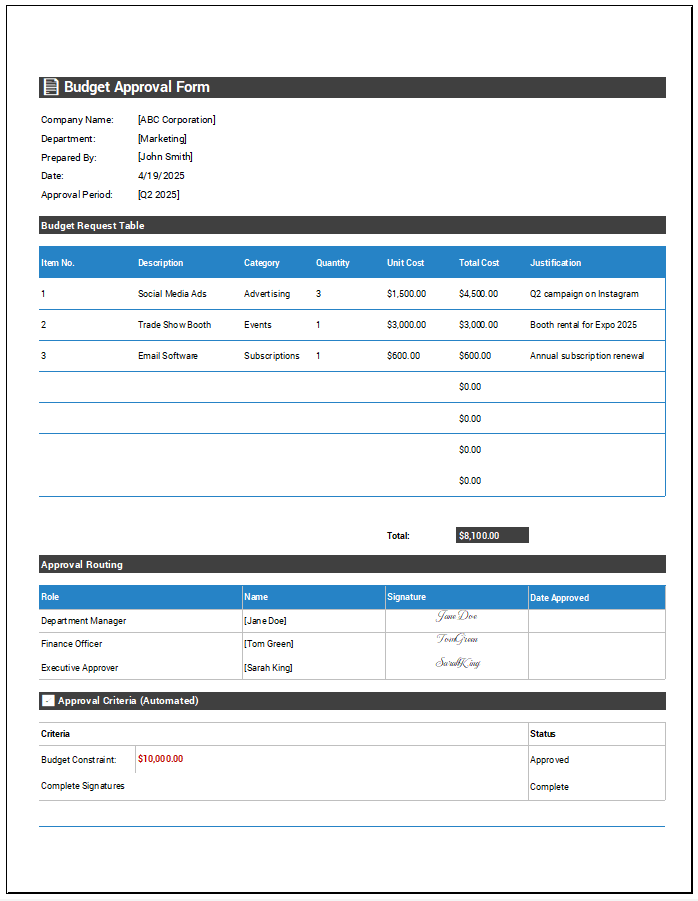
Prefer Using MS Word Templates?
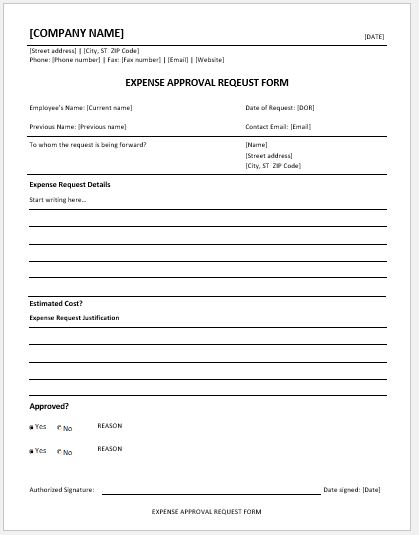
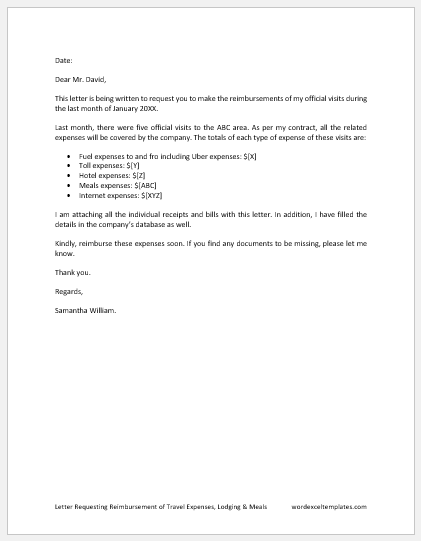
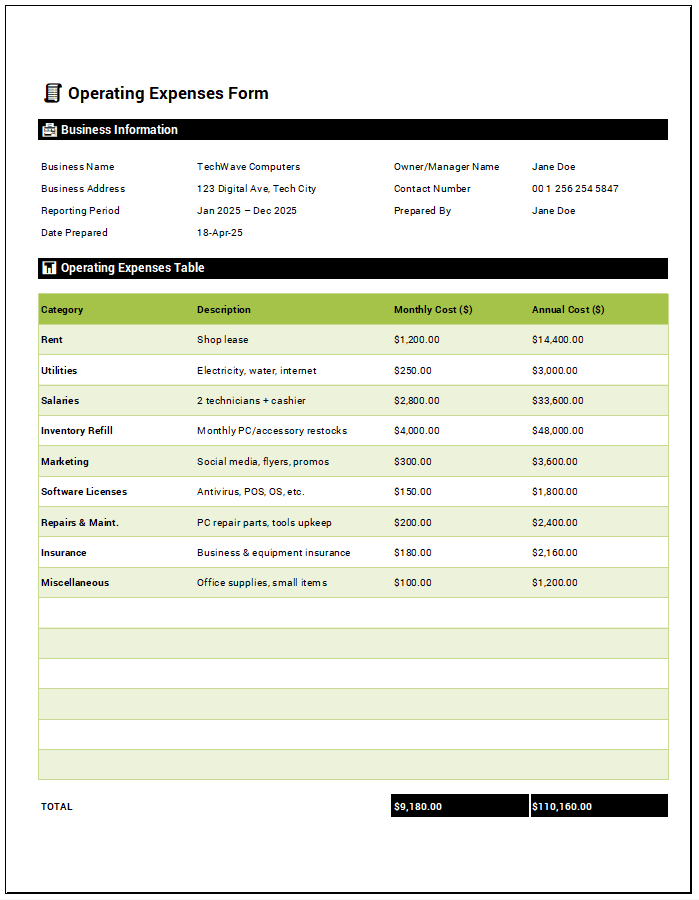
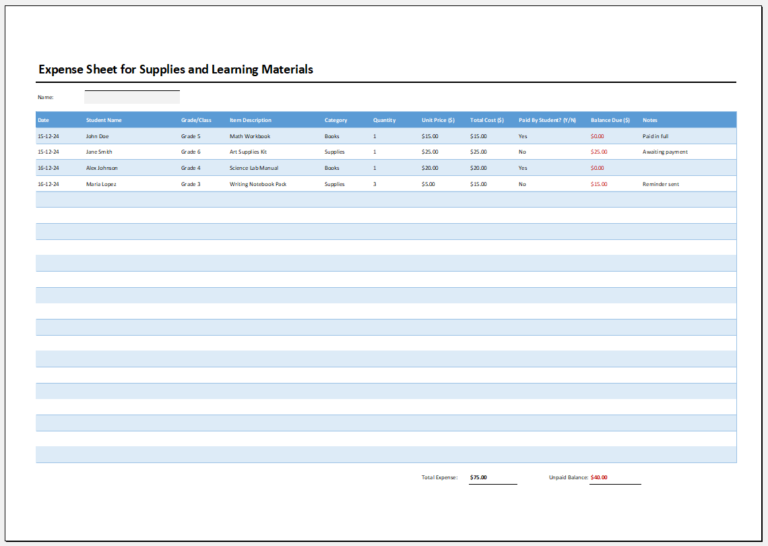
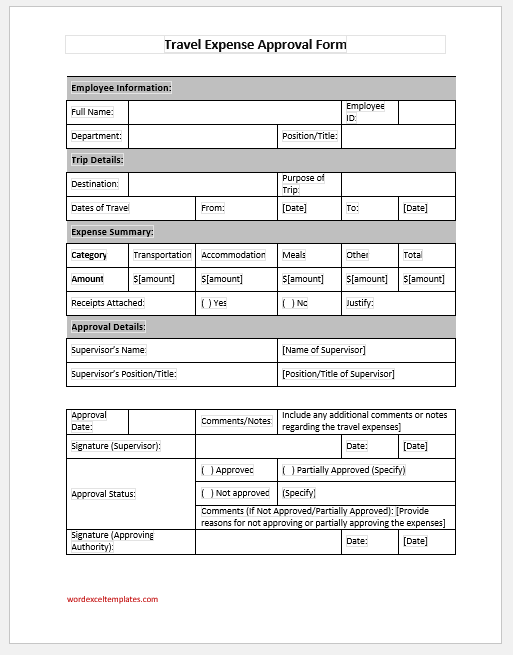
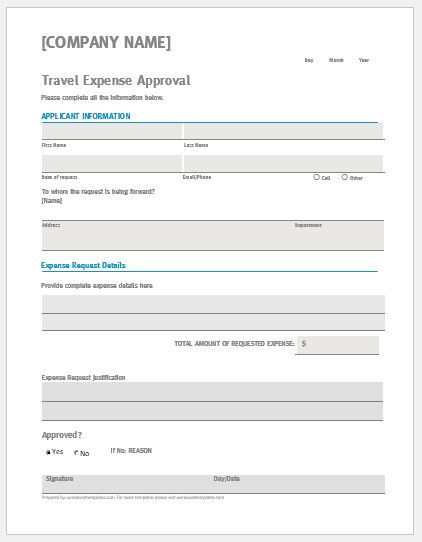
If you prefer working offline or are not comfortable using the online Travel Expense Approval Form Generator, we also offer downloadable MS Word Travel Expense Approval Form Templates. These professionally designed templates can be downloaded instantly and edited directly in Microsoft Word.
Simply choose the template that best suits your requirements, download it to your computer, and customize the fields with your company, employee, travel, and expense information. Once completed, you can print the form, save it as a PDF, or share it electronically with supervisors and finance departments for approval. The editable Word format provides complete flexibility and is ideal for users who prefer traditional document-based workflows instead of online form generation.
Preview and Details of Template
File: Word (.docx) and iPad
Size 39 KB
File: Word (.docx) and iPad
Size 81 KB
- Reimbursement Management Forms
- Forms Used for Workplace Ethics and Policies
- Forms used for Operations in an Organization
- Procurement/Supply Chain Forms
- Downloadable Forms for Unprofessional Behavior
- Commonly Downloaded Office Forms
- Employee Dispute & Grievance Forms
- Insurance & Protection Benefit Forms
- Employee Retirement & Pension Forms
- Employee Service & Tenure Forms
- Employee Health & Well-being Forms
- Employee Scrutiny & Evaluation Forms
- Customer Service and Support Form Generator
- Commonly Used Forms for Payroll Correction
- Employee Exit Forms -Generate Online