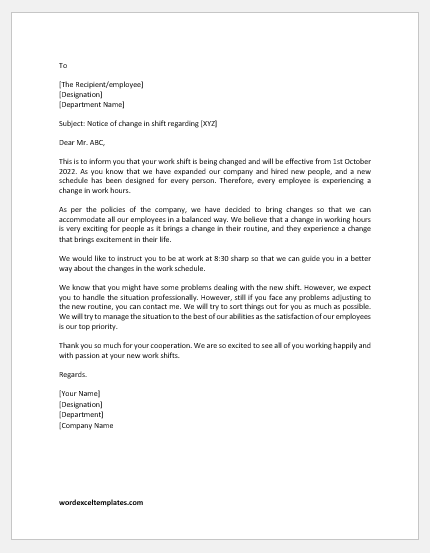
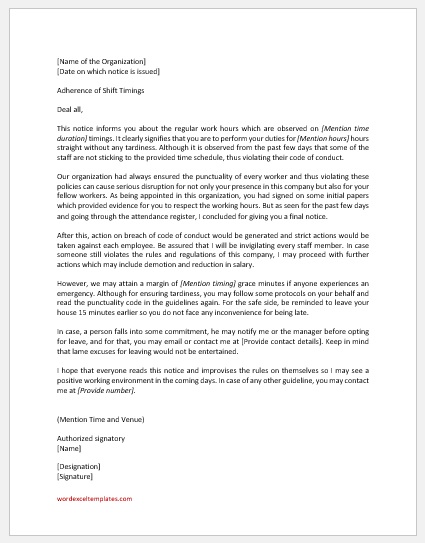
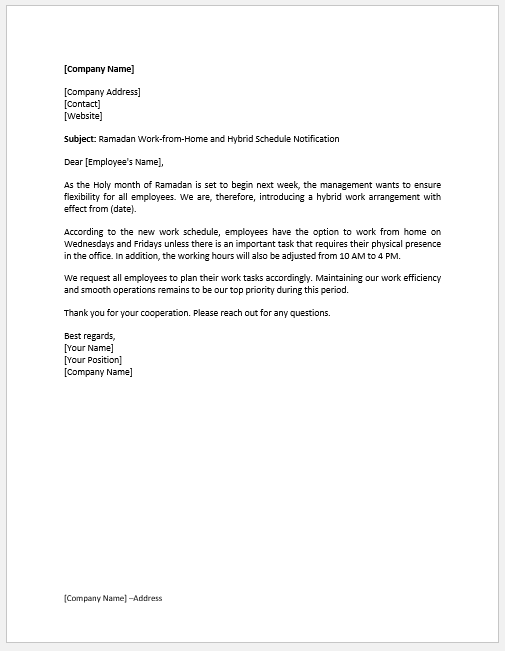
Businesses that operate around the clock need a shift schedule to maintain adequate staffing at all times. Assigning employees to different shifts helps keep operations running smoothly.
A schedule also helps employers plan for staff leave and vacations. Taking employee availability and operational needs into account makes it easier to arrange coverage and manage changes.
Large businesses may operate two or three shifts each day and employ a combination of part-time and full-time workers. Creating schedules for these teams can be more challenging than scheduling staff for a smaller business.
Part-time employees may have commitments such as studies or another job. Those responsible for scheduling must balance these commitments with the company’s staffing requirements.
(You can create a shift schedule using the sample below.)
Employee Shift Schedule
Plan shifts, track scheduled hours and prepare a weekly staffing roster.
Schedule Details
Employee Shifts
Add shifts for each employee. Break minutes are deducted from total hours. Overnight shifts are supported.
Schedule Settings
Review & Approval
Steps for Scheduling Employee Shifts
Follow these steps to create a practical shift schedule for your employees.
Employee Preferences and Availability
Ask your employees about their preferred working hours and availability. Record the days and hours each employee can work, paying particular attention to part-time staff. Considering employee preferences where possible can help create a more manageable schedule.
Assess Your Staffing Needs
Determine how many employees you need for each shift and which roles or skills must be covered. Understanding your business’s daily workload will help you assign enough staff to complete the required tasks.
Fill Gaps with Available Employees
Identify uncovered shifts and offer them to employees who are available and qualified to work. Confirm their availability before assigning additional hours, and consider their existing workload and rest time. If someone cannot cover a shift, look for another suitable employee or adjust the schedule.
Post the Schedule in Advance
Share the shift schedule at least a week in advance, where possible, so employees have time to review their assignments and make arrangements. Encourage them to raise any conflicts promptly so you can find suitable alternatives.
Reviewing and updating the schedule as needed helps maintain coverage and reduce confusion.
The Template
Our shift schedule template is designed to help businesses organize staffing, including those that operate 24/7. It provides a clear overview of who is scheduled to work and when.
- Employees can check their assigned shifts and plan their other commitments around their working hours.
- Employers and supervisors can review staffing coverage, identify gaps, and arrange replacements when necessary.
- A shared schedule gives staff a clear reference when the employer or manager is away.
The shift schedule template can make planning easier for both employees and employers. Employees gain a clearer understanding of their working hours, while employers can coordinate assignments and manage staff availability. Keeping the schedule accurate and up to date helps maintain consistent coverage and a balanced workload.

File: MS Excel (.xlsx