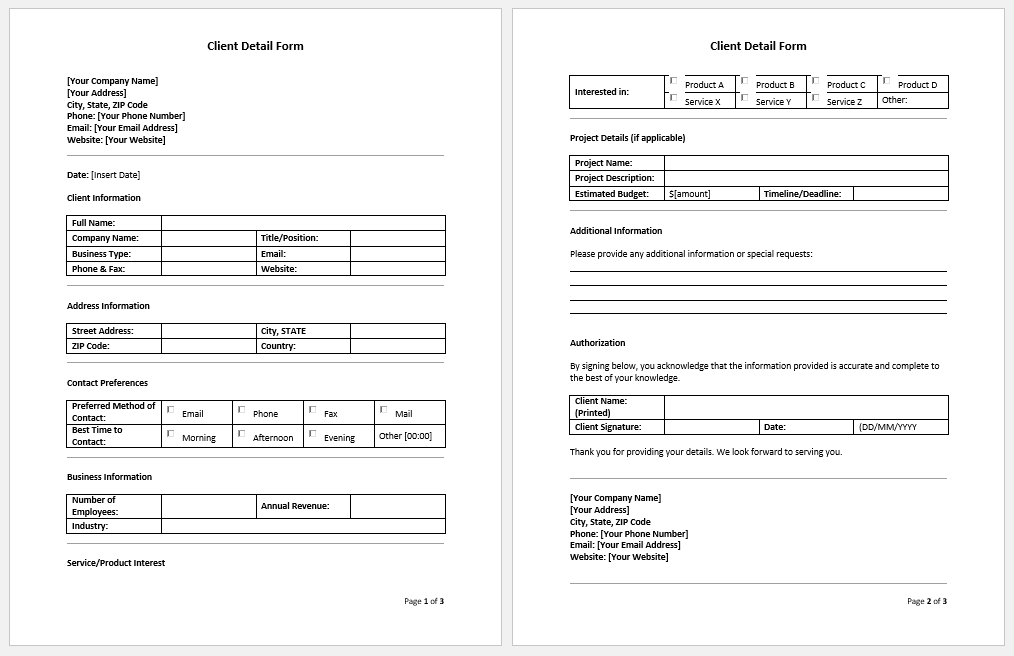
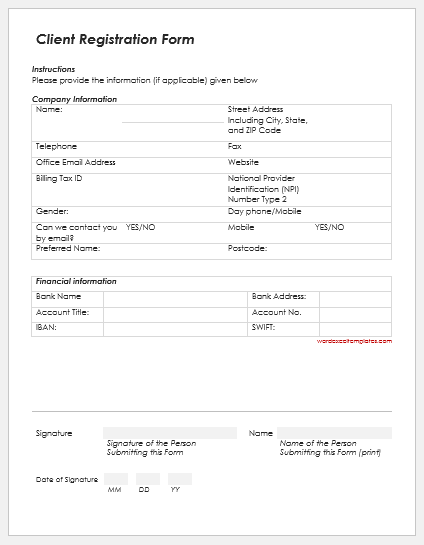
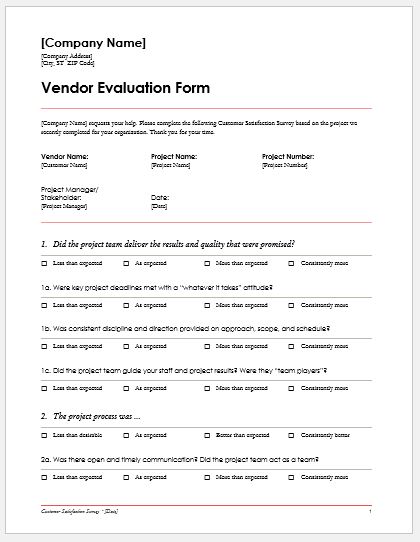
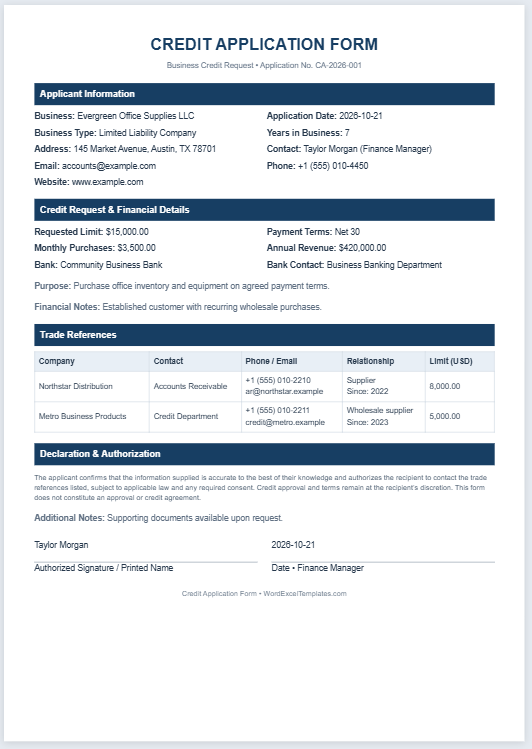
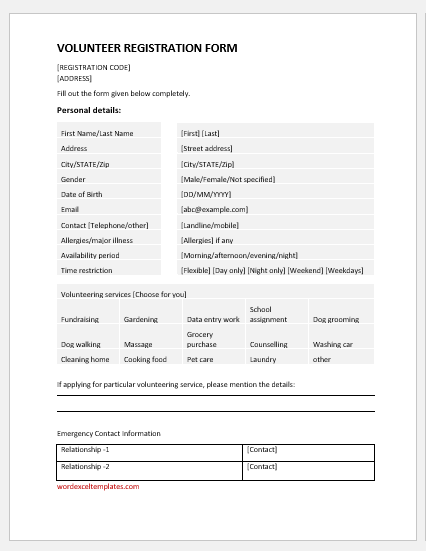
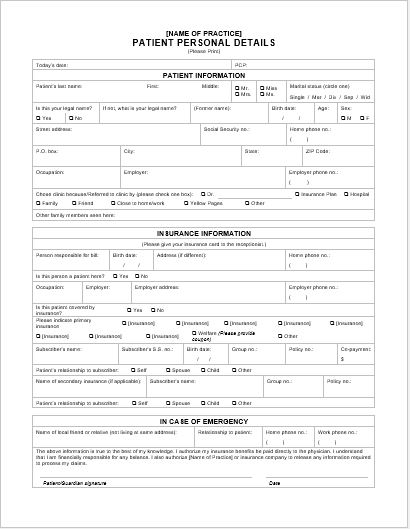
A client details form records essential customer or client information in one place. It provides a concise, organized reference that allows staff to find relevant details quickly.
A client details form typically includes contact information and other details relevant to the business relationship. It can help staff contact clients to request feedback, discuss products or services, and follow up on inquiries or complaints. Feedback and complaint records can be maintained separately and linked to the client’s information where needed.
The form contains fields for the information the business requires. Clients may complete it themselves, or an authorized staff member may record the details they provide. Using consistent fields makes client records easier to organize, review, and update.
Maintaining accurate client information supports effective communication and customer service. Businesses can keep individual client records together in an organized filing system or database, making it easier to manage multiple accounts.
Up-to-date contact details help staff communicate about ongoing work, respond to questions, and share relevant updates according to the client’s communication preferences. Access should be limited to staff who need the information for their duties.
The client details form can also support stronger customer relationships by helping employees understand previous interactions and respond more consistently. However, timely and helpful service depends on how the information is used and maintained.
The form’s content should reflect the nature of your business and the services you provide. Common fields include the client’s name, company name, phone number, email address, preferred contact method, and relevant account or service details.
(Build your form below)
Client Detail Form
Capture a client's contact, business, service and communication information.
Client Information
Contact Persons
Add additional contacts associated with this client. New records open automatically.
Service & Account Details
Review Client Details
Review the form in the A4 preview, export to Excel, or print a copy for your records.
You can create the form using word-processing or spreadsheet software, such as Microsoft Word or Excel. Start with a clear heading, group related fields into sections, and leave enough space for responses.
Ready-made templates offer another option. They can save time for both new and experienced users by providing a structure that can be customized to suit the business. Some templates are available online free of charge.
A useful client details form collects relevant information without becoming unnecessarily lengthy. Include only what you need, explain the purpose of the form, and keep completed records secure. The same blank template can be reused for different clients, while each completed record should be reviewed and updated when details change.