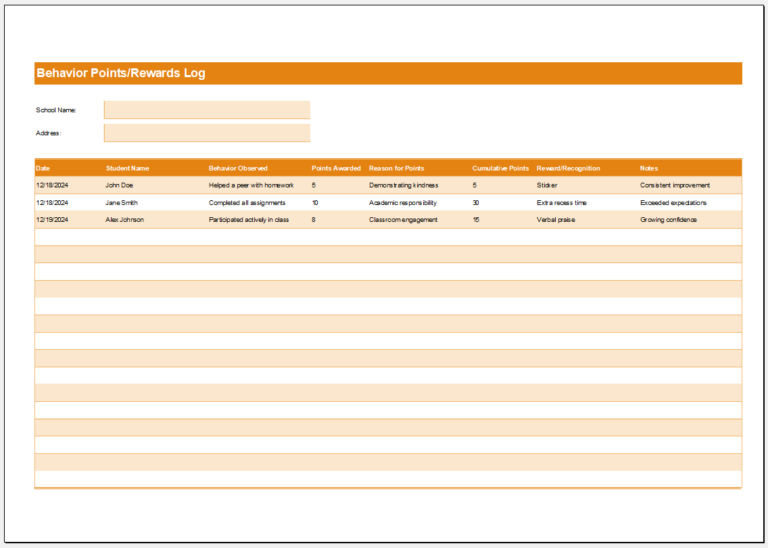
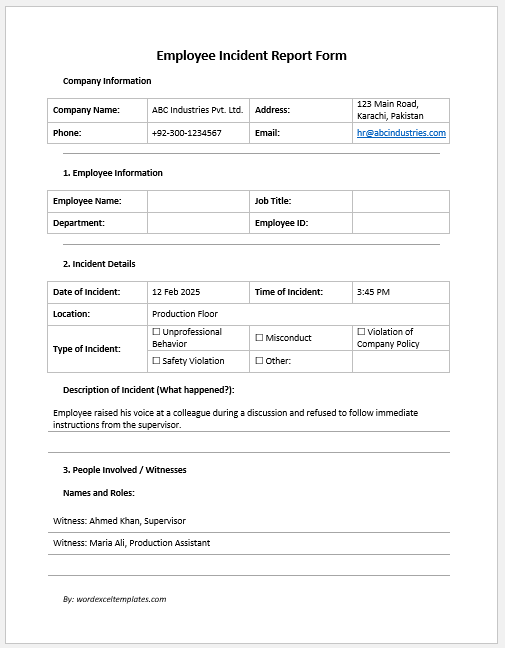
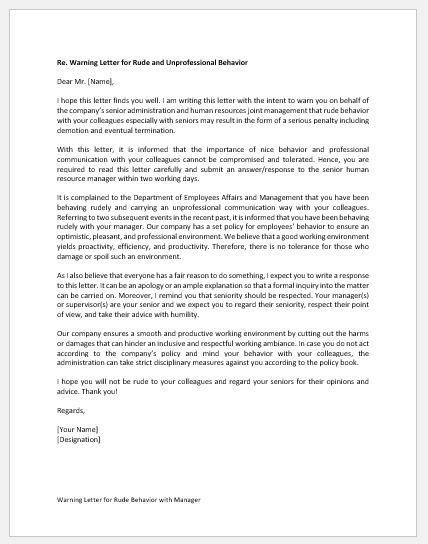
A Behavior and Discipline Log is a structured record used by schools to document student behavior incidents, disciplinary actions, and follow-up activities. It helps teachers, counselors, and school administrators maintain accurate records of behavioral concerns, positive conduct, corrective actions, and communication with parents or guardians. Keeping detailed records supports fair decision-making and promotes a safe, well-managed learning environment.
This Behavior and Discipline Log Generator makes it easy to create organized and professional behavior reports. Users can enter student details, incident dates, behavior types, severity levels, actions taken, consequences, follow-up schedules, and staff notes. Multiple incidents can be recorded, edited, and managed in one place, providing a complete history of student behavior.
The generator automatically prepares a clear, printable report that can be used for school records, parent meetings, counseling sessions, and administrative reviews. It also tracks incident status, office referrals, and parent contact to ensure every case is properly documented. By simplifying recordkeeping and improving consistency, this tool helps schools monitor student behavior, support positive discipline, and maintain reliable documentation for future reference.
MS Excel Template
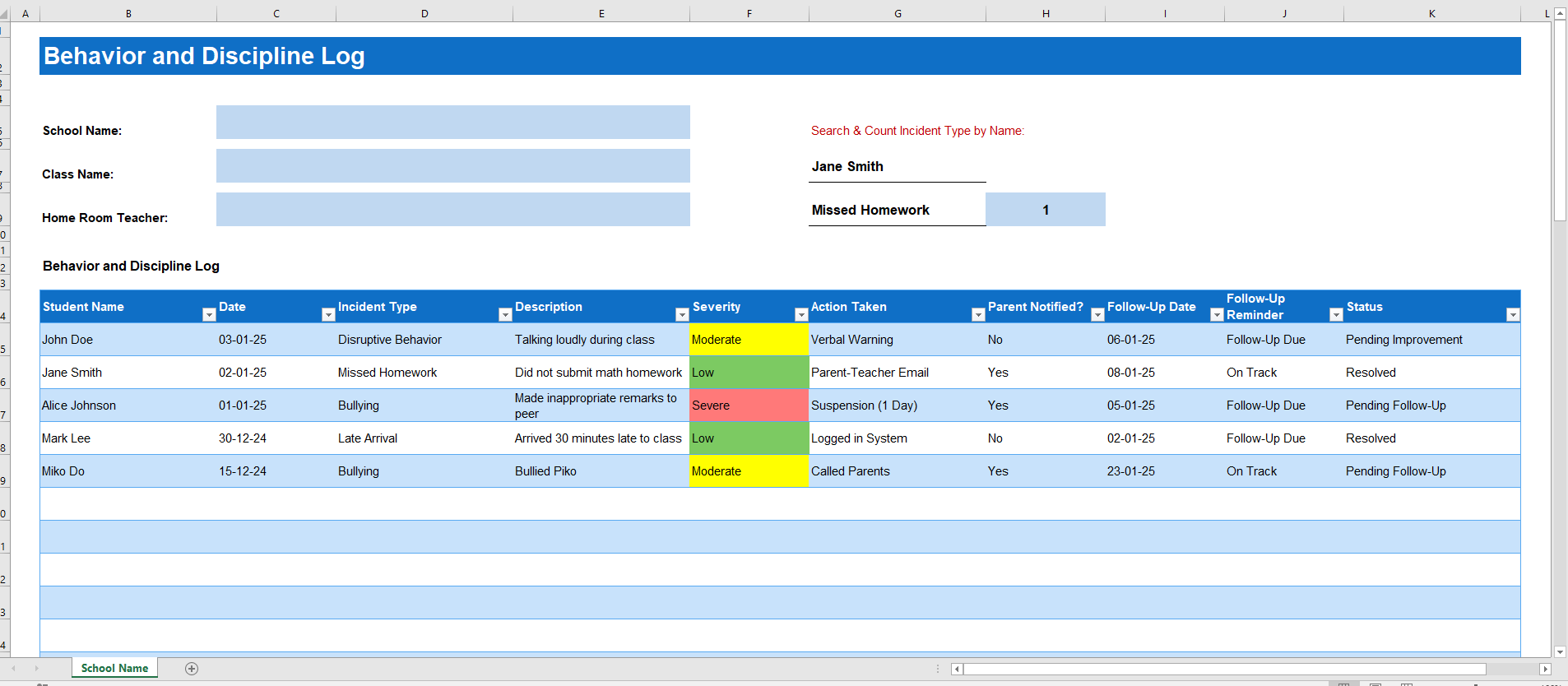
Our Behavior and Discipline Log MS Excel Template provides a simple and organized way to record student behavior incidents, disciplinary actions, and follow-up activities. It helps teachers and school administrators maintain accurate records, monitor behavior trends, and keep documentation consistent. The template is fully editable, easy to update, and ideal for schools that prefer managing behavior logs in Microsoft Excel.
- Student Planner Generator
- Seating Arrangement Generator
- Parent-Teacher Communication Log
- Behavior and Discipline Log
- Individualized Education Program (IEP) Tracker
- Student Skills Tracking Sheet
- Classroom Inventory
- Professional Development Tracker Template
- Field Trip Planner and Roster
- Student Roster and Information Sheet
- Tutoring & Support Services Log
- School Fees and Payments Tracker
- Scholarship and Financial Aid Tracker
- Teacher Performance Evaluation Tracker
- Counselling & Guidance Record Sheet
- Classroom Supplies Budget Tracker
- Tuition and Fees Ledger
- Fundraising Contribution Record Sheet