School fees should be paid on time so that the school can continue to run and provide education to its students. The school needs funds to provide quality education, and these come from school fees. Some schools offer flexible payment options so that parents or guardians can pay the fees easily.
A school needs a clear procedure for school fees so that it knows which students’ fees have been paid and which are still due. A school fees and payments tracker can help with this. It records the fees due, the payments received and any outstanding balance for each student.
School Fees and Payments Tracker Generator
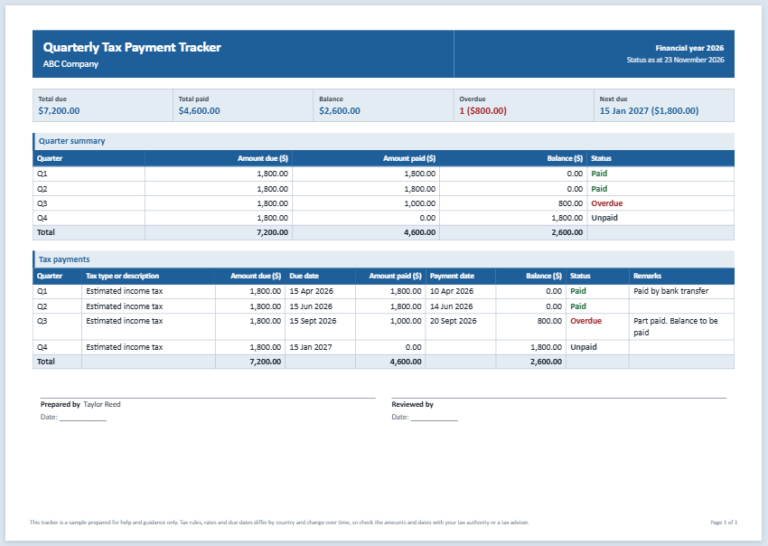
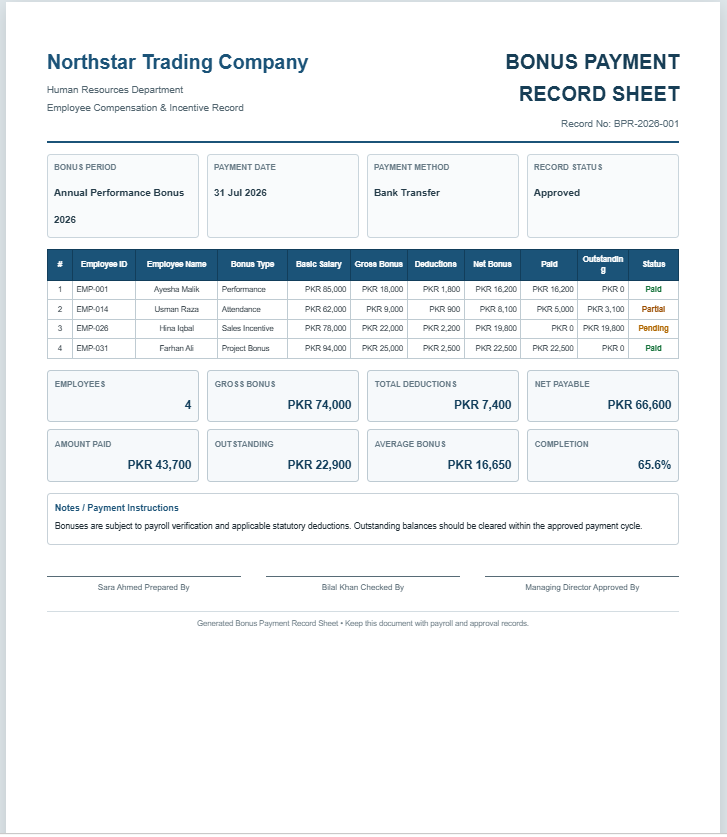
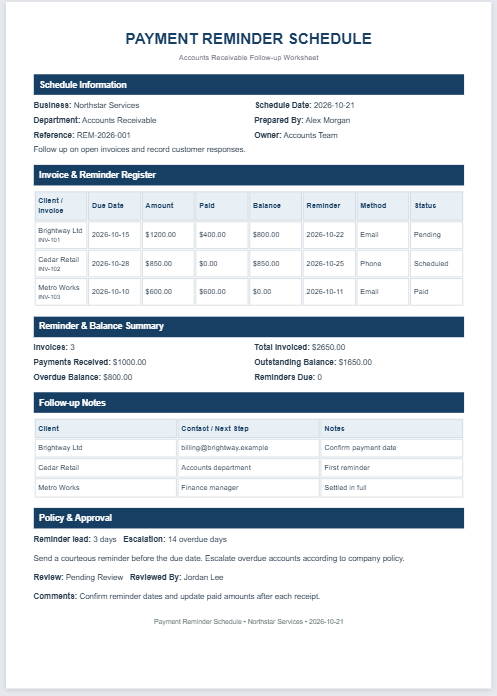
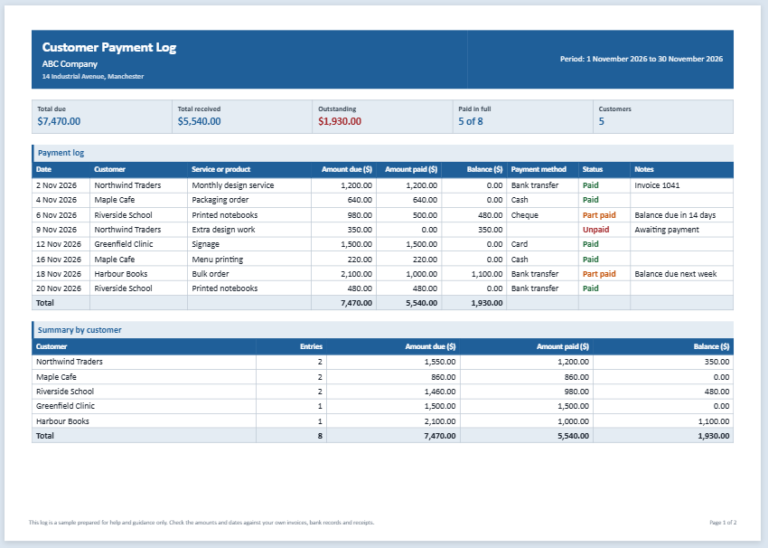
Record each fee or instalment with the student name, class, fee type, amount due, due date, amount paid, payment date, payment method and receipt or reference. The balance, the status of each entry (paid, part paid, unpaid or overdue), the totals, the share of the amount collected and the summary by fee type are worked out for you. Check the preview, then print the tracker or save it as a PDF, or download an Excel workbook with working formulas. Leave the entries empty to print a blank tracker. Your details stay in your browser and are not sent anywhere. This tracker is a sample prepared for help and guidance only. It is not intended for legal, financial or any other official purpose.
Tracker Details
Balance is the amount due minus the amount paid. An entry is shown as overdue when a balance remains and its due date is before the as at date.
Entries
Page & Style
The tracker helps a school follow the fee status of each student. The school team can see how much each student needs to pay and whether it has been paid. It helps manage school fee payments so that any outstanding balance is easy to see and can be followed up. The tracker also keeps a record of each student’s account balance.
The tracker includes details of the students and the fees due. It notes whether payments have been received, and any outstanding balance for a student can be seen at a glance.
Benefits of a School Fees and Payments Tracker
The following are some advantages of a school fees and payments tracker:
- It shows how much school fee each student needs to pay.
- It shows which students have paid and which have not.
- If a student has an outstanding balance, it is shown in the tracker, and the guardians can be contacted.
- It helps the school keep clear records of the fees paid by each student.
Limitations of a School Fees and Payments Tracker
The following are some limitations of a school fees and payments tracker:
- Without a clear structure, the tracker is difficult to use, and the fee status of students is hard to find.
- Miscalculations and errors are possible and need to be avoided.
How to Make a School Fees and Payments Tracker
You can consider the following points when making the tracker so that these limitations are avoided.
Structure of the Tracker
The tracker should be simple to fill in, and people who need information from it should find it easy to read. The heading can be “School Fees and Payments Tracker”. You can add the name and address of the school and note the semester, term or year that the tracker covers. You can also mention the class. You can keep a separate tracker for each class.
Make a Table
The details can be set out in a table so that the information is quick to enter. Include a column for the student ID and a column for the student name. Add a column for the fee amount, a column for the total fee received and a column for the outstanding fee.
Arrange It Carefully
It should be easy for the school team to see which students have an outstanding fee balance. The tracker can be arranged by class, and the student names can be listed in alphabetical order. It should be easy to update the information as soon as anything changes.
A school fees and payments tracker is a useful document for any school that wants a clear way of managing student fee payments. It helps the school keep accurate records of fees due and received.