A business needs reliable cash flow to support its operations. Some companies allow customers to purchase goods or services on credit and pay by an agreed date. Payment reminders can help customers keep track of these obligations.
A payment reminder schedule is a plan for following up on invoices before or after their due dates. It helps a business organize written or verbal reminders and record any responses or payments received.
The schedule identifies which invoices remain unpaid, when payment is due, and when the next reminder should be sent. This supports consistent follow-up and helps customers understand the amount they owe.
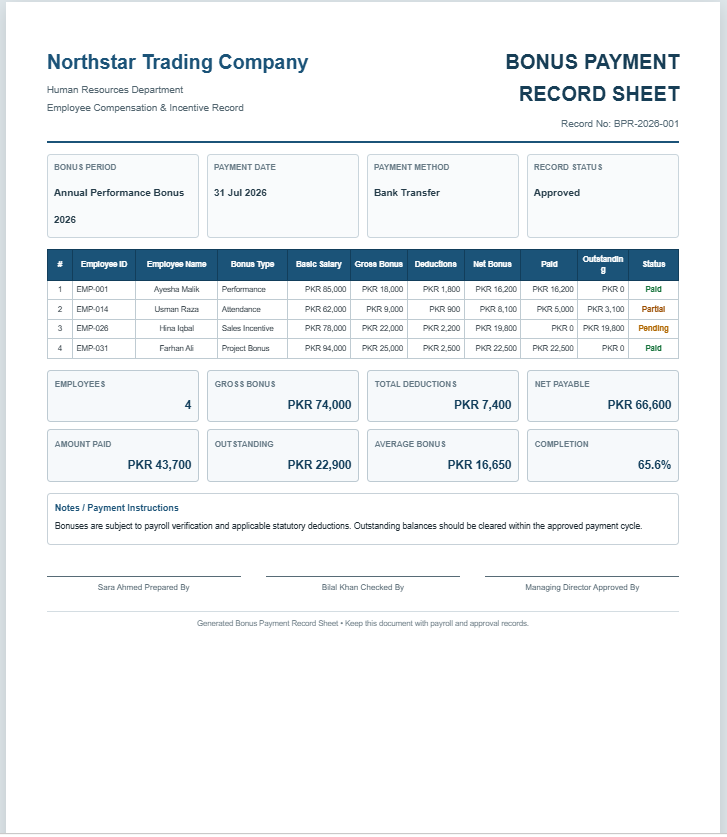
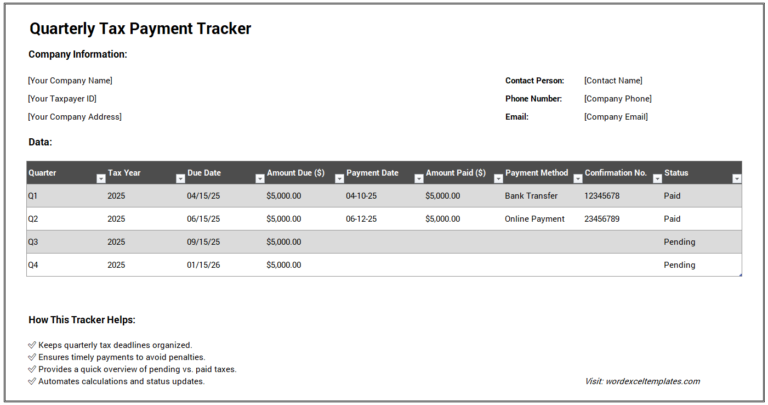
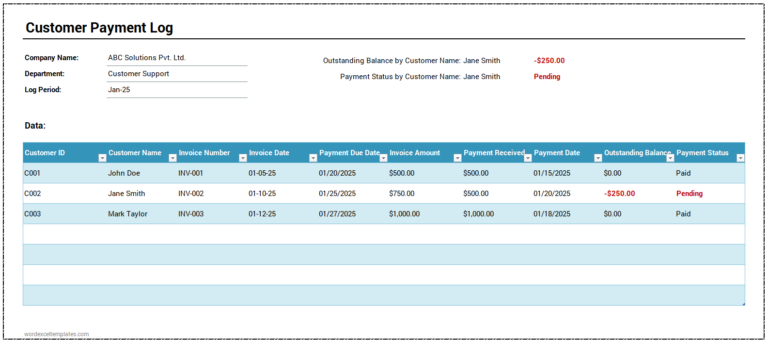
The document typically includes customer names, invoice details, total amounts, payments received, and outstanding balances. Once an invoice is paid in full, its status can be updated and further reminders stopped.
(Create a payment reminder schedule using the tool given below.)
Payment Reminder Schedule
Plan invoice follow-ups and monitor customer payments.
Company & Schedule
Payment Reminder Entries
Each record represents one invoice and its next scheduled reminder.
Reminder Rules
Review & Approval
Benefits of a Payment Reminder Schedule
A payment reminder schedule offers several advantages:
- It can reduce late payments by prompting customers to pay before or shortly after the due date.
- It provides an overview of unpaid invoices.
- It supports cash flow planning and timely follow-up.
- It records previous reminders and customer responses.
- It helps staff identify invoices that need further attention.
However, there are some limitations:
- Keeping invoice balances and reminder dates up to date takes time.
- Missing or inaccurate entries can lead to overlooked invoices or unnecessary reminders.
- A reminder schedule does not guarantee that customers will pay on time or in full.
How to Create a Payment Reminder Schedule?
Consider the following points when preparing the schedule:
Format the schedule:
Use a clear heading, such as “Payment Reminder Schedule.” Include the company’s name and the reporting period. Arrange invoice and reminder details in a clearly labeled table.
Organize the data:
Use a separate row for each invoice. Include columns for:
- Customer name and relevant contact details
- Invoice number
- Invoice date
- Payment due date
- Total invoice amount
- Amount paid
- Outstanding balance
- Planned reminder dates
- Date and method of the last reminder
- Next follow-up date
- Payment status
- Customer responses or brief notes
Where useful, record whether a payment receipt has been issued. Update the outstanding balance when payments are received, and check the latest records before sending another reminder.
Keep the format professional and include only information needed to manage follow-up. Clear labels and consistent status descriptions make the schedule easier to use.
A well-maintained payment reminder schedule helps a company track unpaid invoices and coordinate follow-up. Used alongside accurate payment records, it can support more organized collections and better cash flow planning.
MS Excel Template