It is essential for schools and educational institutions to maintain accurate and up-to-date information about their students. Reliable records help administrators and teachers identify enrollment numbers, organize classes, and communicate with families. Accurate emergency contact information is particularly useful when a student needs assistance.
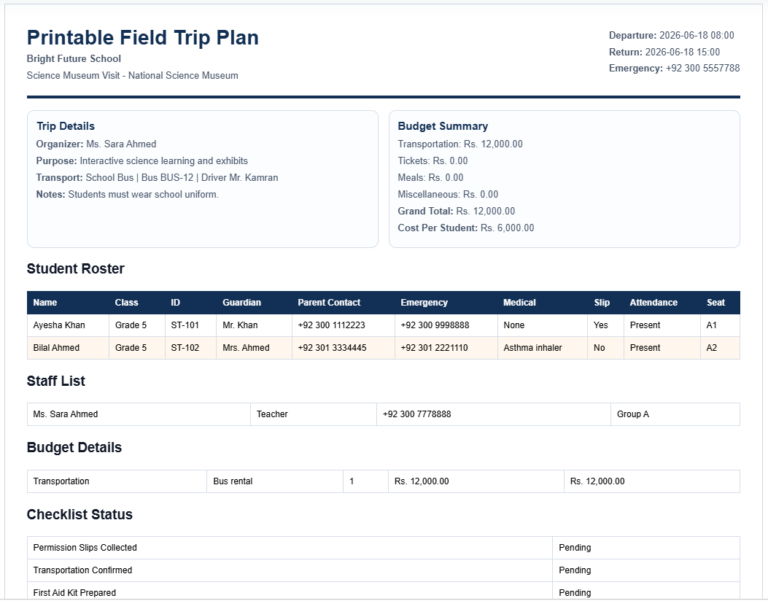
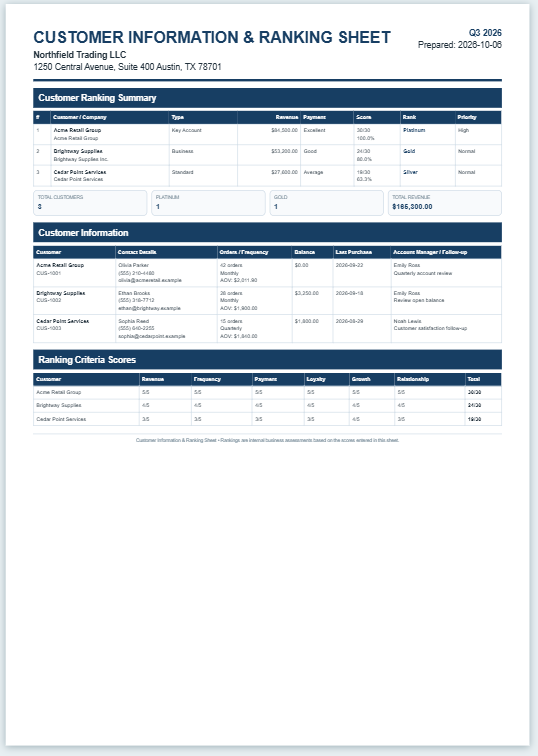
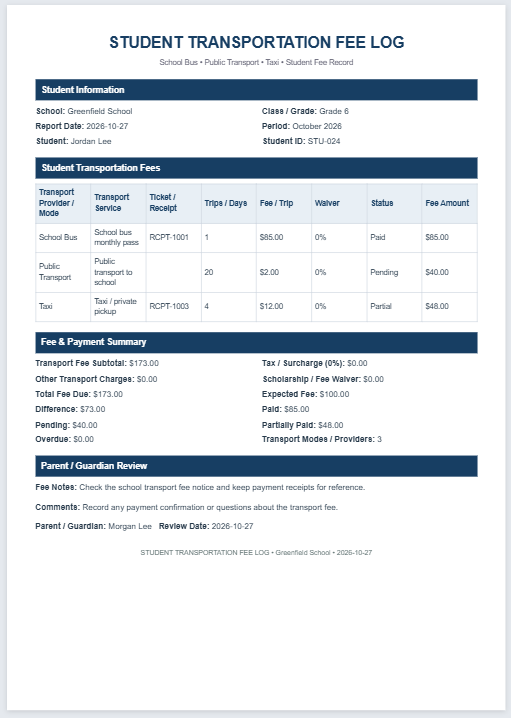
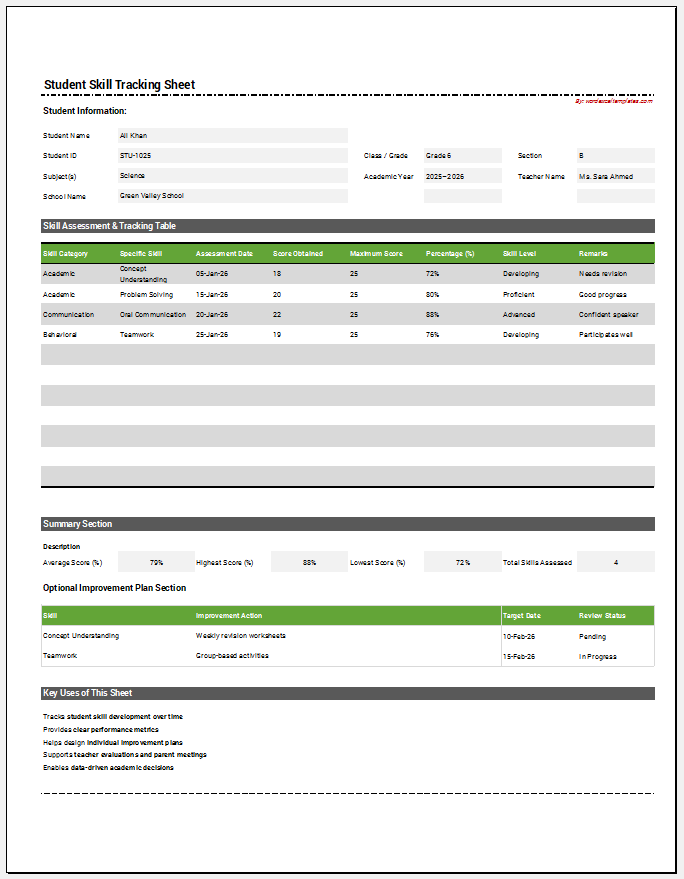
Educational institutions require a clear process for organizing and maintaining student data. A Student Roster and Information Sheet can support this process by listing students in a particular class, course, or group and recording relevant details.
The roster gives authorized staff a reference for attendance, class administration, and communication. Information about a student’s medical or support needs may also be recorded or linked to a separate record when necessary.
Because student records can contain sensitive information, schools should collect only what is needed, keep it secure, and limit access to authorized staff.
Create a roster below:
Student Roster & Information Sheet
Manage class details, student records and emergency contacts.
Class Information
Student Records
Open a student to edit their details. Emergency information is included in the export.
Class Notes & Instructions
Roster Summary
Use the buttons below to export an editable Excel file or print the class roster.
Benefits of a Student Roster and Information Sheet
The following are some benefits of maintaining a student roster and information sheet:
- It helps the school keep an up-to-date list of students in each class, course, or group.
- It makes guardian and emergency contact details easier for authorized staff to find.
- It helps staff identify relevant learning or accessibility requirements so appropriate support can be arranged.
- It provides a reference to necessary health information or the location of a separate medical record.
- It improves communication between school staff and families by keeping contact information organized.
How to Create a Student Roster and Information Sheet?
This document should be designed for clarity, accuracy, and ease of use. Decide who needs access to each type of information before choosing the fields to include.
Format of the Document
Use a clear title, such as “Student Roster and Information Sheet.” Include the school name, class or course, teacher’s name, academic year or term, and the date the roster was last updated. A table can make the student list easier to read.
Relevant Information to Include
Common fields include:
- Student name: Full name of the student.
- Student ID: The identification number assigned by the school.
- Class or group: The student’s class, section, or course.
- Parent or guardian: Name and relationship to the student.
- Contact details: Relevant phone numbers and email addresses.
- Emergency contact: The designated person and contact number.
- Relevant notes: Brief information needed for classroom or emergency planning.
Where detailed medical information, allergies, or support plans are needed, consider keeping them in a separate, access-controlled record and noting where authorized staff can find it. This helps avoid placing sensitive information on a widely shared class roster.
Tips for Maintaining the Document
- Include only relevant and necessary information for the roster’s purpose.
- Review details regularly and record when they were last updated.
- Ask families to notify the school when contact details or relevant health information change.
- Use a clear and consistent format so staff can find information easily.
- Store digital and printed copies securely and limit access to authorized people.
Recommended Software
This document can be created using Microsoft Excel or a similar spreadsheet application. Excel supports editing, sorting, and filtering when the roster is maintained in a consistent table. If a printed copy is needed, keep it in a secure location and replace it when the information changes.
Using the Roster Effectively
A well-maintained Student Roster and Information Sheet helps schools organize class information and contact families when needed. Regular updates, clear formatting, and appropriate access controls make it a more reliable resource for teachers and administrators.
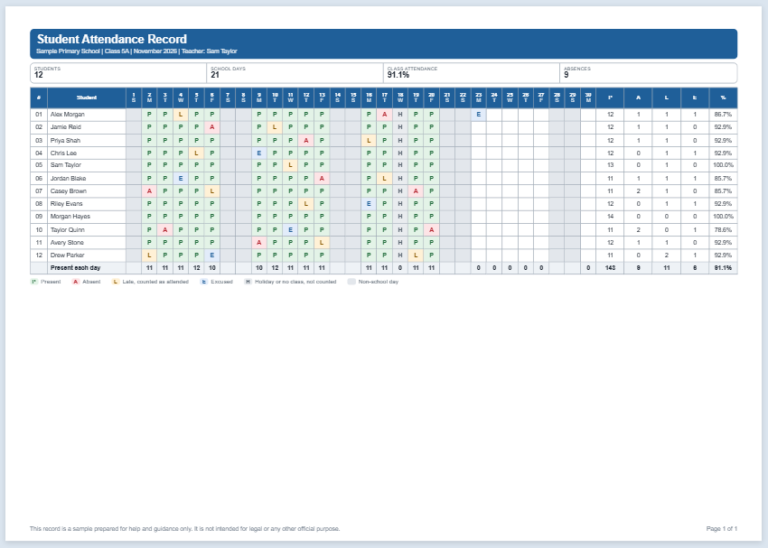
You can check and download the following template for Excel.