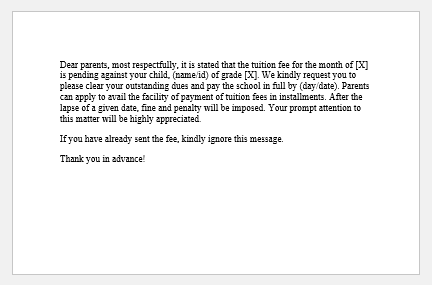
Educational institutions ask students to pay tuition fees so that the school can continue to run. Each student is assigned a fee amount, which their guardians pay monthly, per term or per semester. Where fees are not paid, the school can contact the guardians to talk about it.
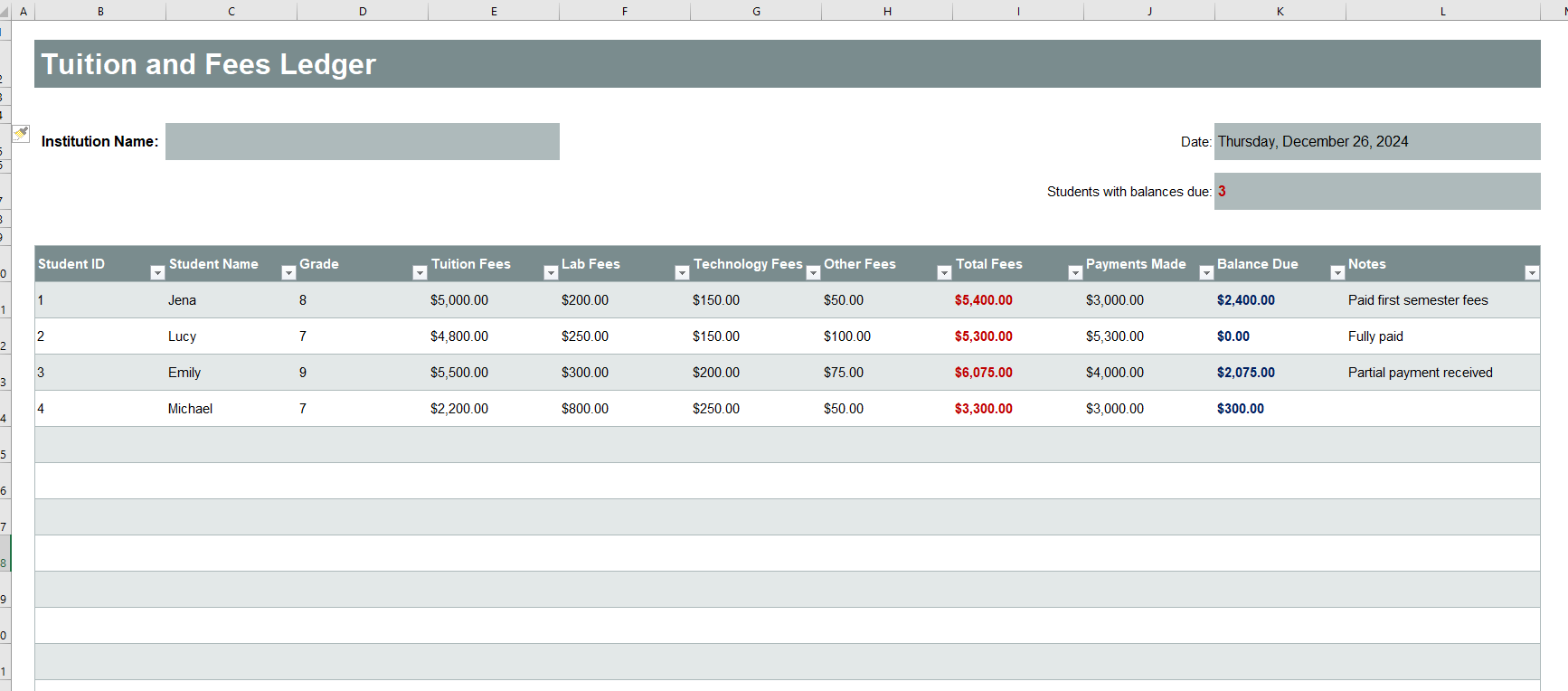
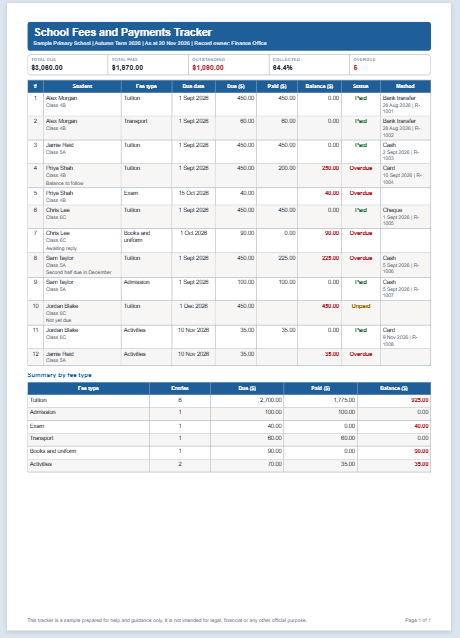
An educational institution needs a way to record how much fee a student needs to pay, how much has been paid and the outstanding balance. This helps the school administration manage student tuition and fees. A tuition and fees ledger is a useful document for this. It records a student’s fee account at the institution. It tracks the tuition fees and other fees, such as lab fees, and any additional charges that arise during the school year.
Tuition and Fees Ledger Generator
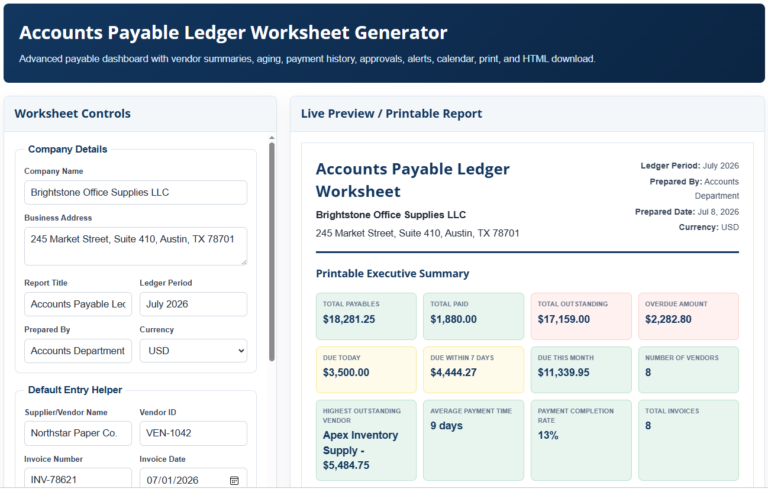
Keep a running ledger of the tuition and fees for one student. Add each charge, payment and adjustment with its date, description, category and amount, and the balance after every line is worked out for you, along with the totals, the closing balance and a summary by category. Check the preview, then print the ledger or save it as a PDF, or download an Excel workbook with working formulas. Leave the entries empty to print a blank ledger. Your details stay in your browser and are not sent anywhere. This ledger is a sample prepared for help and guidance only. It is not intended for legal, financial or any other official purpose.
Ledger Details
The balance after each line is the opening balance plus charges, minus payments and adjustments. An adjustment is a credit such as a discount.
Entries
Page & Style
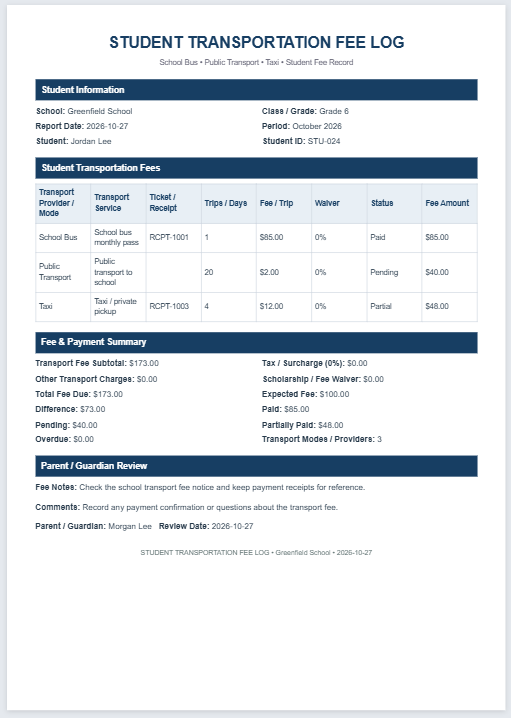
The ledger helps the school administration and the guardians see how much a student needs to pay, how much has been paid and how much is still outstanding.
The ledger includes the student’s details, such as the name and contact information. It notes the class the student is in and the session they attend. The tuition fees and all other fees are recorded, along with the transactions, such as the amounts charged and the amounts paid.
A tuition and fees ledger may have the following benefits:
- It gives the school or institution a record of each student’s tuition and fees and their status.
- It lets the student’s guardians see how much they need to pay.
- It summarises the financial transactions for each student.
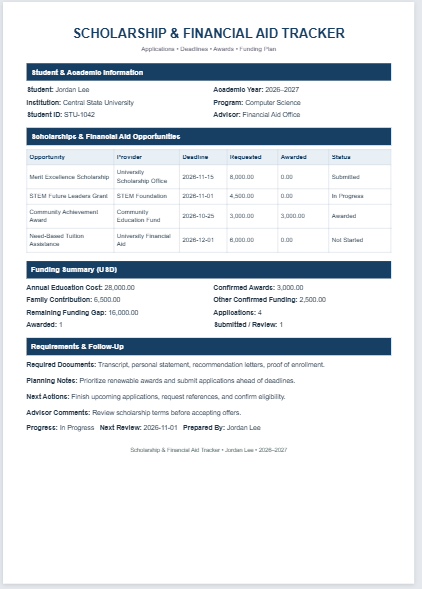
- It can note the fees charged to the student and any funding source that pays for them.
Limitations of a Tuition and Fees Ledger
A tuition and fees ledger may have the following limitations:
- It needs to be updated regularly so that no transactions are left out, which can take time.
- It should be arranged so that items needing attention are easy to notice.
How to Make a Tuition and Fees Ledger
The following points can help when making a tuition and fees ledger, so that these limitations are avoided.
Format of the Ledger
The document should have a heading such as “Tuition and Fees Ledger”. Arrange the ledger so that the fee information for each student is easy to find. It can be arranged by class, with the students in each class listed in alphabetical order. Include the name and address of the school.
Student Details
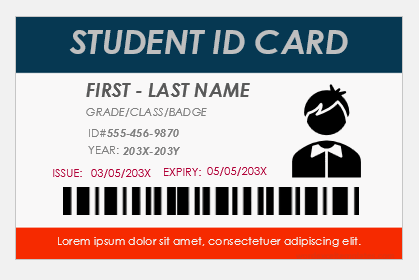
Include the student’s full name, address, contact number and email address. Mention the class the student is in and the course they are studying, if applicable, and the session they attend. You can note how long the term or semester lasts. Add the fee details, including the tuition fees.
Create a Table
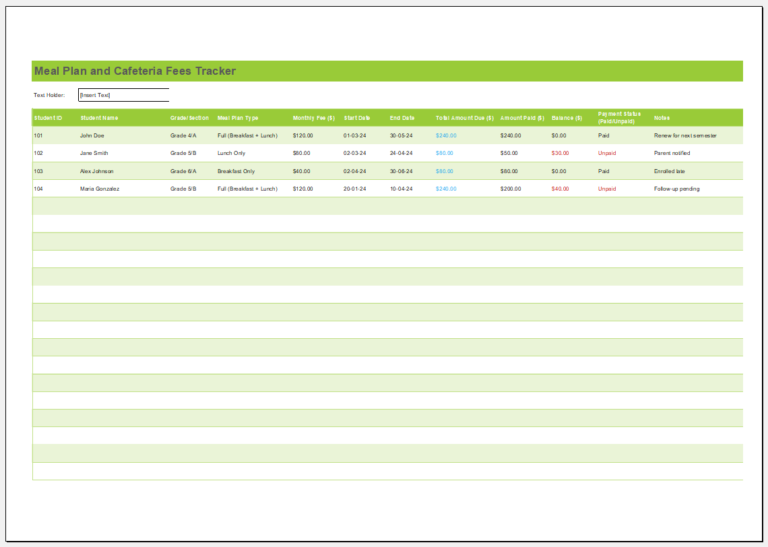
You can then make a table for the financial transactions. Include a column for the date of each transaction and a column for the receipt number. Add a column for a description of the transaction. Include a column for the amount charged to the account and another for the amount credited. You can also include a column for the old balance and another for the new balance.
Keep the Structure Simple
The document should include only the necessary information so that it is easy to use.
A tuition and fees ledger is a useful document that helps an educational institution track every student’s tuition and fees.