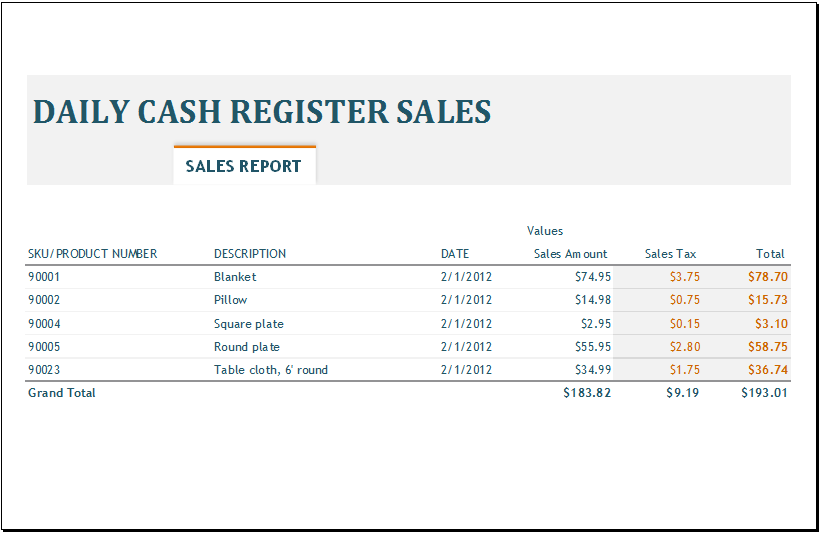
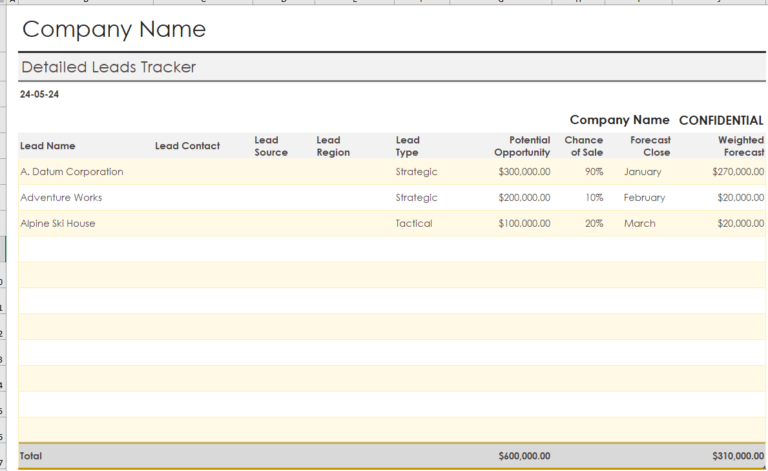
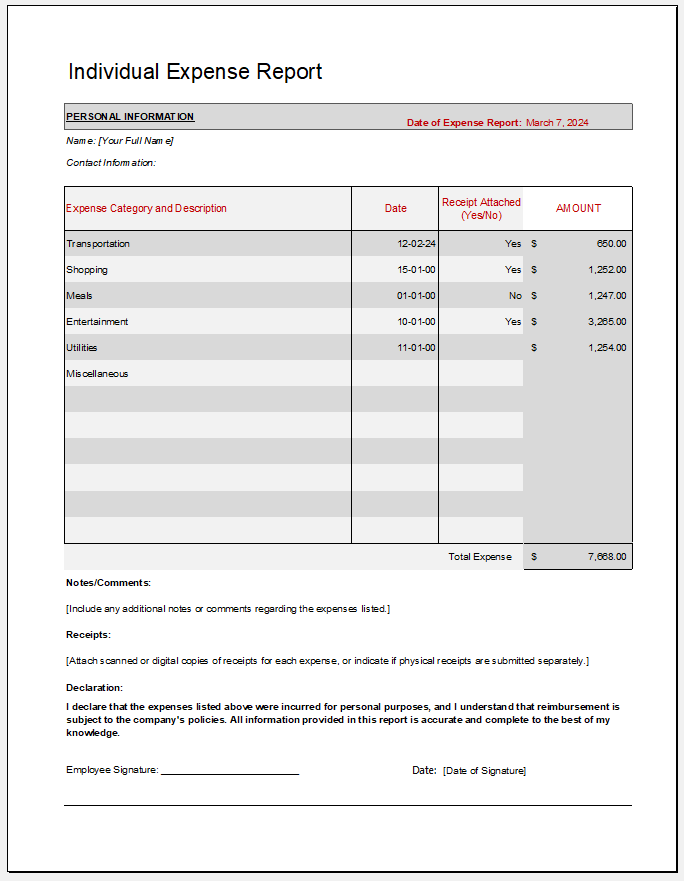
A sales report is a document that management uses to review sales performance and identify changes over time. Businesses use these reports to compare results with targets and identify areas that may need attention.
A weekly sales report summarizes sales activity over a seven-day period. It can help a business recognize increases or decreases in sales and investigate possible reasons for them.
Regular reports also help businesses monitor progress toward sales goals. By reviewing results each week, managers can identify emerging trends and respond to potential issues sooner.
What is a Weekly Sales Report?
A weekly sales report summarizes the sales and related activities of a business, department, region, or individual salesperson during a particular week. It may include daily figures, weekly totals, comparisons with targets, and notes about significant events.
The report can be presented as a memorandum, a spreadsheet, or a more formal document, depending on the organization’s needs.
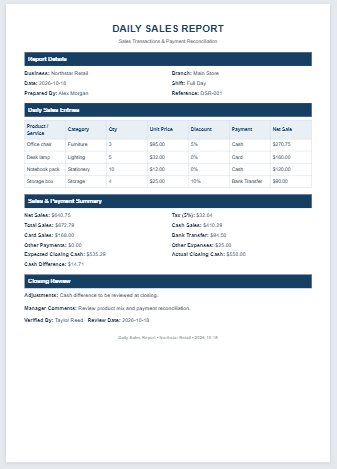
Weekly Sales Report Template
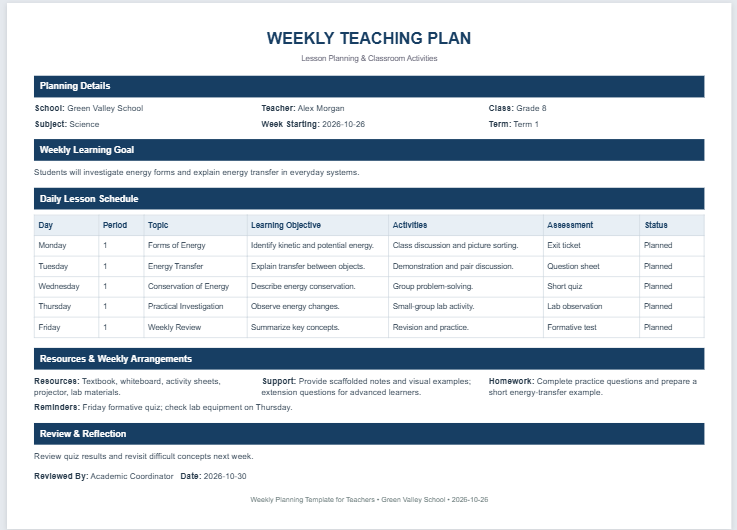
Track seven days of sales, revenue targets, payment methods and weekly performance.
Weekly Report Details
Sales Entries by Day
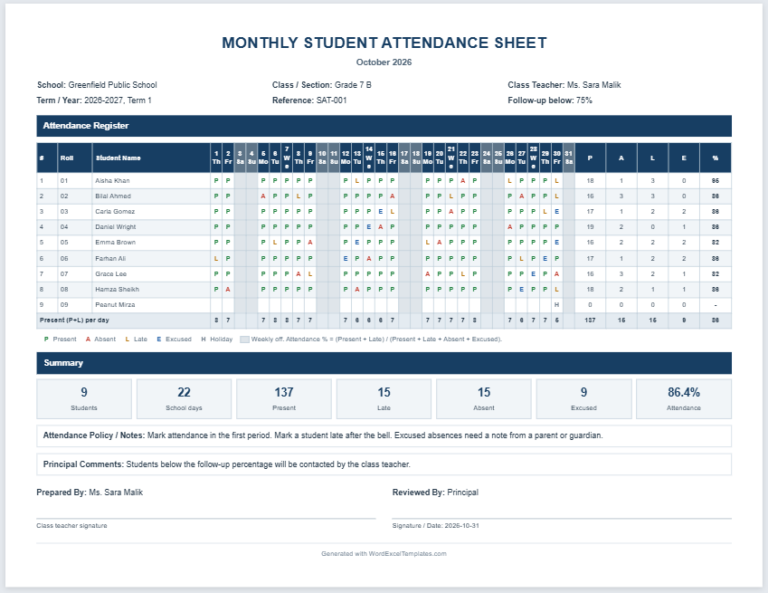
Add sales entries for any day of the week; edit quantities, rates, discounts and payment methods.
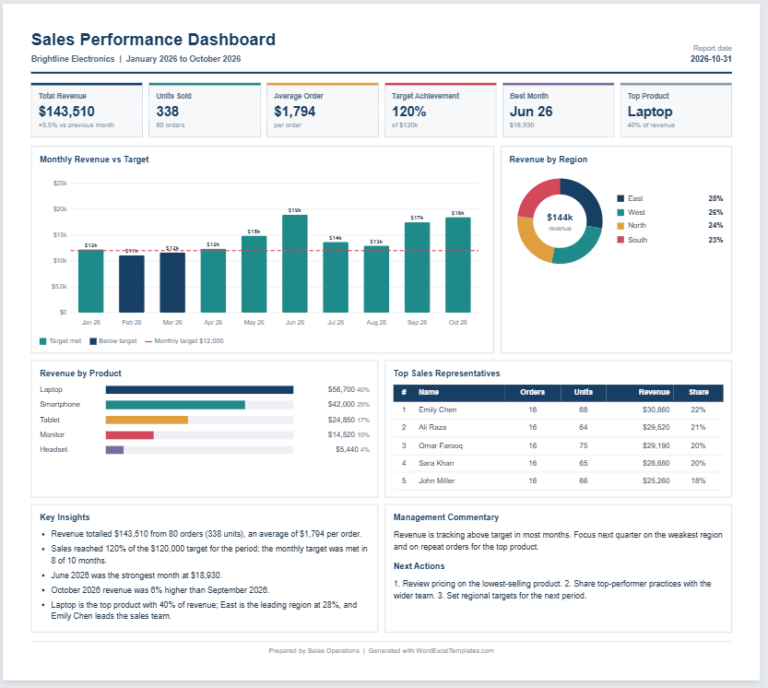
Weekly Targets & Costs
Review & Sign-off
What Does a Weekly Sales Report Do?
The report helps employers recognize trends and compare actual sales with weekly targets and longer-term forecasts. It highlights achievements and identifies areas that may need further investigation, supporting more informed sales planning and decisions.
How to Create a Weekly Sales Report?
Consider the following points when preparing the report:
Include a Heading
Use a clear heading, such as “Weekly Sales Report.” Choose a layout that is easy to read and update.
Specify the Reporting Period
Include the start and end dates of the week. Identify the department, sales region, team, or salesperson covered by the report, along with the preparer’s name and date.
Track Sales
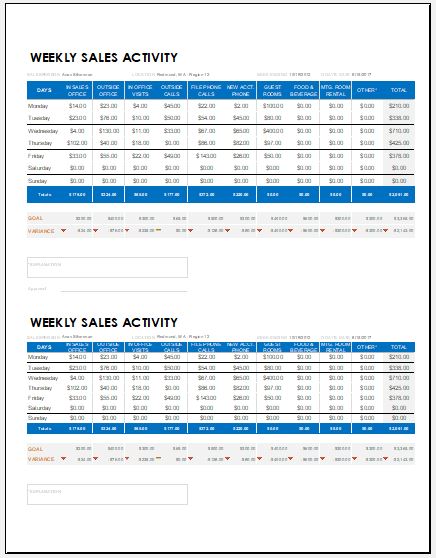
Use a table to record relevant daily figures and weekly totals. Depending on the business, these may include:
- Units sold by product or service
- Sales revenue
- Sales by salesperson, team, or region
- Number of new leads, calls, or follow-ups
- Weekly targets and the difference between actual and target figures
Use consistent definitions and reporting periods so results can be compared across weeks.
Explain Unusual Results
Include a notes section for significant variations and their known or possible causes. For example, if no sales were recorded on Wednesday because the business was closed, note this so the figure can be interpreted correctly during future comparisons.
Distinguish confirmed reasons from possible explanations that need further investigation.
Summarize Results and Actions
Briefly describe key achievements, challenges, and recommended follow-up actions. Include relevant context when reviewing individual performance—for example, whether a salesperson was on leave during part of the week.
Importance of a Weekly Sales Report
A weekly sales report gives a business a regular view of sales performance and progress toward its goals. It helps managers identify successful products or activities, investigate shortfalls, and plan appropriate support or changes.
Comparing reports over time can reveal patterns that are less obvious in a single week. Accurate data, relevant context, and clear follow-up actions make the report more useful for sales planning and decision-making.
File: Excel (.xls) 2003+ and iPad
Size 31 KB