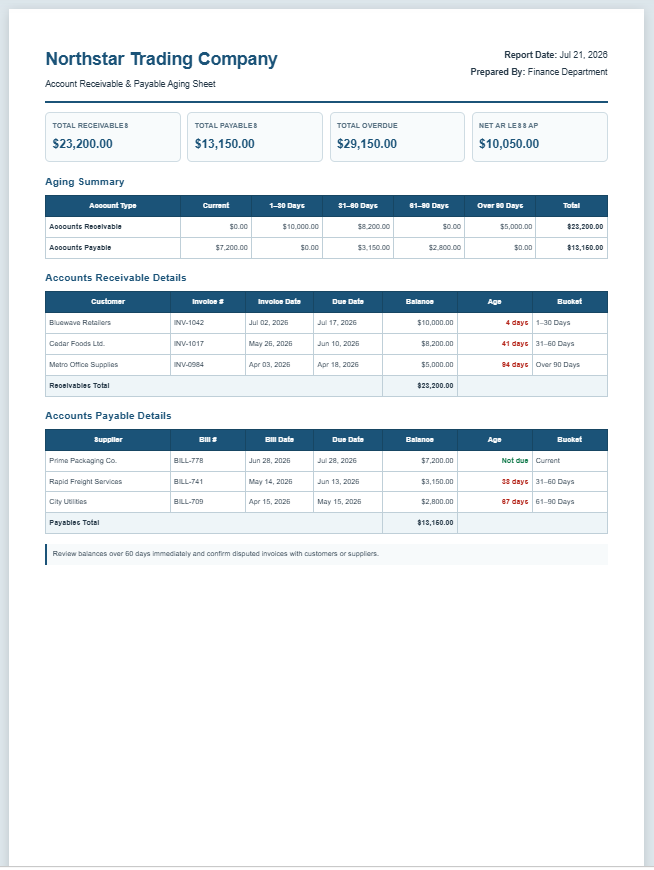
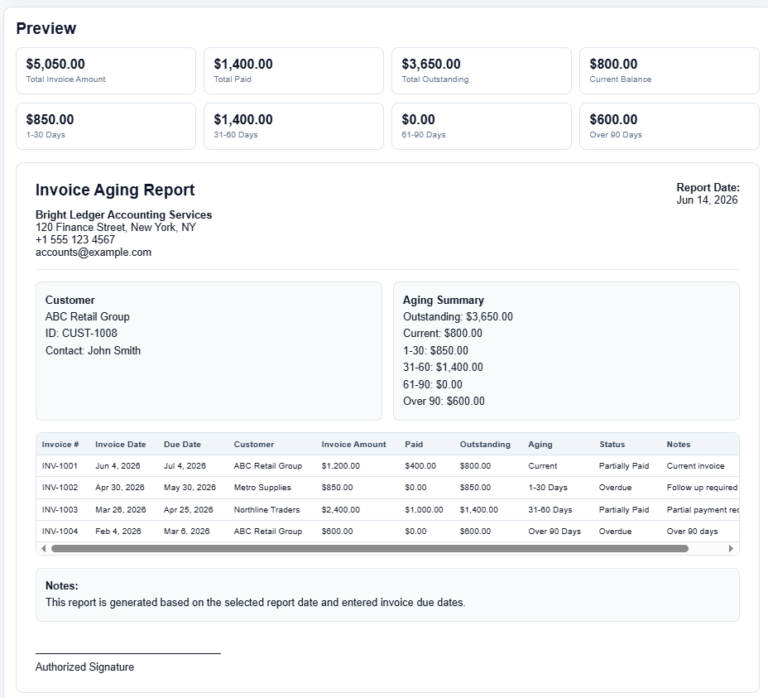
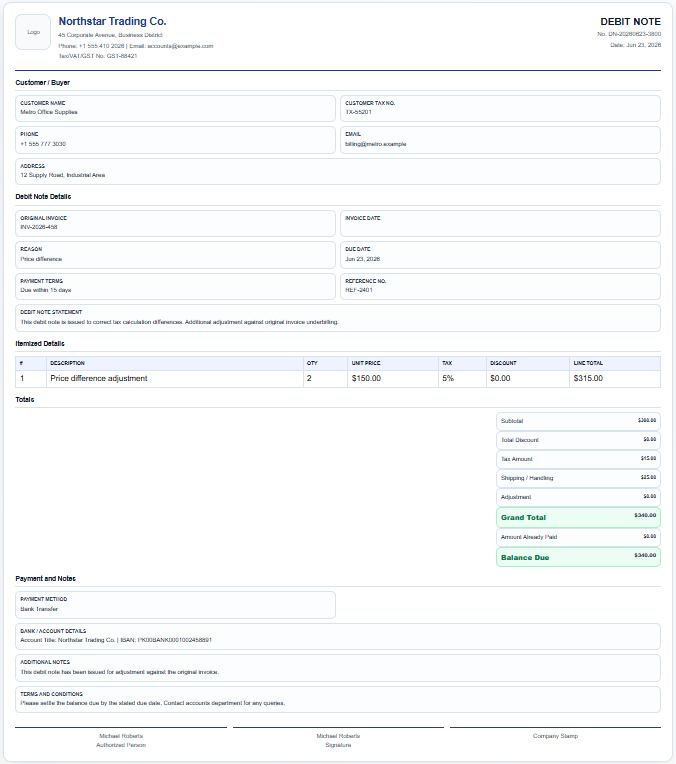
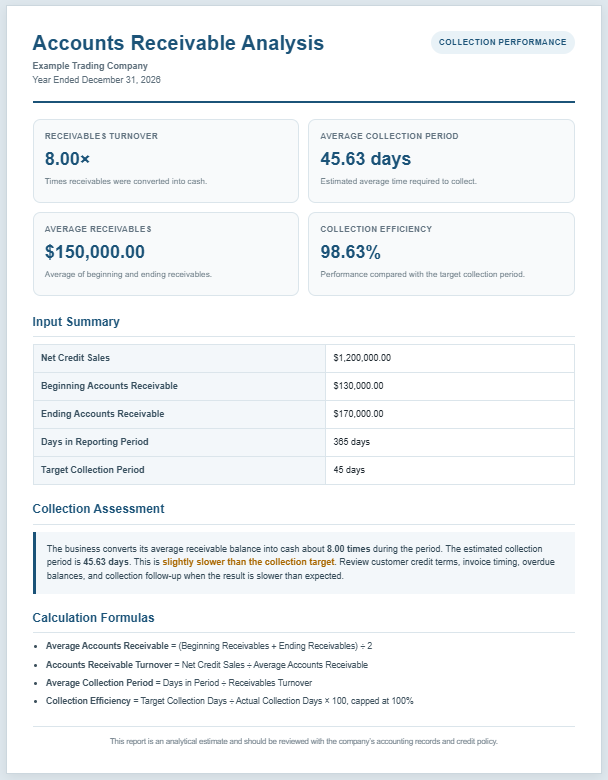
Keeping track of unpaid invoices is essential for maintaining healthy cash flow, and the Account Receivable Worksheet Generator makes this task faster, more organized, and far more accurate. Designed for businesses of all sizes, this online tool helps you record customer invoices, monitor outstanding balances, track payments, and analyze overdue accounts through an interactive worksheet that updates automatically as you enter data.
The generator allows you to enter your company information, reporting period, and an unlimited number of customer invoices using a dynamic table. Each record includes customer details, invoice number, invoice date, due date, invoice amount, payment received, balance due, payment status, and remarks. As information is entered, the worksheet instantly calculates remaining balances, updates financial totals, and determines whether invoices are current, partially paid, overdue, paid, disputed, or written off.
One of its most valuable features is the automatic aging analysis. Outstanding balances are categorized into Current, 1–30 Days, 31–60 Days, 61–90 Days, and Over 90 Days, providing a clear overview of receivables that require immediate follow-up. The live preview presents all information in a professional accounting format, including summary cards, aging totals, detailed receivable records, notes, and approval sections.
Account Receivable Worksheet Generator
Create a printable accounts receivable aging report with automatic balances, overdue detection, and aging analysis.
Company Details
Customer / Invoice Table
Outstanding balances are automatically placed into aging buckets using the due date and worksheet date.
| Customer | Invoice No. | Invoice Date | Due Date | Invoice Amount | Payment | Balance Due | Status | Remarks | Action |
|---|
Notes
Actions
FAQs
How is aging calculated?
Every outstanding balance is categorized by comparing the due date with the worksheet date.
Are paid invoices included in aging totals?
No. Rows with a zero balance are excluded from aging totals.
Can I add unlimited invoice rows?
Yes. Use Add Invoice Row to add as many receivable rows as needed.
Does the print button print the whole webpage?
No. It prints only the worksheet preview area.
Accounts Receivable Aging Summary
| Category | Amount | % of Total Receivables |
|---|
Detailed Receivable Worksheet
| Customer | Invoice No. | Invoice Date | Due Date | Invoice Amount | Payment Received | Balance Due | Days Overdue | Status | Remarks |
|---|
Notes
Prepared By / Approved By
When your worksheet is complete, you can print a clean A4-ready report, download the completed worksheet as an HTML file for future reference, or copy a concise financial summary for reports or email communication. The generator is fully responsive and works seamlessly on desktop computers, tablets, and mobile devices, allowing accountants, bookkeepers, finance teams, and business owners to manage accounts receivable efficiently from virtually anywhere.
MS Excel Template
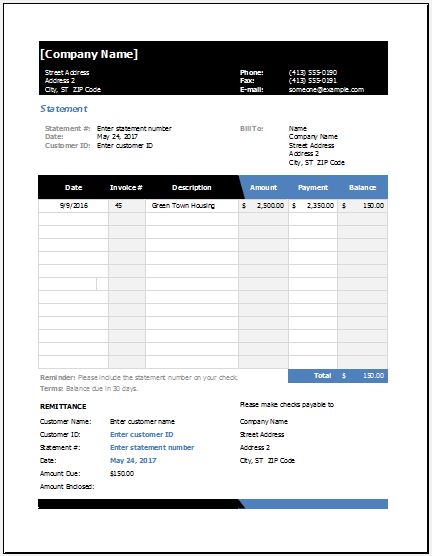
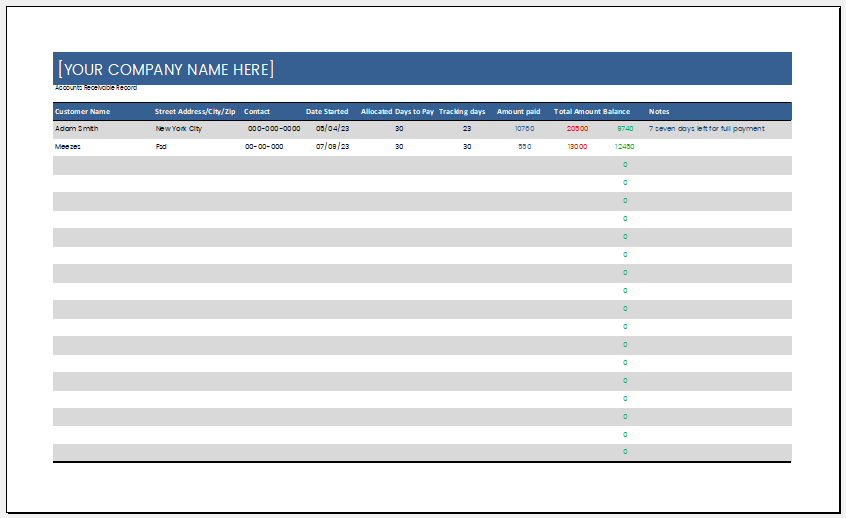
In addition to this online generator, we also provide a free Excel Account Receivable Worksheet Template for users who prefer working offline. Simply download the spreadsheet, enter your customer invoice details, track outstanding balances, monitor payments, and maintain receivable records without an internet connection. It’s an excellent option for businesses, accountants, and bookkeepers who want a familiar Excel-based solution while enjoying the flexibility of our online worksheet generator.
See also:
- Quotation Register
- Customer Order Tracker
- AI Spreadsheet Builder
- AI SOP Generator
- AI Business Document Generator
- AI Incident Report Generator
- AI Job Safety Analysis (JSA/JHA) Generator
- Inventory Dashboard Generator
- Sales Dashboard Generator
- AI Marketing Strategy Generator.
- AI Email Campaign Generator
- AI Social Media Content Calendar Generator
- AI Customer Persona Generator
- AI Feasibility Study Generator
- AI Executive Summary Generator