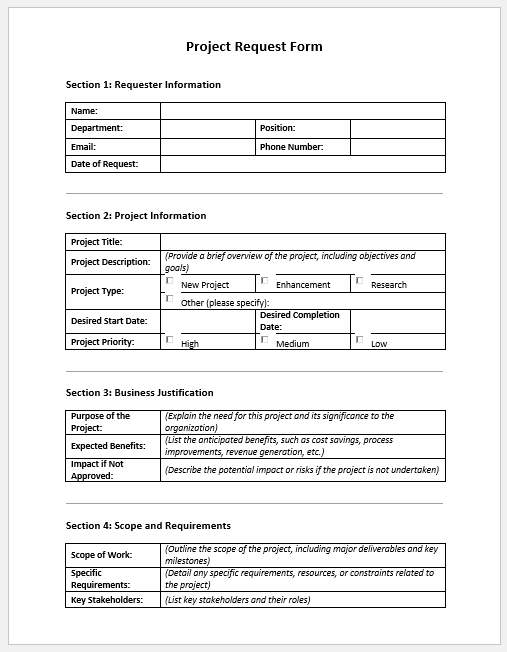
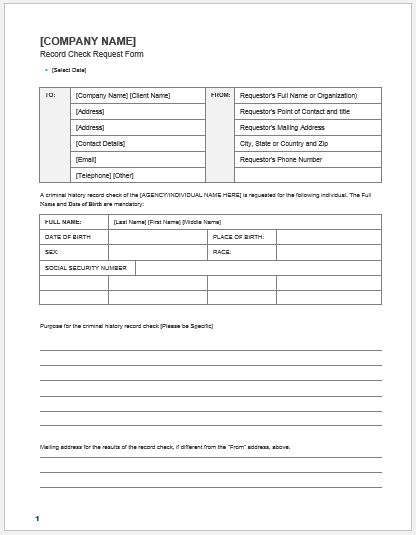
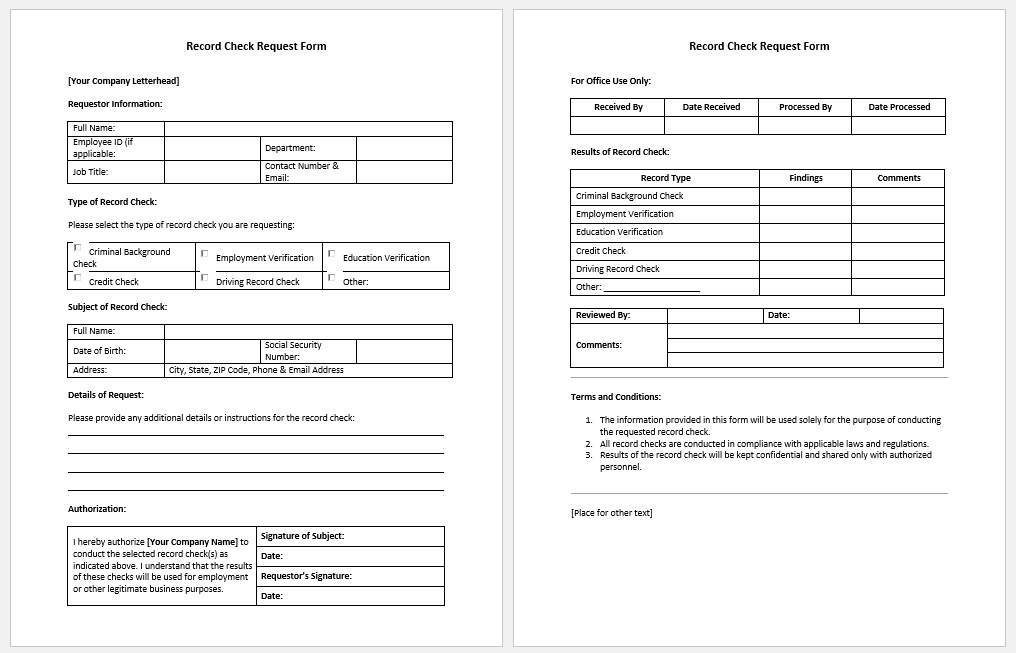
The Record Check Request Form Generator is designed to help individuals and organizations prepare professional requests for reviewing or verifying records. To use this generator, start by entering the requester’s details, including their name, organization, department, and contact information. Next, provide information about the records you want to check, such as the record holder’s name, identification number, record category, and relevant dates. Specify the purpose of the request, provide any necessary authorization details, and review the completed form before printing or saving it as a PDF.
Who Can Use This Form?
This form is useful for HR managers, administrative officers, school and college administrators, employers, recordkeeping departments, and authorized individuals who need to request access to or verification of official records. It can be used for checking employment histories, academic records, personnel files, and other administrative documents, subject to applicable privacy and authorization requirements.
How Can This Generator Help?
The generator simplifies the record-checking process by organizing all necessary information into a clear, professional format. It helps reduce missing details, improves communication between requesters and recordkeeping departments, and provides a consistent way to document requests. Organizations can also use the completed forms to maintain a record of verification requests, approvals, and administrative follow-ups.
Record Check Request Form Generator
Complete a professional record verification request in four guided steps.
Only request records you are authorized to access. Consent and applicable privacy requirements should be verified independently.
MS Word Templates
File: Word (.doc) 2007/+
Size 47 Kb
File: Word (.doc) 2007/+
Size 47 Kb