Keeping track of monthly bills can become challenging, especially when multiple payments are due on different dates. The Bill Payment Checklist Generator is designed to simplify this process by helping you organize, monitor, and manage all your recurring payments in one convenient place. Whether you are managing household expenses, business accounts, rental properties, or personal subscriptions, this interactive tool provides an efficient way to stay on top of every payment.
The generator includes a fully editable bill table where you can add unlimited bill entries. Each record allows you to enter the bill name, category, due date, payment amount, payment method, payment status, payment date, reference number, and additional notes. You can also customize the checklist title, select the month and year, choose a currency symbol, and personalize the document with your household or business name.
To help users get started quickly, the tool includes predefined bill categories such as Home Bills, Utility Bills, Business Bills, Student Bills, Family Bills, Rental Property Bills, Subscription Payments, Loan and Credit Card Payments, and Custom Checklists. Selecting a category automatically loads relevant sample bills that can be edited or replaced according to your requirements.
The live preview updates instantly as you enter information, giving you a professional printable checklist without requiring any manual formatting. The generator also calculates the total amount due, total amount paid, remaining balance, overdue bills, and overall payment progress automatically. Built-in filtering and sorting options make it easy to review specific bills by status, amount, due date, or bill name.
Bill Payment Checklist Generator
Build, customize and print a professional monthly bill payment checklist in seconds.
Checklist Details
Bill Table
| Bill Name | Category | Due Date | Amount | Payment Method | Status | Paid Date | Reference No. | Notes |
|---|
Notes & Reminders
Monthly Bill Payment Checklist
| Bill Name | Category | Due Date | Amount | Method | Status | Paid Date | Reference | Notes |
|---|
Reminder
—
Remarks
—
Next Month Prep
—
Frequently Asked Questions
What is the Bill Payment Checklist Generator?
It is a free, interactive tool that lets you build a customized monthly bill payment checklist, track paid and pending bills, see live totals, and print a clean, ready-to-use checklist for your home, family, business, or rental property.
Do I need to install anything to use this tool?
No. The generator runs entirely in your browser using HTML, CSS, and JavaScript. There is nothing to download or install, and no data is sent to any server.
Is my bill and payment data saved anywhere?
All information stays inside your browser tab for the current session only. Nothing is uploaded or stored remotely, so refreshing or closing the page will clear your entries unless you print or copy them first.
How do the automatic sample bills work?
Choosing a Bill Type, such as Utility Bills or Business Bills, automatically loads a relevant set of sample rows into the table so you can start editing right away instead of typing everything from scratch.
Can I add or remove bill rows?
Yes. Use "+ Add Row" to add unlimited bill entries, and the delete icon on any row to remove it. "Clear All" empties the table completely if you want to start fresh.
How are the totals and progress bar calculated?
Total amount, paid amount, remaining balance, and bill counts update instantly from every row in your table. The progress bar reflects the percentage of bills marked as Paid out of the total number of bills.
Will printing include my input panel and buttons?
No. The Print Checklist button prints only the formatted preview area. All buttons, dropdowns, and editable input fields are automatically hidden, and the layout is optimized to fit neatly on A4 paper.
Can I use this checklist for a business instead of a household?
Yes. Select "Business Bills" from the Bill Type dropdown to load business-related sample entries, or choose "Custom Checklist" to build your own list from an empty table.
What happens if I click "Reset Defaults"?
It restores the title, month, household name, notes, and bill table back to the original sample data, which is useful if you want to undo changes and start over.
Additional reminder and notes sections allow you to record important payment instructions, future reminders, and preparation notes for upcoming months. Once your checklist is complete, you can print a clean, professionally formatted A4 report that is suitable for personal records, budgeting, or financial planning.
Whether you want to improve your budgeting habits, avoid late payment fees, or simply organize recurring expenses more effectively, this Bill Payment Checklist Generator provides a practical and user-friendly solution for managing monthly payments with confidence.
Smart Bill Type Selection
The Bill Type dropdown makes the generator faster and easier to use by automatically loading sample bills based on the category you select. Whether you choose Home Bills, Utility Bills, Business Bills, Student Bills, Family Monthly Bills, Rental Property Bills, Subscription Payments, or Loan & Credit Card Payments, the bill table is instantly populated with realistic payment entries related to that category. Each sample includes bill names, payment methods, due dates, amounts, and statuses that you can edit, delete, or replace with your own information. This intelligent functionality eliminates repetitive data entry, provides a practical starting point, and allows you to create a customized bill payment checklist within seconds.
MS Excel Templates
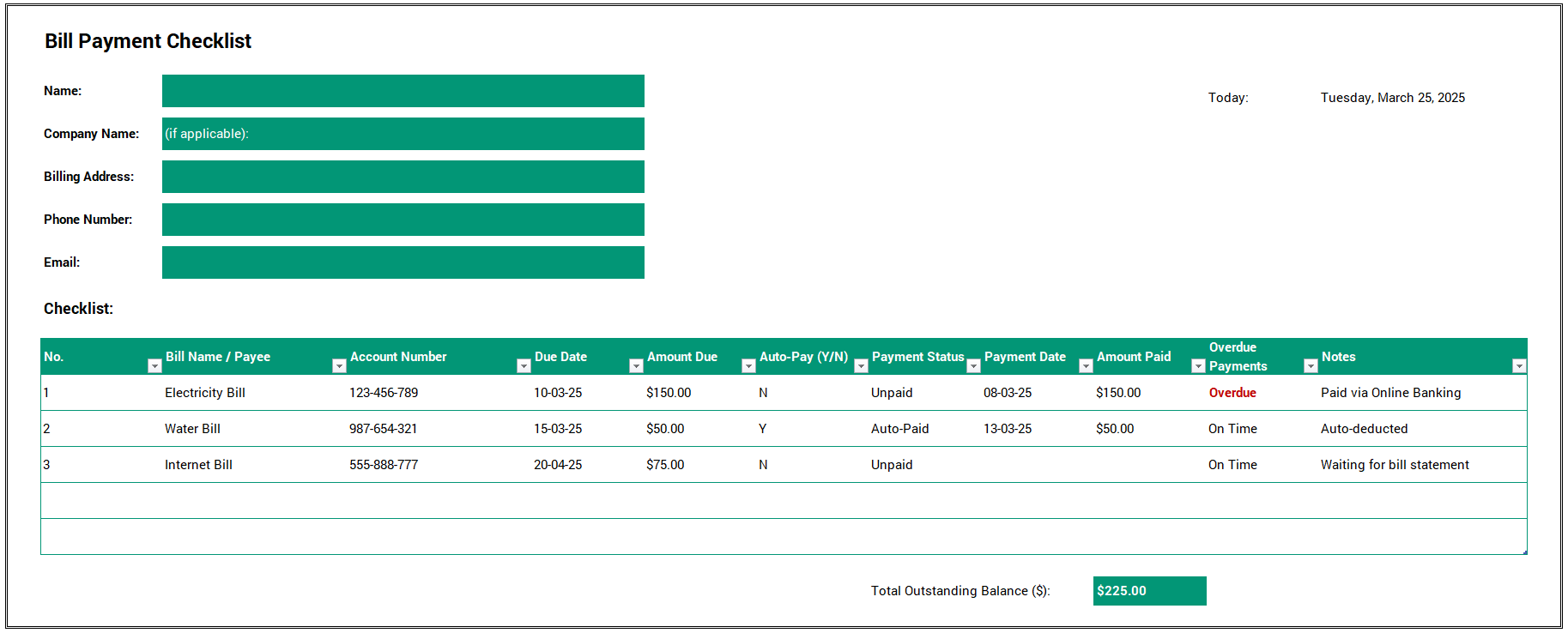
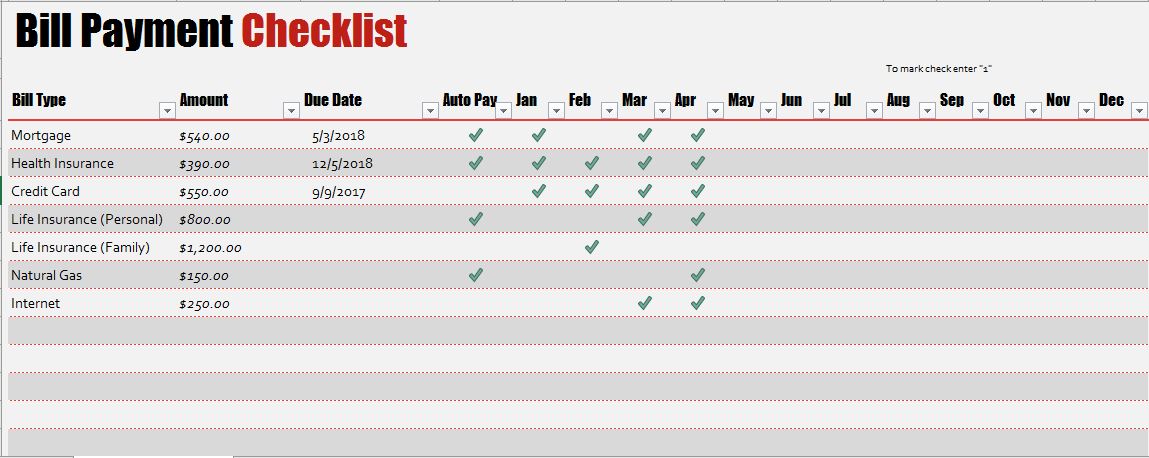
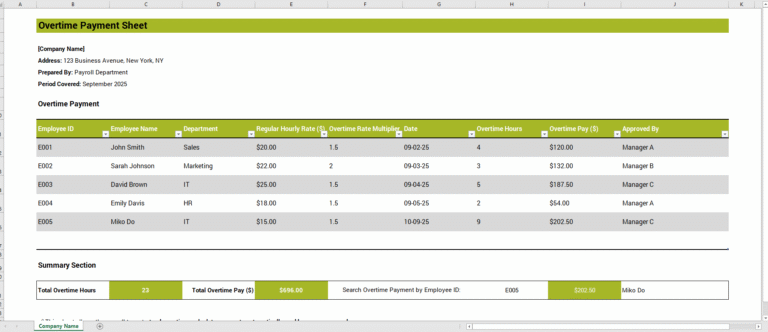
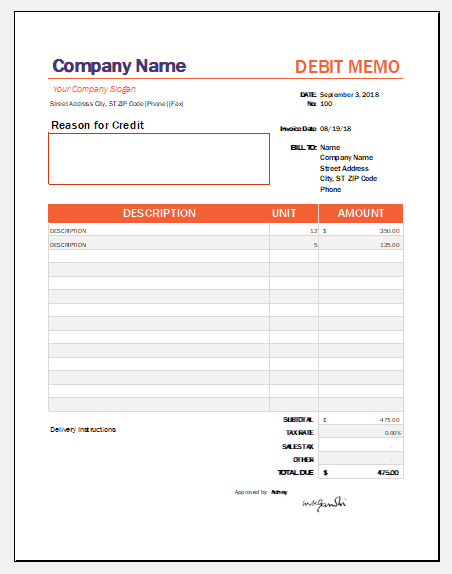
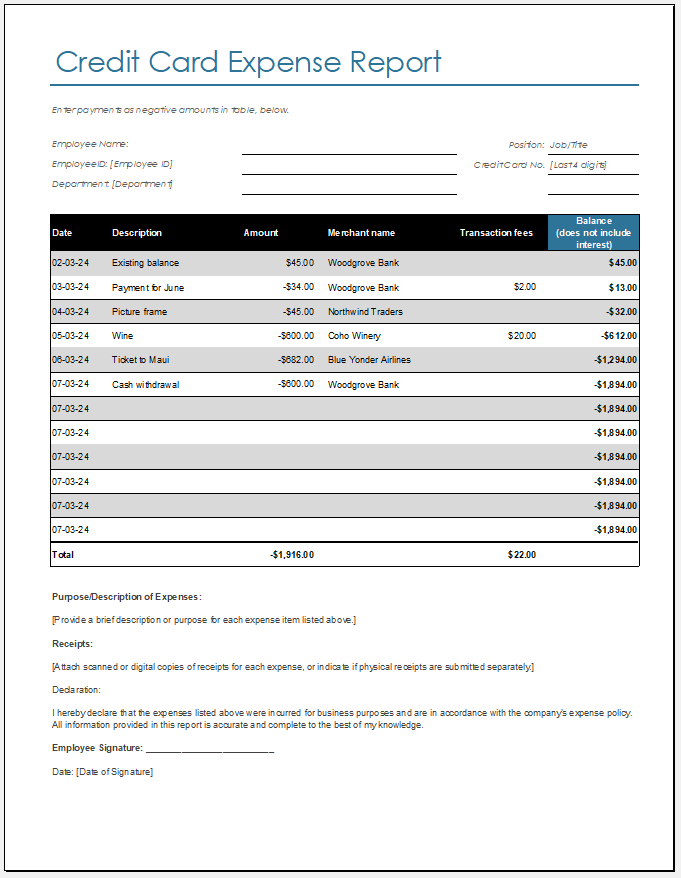
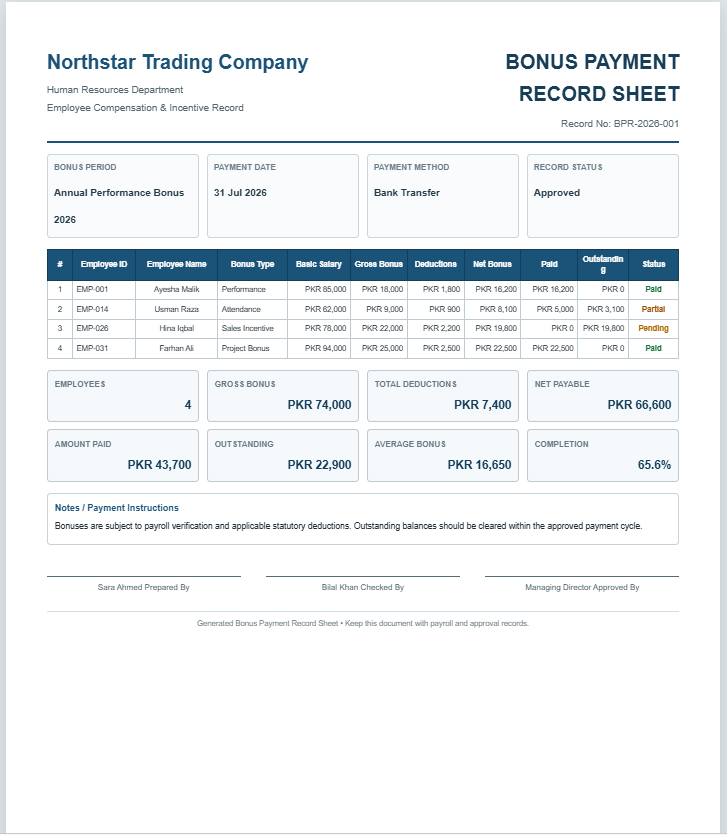
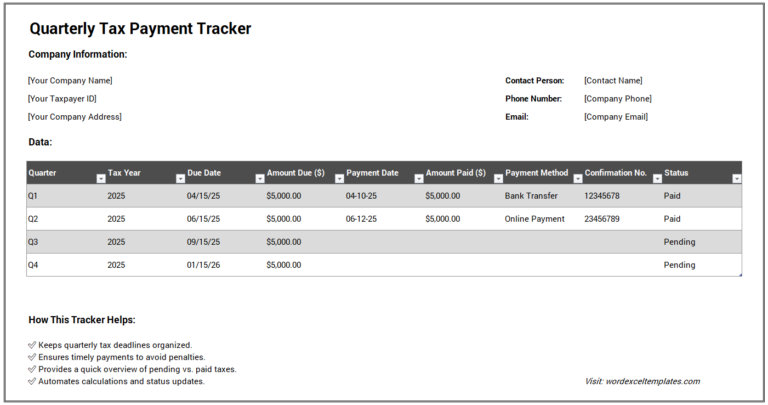
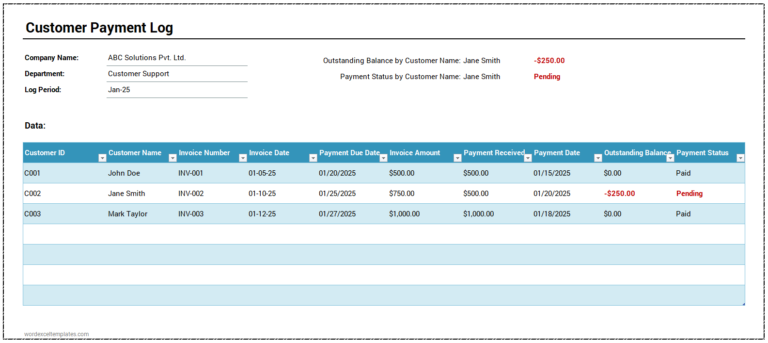
If you prefer working offline, we also offer a collection of free MS Excel Bill Payment Checklist templates that are easy to download and customize. These professionally designed spreadsheets help you record due dates, payment amounts, payment methods, and bill statuses while automatically calculating totals and outstanding balances using built-in formulas.
Simply edit the template to suit your household or business needs and print it whenever required. Whether you’re managing monthly utilities, subscriptions, loans, or business expenses, our free Excel templates provide a reliable and organized way to keep your bill payments on schedule.


- Quotation Register
- Customer Order Tracker
- AI Spreadsheet Builder
- AI SOP Generator
- AI Business Document Generator
- AI Incident Report Generator
- AI Job Safety Analysis (JSA/JHA) Generator
- Inventory Dashboard Generator
- Sales Dashboard Generator
- AI Marketing Strategy Generator.
- AI Email Campaign Generator
- AI Social Media Content Calendar Generator
- AI Customer Persona Generator
- AI Feasibility Study Generator
- AI Executive Summary Generator