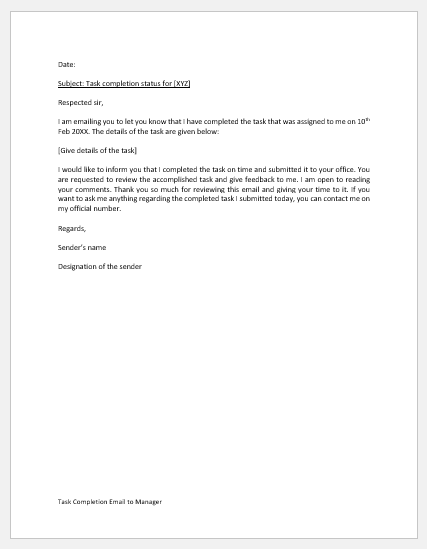
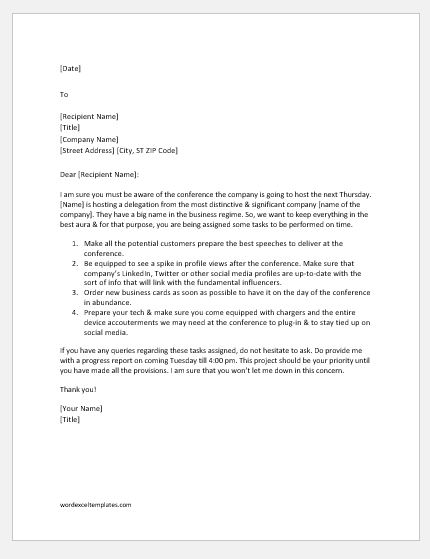
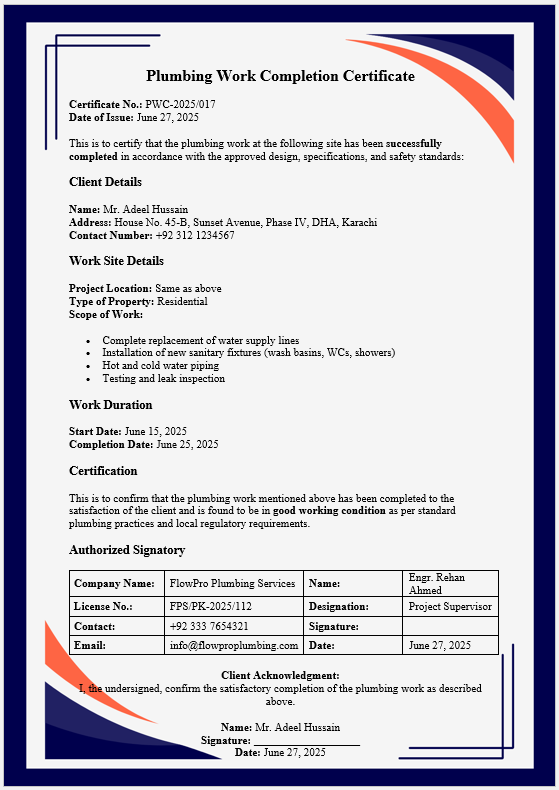
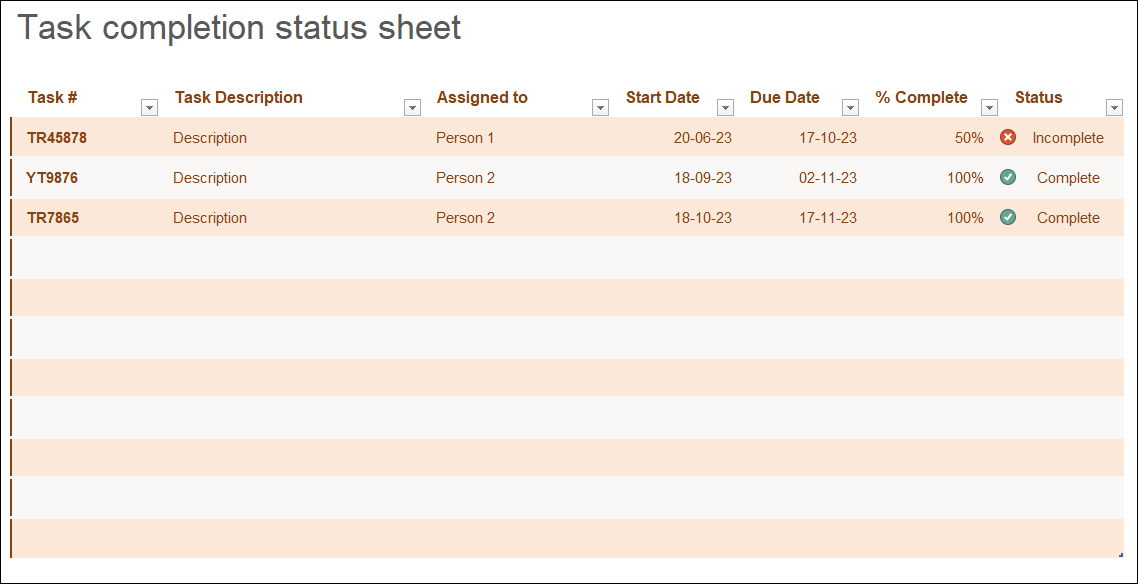
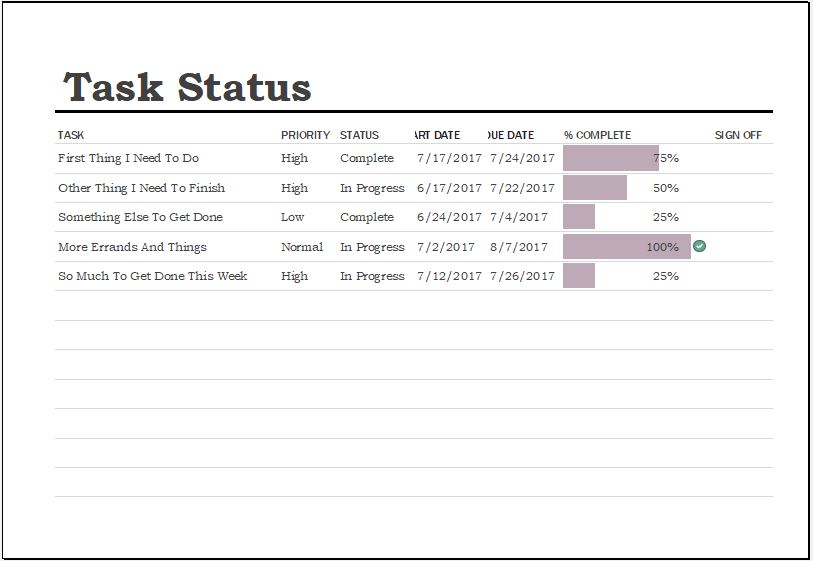
A Task Completion Status Sheet is a practical project management document used to organize, monitor, and track the progress of individual tasks within a project, department, or team. It provides a centralized view of all assigned work, helping managers and team members understand what has been completed, what is currently in progress, and which tasks require immediate attention. The sheet typically includes details such as task name, assigned person, priority, due date, completion percentage, and current status, making it easier to monitor overall project performance.
This tool is valuable for project managers, team leaders, business owners, office administrators, construction supervisors, IT teams, educational institutions, and anyone responsible for coordinating multiple tasks. By updating task statuses regularly, users can identify delays, balance workloads, improve accountability, and ensure deadlines are met efficiently.
The generator automatically creates a clean, professional, print-ready Task Completion Status Sheet from the information entered. It provides a live preview that updates instantly as data is added or modified, allowing users to review the document before printing. Built-in summaries, progress indicators, and organized layouts make it easy to present project updates during meetings or maintain accurate records. Whether managing a small assignment or a large project, this tool helps improve productivity, communication, and overall workflow efficiency while reducing manual paperwork and reporting errors.
Task Completion Status Sheet
Record assignments, deadlines, progress, blockers, and completion details.
| Task | Owner | Due Date | Status | % | Priority |
|---|
Frequently Asked Questions
What is a Task Completion Status Sheet?
It is a structured tracking sheet used to record tasks, responsible persons, deadlines, priorities, progress percentages, and current completion status in one place.
Who can use this status sheet?
Project managers, supervisors, team leaders, office staff, contractors, teachers, students, and small business owners can use it to monitor assigned work and follow up on delayed activities.
Which task statuses are available?
The generator includes Pending, In Progress, Completed, and Blocked. Each status appears with a clear visual label in the live preview and printed sheet.
Can I add or remove task rows?
Yes. Use the Add Task button to create new rows and the circular × button to remove any entry that is no longer required.
Does the completion summary update automatically?
Yes. Total tasks, completed tasks, active tasks, delayed or blocked tasks, and the overall average completion percentage are recalculated whenever you change an entry.
Can I print the completed status sheet?
Yes. The Print button prints only the live preview section on A4 portrait paper while preserving tables, borders, colors, labels, and typography.
MS Excel Templates
- Quotation Register
- Customer Order Tracker
- Inventory Dashboard Generator
- Sales Dashboard Generator
- SWOT Analysis Generator
- KPI Scorecard Generator
- Warehouse Bin Location Generator
- Dispatch Slip Generator
- Universal Work Order Generator
- Office Asset Transfer Form Generator
- Summer Holiday Assignment Cover Page Generator
- Salary and Overtime Calculator Template
- Summer Vacation Planner Generator
- Outlet Mall Shopping Planner
- Customer Information and Ranking Sheet