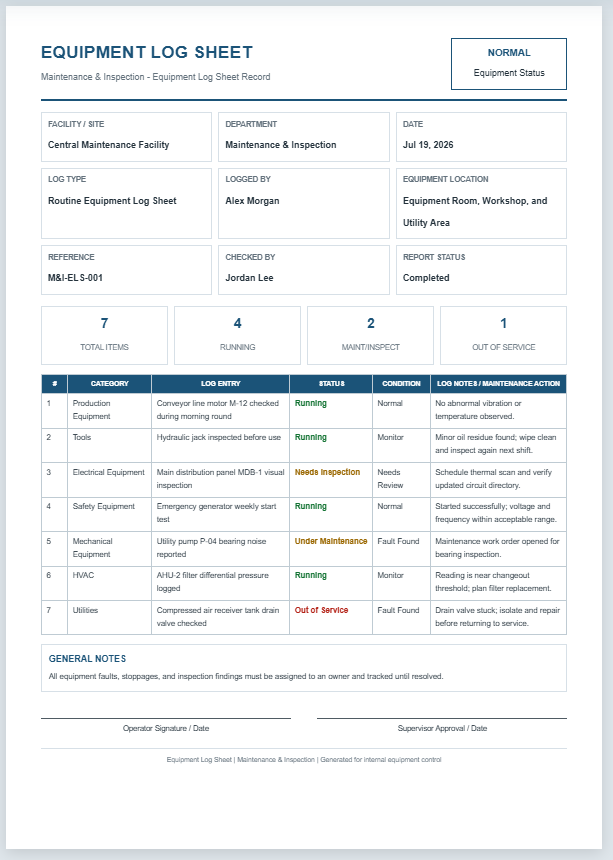
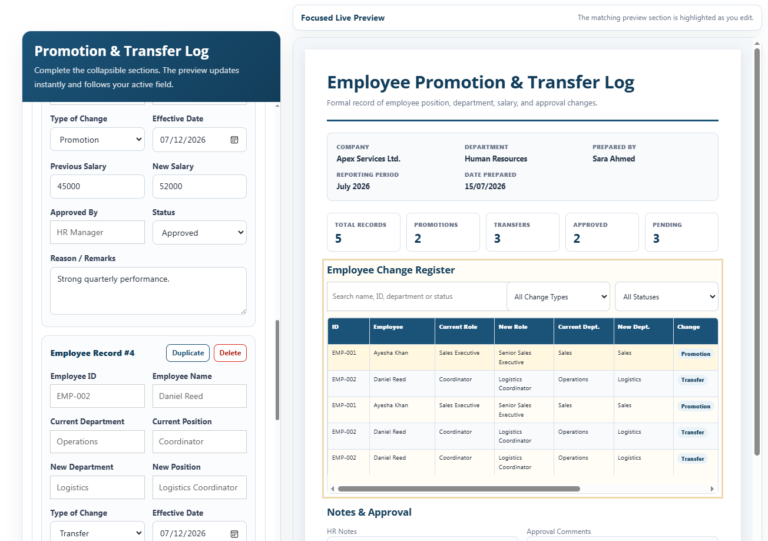
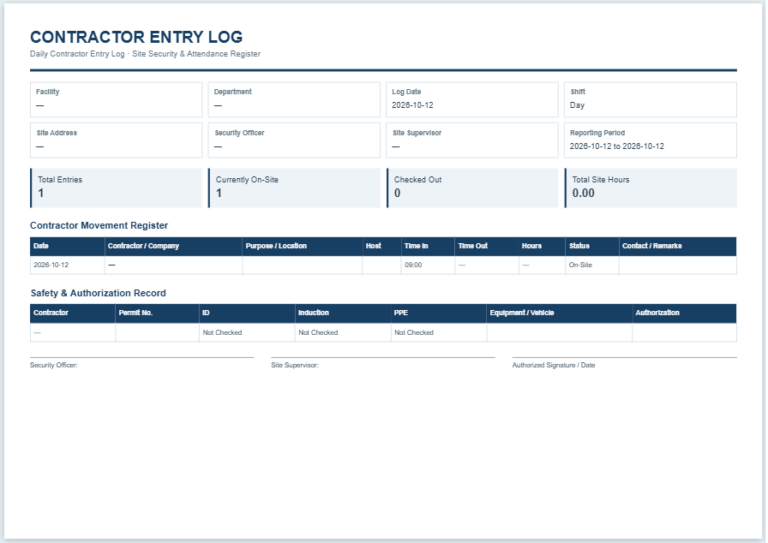
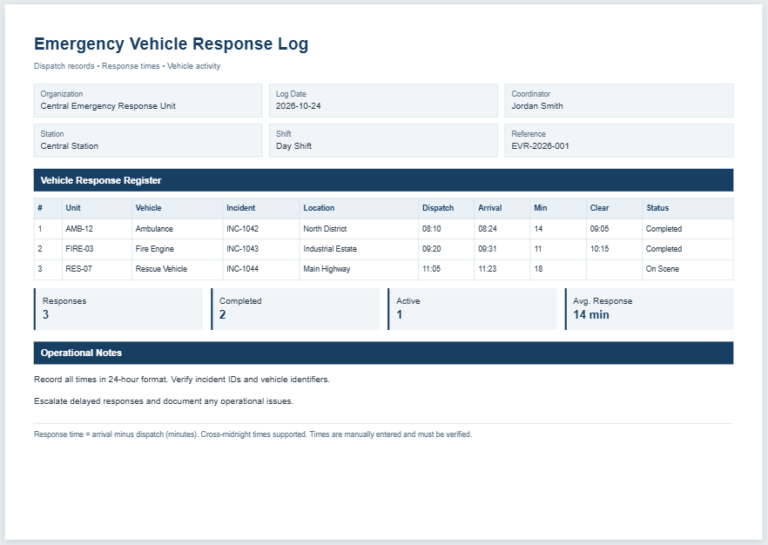
No one wants to lose their belongings, and when it happens, finding them quickly becomes a priority. Items found at an organization or facility should be handled through a clear procedure so they can be returned to their rightful owners.
An established process helps staff and visitors know where to hand in found items and where to ask about missing belongings. A lost and found log can support this process.
What is a Lost and Found Log?
This is a document used to record missing belongings and items found at a particular location or establishment. It provides a central record that helps staff manage inquiries, track items, and arrange their return to the appropriate owners.
(You can easily create a sample log using the tool below.)
Lost and Found Log
Register reported and recovered property, record ownership claims, and track item disposition.
Register Information
Lost & Found Entries
Add each item separately. New records expand automatically and focus the first input.
Handling & Return Procedures
Review Log
Review the live A4 log, update statuses, then download an editable Excel sheet or print a clean copy.
What Does a Lost and Found Log Do?
The log includes details such as an item’s description, when and where it was found, who handed it in, and where it is stored. It also records whether the item has been claimed and when it was returned.
Create a Log for Your Establishment
Consider the following points when preparing a lost and found log:
Create the Log
You can use Microsoft Excel or another suitable application. Give the document a clear heading, such as “Lost and Found Log,” and include the organization’s name.
Organize the Details in a Table
Create columns for the information needed to identify and track each item. Useful fields include:
- Reference number
- Item description
- Date and time found or reported missing
- Location where the item was found or last seen
- Finder’s name and contact details, where appropriate
- Storage location
- Status, such as reported missing, unclaimed, or returned
- Claimant’s name and contact details
- Ownership verification notes
- Date and time returned
- Name of the staff member who released the item
- Additional notes
The “Claimed By” field should identify the person collecting the item, rather than the person who found it. A photograph may also be included when useful.
Review the Log Regularly
Update the log whenever an item is reported missing, handed in, claimed, or otherwise dealt with under your establishment’s procedures. Regular reviews help keep the information accurate.
If you display lost and found notices at reception or on your website, use a separate public list with limited descriptions. Keep personal contact details and identifying information used to verify ownership in the internal record.
Use a Clear Format
Keep the layout professional, consistent, and easy to read. Use clear column headings and include only relevant information so staff can enter details and locate records without difficulty.
The Log Makes Items Easier to Track
A lost and found log helps businesses, schools, and other establishments organize information about missing and recovered belongings. Staff can check what has been found, where it is stored, and whether it has been returned.
Recording a claimant’s details supports accountability, but staff should also verify ownership before releasing an item. For example, they can ask the claimant to describe distinguishing features that have not been included in a public notice.
The log can improve customer service by providing a consistent way to handle lost property inquiries. Accurate records also make the process more transparent and provide a reference if questions arise about how an item was handled. Keeping the log updated can increase the likelihood of returning belongings to their rightful owners.

Log File Download: