When an employee incurs business expenses on behalf of their employer, they can request reimbursement in accordance with company policy. Submitting an expense claim provides a record of the money spent and allows the company to review the expenses before approving payment.
An expense claim record sheet is a spreadsheet or Microsoft Word document used to record business expenses incurred by an employee. The basic objective of the sheet is to inform the employer about the expenses incurred and provide the details needed to review the claim. The employer checks the entries and supporting documents before reimbursing approved expenses.
Companies may require employees to complete an expense claim sheet and submit it with receipts or other supporting documentation. Recording expenses as they occur helps employees prepare accurate reimbursement claims. Relying on memory can lead to missing entries or incorrect amounts. A dedicated record sheet keeps relevant business expenses organized and separate from personal spending.
Once completed, the sheet can be submitted to the appropriate manager or finance representative for review.
Although every business has its own requirements, some details are commonly included:
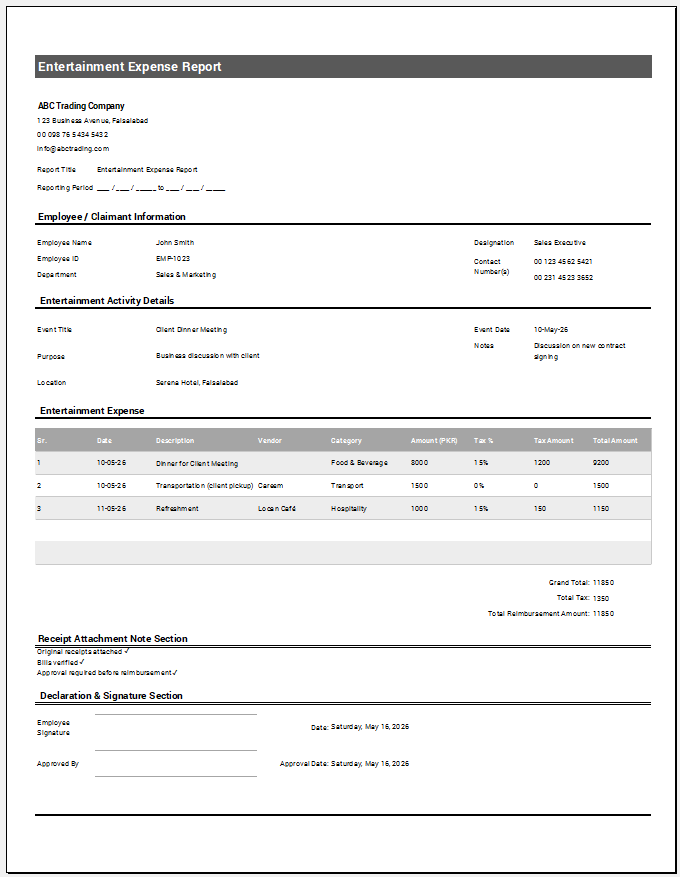
- Employee information, such as name, employee ID, and department.
- The date each expense was incurred.
- A description of each expense and its business purpose.
- The amount and currency of each expense.
- Receipt references or supporting documents.
- The total amount claimed.
- The employee’s signature and submission date, where required.
- A section for approval and reimbursement status.
An expense claim record sheet should be clear, accurate, and professionally presented. Consistent formatting and complete supporting information make the claim easier to review and process.
Create a FREE expense record sheet as given below.
Company & claim information
Expense claim entries
Add expenses below. Approved amounts and payment amounts are tracked separately. Department mode adds an employee name and claim reference for every row.
Reimbursement & approval
Review & download
Review your claim record in the live preview. The printable document uses A4 landscape. Excel includes editable entries and reimbursement formulas.
Template
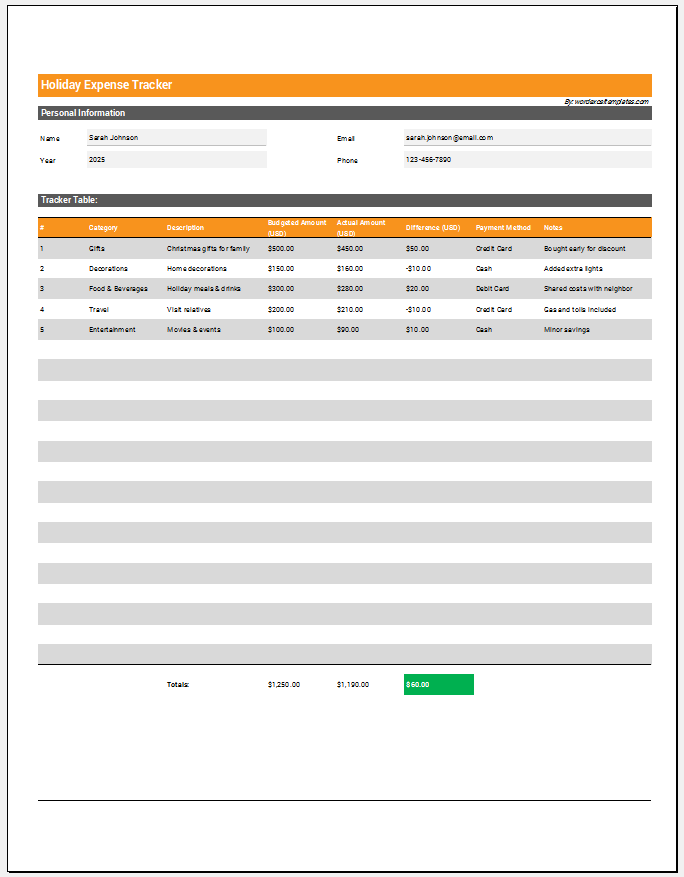
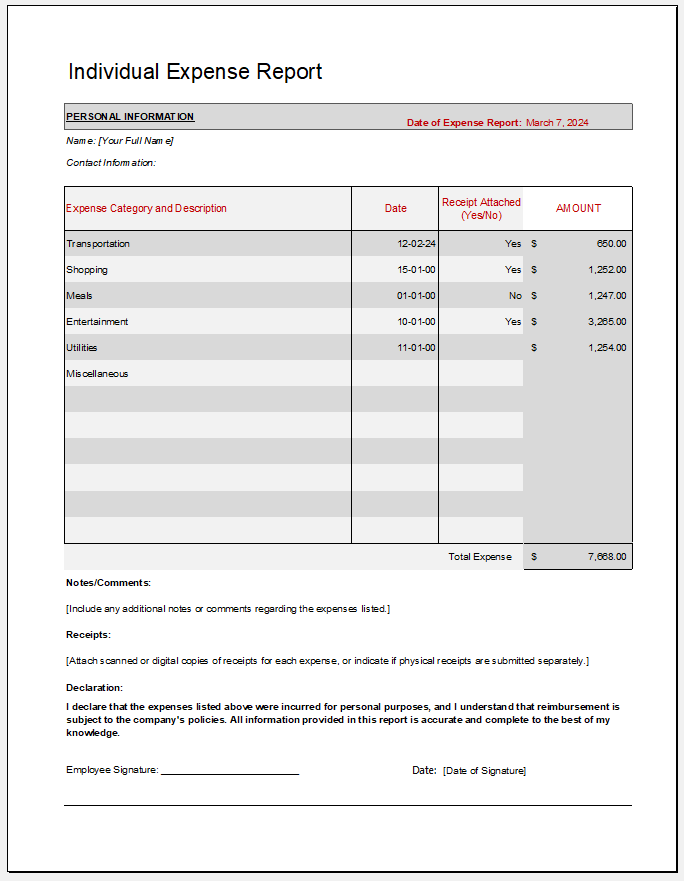
A ready-made template provides a structured layout for recording expense claims. A Microsoft Word template can be used to enter and present the details, while a spreadsheet template can include formulas to calculate totals automatically.
The template can be customized to suit the company’s requirements, including its expense categories, approval process, and required documentation. Using it consistently helps employees track their spending and prepare organized claims for reimbursement.