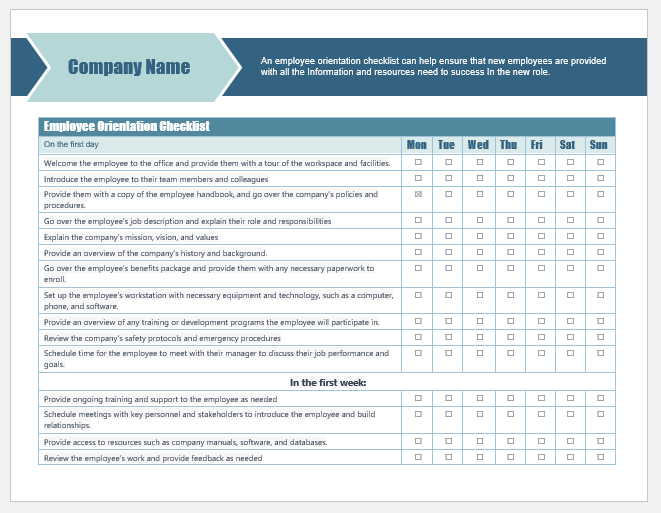
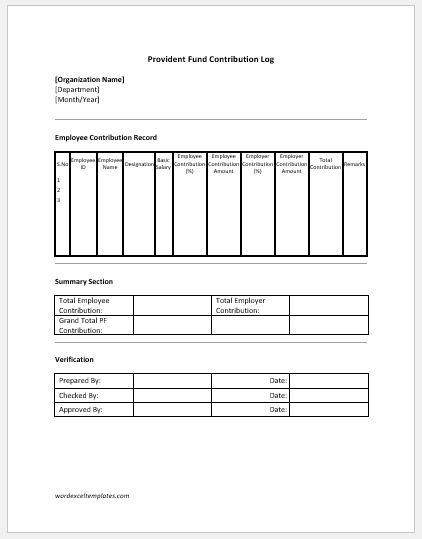
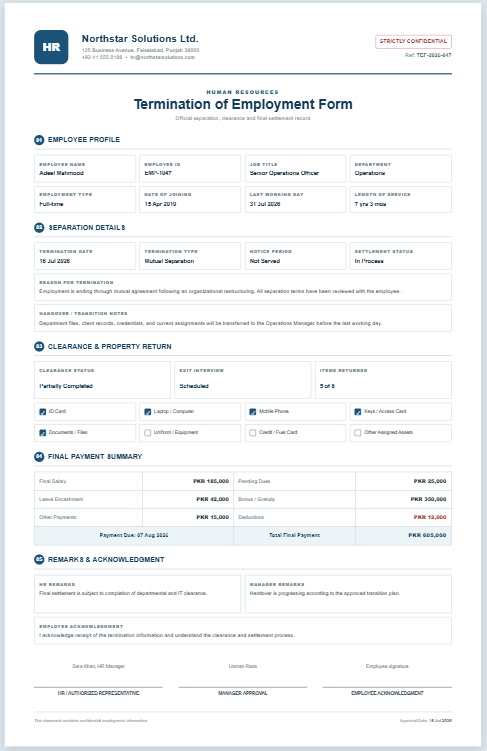
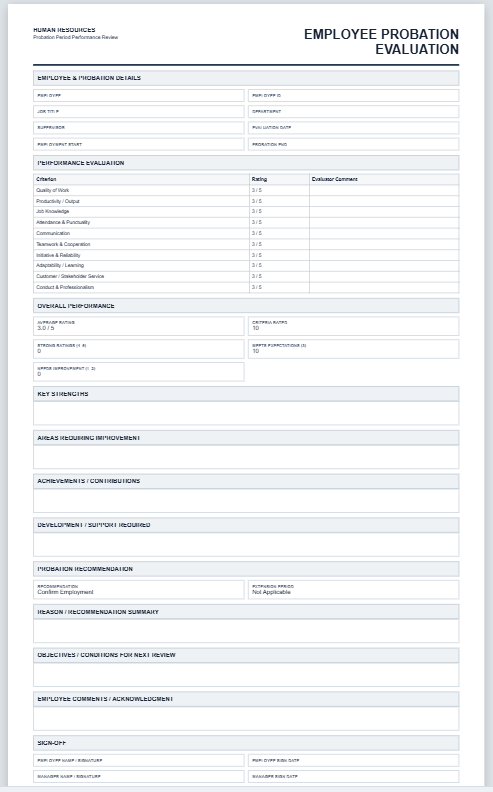
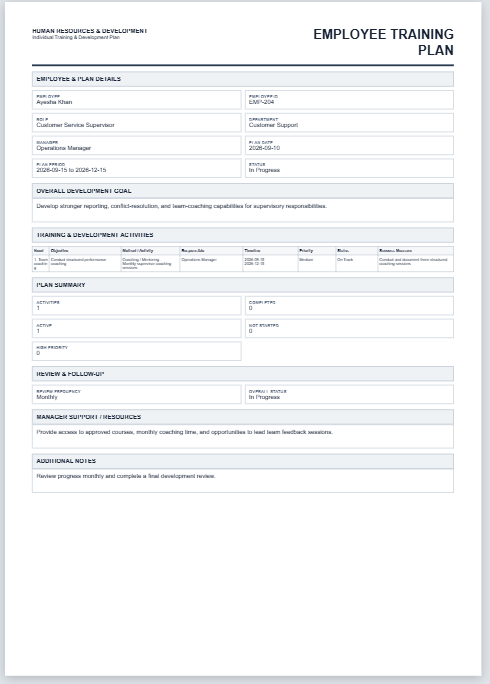
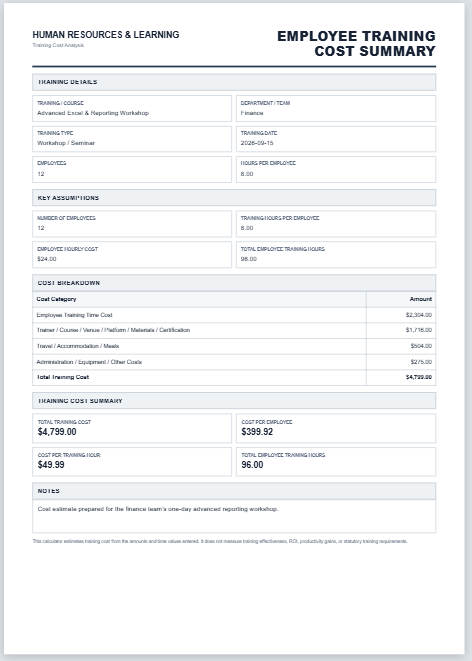
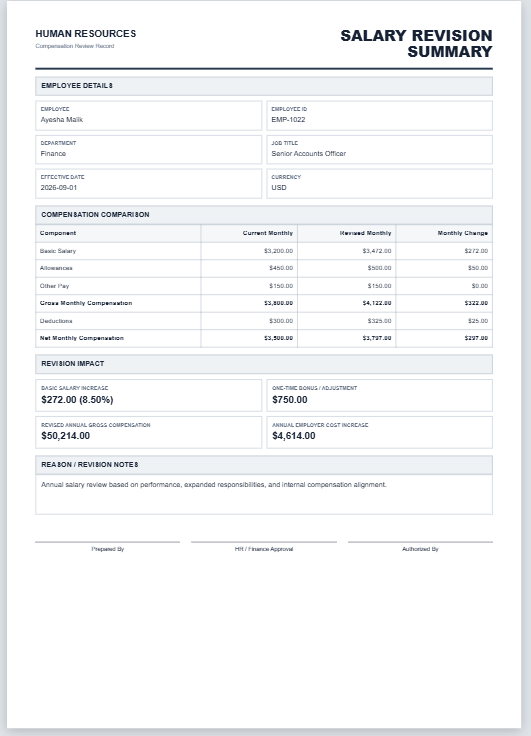
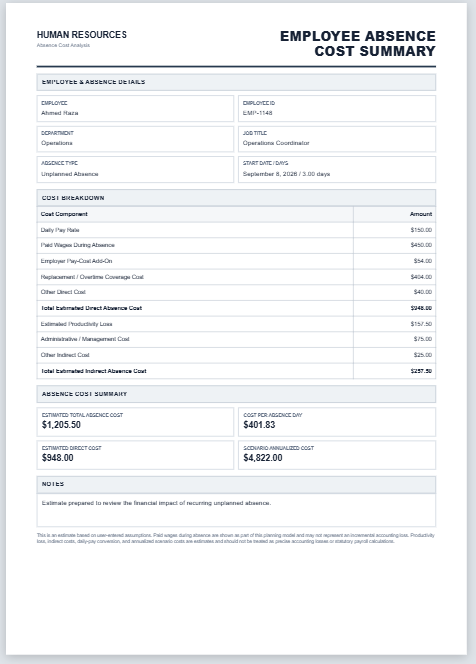
The Employee Orientation Forms Generator helps organizations create professional and organized orientation documents for new employees. It simplifies the onboarding process by allowing HR teams to record employee information, orientation schedules, training sessions, company policies, issued equipment, safety instructions, and department introductions in one place. Users can customize every section, update information instantly, and review changes through a live preview before printing.
The generator also supports orientation checklists, mentor assignments, follow-up reviews, and signature fields to ensure a complete onboarding record. It is an ideal solution for HR departments, businesses, schools, and organizations seeking a structured employee orientation process.
Employee Orientation Forms Generator
Create a complete new-hire orientation record, checklist, policy acknowledgment, training schedule, and sign-off sheet.
Frequently Asked Questions
What is an employee orientation form?
An employee orientation form records the information, policies, training, introductions, assets, and workplace procedures provided to a new employee during onboarding.
Who should complete this form?
HR staff, an orientation coordinator, the employee’s reporting manager, or another authorized onboarding representative can complete the form.
Can I customize the orientation checklist?
Yes. The generator includes a broad checklist that can be marked complete or incomplete. Text fields for training, policies, assets, schedules, and notes are fully editable.
Does the generator save information automatically?
The form updates the preview instantly. Use Save Draft to keep the current information in the browser and Load Draft to restore it later on the same device.
Can I print only the orientation form?
Yes. The Print buttons open an isolated A4 print document containing only the Live Preview, with its colors, borders, tables, spacing, and signature section preserved.
Is the form suitable for remote employees?
Yes. Work location, system training, mentor details, policies, assets, and follow-up information can be adapted for remote, hybrid, or office-based onboarding.
What should be included in orientation?
Common topics include company policies, job expectations, workplace safety, payroll and benefits, IT access, team introductions, work tools, emergency procedures, and employee questions.
Can it be used as an acknowledgment form?
Yes. The printable form includes employee, manager, and HR signature lines to confirm that the orientation was completed and understood.
Will long content continue onto another A4 page?
Yes. The print layout is designed for A4 portrait paper and allows longer schedules, notes, or checklists to continue naturally without printing the input interface.
Does this replace official HR policies?
No. It is an administrative record and should be used together with your organization’s approved employment policies, legal documents, and onboarding procedures.
MS Word Format Templates
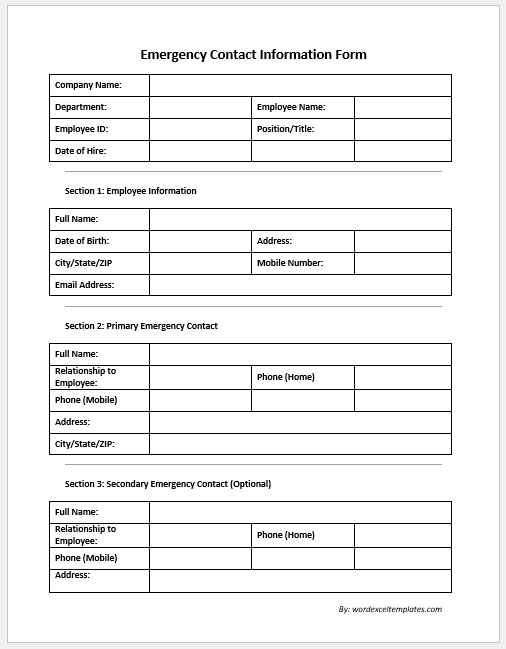
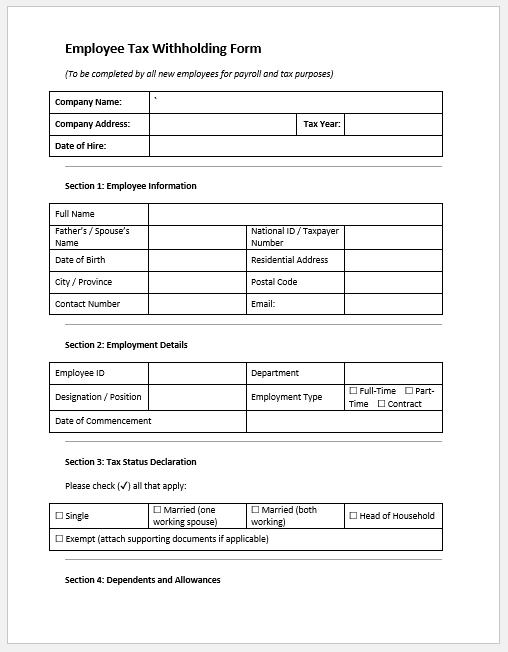
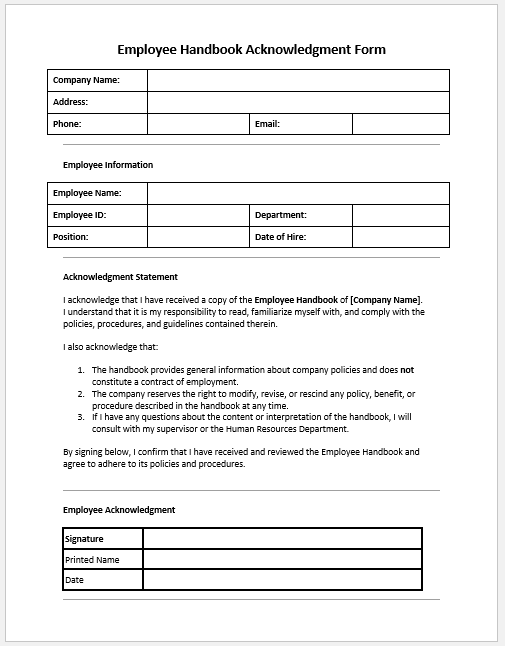
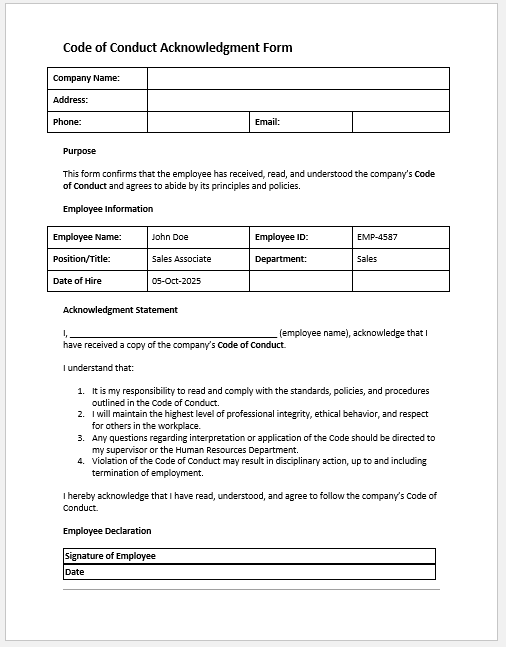
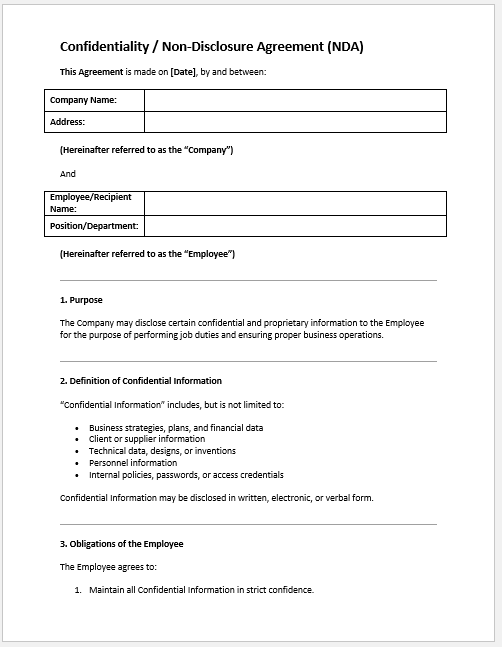
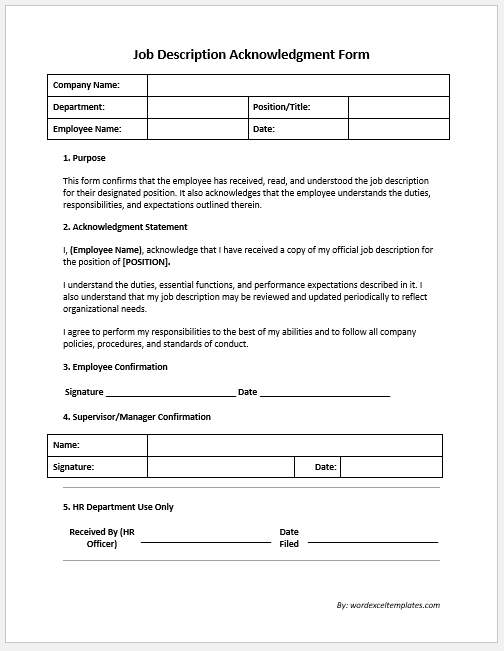
Kickstart your employee onboarding process with our collection of employee orientation forms. It includes personal information and tax forms to policy acknowledgments, NDAs, and training checklists. These forms ensure compliance, organization, and smooth integration for every new hire.
Our professionals have designed ready-to-use templates for all these forms in MS Word format, available as editable or PDF versions for quick download on this page.







- Reimbursement Management Forms
- Forms Used for Workplace Ethics and Policies
- Forms used for Operations in an Organization
- Procurement/Supply Chain Forms
- Downloadable Forms for Unprofessional Behavior
- Commonly Downloaded Office Forms
- Employee Dispute & Grievance Forms
- Insurance & Protection Benefit Forms
- Employee Retirement & Pension Forms
- Employee Service & Tenure Forms
- Employee Health & Well-being Forms
- Employee Scrutiny & Evaluation Forms
- Customer Service and Support Form Generator
- Commonly Used Forms for Payroll Correction
- Employee Exit Forms -Generate Online