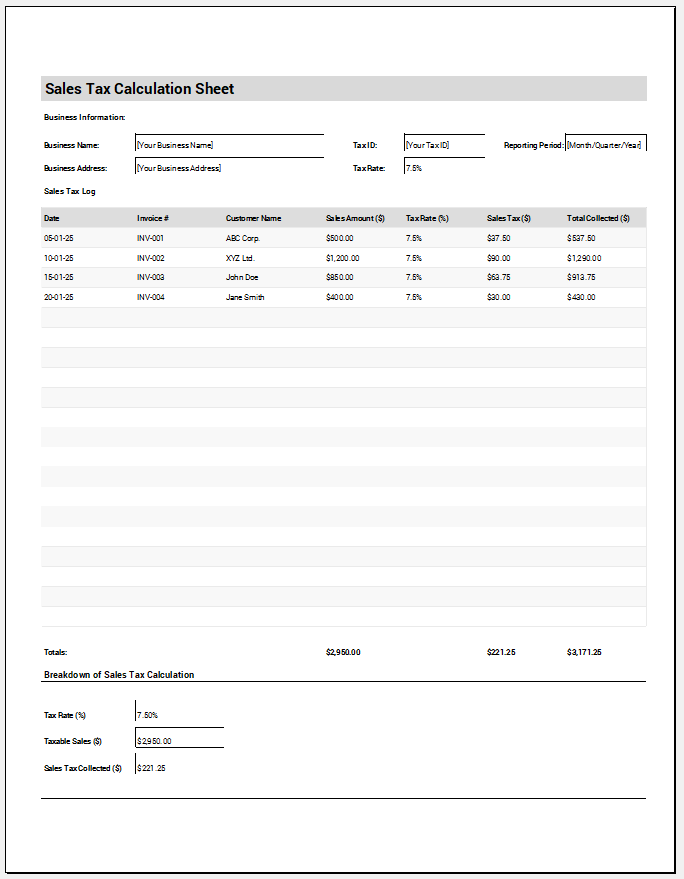
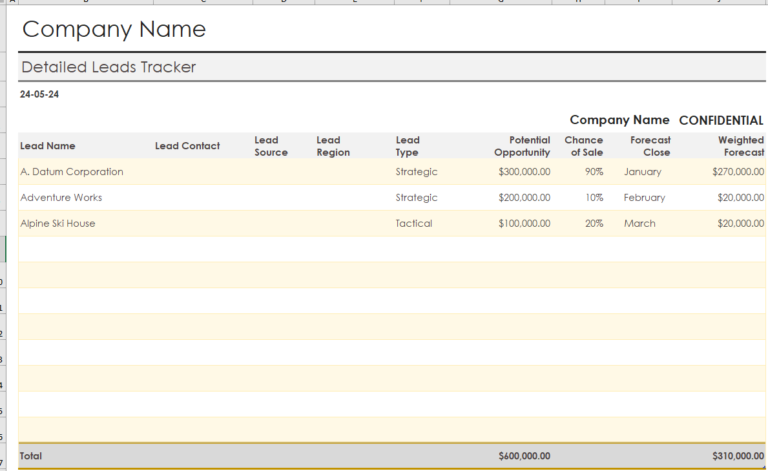
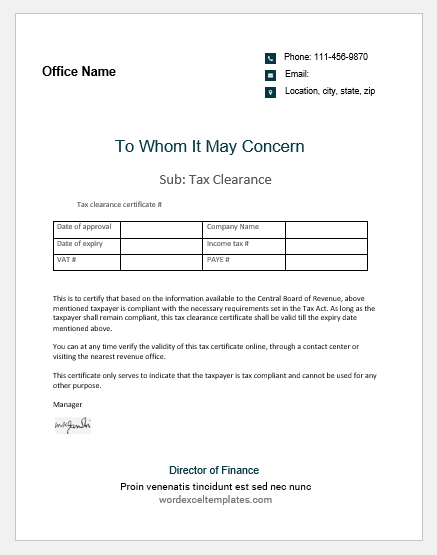
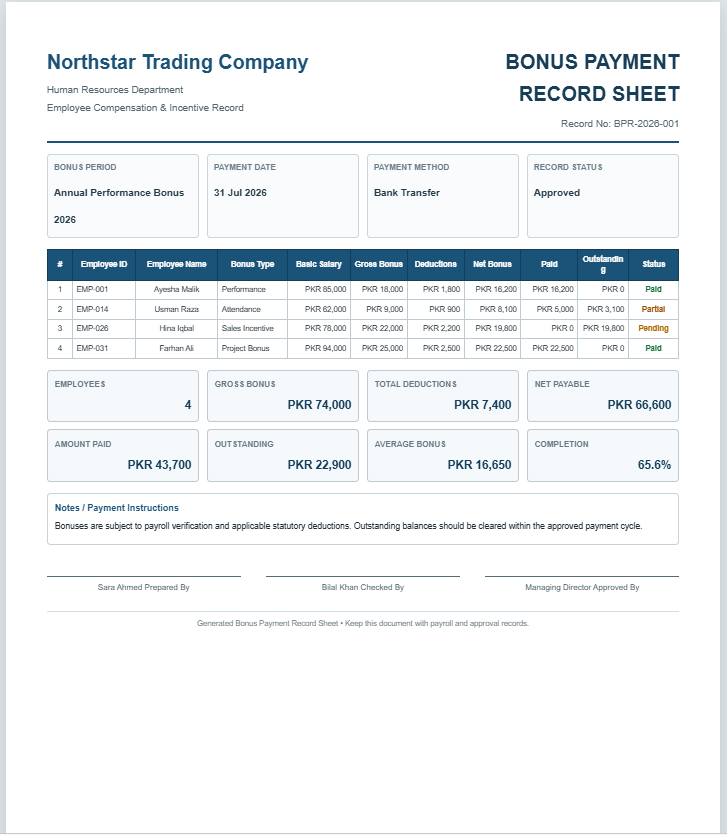
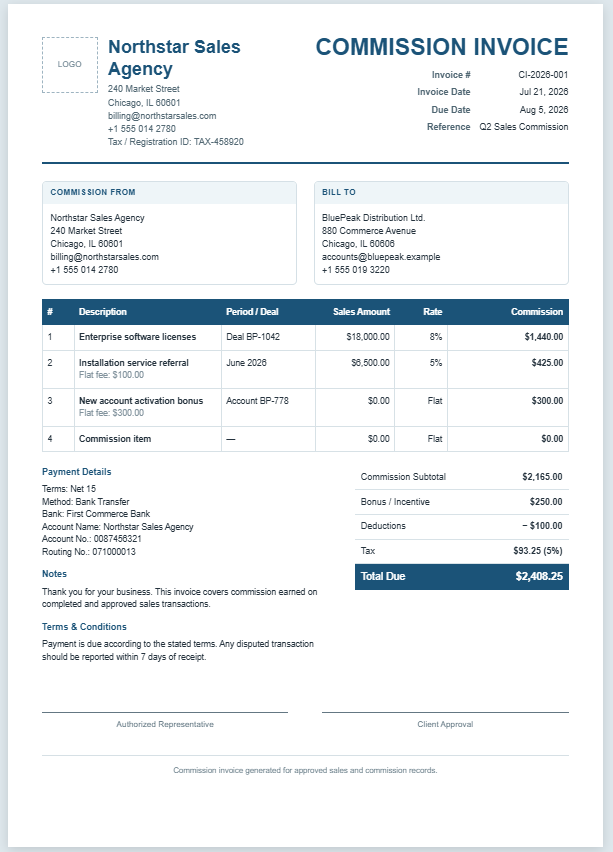
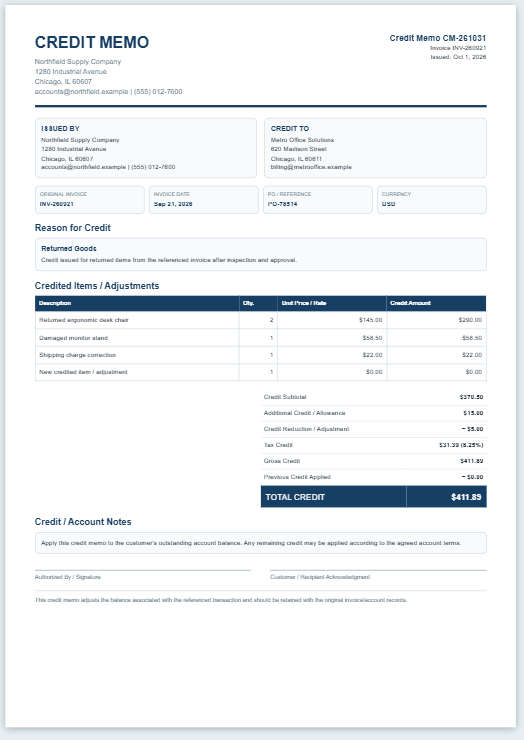
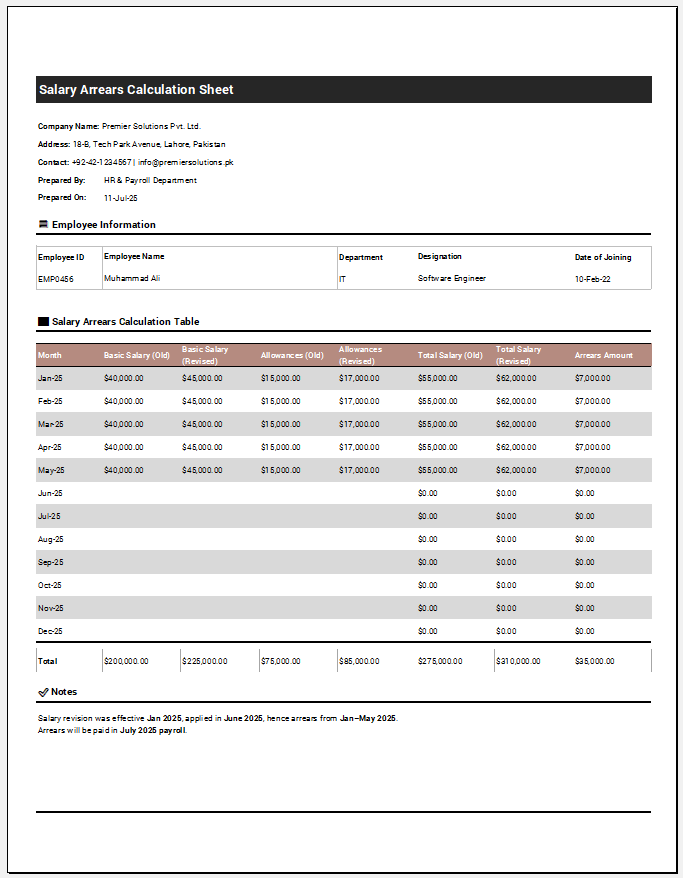
A Sales Tax Calculation Sheet helps businesses calculate and maintain a clear record of sales tax collected from transactions. It records taxable and non-taxable sales, discounts, applicable tax rates, returns or refunds, and other tax adjustments. The sheet calculates the taxable amount, sales tax, and transaction total automatically.
How to Use the Sales Tax Calculation Sheet?
Enter the business and reporting-period details, then add individual sales transactions with their amounts, discounts, tax status, and applicable tax rates. Add any returns, refunds, tax adjustments, or previous tax credits where necessary.
The sheet automatically summarizes gross sales, taxable sales, non-taxable sales, sales tax collected, and the estimated sales tax due, providing an organized record for reviewing sales-tax calculations.
Business & Tax Details
Adjustments & Tax Summary
Calculation Snapshot
SALES TAX CALCULATION SHEET
| Date / Invoice | Customer / Description | Tax Status | Sales | Taxable | Rate | Tax | Total |
|---|