A company needs to balance its staffing requirements with the funds available to support its workforce. A payroll budget helps it plan for anticipated salaries, wages, employer-paid benefits, and other employment-related costs.
Effective payroll budgeting helps a business allocate resources and prepare for payments when they are due. A payroll budget sheet can organize these estimates and provide a reference for monitoring actual expenses.
A payroll budget sheet helps a company understand its expected staffing costs and assess whether sufficient funding is available. It can also support decisions about recruitment, overtime, salary adjustments, and benefits.
The sheet should include projected gross salaries and wages, employer-paid benefits, and applicable employer payroll contributions. Employee tax withholdings are generally part of gross pay rather than an additional employer expense, so they should be recorded separately if needed for payment planning. The sheet can also account for planned recruitment, departures, vacancies, and salary increases to produce more realistic estimates.
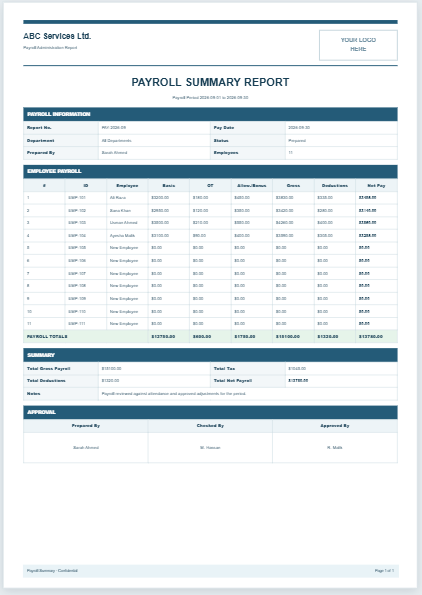
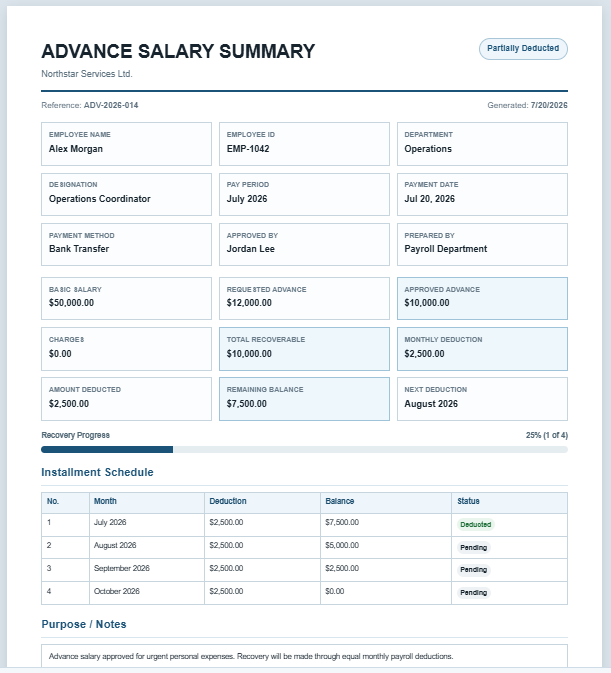
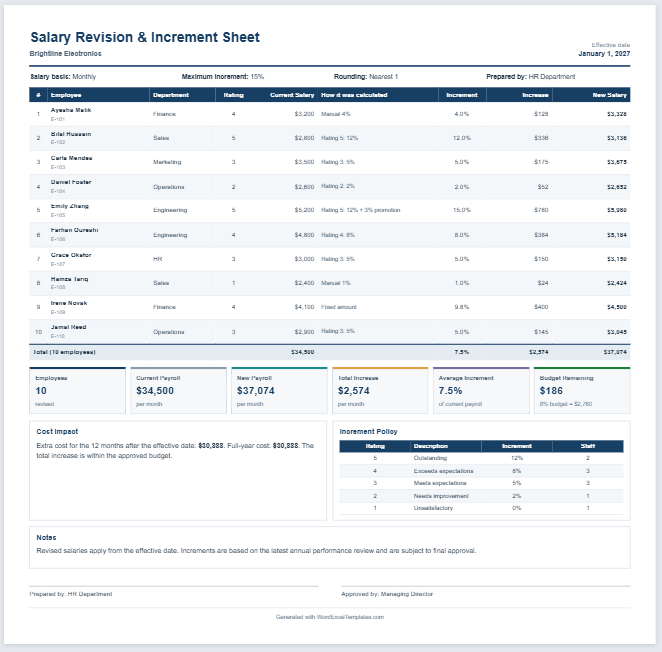
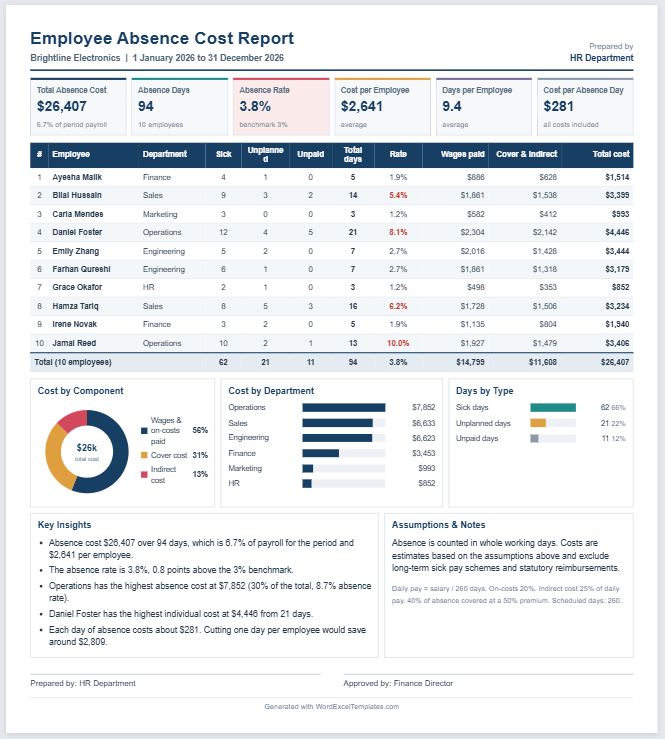
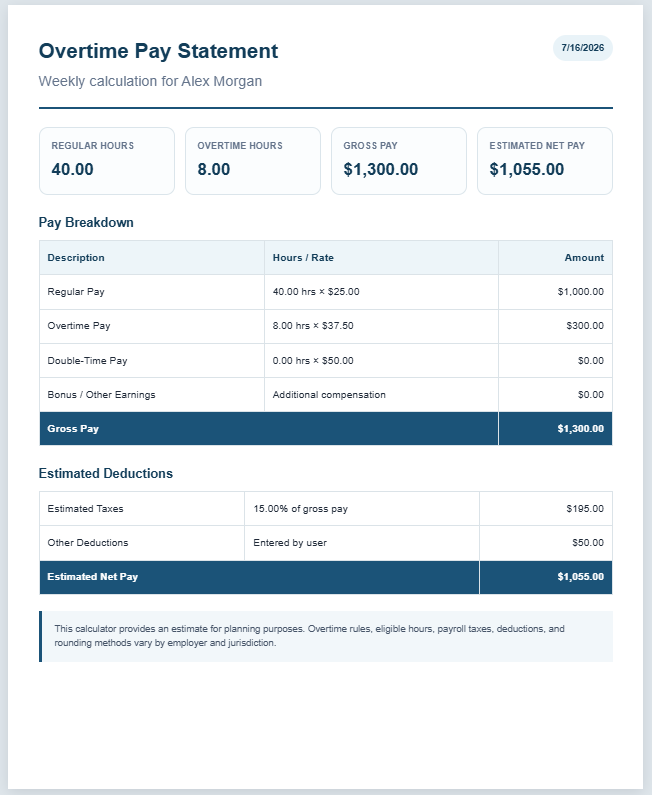
You can create a sample payroll budget below.
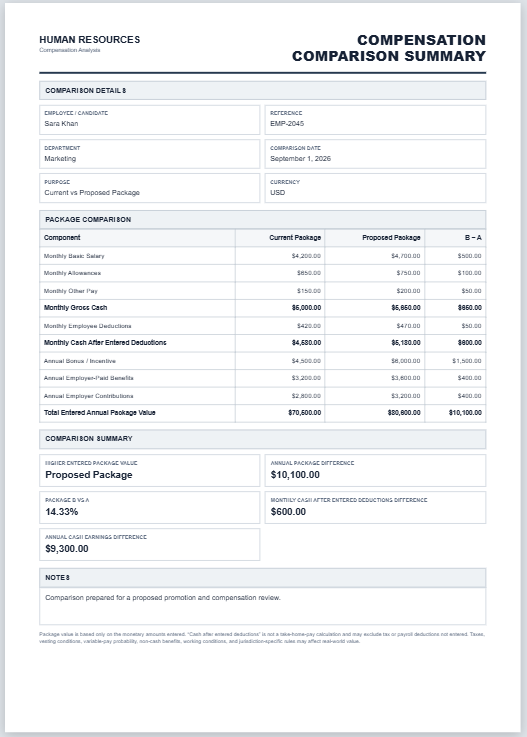
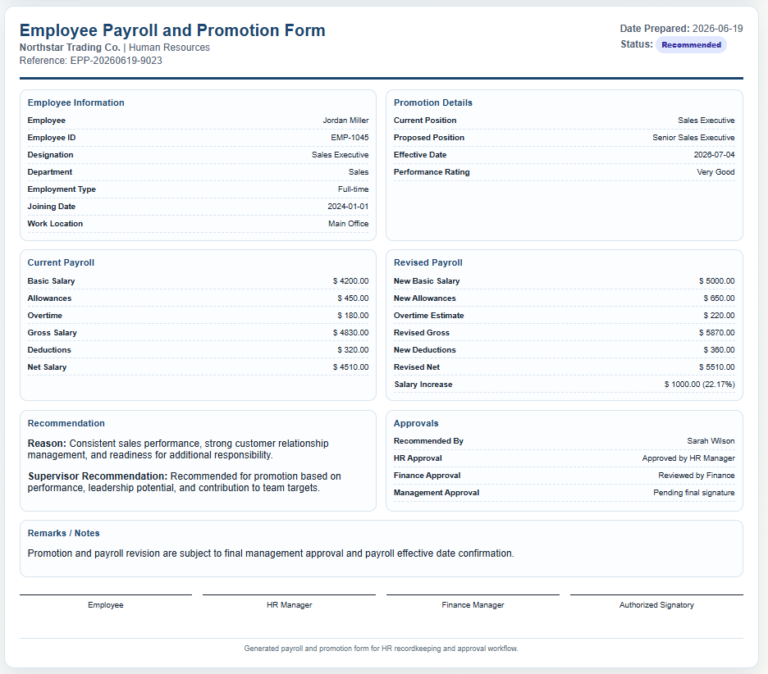
Payroll Budget Sheet
Plan employee payroll costs and compare budgeted amounts with actual spending.
Payroll Details
Employee Payroll Budgets
Enter monthly planned and actual payroll components for each employee.
Planning Assumptions
Review & Approval
Benefits of a Payroll Budget Sheet
The following are some advantages of a payroll budget sheet:
- It organizes expected payroll expenses in one place.
- It helps a company assess the funding needed for wages, salaries, benefits, and employer contributions.
- It allows projected costs to be compared with actual spending so differences can be investigated.
- It supports decisions about staffing levels and the allocation of funds to other business activities.
- It helps managers assess how proposed pay increases, overtime, or new positions may affect costs.
Limitations
- The budget relies on estimates that may differ from actual expenses.
- Unexpected staffing changes or additional costs can make the original figures outdated.
- Preparing and updating the sheet manually can be time-consuming and may introduce errors.
How to Create a Payroll Budget Sheet?
Use a clear structure, consistent calculation methods, and assumptions appropriate to the budget period. Consider the following points:
Company Details
Include the company’s name and the period covered by the budget. Add the department, preparation date, and reviewer’s name where relevant.
Create a Table
Use separate rows for employees or planned positions. Useful columns include:
- Employee name or position reference
- Job title
- Department
- Employment type
- Expected start or end date, where applicable
- Salary or hourly pay rate
- Budgeted working hours, where relevant
- Projected gross pay for the period
- Expected overtime, bonuses, or commissions
- Employer-paid benefits
- Employer payroll contributions
- Total budgeted employment cost
- Notes and assumptions
Ensure that additional earnings are not counted twice if they are already included in projected gross pay. Adjust annual salaries for the period covered and any planned changes during that period.
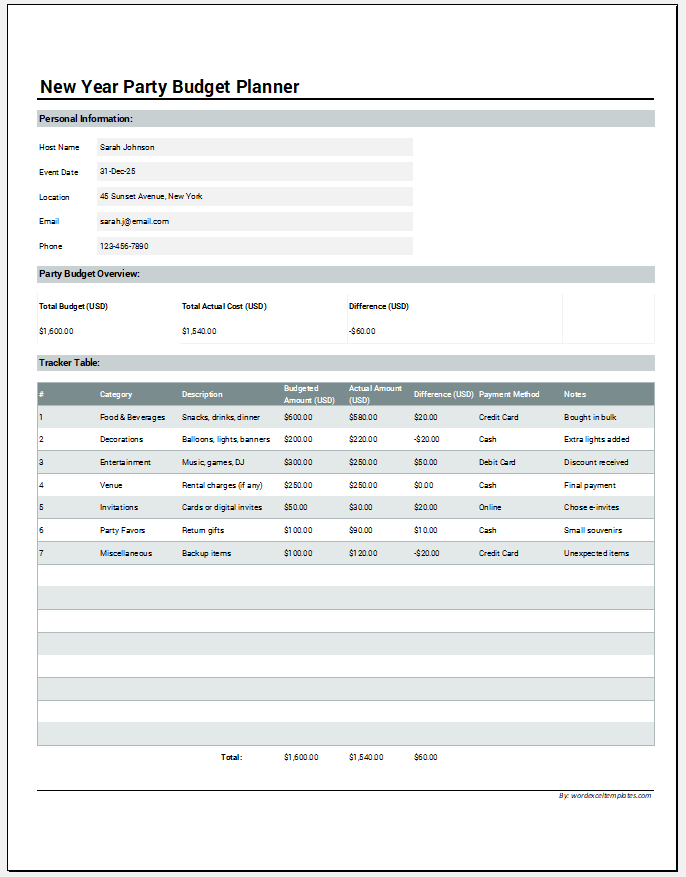
Add summary rows for wages and salaries, additional earnings, benefits, employer contributions, and the overall total. You can also include columns for actual costs and the difference from the budget.
Keep the Sheet Practical
Group related information together and clearly distinguish input cells from formula cells. Include only relevant details, check calculations, and update the budget when staffing plans or pay arrangements change.
A payroll budget sheet helps a business plan workforce spending and review whether its staffing plans are affordable. Keeping it accurate and current supports better resource allocation and more informed financial decisions.