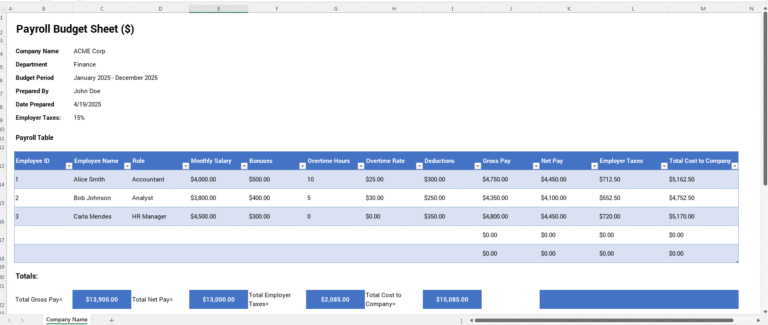
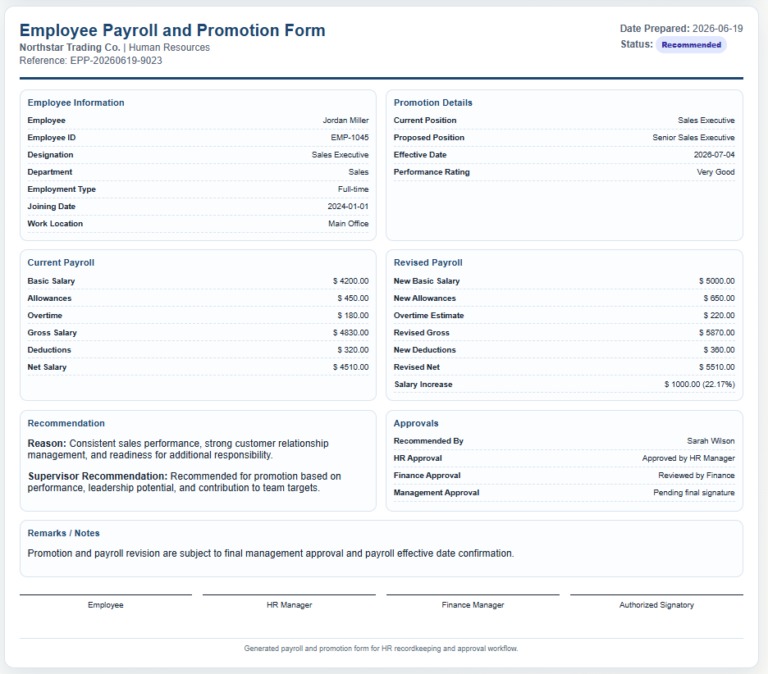
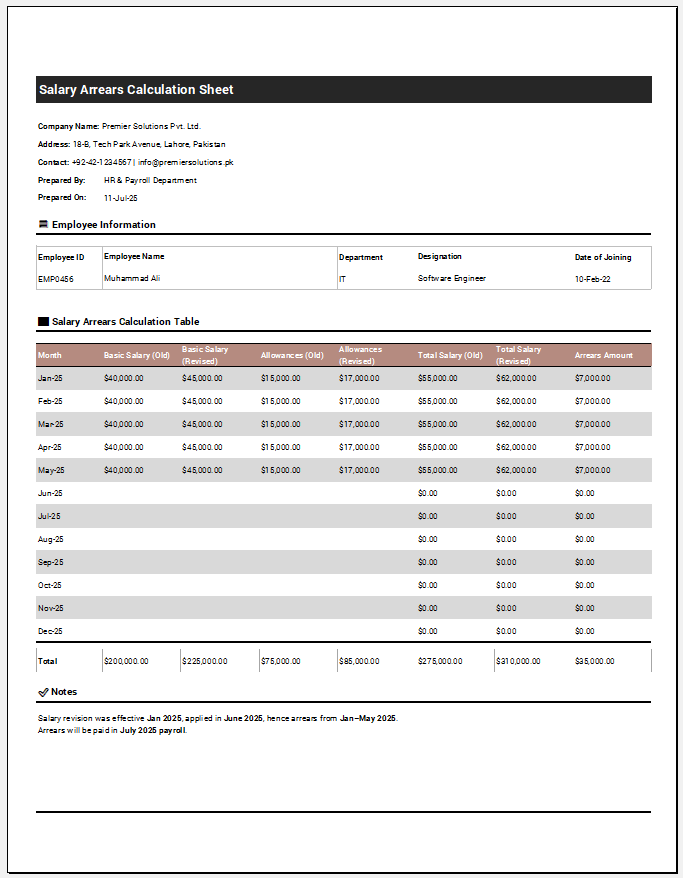
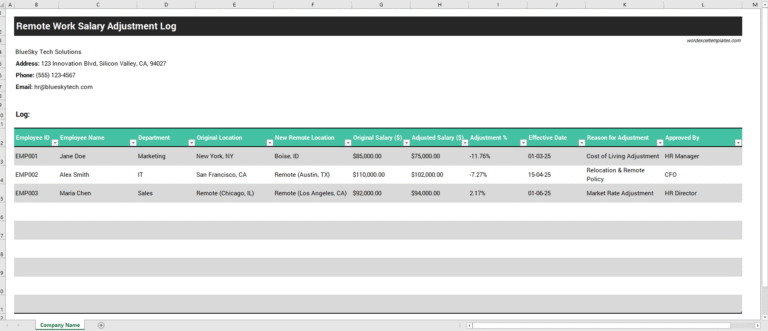
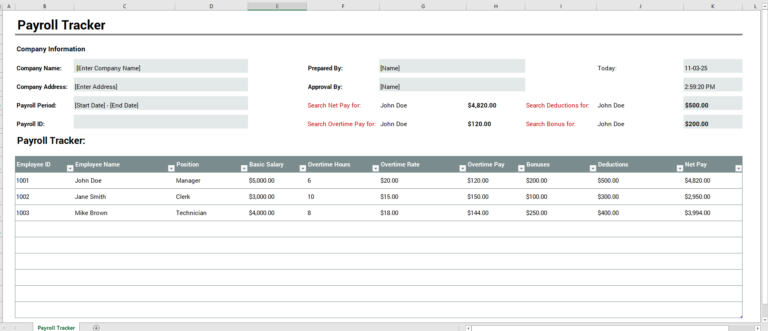
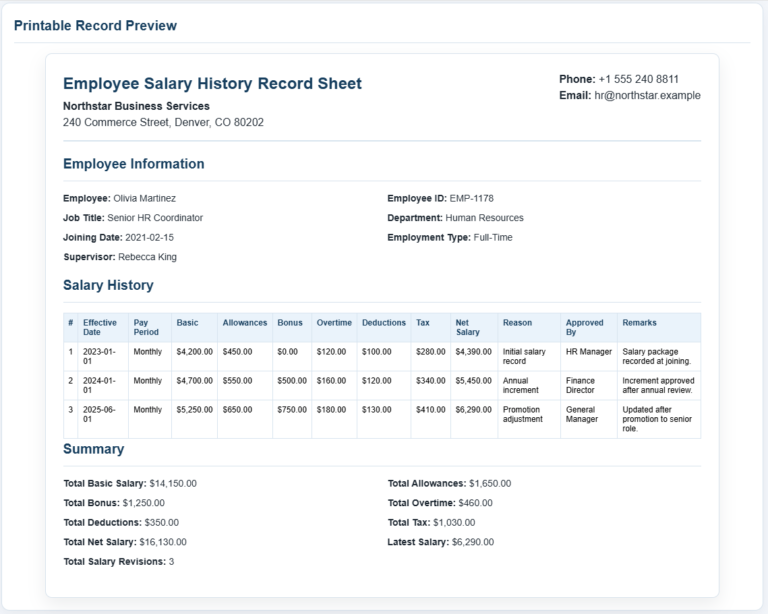
A Payroll Summary Report Sheet Generator is a practical tool that helps businesses compile and review payroll information for a specific pay period. Organizations need to understand their payroll expenses to monitor labor costs, identify spending trends, and ensure that employees are compensated accurately. By generating a detailed payroll summary report, employers can evaluate whether payroll expenses align with business objectives and financial planning goals.
Unlike traditional spreadsheets that require manual calculations, the online Payroll Summary Report Sheet Generator simplifies the entire process. Users only need to enter employee and payroll-related information, and the system automatically performs the calculations and organizes the data into a professional report format. This reduces administrative workload while improving accuracy and consistency.
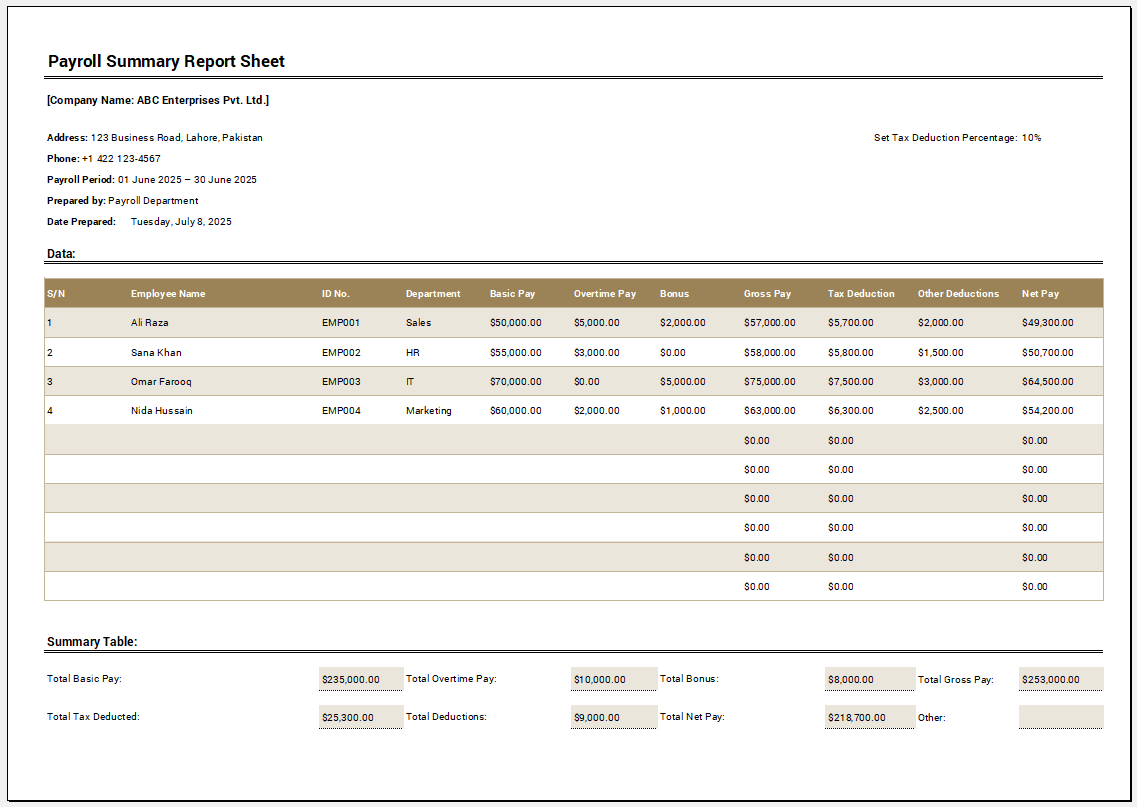
Payroll Summary Report Sheet
Prepare an employee payroll summary with automatic gross pay, deductions and net payroll totals.
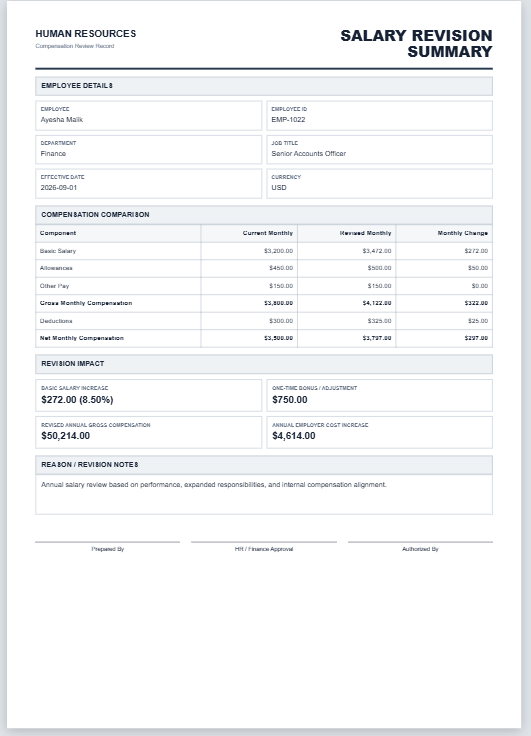
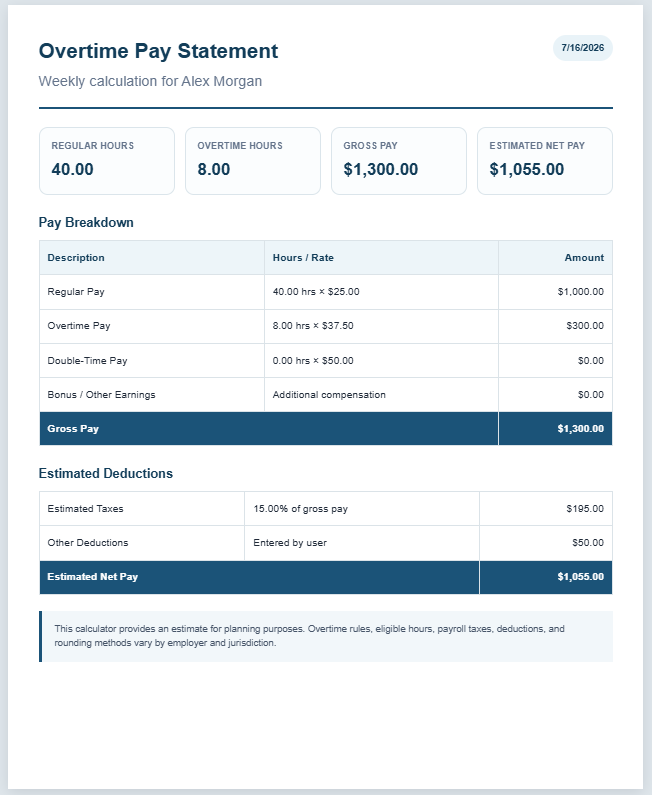
The generated report provides a clear overview of employee earnings, deductions, taxes, benefits, and net pay for a selected period. Employers can quickly assess total compensation costs and gain valuable insights into payroll trends across departments or teams. The report also serves as an important internal document for budgeting, auditing, and financial reporting purposes.
One of the major advantages of using an online payroll summary generator is its convenience. There is no need to install software or create formulas manually. The tool can be accessed directly through a web browser, making it suitable for small businesses, HR departments, accountants, and payroll administrators who need quick and reliable payroll reports. Once the required information has been entered, users can instantly generate, print, or download the completed report for recordkeeping and sharing purposes.
The Sheet includes essential payroll components such as:
- Company information and reporting period
- Employee details and department classification
- Attendance-based calculations
- Regular earnings and overtime calculations
- Bonus and allowance entries
- EPF (Employee Provident Fund) deductions
- ESI (Employee State Insurance) contributions
- Other employee benefit deductions
- Tax withholdings and adjustments
- Net pay calculations
- Department-wise payroll summaries
- Automatically calculated totals and balances
The tool promotes transparency in payroll administration by presenting all payroll-related information in a structured format. Employers can verify payroll figures before processing payments, while employees gain confidence knowing that their compensation has been calculated correctly.
Some notable benefits of using a Payroll Summary Report Sheet Generator include:
- It provides a comprehensive overview of payroll expenses for a selected period.
- Automatic calculations reduce the likelihood of human error.
- Businesses can identify payroll trends and plan budgets more effectively.
- Payroll administrators save time by avoiding repetitive manual calculations.
- Employee earnings, deductions, and final payments are presented clearly and accurately.
- Department-wise analysis supports better workforce planning and cost management.
- Reports can be printed or downloaded instantly for future reference.
Although online payroll generators simplify payroll reporting, it remains important to verify the accuracy of the information entered into the system. Incorrect attendance records, pay rates, or deduction figures may affect the final results. Therefore, organizations should establish a review process before finalizing payroll reports.
How to Use the Payroll Summary Report Sheet Generator
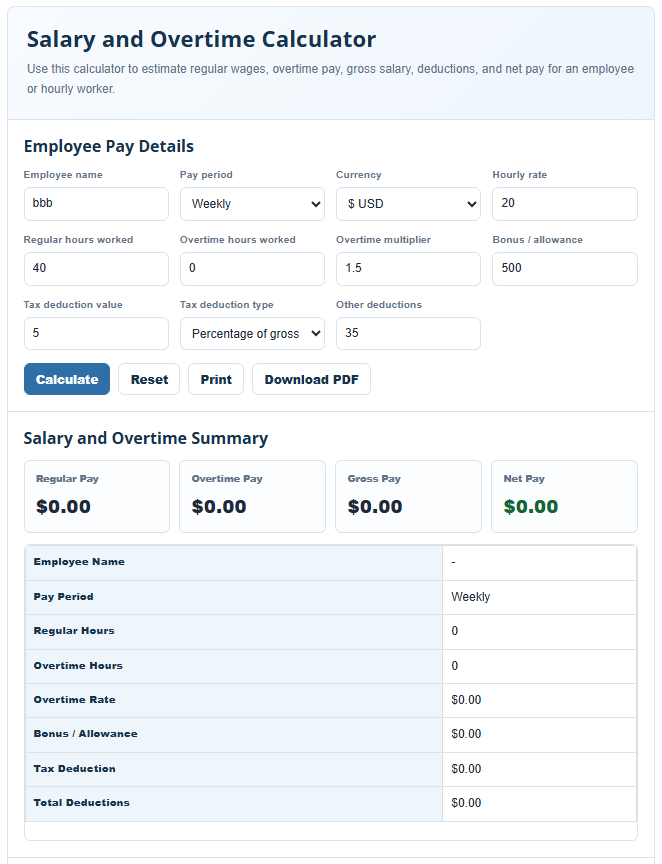
Using the online generator is simple and requires only a few steps:
- Enter the company’s details, including the organization name and reporting period.
- Add employee information such as employee name, department, and pay details.
- Record attendance figures, overtime hours, allowances, and bonuses where applicable.
- Input deduction amounts, including taxes, EPF, ESI, and other benefit contributions.
- Review the automatically calculated values generated by the tool.
- Generate the payroll summary report.
- Print or download the completed report for payroll processing and recordkeeping purposes.
For users who prefer working offline, the traditional Payroll Summary Report Sheet Template in Microsoft Excel is also available. The Excel version contains built-in formulas and structured worksheets that allow payroll information to be managed within a familiar spreadsheet environment. Users can download the worksheet, customize it according to their organizational requirements, and maintain payroll records directly in MS Excel.
Whether you choose the convenience of the online Payroll Summary Report Sheet Generator or the flexibility of the downloadable Excel worksheet, both solutions are designed to help businesses maintain accurate payroll records, improve reporting efficiency, and ensure employees receive fair and timely compensation.
#1
#2