Our Online Budget Approval Form Generator is designed to help organizations prepare accurate, professional, and well-structured budget approval forms in just a few minutes. Whether you are requesting funds for a department, project, office purchase, event, training program, school activity, construction work, or any other business expense, this generator simplifies the entire process while maintaining a professional appearance.
The generator provides an intuitive interface where you can enter all essential budget request information. Users can specify the organization name, department, project or event title, request number, request date, requester details, budget category, priority level, budget period, and other important administrative information. All entered data is displayed instantly in the live preview, allowing you to review the completed form before printing or downloading.
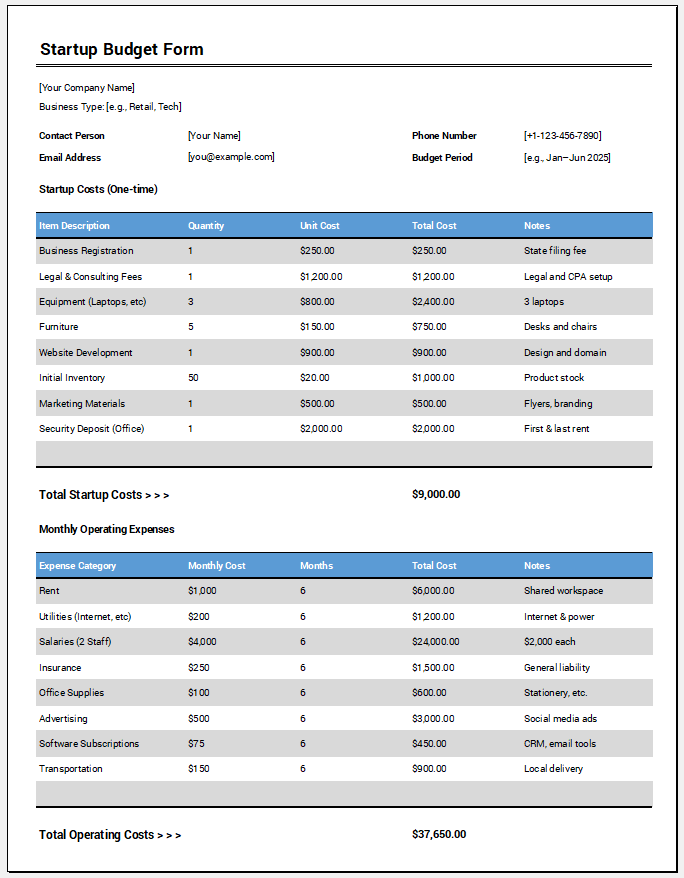
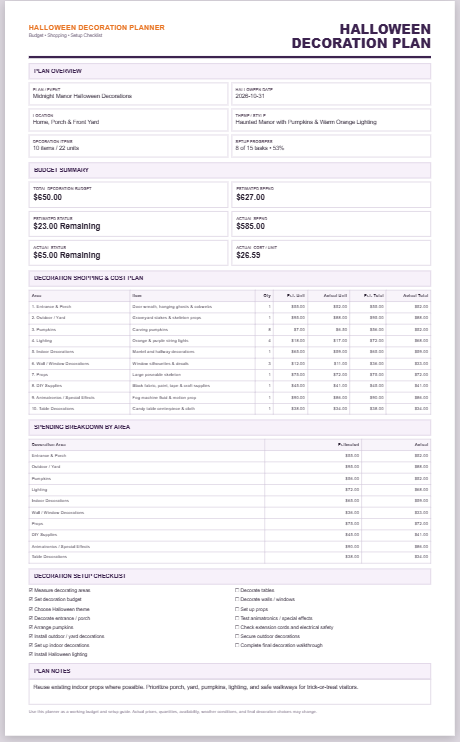
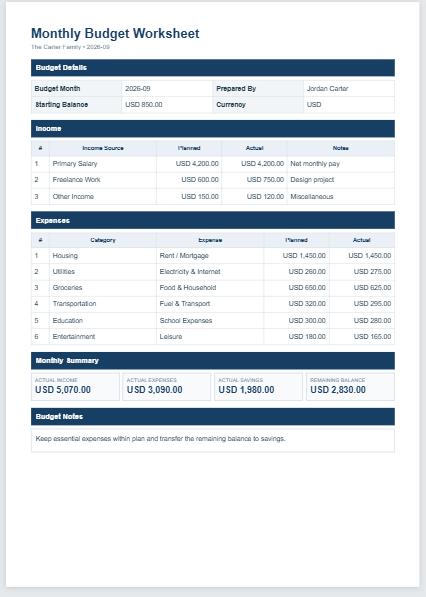
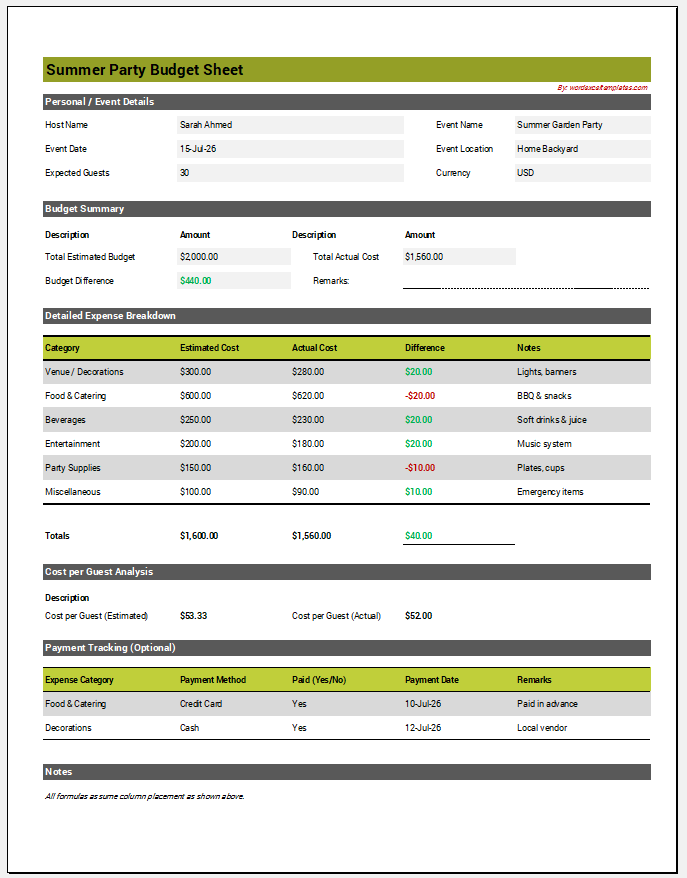
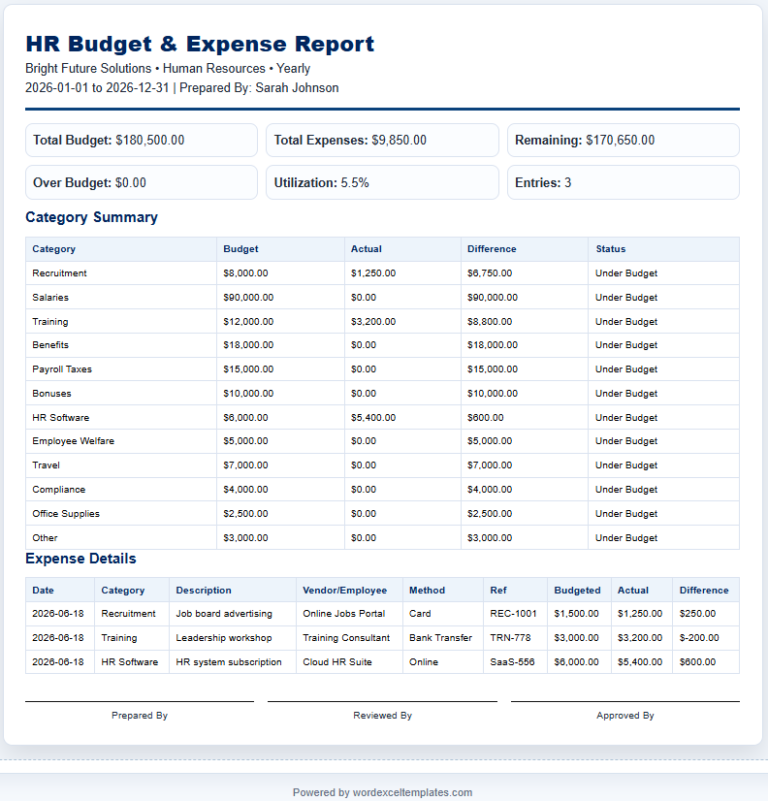
One of the most valuable features of this generator is its dynamic budget item table. You can add multiple budget items, enter item descriptions, quantities, unit costs, and automatically calculate line totals without performing manual calculations. Additional rows can be added or removed whenever needed, making the form suitable for both small and complex budget requests.
Budget Approval Form Generator
Create printable budget approval requests with automatic totals.
Live Form Preview
Preview updates automatically as you type.
FAQs
The generator also performs several automatic financial calculations to improve accuracy. It calculates the subtotal of all requested items, applies taxes and deductions where applicable, determines the grand total requested, and compares the requested amount with the previously approved budget. It also calculates the amount already spent, remaining available budget, additional funding required, and approval variance. Based on these calculations, the generator can display an appropriate budget status such as Within Budget, Exceeds Budget, or Needs Additional Approval, helping reviewers quickly understand the financial position of the request.
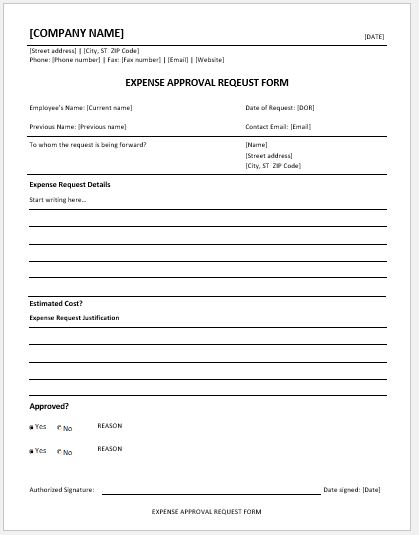
To support organizational approval workflows, the form includes a comprehensive approval section with fields for the preparer, reviewer, finance officer, department head, and approving authority. Approval status options such as Pending, Approved, Rejected, and Revision Required help organizations track each request throughout the approval process. Signature lines and an optional company stamp area provide a professional finishing touch for printed forms.
The live preview updates automatically as information is entered, giving users a real-time representation of the final document. This reduces errors and eliminates the need to repeatedly regenerate forms. Once complete, the form can be copied, printed, or downloaded for future reference. The print function has been optimized to print only the completed Budget Approval Form in a clean A4 layout without unnecessary webpage elements, making it suitable for official records and meetings.
Additional customization features allow users to select different professional themes, automatically generate reference numbers, include or hide optional sections such as vendor information, tax details, remarks, and supporting document notes, and validate important fields to reduce common mistakes. Built-in warnings help identify unusual dates, negative values, or budget requests that exceed available funds while still allowing users to complete their work efficiently.
This generator is suitable for businesses, government offices, educational institutions, nonprofit organizations, construction companies, project managers, finance departments, event organizers, and virtually any organization that requires formal budget approval documentation. It provides a fast, reliable, and professional way to prepare standardized budget request forms while improving accuracy and reducing administrative effort.
For users who prefer working without an internet connection or need to edit documents using desktop software, we also provide a professionally designed MS Word Budget Approval Form Template. The offline template can be downloaded, customized in Microsoft Word, completed manually or electronically, and printed whenever required. It offers the same professional structure as the online generator, making it ideal for organizations that maintain paper records or prefer offline document management.
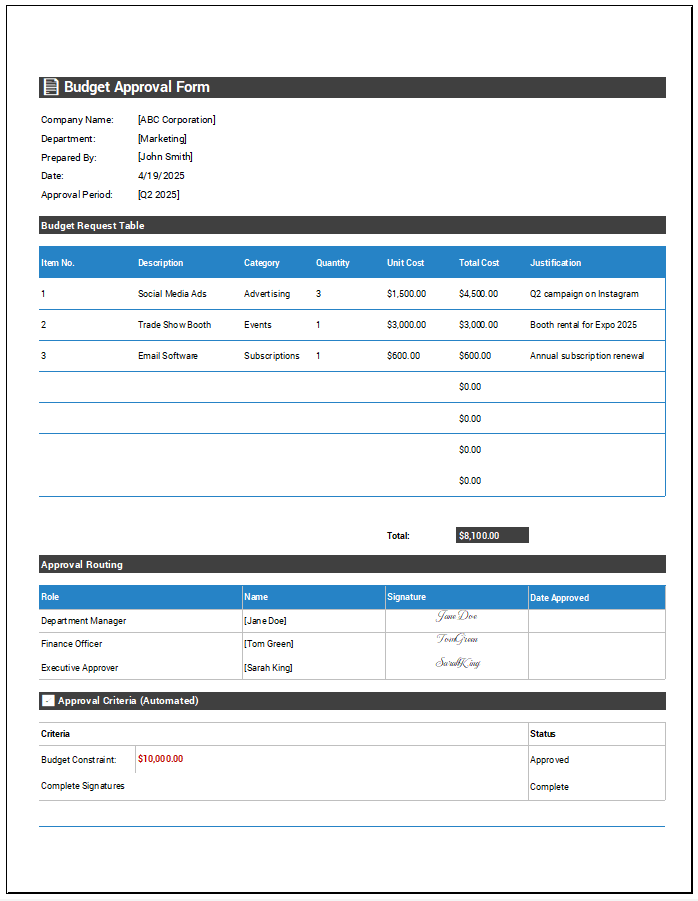
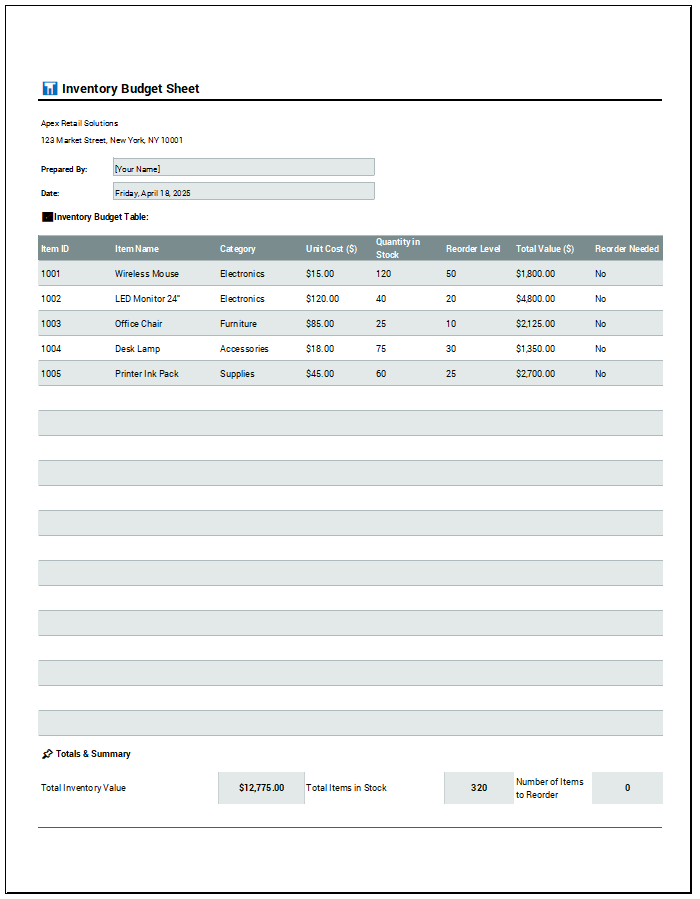
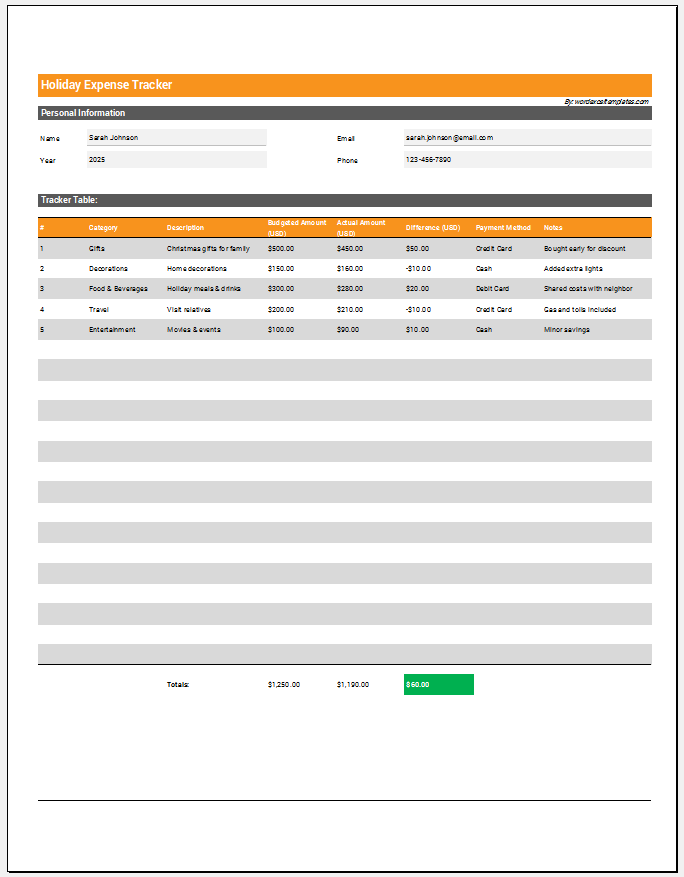
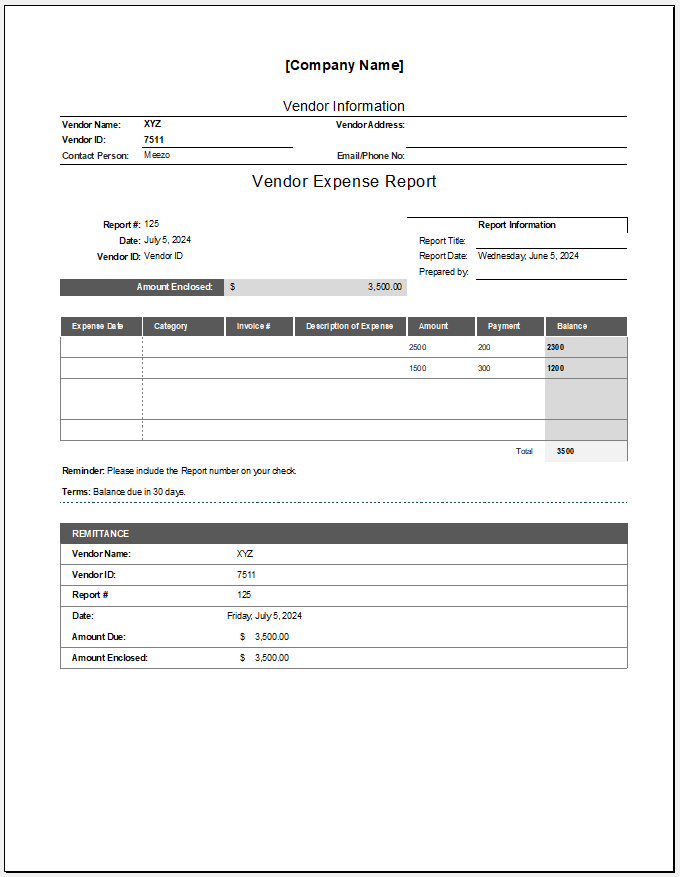
A budget approval form that simplifies cost tracking and ensures smooth, multi-step approval workflows.
MS Excel File Format of 213 KB
- Quotation Register
- Customer Order Tracker
- Inventory Dashboard Generator
- Sales Dashboard Generator
- SWOT Analysis Generator
- KPI Scorecard Generator
- Warehouse Bin Location Generator
- Dispatch Slip Generator
- Universal Work Order Generator
- Office Asset Transfer Form Generator
- Summer Holiday Assignment Cover Page Generator
- Salary and Overtime Calculator Template
- Summer Vacation Planner Generator
- Outlet Mall Shopping Planner
- Customer Information and Ranking Sheet