A company should understand its employees’ skills and experience so it can assign suitable tasks and support business growth. Keeping relevant employee information organized helps the business manage operations effectively and allocate responsibilities appropriately.
Employee profiles provide detailed information about staff members. Since remembering every employee’s details is impractical, an employee profile log provides a useful reference.
What is an employee profile log?
This is a log that records relevant information about an employee, such as their personal contact details, job responsibilities, qualifications, and compensation. It helps a company understand each employee’s role and potential contributions to the business.
(Create a log here).
Employee Profile Log
Maintain employee profiles, employment details, and records in one organized register.
Organization Details
Employee Profiles
Expand a profile to update employment and contact details.
Administrative Notes
Review & Export
Review employee profiles and export the formatted Excel register or print the sheet.
What does an employee profile log do?
The log provides important details about an employee, including their name, contact information, job title, department, and employment history. It gives authorized managers and HR staff a central reference for work-related information.
A well-organized profile can provide an overview of an employee’s qualifications, responsibilities, skills, and career development goals.
How to create an employee profile log
This professional document should make relevant employee information easy to enter, review, and update. The following points can help you create one:
Open Microsoft Excel and create a structured table or form. Include the company’s name and contact information. The heading can be “Employee Profile.”
Include a photograph, if needed:
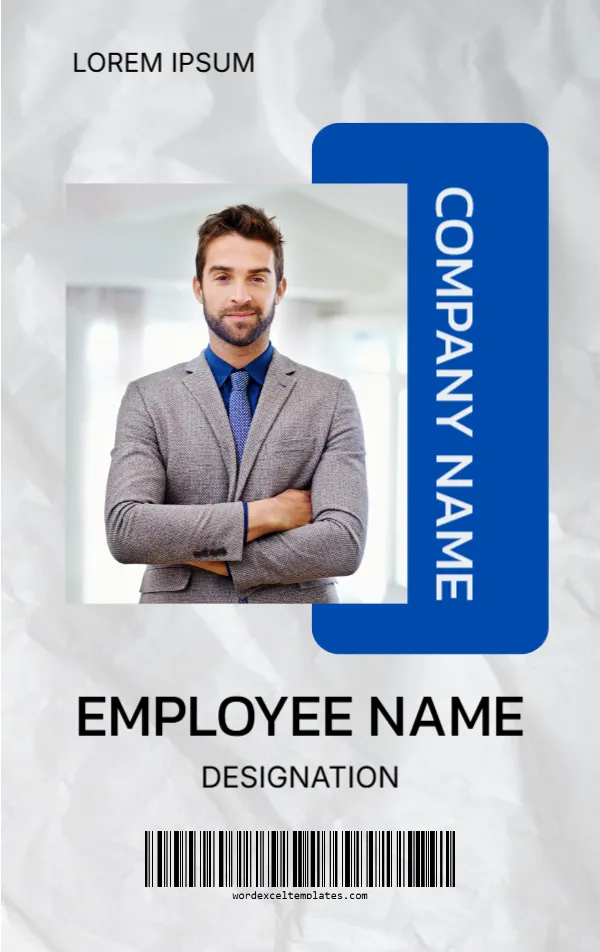
The profile log can include an employee photograph to help authorized staff identify the person. Include one only where appropriate for the organization’s needs.
Employee information:
Under this heading, record the employee’s first name, surname, employee ID, and relevant contact details. Include their current address and emergency contact information where needed.
Additional details, such as languages spoken, may be useful for assigning responsibilities. Avoid collecting unrelated personal information, such as height, weight, or family size, unless there is a specific work-related need.
Education and experience:
List the employee’s educational and professional qualifications, relevant work experience, certifications, and key skills. These details can be presented in bullet points. Include relevant achievements and career goals. Employees may also choose to share interests that support team activities or professional development.
Employment details:
This section can include the job title, department, reporting manager, appointment date, joining date, and confirmation date, where applicable. Compensation details can be included in a restricted section accessible to authorized personnel.
Health and safety information:
Include only health information needed for a specific workplace purpose, such as agreed accommodations or role-related health requirements. Keep sensitive medical records separate from the general profile and restrict access appropriately.
Remarks:
This section can include additional relevant notes, such as training needs, development plans, or the date the profile was last updated.
Keep employee information organized
The profile log summarizes key information about each employee, including their skills, experience, qualifications, and professional goals. It can help managers assign tasks according to employees’ strengths and identify training opportunities.
Understanding complementary skills can also help team leaders build productive teams and encourage collaboration. Keep profiles accurate and up to date so they remain a useful reference for staffing and employee development.

Excel Worksheet Template