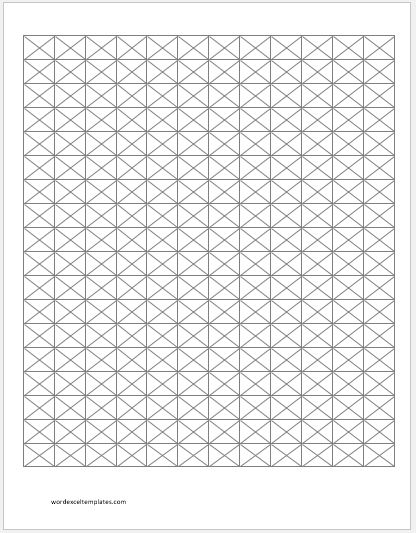
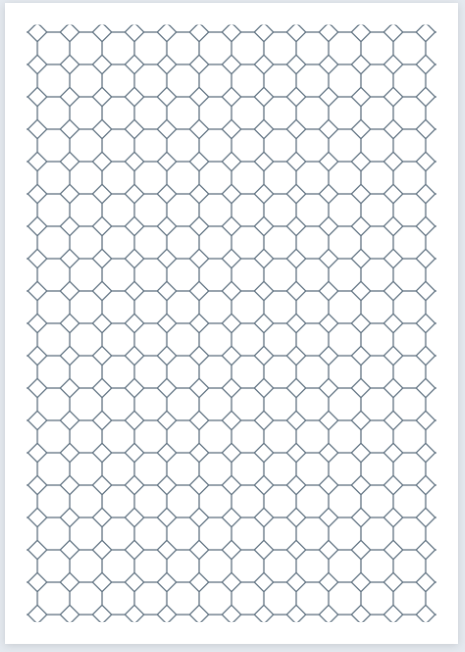
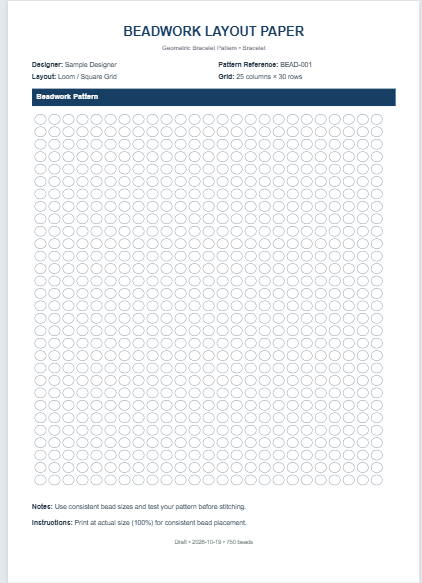
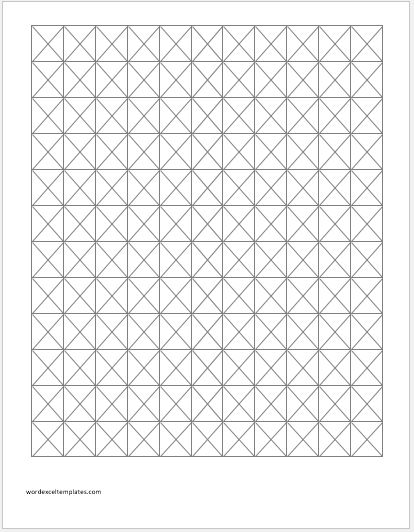
Cross-stitch graph paper, also known as cross-stitch design paper, is a grid used to plan embroidery patterns. Like other graph paper, it consists of horizontal and vertical lines, with each square typically representing one cross-stitch.
The paper helps designers preview a pattern’s layout and color scheme before stitching it on fabric. Graph paper is available in different grid sizes, allowing users to choose a scale that is comfortable to work with.
Many cross-stitch charts use bold lines every 10 squares, both horizontally and vertically. These lines divide the chart into 10 × 10 blocks, making stitches easier to count and helping users follow the pattern.
The finished design’s dimensions depend on its stitch count and the fabric count. For example, a pattern that is 140 stitches wide measures 10 inches across when worked on 14-count Aida fabric, where each stitch covers one fabric square. Enlarging the printed chart makes it easier to read but does not change the finished design’s size.
Cross-stitching has a long history, and charting a design provides a practical way to plan motifs, lettering, and decorative patterns. Rather than tracing the chart onto the fabric, stitchers usually follow it by counting the corresponding positions on the fabric.
Cross-stitch graph paper also allows designers to experiment with original ideas, revise details, and compare color combinations before beginning the embroidery.
It is useful for the following reasons:
- It can help beginners learn how to plan and follow cross-stitch patterns.
- It provides a clear relationship between the chart and the stitches on the fabric.
- It allows layouts and color schemes to be tested before stitching begins.
- It makes patterns easier to share and reproduce, especially when a color key and stitch instructions are included.
- It gives stitchers a structured way to develop and refine original designs.
Cross-stitch graph paper and design tools are available in several formats:
- Individual sheets: Printed or downloadable grids for drawing patterns by hand.
- Design software: Programs that allow users to create, edit, save, and print charts.
- Online tools: Browser-based generators and editors for customizing grids and creating patterns.
Cross Stitch Graph Paper Generator
Make chart paper for your own cross stitch designs. Set the size of the pattern, and large patterns are split over as many pages as needed. The finished size and the fabric to cut are worked out for you.
Pattern Size
A square of 4 mm is easy to draw in. With "Fit on one page" the squares are sized automatically, and may become very small for large patterns.
Page
Fabric
Counted over two threads, 28 count evenweave gives 14 stitches per inch. Choose the option that matches how you stitch.
Grid
Numbers & Centre
The centre lines show the middle of the pattern, which is where most stitchers start. Numbers and bold lines continue across pages, so the pages match up.
Thread Key Page
The key page has a table for the symbol, thread code, colour name, strands, stitches and skeins. Type in any rows you already know, and leave the rest blank to write in by hand.
Thread Rows (optional)
MS Word Templates

Cross Stitch Graph Paper Template -1
File: Word (.doc) 2003+
Size: 312 KB
Size: A4
Dimensions: 30 x 40 squares, 0.25 inch

Cross Stitch Graph Paper Template -2
File: Word (.doc) 2003+
Size: 312 KB
Size: A4
Dimensions: 30 x 70 squares, 0.15 inch

Cross Stitch Graph Paper Template –3
File: Word (.doc) 2003+
Size: 312 KB
Size: A4
Dimensions: 50 x 60 squares, 0.10 inch