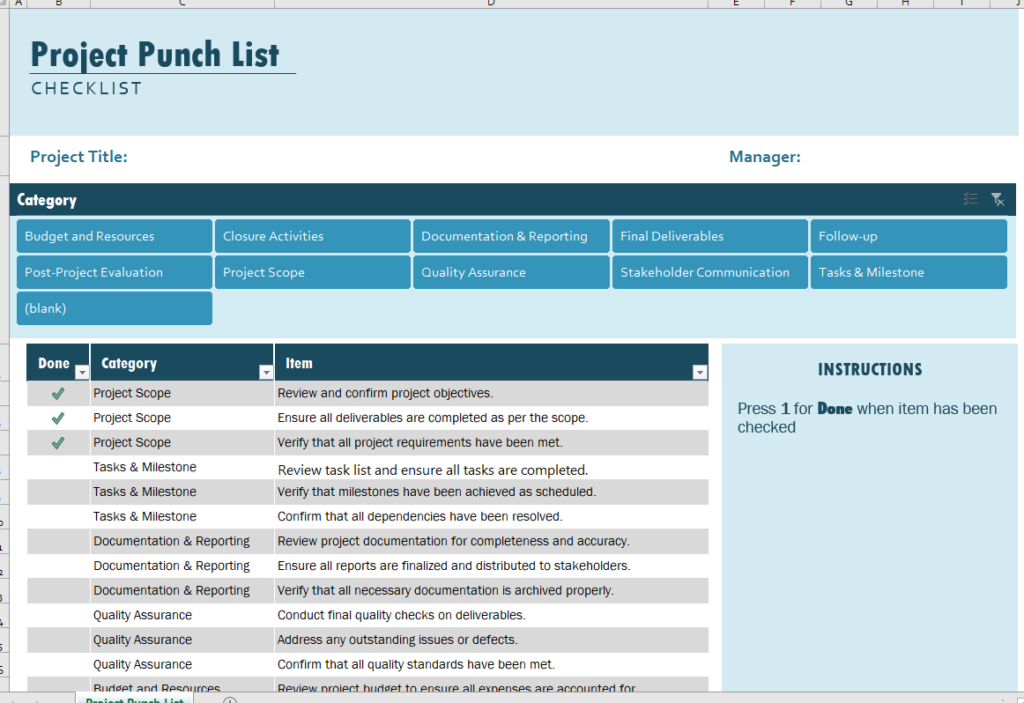
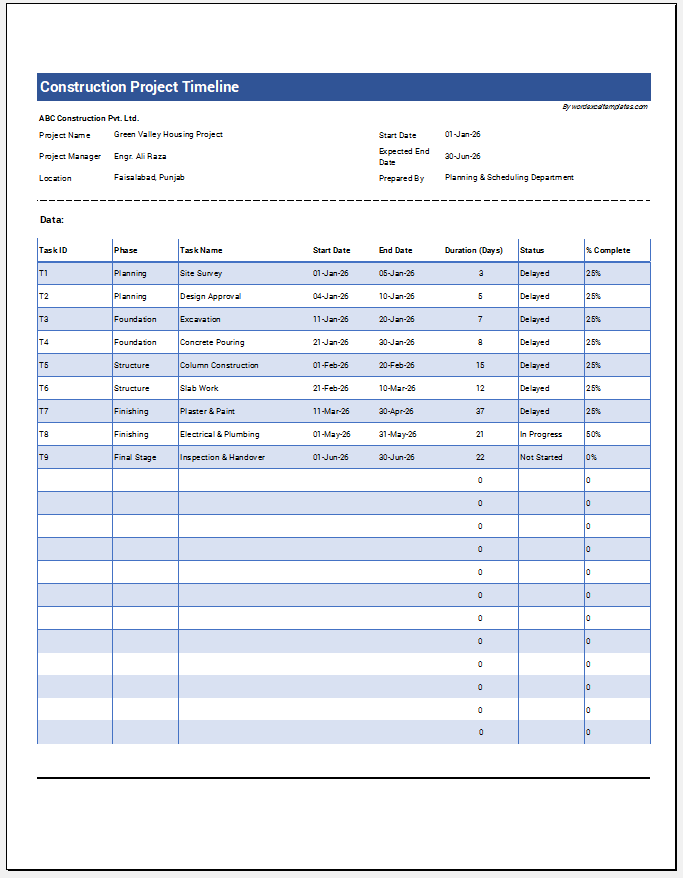
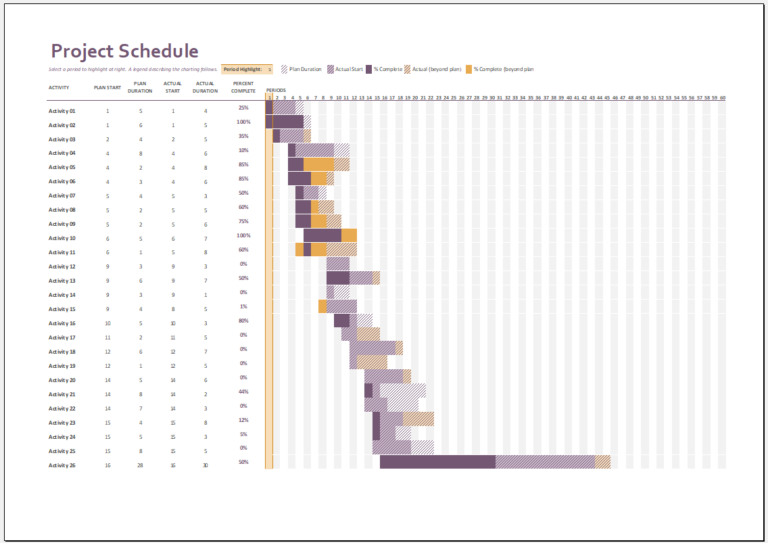
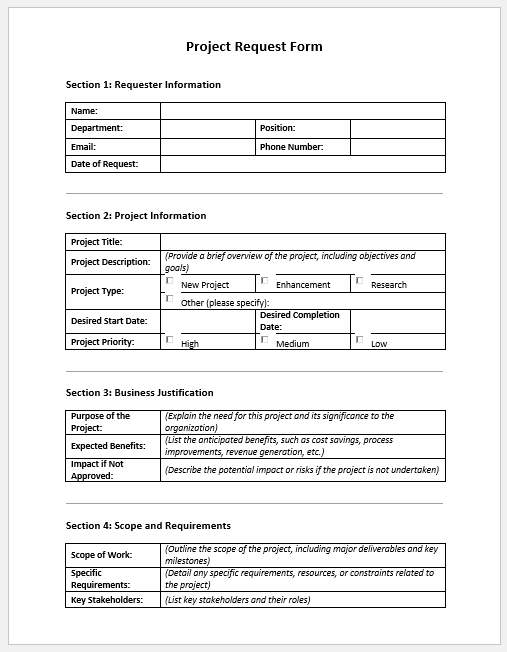
Completing a project successfully requires more than finishing the main work. Before a project can be officially approved and handed over, all remaining tasks, defects, corrections, and incomplete items must be identified and resolved. A Project Punch List helps ensure that every detail is addressed before project closure.
To simplify this process, we have developed an AI-powered Project Punch List Generator that allows contractors, project managers, inspectors, and clients to create professional punch lists online within minutes. Instead of manually designing worksheets or creating reports from scratch, users can generate structured punch lists instantly, edit them online, and print or download them for project documentation.
Project Punch List Generator
Create, manage, print, and export a professional punch list for construction, repair, renovation, and closeout work.
Project Information
Filters
Punch List Item Table
| # | Area / Room | Task Description | Category | Priority | Assigned To | Due Date | Status | Estimated Cost | Remarks | Action |
|---|
What is a Project Punch List?
A project punch list is a document used near the completion stage of a project to record outstanding work items that must be corrected before final approval. These items may include unfinished tasks, quality concerns, installation issues, damaged materials, missing components, or client-requested adjustments.
The purpose of a punch list is to ensure that the completed project fully meets contractual requirements, quality standards, and client expectations before handover.
What is the Project Punch List Generator?
The Project Punch List Generator is an online tool designed to create customized punch lists quickly and efficiently. Instead of relying solely on traditional templates, users can enter project details and generate a professional punch list that is ready for inspection, tracking, and completion management.
The generator helps standardize documentation while reducing the time required to prepare reports manually.
Why Use an Online Punch List Generator?
Managing project closeout activities often involves numerous inspections and follow-up actions. An online generator offers several advantages:
- Create punch lists instantly.
- Organize outstanding items in a structured format.
- Track priorities and completion status.
- Assign responsibility for corrective actions.
- Maintain accurate records for inspections.
- Improve communication between contractors and clients.
- Reduce paperwork and manual formatting.
By automating the documentation process, project teams can focus more on resolving issues and less on preparing reports.
Common Items Included in a Punch List
The generator can be used to document various project deficiencies and incomplete tasks, including:
- Paint touch-ups
- Flooring defects
- Plumbing adjustments
- Electrical corrections
- Window and door alignment issues
- Missing fixtures or fittings
- Damaged materials
- Safety concerns
- Final cleaning requirements
- Client-requested modifications
Each item can be recorded with detailed descriptions, locations, priorities, responsible parties, and completion status.
How the Generator Works
Using the Project Punch List Generator is simple:
Step 1: Enter Project Information
Provide basic project details such as project name, client name, site location, inspection date, and project manager information.
Step 2: Add Punch List Items
Enter each issue identified during the project walkthrough or inspection.
Step 3: Assign Responsibilities
Specify who is responsible for completing each corrective action.
Step 4: Set Priorities and Status
Assign priority levels and track progress from open to completed.
Step 5: Generate the Report
The tool automatically creates a professional punch list that can be reviewed, printed, saved, or shared.
Benefits for Contractors and Project Managers
The generator helps project teams:
- Improve quality control processes.
- Monitor outstanding work efficiently.
- Maintain inspection records.
- Reduce project closeout delays.
- Improve accountability among team members.
- Support final project approvals.
- Keep clients informed of progress.
Because all information is organized in a consistent format, project managers can easily monitor completion status and ensure that no item is overlooked.
Benefits for Clients
Clients can also benefit from a structured punch list process because it:
- Provides transparency regarding outstanding work.
- Documents agreed-upon corrections.
- Creates a clear record of inspection findings.
- Helps verify project completion.
- Reduces misunderstandings and disputes.
A well-maintained punch list improves collaboration and helps ensure a smooth project handover.
AI-Powered Features
Our online Project Punch List Generator uses intelligent form generation to help users create professional documentation faster. The tool assists with organizing project data, structuring punch list entries, and generating clean reports suitable for construction, renovation, maintenance, engineering, and facility management projects.
The generated document can be edited online before printing or downloading, allowing users to customize it according to project requirements.
Traditional MS Word Template Still Available
While the online Project Punch List Generator offers a faster and more interactive solution, we understand that many professionals still prefer working with traditional documents.
For this reason, we continue to provide the original Project Punch List Worksheet in MS Word format. Users can download the editable Word file, customize it manually, and maintain project records offline whenever needed.
The MS Word version remains an excellent option for organizations that prefer document-based workflows, while the online generator provides a modern alternative for faster project documentation and management.
Final Notes
A project punch list remains one of the most important tools for ensuring quality, accountability, and successful project completion. By using our Project Punch List Generator, project teams can quickly create organized punch lists, track outstanding work, and streamline the project closeout process.
Whether you choose the online generator or the downloadable MS Word worksheet, both options help ensure that every project is completed to the highest standards before final approval and handover.
Preview & Details of Template

File: Excel (.xlsx) and iPad
Size 126 KB
- Universal Work Order Generator
- Office Asset Transfer Form Generator
- Summer Holiday Assignment Cover Page Generator
- Salary and Overtime Calculator Template
- Summer Vacation Planner Generator
- Outlet Mall Shopping Planner
- Customer Information and Ranking Sheet
- Small Family Kitchen Design Planning Sheet
- Summer Party Budget Sheet Generator
- Payroll Register & Salary Sheet Generator
- Employee Skill Development Tracker
- HR Budget & Expense Tracker
- Leave & Vacation Tracker
- Exit/Off-boarding Checklist
- Performance Evaluation Sheet