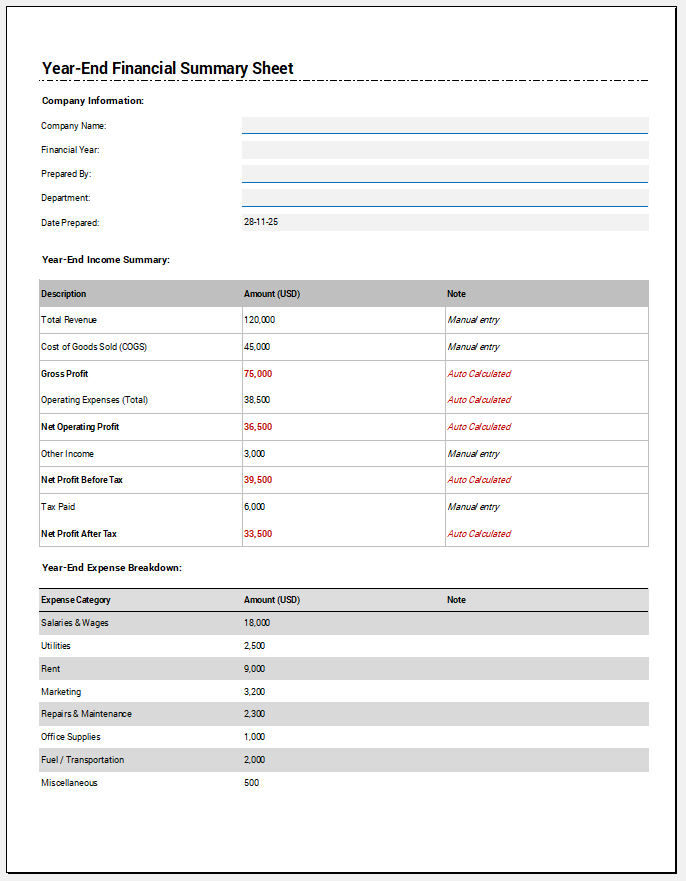
A Profit and Loss Statement, also called an income statement, summarizes a business’s revenue, costs, and expenses over a specific reporting period. It helps show whether the business generated a net profit or net loss during that period.
The worksheet below lets you enter business information, revenue sources, cost of goods sold, operating expenses, other income and expenses, and approval details. It automatically calculates Total Income, Total COGS, Gross Profit, Operating Profit, and Net Profit or Net Loss as values are entered.
For inventory-based businesses, the COGS section allows individual items to be marked as either Add to COGS or Subtract from COGS. This makes it possible to treat items such as closing inventory correctly instead of adding every COGS row as a positive cost. The completed statement can be reviewed in the A4 Live Preview, printed or saved as PDF, and exported as CSV.
Profit and Loss Statement Worksheet
Prepare a period-based P&L statement with revenue, COGS, operating expenses, and net profit or loss.
Worksheet Inputs
Business Information
Income / Revenue
| Income Source | Description | Amount |
|---|
Cost of Goods Sold
| Type | Item / Category | Description | Amount |
|---|
Operating Expenses
| Expense Category | Description | Amount |
|---|
Other Income and Expenses
Final Summary
Net Profit
USD 0.00Notes and Approval
Live Preview
Using the Profit and Loss Statement Worksheet
Start by entering the business name, reporting period, preparer information, currency, and reporting basis. The Accounting Method / Reporting Basis field is included for identification purposes and does not automatically change how transactions are recognized or reclassify the entries you provide.
Add each income source as a separate revenue row. Then enter the cost-of-goods-sold items, operating expenses, and any other income or expenses that apply to the reporting period.
The worksheet updates the calculations automatically as values change.
Profit and Loss Statement Excel Template
The downloadable Profit and Loss Statement Excel Template provides a spreadsheet-based alternative to the online worksheet. It can be useful when you want to maintain financial records in Excel, modify formulas, add additional periods, or incorporate the statement into an existing accounting or reporting workbook.
The Excel template and online generator may use different layouts or formulas. Review the downloaded workbook before relying on it for a specific reporting or accounting process.
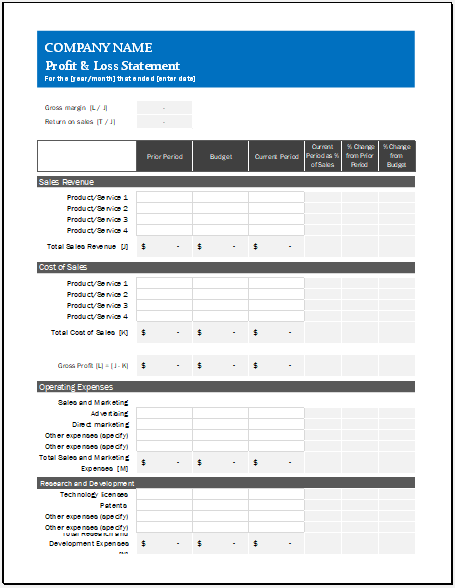
Excel Worksheet 55 KB
Main Sections of a Profit and Loss Statement
A basic profit and loss statement typically moves from revenue to direct costs, then to operating expenses and other income or expenses.
The overall flow is:
Revenue → Cost of Goods Sold → Gross Profit → Operating Expenses → Operating Profit → Other Income/Expenses → Net Profit or Net Loss
This structure helps separate the direct cost of earning revenue from the broader expenses of running the business.
Revenue / Income
Revenue represents income earned from the normal activities of the business during the reporting period. Depending on the business, this may include product sales, service fees, consulting income, contract income, subscriptions, or other operating revenue.
Enter separate revenue sources when doing so makes the statement easier to understand and review.
Cost of Goods Sold
Cost of Goods Sold (COGS) represents direct costs associated with the goods or services sold.
For an inventory-based business, a common structure may include:
Opening Inventory + Purchases + Direct Costs − Closing Inventory
The updated worksheet therefore provides an Add to COGS / Subtract from COGS choice for each COGS row. This allows closing inventory or another appropriate adjustment to reduce the calculated COGS rather than being added as another cost.
The exact components of COGS vary by business type and accounting practice, so the categories entered should reflect the records being used to prepare the statement.
Gross Profit
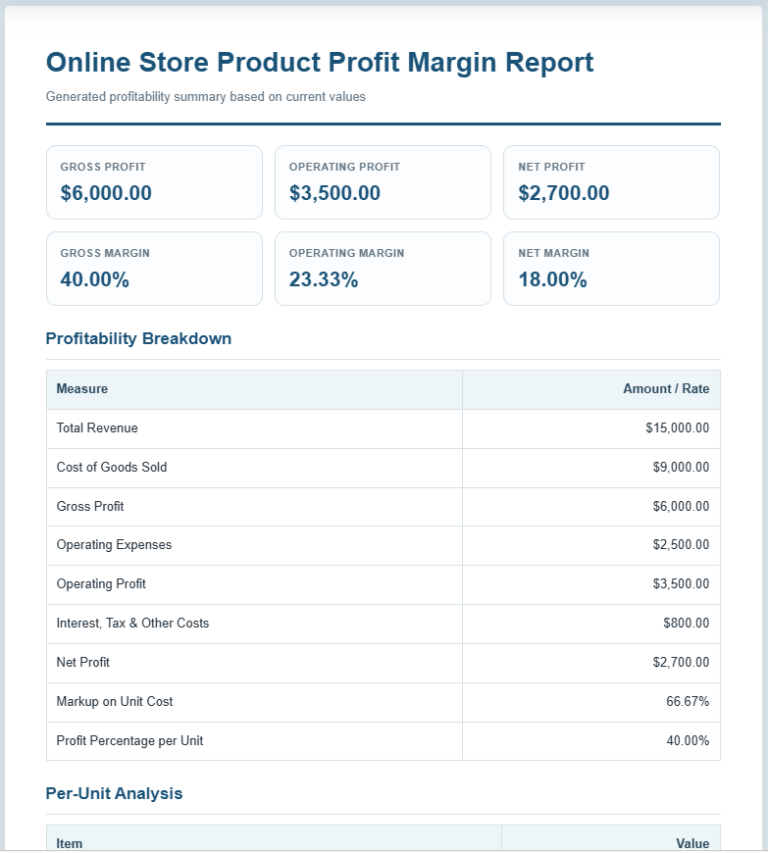
Gross profit is calculated as: Gross Profit=Total Income−Total COGS
Gross profit shows the amount remaining after deducting the direct cost of generating the reported revenue.
A negative result indicates that COGS exceeded the revenue entered for the period.
Operating Expenses
Operating expenses are costs related to running the business that are not included in COGS. Examples may include rent, administrative salaries, utilities, advertising, insurance, office expenses, and other operating costs.
The worksheet totals the operating-expense rows and then calculates: Operating Profit=Gross Profit−Operating Expenses
Other Income and Expenses
The worksheet also provides separate fields for items such as Interest Income, Other Income, Interest Expense, Taxes, Depreciation, and Other Expenses.
These values are included after operating profit when calculating the final net result.
Use only the categories that are relevant to the statement being prepared. If an item is already included elsewhere in the accounts, avoid entering it again.
Net Profit or Net Loss
The worksheet calculates the final result as: Net Result=Operating Profit+Other Income−Other Expenses
When the result is positive, it is displayed as Net Profit. When it is negative, the worksheet displays Net Loss.
The calculation reflects only the amounts entered into the worksheet and does not verify whether the underlying records are complete or classified correctly.
Choosing the Currency
The Currency selector controls the monetary format used throughout the worksheet and Live Preview. Available choices include USD, EUR, GBP, PKR, CAD, and AUD.
Changing the currency changes the displayed currency symbol or code. It does not convert amounts from one currency to another.
For example, changing USD to PKR does not perform an exchange-rate conversion; it simply treats the entered figures as PKR amounts.
Accounting Method / Reporting Basis
The worksheet includes an Accounting Method / Reporting Basis field with options such as Accrual Basis, Cash Basis, and Modified Cash Basis.
This field is informational. Selecting a different basis does not automatically determine when income or expenses should be recognized or convert transactions between accounting methods.
Prepare the figures using the accounting basis appropriate to the business and reporting purpose before entering them into the worksheet.
Review Before Using the Statement
Before using the finished P&L statement, check that the reporting period is correct, all relevant revenue and expense categories have been included, COGS adjustments have the correct Add/Subtract treatment, and the totals agree with the supporting records.
Also confirm that items such as tax expense, depreciation, interest, and other expenses have not been entered twice.
The worksheet performs arithmetic calculations from the values supplied by the user, but it does not independently verify bookkeeping records, accounting classifications, tax treatment, or compliance requirements.
Profit and Loss Statement vs. Bank Statement
A bank statement and a profit and loss statement serve different purposes.
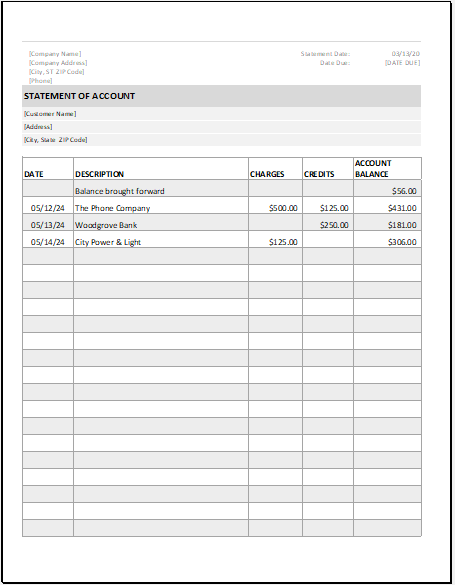
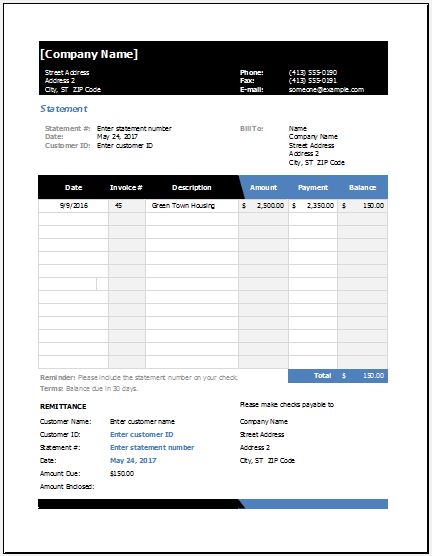
A bank statement records transactions moving through a bank account. It does not necessarily show all accounting income and expenses for a reporting period and may include items that do not belong on a P&L.
A profit and loss statement organizes revenue and expenses according to the business’s accounting records to determine the period’s profit or loss.
For that reason, a bank statement should not automatically be treated as a substitute for a properly prepared P&L statement.