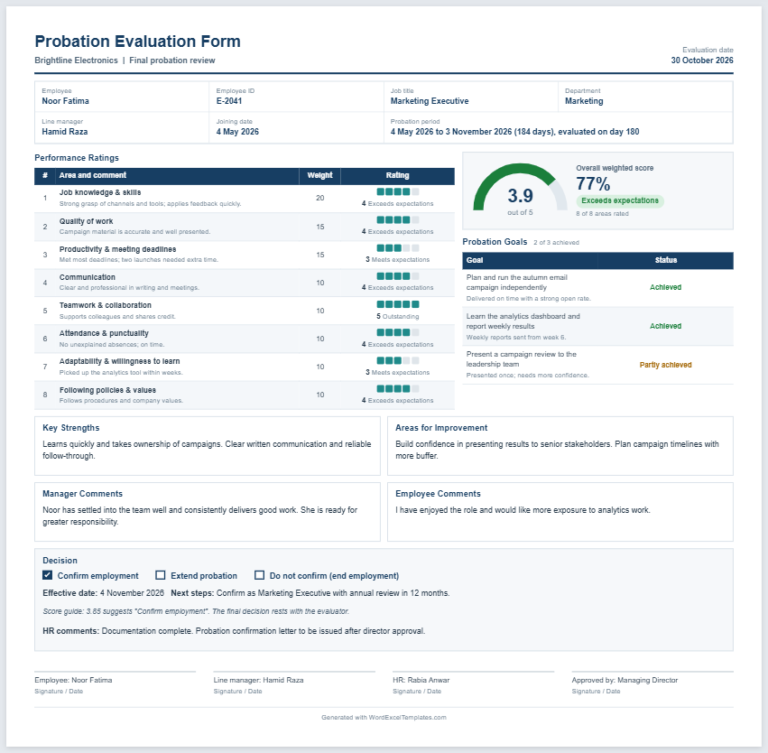
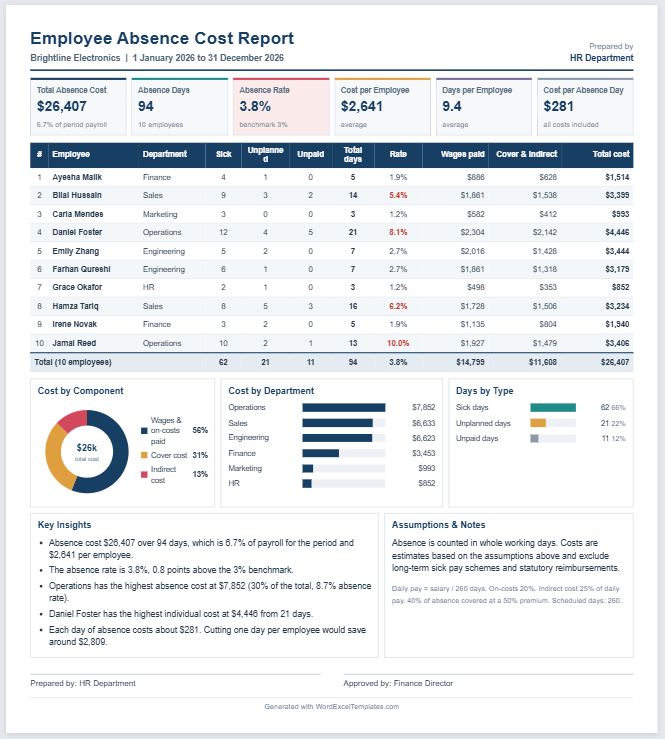
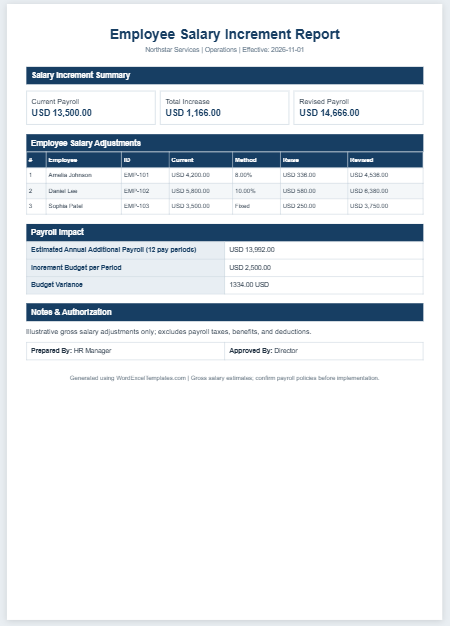
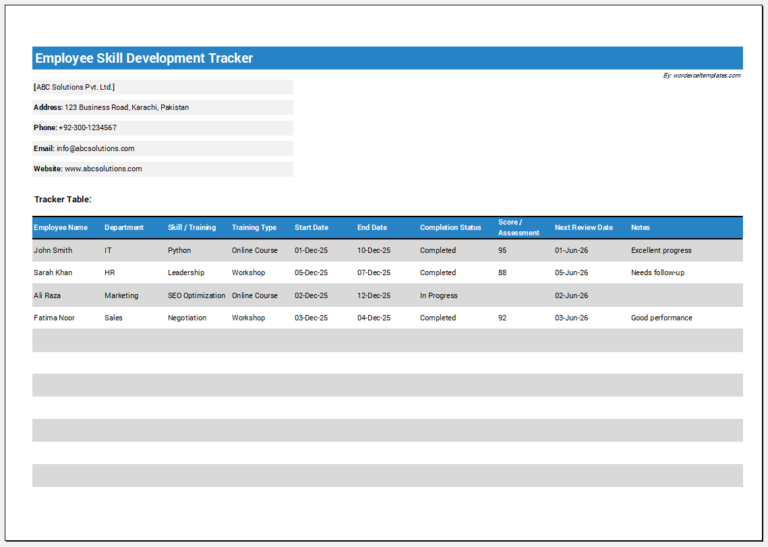
As the name suggests, a new hire employee information form is used to collect the details of a person who has just joined an organization. It is similar to the information form given to existing employees, but it is given at the time of joining. If the information needs to be updated or new information is needed later, the form is then called an employee information form, not a new hire employee information form.
This form also differs from an employee profile form in two main ways:
- It is given to employees when they join, while an employee profile is usually not given at the time of hiring.
- It focuses on the basic information an organization needs to start the employment, while an employee profile form aims to collect fuller personal and professional details.
When a candidate is hired, the organization needs to record and save their details for reference and tracking. Because it is difficult to ask for these details orally, organizations use a new hire employee information form, which the new employee fills in on paper or on a computer, depending on the organization’s system.
Create a sample form below:
New Hire Employee Information Form
Fill in the details to build a one-page form for a new employee. Your details stay in your browser and are not sent anywhere.
Form Heading
Personal Details
Job Details
Emergency Contacts
Payroll Details (optional)
Leave the account number empty if you prefer the employee to write it by hand. Do not enter real bank details on a shared computer.
Documents & Onboarding Checklist
Items printed on the form as tick boxes. Set an item to "Received / done" to show it ticked.
Wording on the Form
This is a general form, not legal advice. Data protection rules differ by country. Check the wording with a qualified person before using it.
Signatures
Page & Style
The main purpose of the form is to collect the information an organization needs about a new hire. It also has other benefits, such as:
- Collecting personal details such as name, date of birth, address, phone number and email.
- Recording job details such as job title, department, manager, start date, employment type, work location and probation period.
- Recording an emergency contact and their relationship to the employee, so that someone can be reached in an emergency.
- Collecting payroll details, such as bank information, when the organization needs them to pay the employee.
- Tracking the documents and onboarding steps that are still outstanding, such as a signed contract, a copy of an ID, an employee ID card or equipment to be issued.
- Keeping a signed declaration from the employee that the information is correct.
What an organization needs from a new hire decides what the form asks for. Generally, the following information is requested:
- Personal details.
- Job details.
- Emergency contacts.
- Payroll details, if applicable.
- The date the employee starts work.
- The documents and onboarding items to be completed.
- A declaration that the information provided is correct to the best of the employee’s knowledge.
When the employee receives the form, they should make sure that the information they provide is correct. Misleading or unclear information should be avoided. The completed form is kept in the employee’s file and can be accessed whenever it is required.
With this new hire employee information form generator, you enter the employee’s personal details, job details, emergency contacts and, if needed, payroll details. You can build a checklist of documents and onboarding items, mark each item as outstanding, received or not needed, and add a declaration with signature lines. You can print the form filled in, save it as a PDF, print a blank form to fill in by hand, or download an Excel file with the employee record, the checklist and a new hire register.

File: Word (.docx)
Size 38 KB

Size 38 KB