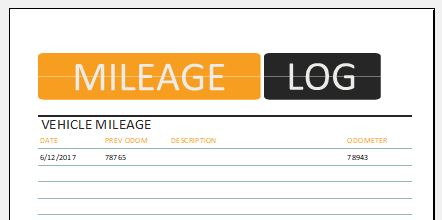
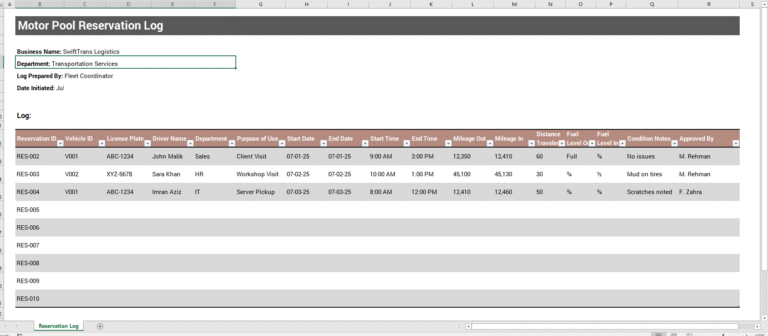
A gas mileage log helps drivers, employees, business owners, and fleet managers record distance traveled, fuel purchases, fuel costs, and estimated fuel economy for a vehicle. Keeping these details together makes it easier to review vehicle expenses, compare fuel usage over time, and maintain organized records of business or personal trips.
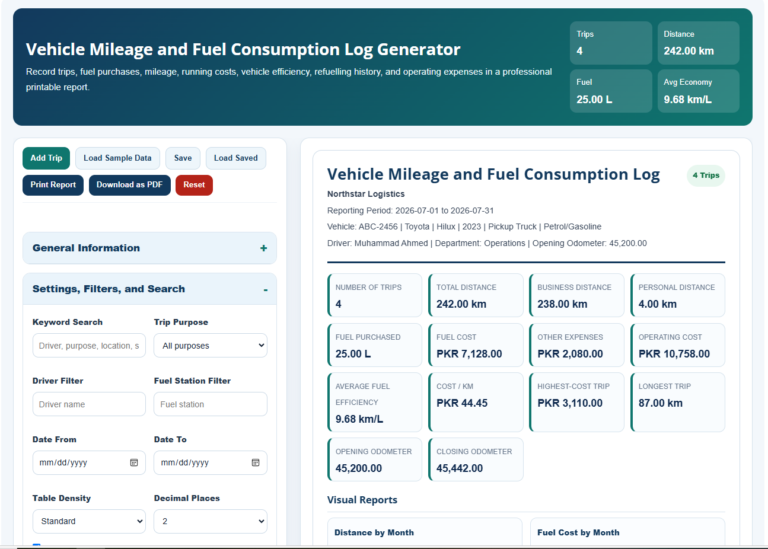
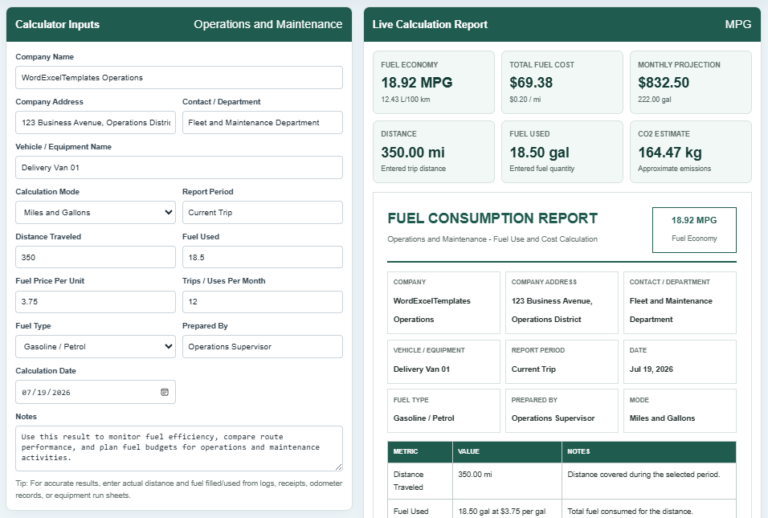
Use the Gas Mileage Log Generator below to create your log online. Enter the vehicle and driver details, starting and ending odometer readings, fuel purchased, fuel cost, station, and trip purpose. The generator automatically calculates distance traveled, estimated MPG and KM/L, total fuel cost, and average cost per mile.
You can add multiple mileage entries, review the complete log in the Live Preview, and print or save the finished report as a PDF. No spreadsheet software is required.
Gas Mileage Log Generator
Record vehicle mileage, fuel purchases, trip costs, and estimated fuel economy in a professional printable log.
Mileage Log
Ready1. Vehicle & Driver
2. Trip / Odometer
3. Fuel Details
4. Notes & Maintenance
5. Mileage Entries
Live Preview
What Is a Gas Mileage Log?
A gas mileage log is a record of a vehicle’s trips, odometer readings, fuel purchases, and related expenses. It can be maintained for a personal vehicle, company car, delivery vehicle, or other vehicle where fuel usage and travel costs need to be monitored.
A detailed log can show not only how far the vehicle traveled, but also how much fuel was purchased and how much each recorded trip or mileage period cost.
What to Record in a Gas Mileage Log
A useful mileage record may include:
- Date of travel or fuel purchase
- Vehicle name or identification
- Driver’s name
- License plate number
- Starting and ending odometer readings
- Distance traveled
- Fuel purchased in gallons or liters
- Total fuel cost
- Fuel station
- Trip purpose
- Estimated MPG or KM/L
- Notes about the trip or vehicle
- Maintenance reminders or fuel observations
The online generator above organizes these details automatically and combines multiple entries into one printable mileage report.
How the Mileage Calculations Work
The generator calculates distance traveled by subtracting the starting odometer reading from the ending reading.
For example, if the starting reading is 24,150 miles and the ending reading is 24,390 miles, the recorded distance is 240 miles.
Fuel economy can then be estimated using the distance traveled and the amount of fuel recorded. The generator supports both miles/gallons and kilometers/liters, making it suitable for different measurement systems.
Why MPG and KM/L Are Shown as Estimates
For more reliable fuel-economy tracking, fuel usage should ideally be measured between consistent full-tank refills. The amount purchased during an individual fuel stop does not necessarily equal the exact amount consumed during a particular trip.
For that reason, the generator describes MPG and KM/L results as estimated fuel economy rather than treating every individual calculation as an exact measurement.
Using a Mileage Log for Business Travel
Employees and business owners can use a mileage log to maintain organized records of work-related vehicle use. Recording the date, trip purpose, distance, fuel purchase, and cost creates a clearer history of vehicle activity than relying on fuel receipts alone.
Businesses can also use accumulated mileage records to review transportation expenses, monitor company vehicles, compare fuel costs, and support their internal reimbursement or recordkeeping procedures.
Specific reimbursement, accounting, and tax requirements vary by organization and jurisdiction, so the log should be used together with the applicable company policies and local requirements.
Tracking Fuel Costs and Vehicle Efficiency
A mileage log becomes more useful when entries are recorded consistently over time. Instead of looking at a single fuel purchase, you can compare multiple entries to identify changes in:
- Total distance traveled
- Fuel purchased
- Total fuel expenditure
- Average fuel economy
- Cost per mile or kilometer
- Driving patterns
- Vehicle maintenance needs
A noticeable change in fuel economy does not automatically indicate a mechanical problem. Driving conditions, traffic, load, weather, tire pressure, and other factors can also affect fuel consumption.
Online Generator or Excel/Word Template?
The online Gas Mileage Log Generator is useful when you want automatic calculations, multiple mileage entries, a live report preview, and a printable record without setting up a spreadsheet manually.
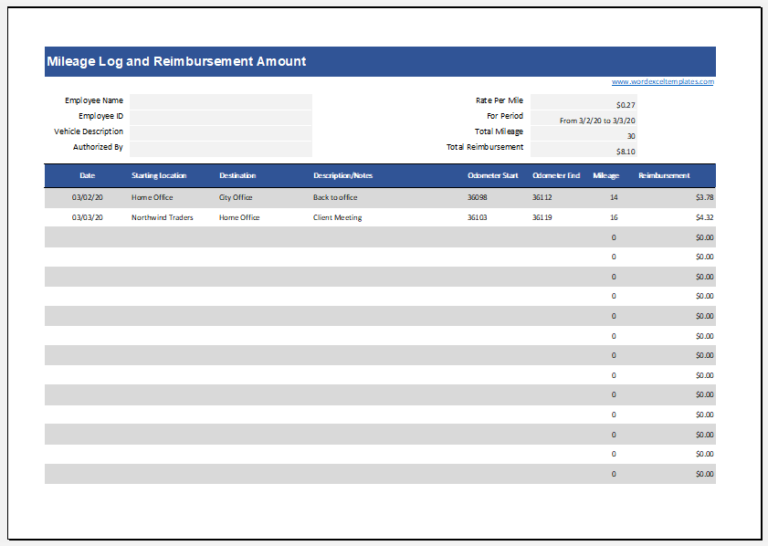
The downloadable Excel template remains useful when you prefer to maintain a longer-term spreadsheet or customize your own records. The Word version provides a simpler document-style format that can be printed and completed as needed.
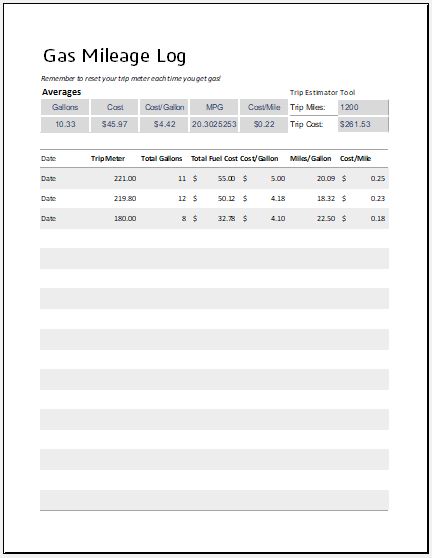
File: Excel (.xls)
Size 22 Kb
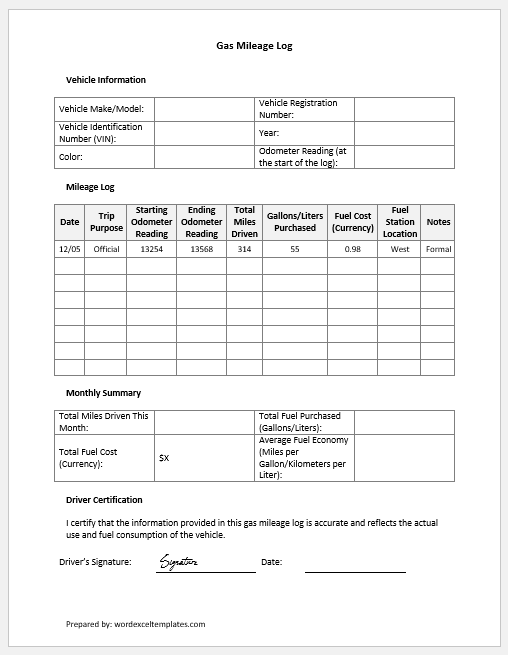
File: Word (.docx
Size 29 KB