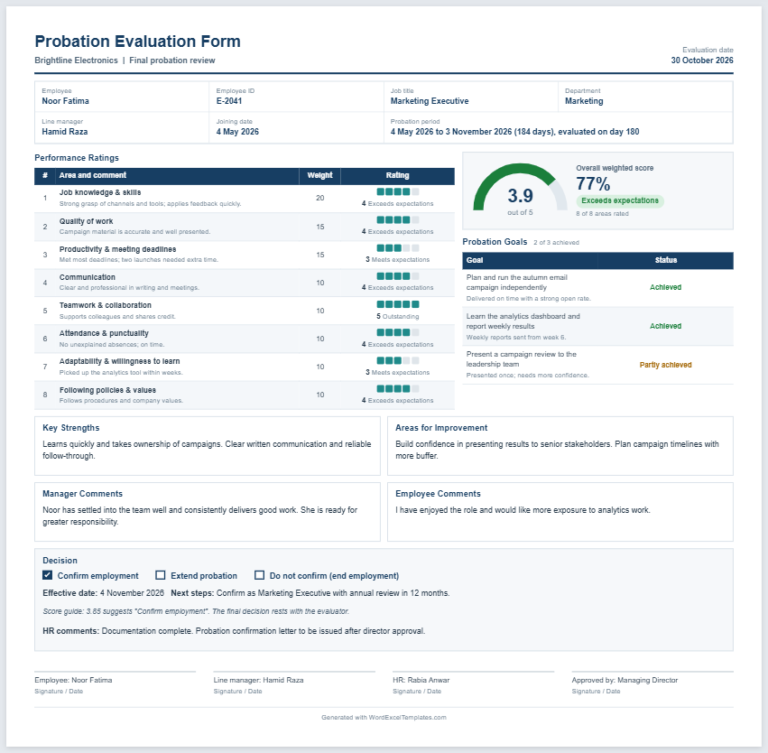
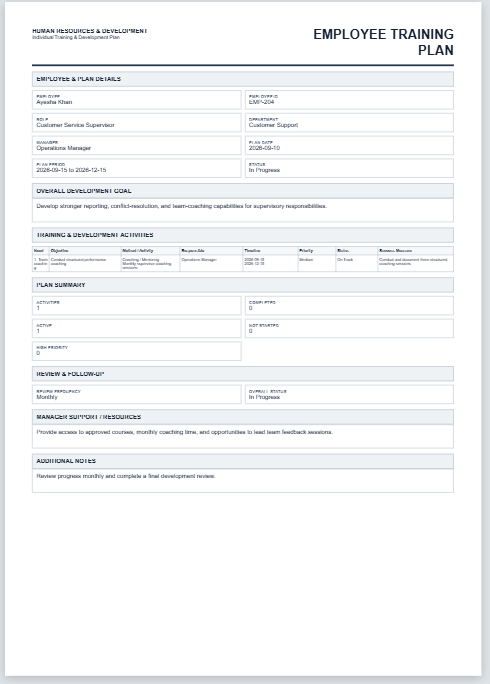
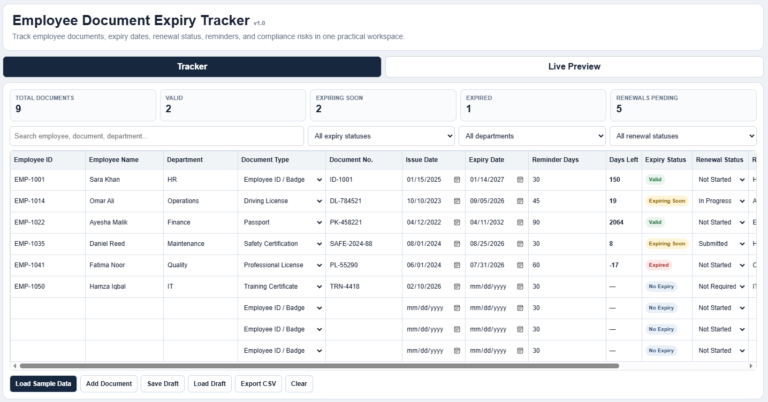
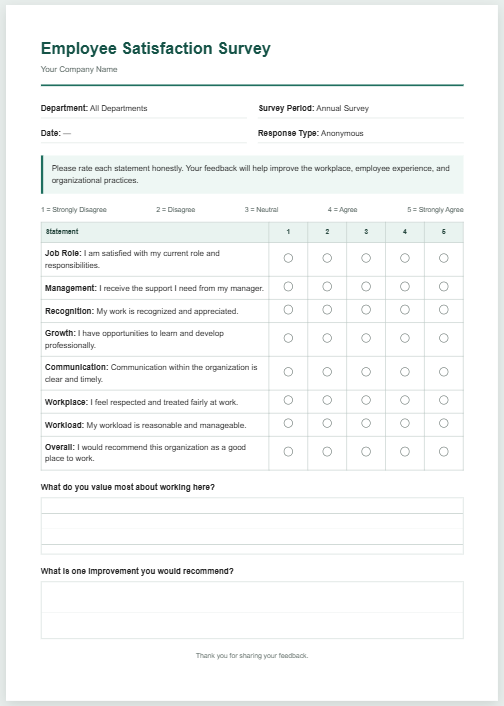
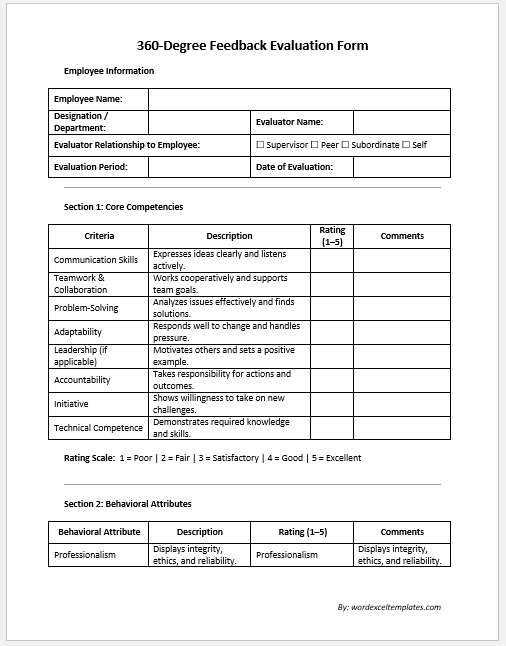
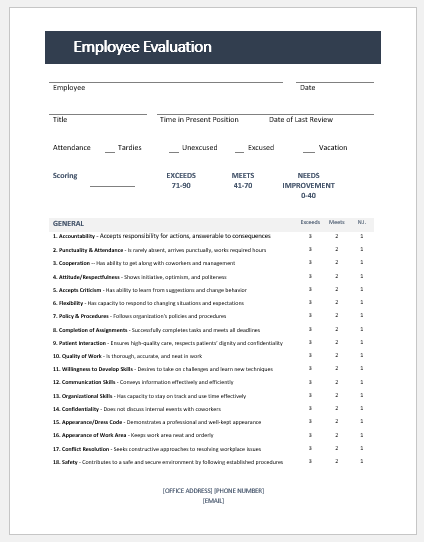
An employee evaluation form is a document that records how an employee is performing. It usually includes the employee’s information, the review dates, a table of rating criteria, goals and comments, with space for the employee’s and reviewer’s signatures. It helps employers see how their employees are working, and it lets employees see how they are doing against the standards set for them.
An online employee evaluation form generator makes the form quick to create: you enter the employee details, rate each criterion, add comments and goals, and then print the form, save it as a PDF or download it as a Word document.
Employee Evaluation Form
Enter the company and employee details, list the criteria and rate each one, add your comments, check the one-page form on the preview, then print it or save it as a PDF, or download it as an editable Word document. Anything you leave empty stays as a blank line to write on. Your details stay in your browser and are not sent anywhere. This form is a sample prepared for help and guidance only. It is not intended for legal or any other official purpose.
Company
Employee (optional, leave empty to write by hand)
Rating Scale
Criteria and Ratings
Rate each criterion (optional, leave Not rated to circle by hand):
Comments (optional, leave empty to write by hand)
Sections on the Form
Page & Style
An employee evaluation form helps a business run smoothly. It also supports employee motivation and career planning. An employee evaluation form is a form that records how an employee is performing. It is useful for any organisation or company.
If you need to make this form, keep it clear and easy to understand. There are different ways to make it, and some companies may prefer to add certain points while others may not. The following points can be considered.
Table format: The form can be made in a table, with columns and rows.
Employee information: Start by listing the employee’s information, under a heading such as “Employee Information”. Include the employee’s name, department, employee ID, position, reviewer’s name and reviewer’s title. These details show the reader who the employee is, which department is concerned and what position the employee holds. It is also good to include the reviewer’s name and title, so that it is clear who completed the review.
Dates: Include the date of the last review and the date of the current review.
Rating criteria: A table of criteria is an effective way to show the evaluation. It can have a column for each quality being assessed, followed by rating columns such as “unsatisfactory”, “satisfactory”, “good” and “excellent”. The rating for each quality can then be ticked.
Goals: Add a heading for goals. It can note whether the goals set previously were achieved, as well as the goals for the next period.
Comments: A comments section is useful for adding any other information, such as the employee’s strengths and the areas where they could improve.
Signatures: The employee’s and the reviewer’s signatures can be added at the end.
Advantages of the form
- It lets the employer see how employees are performing.
- It supports the effective running of the organisation, because an employee who is struggling can be given support.
- It lets employees see how they are doing against the standards set for them.
An employee evaluation form is an important document for a company or organisation, so it should be created carefully. It should be easy to read and free of unnecessary information, with clear and precise content.
File: Word (.docx) 2010/+
Size 80 KB