A well-designed decision tree can simplify complex choices by breaking them down into clear, logical steps. The Decision Tree Diagram Generator makes this process easy by allowing you to build professional, structured decision trees directly in your web browser without requiring any specialized software. Whether you are evaluating business strategies, comparing alternatives, managing risks, planning projects, or solving everyday problems, this tool helps you visualize every possible path and outcome.
The generator features an intuitive interface where you can enter your diagram title, organization name, preparation details, and the primary decision or question. From there, you can create multiple branches that represent different options, conditions, or outcomes. As you add or modify information, the live preview updates instantly, giving you a clear visual representation of your decision tree in real time.
To make the process even faster, the generator includes several built-in templates for common scenarios such as business decision making, project planning, hiring decisions, financial approvals, product selection, risk analysis, and simple yes/no decision trees. Selecting a template automatically loads relevant sample nodes, which you can fully customize to match your specific requirements.
Each node can be categorized as a decision, chance event, result, approval, rejection, warning, or success, making your diagrams easier to understand and more visually organized. The tool also supports adding, editing, and removing branches so you can create anything from a simple decision chart to a comprehensive multi-level diagram.
Once your diagram is complete, you can print it in a clean A4-friendly layout that includes only the finished diagram without the editing controls. You can also copy the generated content, export it for sharing, or save it for future reference. The responsive design ensures the generator works smoothly on desktop computers, tablets, and mobile devices, making it convenient to create or edit diagrams from virtually anywhere.
This online Decision Tree Diagram Generator is ideal for business professionals, managers, consultants, educators, students, project coordinators, analysts, HR teams, and anyone who needs to organize decisions in a logical, visual format. It saves time, improves clarity, and helps ensure that every possible option and outcome is considered before making important decisions.
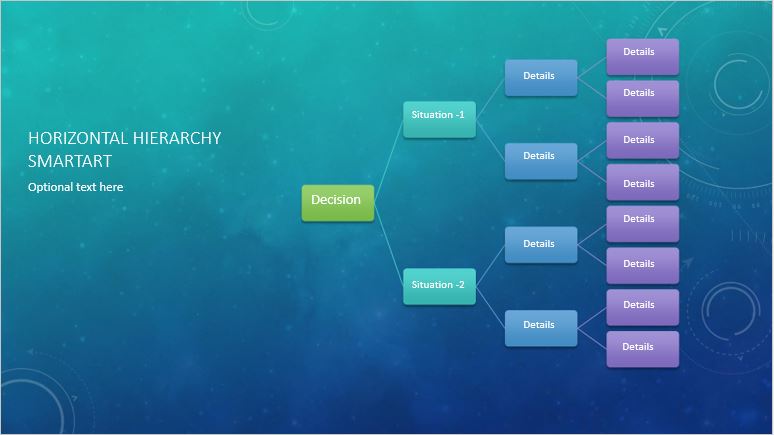
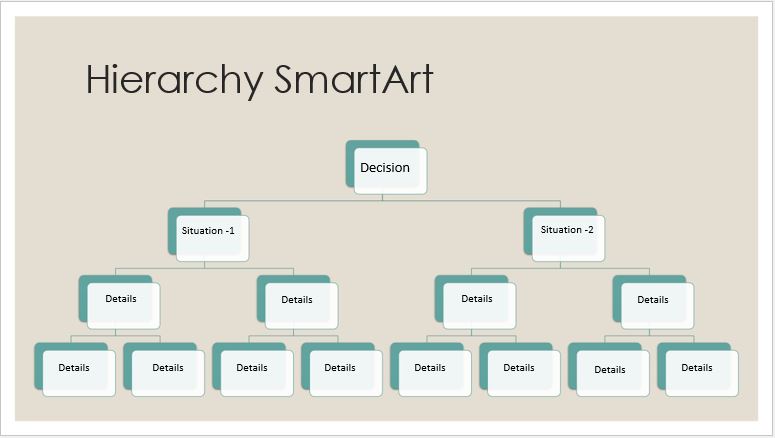
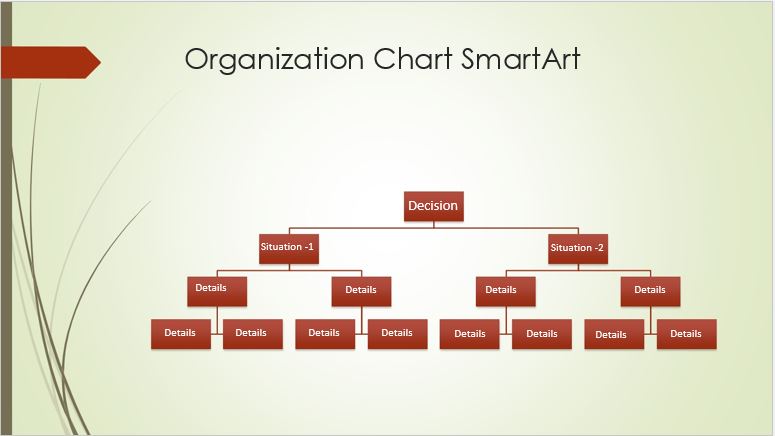
Preview and Detail of Templates
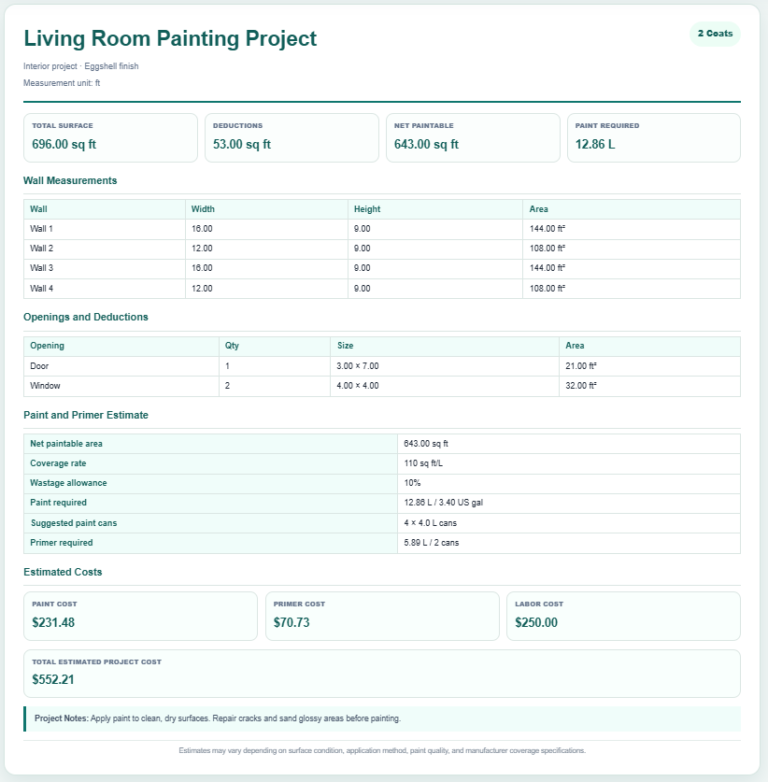
- Paint Coverage Calculator
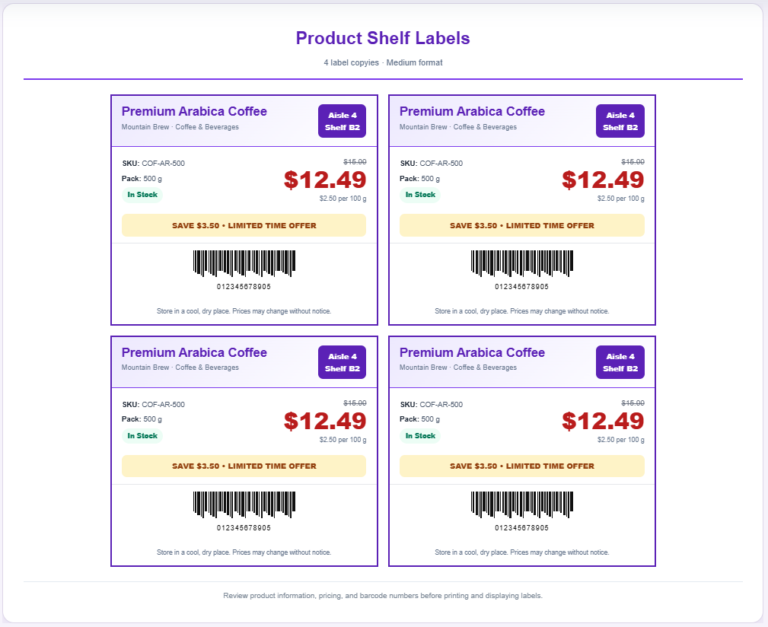
- AI Shelf Label Generator
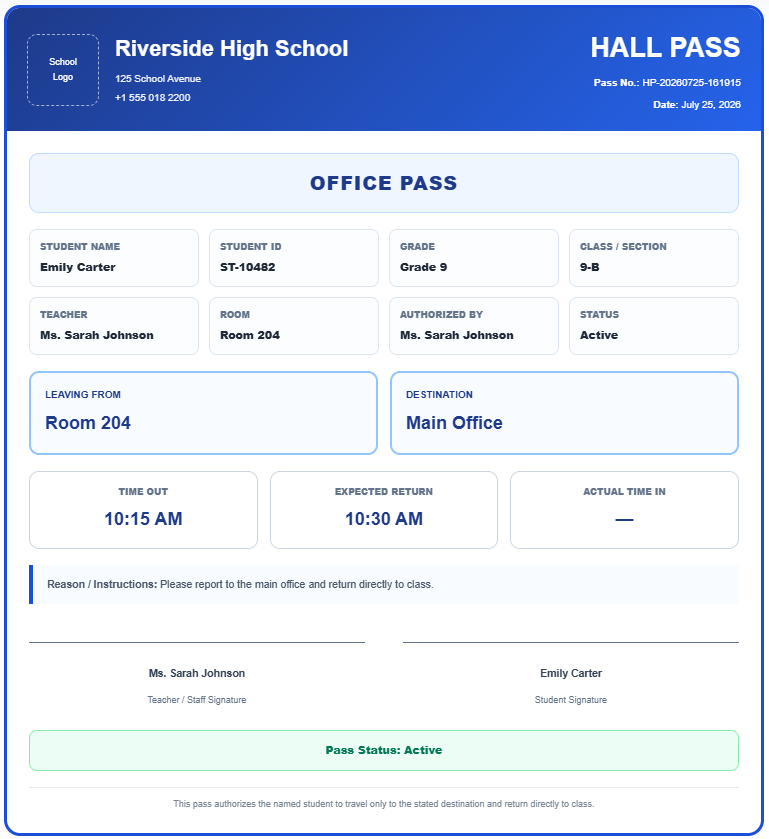
- Hall Pass Generator
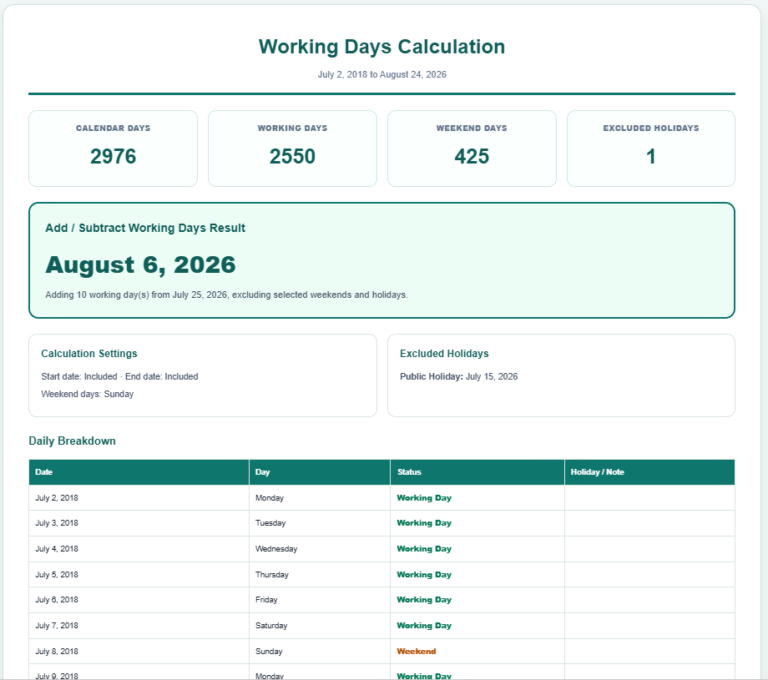
- AI Working Days Calculator
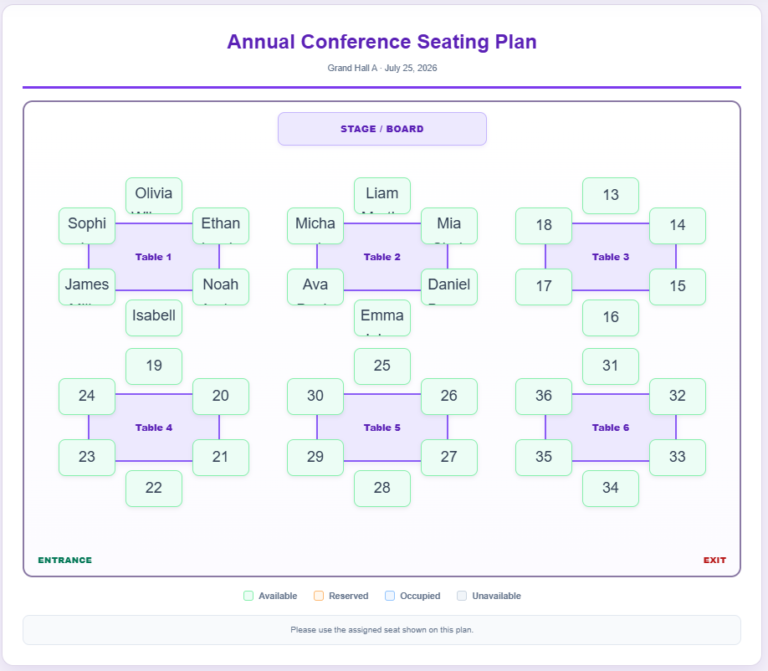
- Seating Arrangement Generator
- Donation Receipt Generator
- Decision Wheel Generator
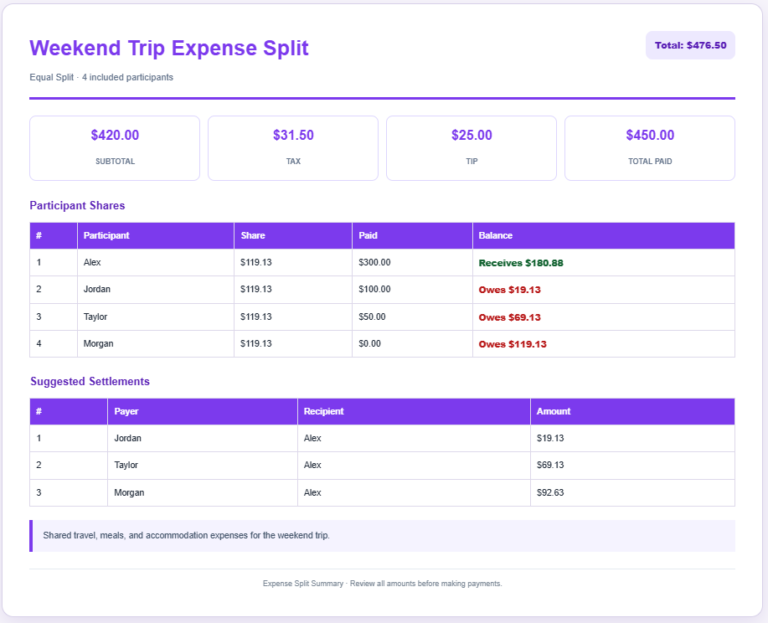
- Expense Split Calculator
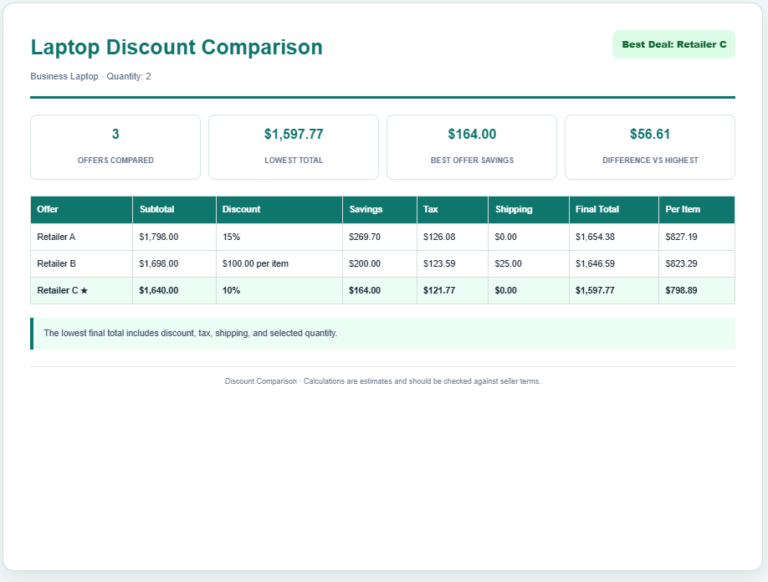
- Discount Comparison Calculator
- Appointment Slot Generator
- Cooking Measurement Converter
- Office Door Sign Generator
- Warehouse Bin Location Generator
- Dispatch Slip Generator
- AI School Report Card Designer