Employees should be paid accurately and on time. Businesses need clear payroll procedures that reflect applicable employment requirements and agreed pay terms. Reliable payroll processing can reduce uncertainty for employees and help employers maintain accurate payment records.
One useful document is a payroll tracker. It helps employers organize information about hours worked, earnings, deductions, and payments. Where appropriate formulas are included, it can also support payroll calculations.
(Create your tracker using the online tool below.)
Payroll Tracker
Manage employee earnings, deductions, and net payroll.
Payroll Details
Employee Payroll
Expand a record to edit earnings and deductions.
Payroll Settings
Payroll Review
Significance of a Payroll Tracker
A payroll tracker helps a company record, manage, and review employee pay information. It can show the hours worked, the amount due, and the date payment was made, providing a central reference for payroll administration.
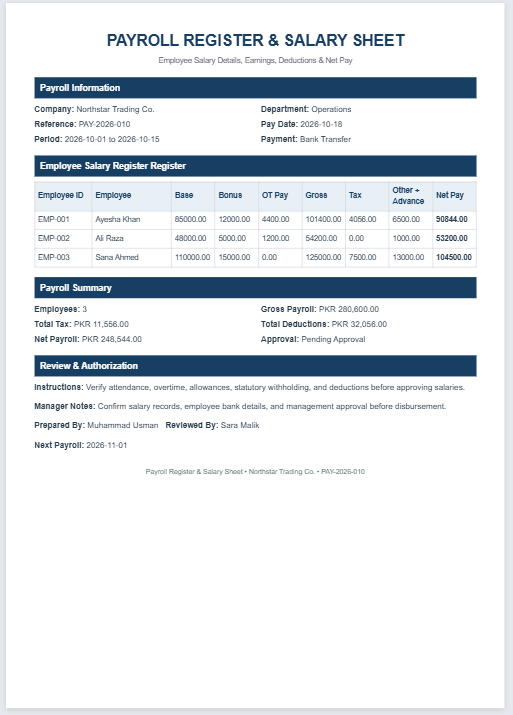
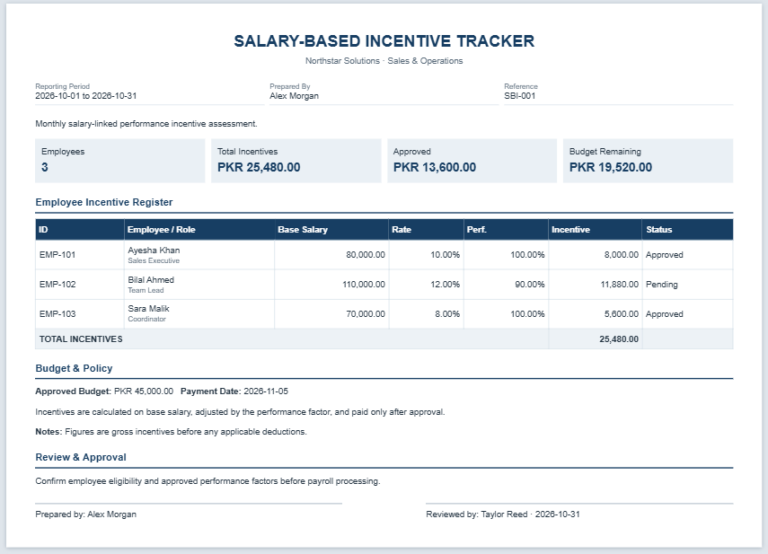
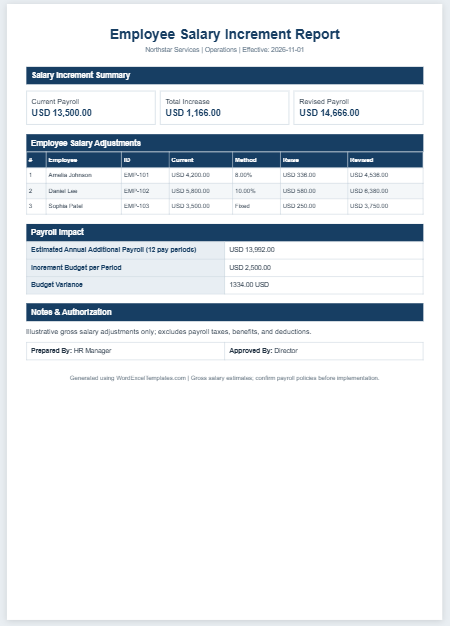
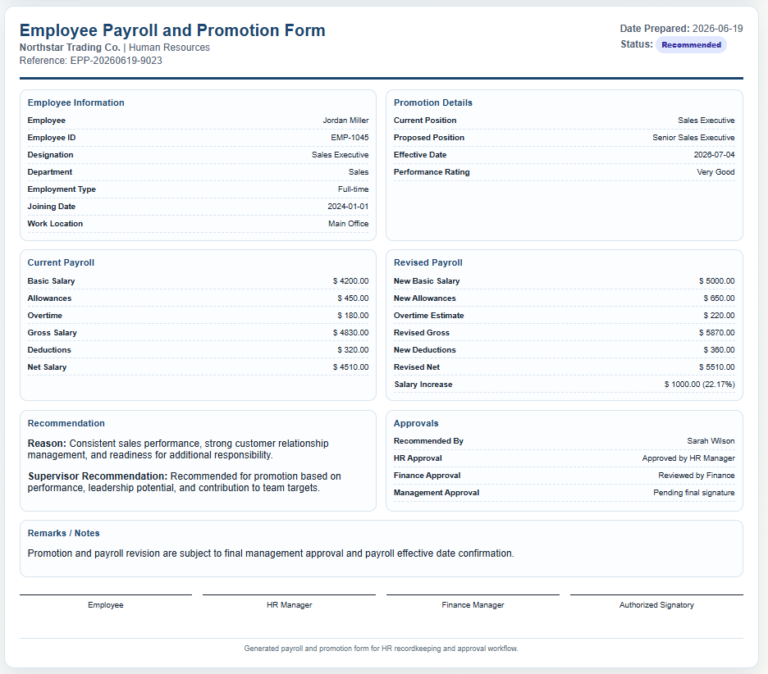
The tracker typically includes employee details, such as names, employee IDs, and departments. It may also record the pay period, hours worked, gross pay, deductions, net pay, and payment status.
Benefits of a Payroll Tracker
A payroll tracker offers several advantages:
- It shows how much each employee was paid and when.
- It records hours worked where these are relevant to pay calculations.
- It provides a reference for investigating payment discrepancies or employee queries.
- Accurate records make payroll calculations easier to review and explain.
Keep the following points in mind:
- Manual data entry requires care to reduce errors.
- Check numerical entries, formulas, and totals before processing payments.
- Back up important records and restrict access to authorized personnel.
- A tracker supports payroll administration but does not guarantee accurate payments by itself.
How to Create a Payroll Tracker?
Consider the following points when creating a payroll tracker:
Use a professional format:
Give the document a clear heading, such as “Payroll Tracker.” Include the company’s name, relevant contact details, and the reporting period.
Organize the data:
Create separate columns for employee IDs, names, job titles, departments, and pay periods. Include hours worked and pay rates where applicable.
Add columns for gross pay, deductions, and net pay. Record the scheduled payday separately from the actual payment date, and include a payment status or transaction reference where useful.
Keep the layout clear and include only information needed to calculate, review, or track payroll. Use consistent labels and specify the currency and pay frequency.
Maintaining a payroll tracker helps businesses keep an organized record of employee earnings and payments. When completed accurately and checked against supporting records, it can make payroll easier to manage and provide a useful reference when questions arise.