A Visitor Parking Permit Generator is a convenient tool for creating professional parking permits for guests, clients, contractors, vendors, and other temporary visitors. It helps organizations issue authorized parking permits quickly while maintaining an organized and secure parking system. Instead of preparing permits manually, users can generate accurate and printable permits within minutes.
The generator allows users to enter important information such as the organization name, visitor details, host information, vehicle registration number, parking zone, permit number, issue date, expiry date, and special instructions. Once the information is entered, a neatly formatted permit is generated that can be printed or shared digitally.
This generator is ideal for offices, schools, hospitals, hotels, residential communities, factories, business parks, and commercial buildings. It helps security staff identify authorized vehicles, prevents unauthorized parking, and improves visitor management. By using a standardized permit format, organizations can reduce paperwork, improve efficiency, and provide a smoother parking experience for visitors while maintaining better control over parking facilities.
Permit Details
InputProperty / Organization
Visitor & Host
Vehicle Information
Permit & Parking Rules
Live Preview
Frequently Asked Questions
1. What is a Visitor Parking Permit Generator?
It creates a printable parking permit for visitors, including property, visitor, host, vehicle, validity, assigned zone, and parking instructions.
2. Who can use this permit generator?
Offices, apartments, gated communities, schools, hospitals, event venues, security desks, and facility teams can use it to issue visitor parking permits.
3. Can I add vehicle details?
Yes. The permit includes license plate, vehicle make, model, and color so security staff can identify the authorized vehicle.
4. Can the permit show valid dates and times?
Yes. Enter valid from and valid until dates and times. These appear clearly on the live preview and printed permit.
5. Can I assign a parking zone or space?
Yes. You can add the parking zone, lot name, and space number for controlled visitor parking.
6. What should parking instructions include?
Instructions should explain where to park, how to display the permit, check-in requirements, and any site-specific rules.
7. What restrictions should be listed?
Common restrictions include non-transferable use, expiry enforcement, towing policy, no reserved staff spaces, and display requirements.
8. Can this permit be printed on A4?
Yes. The Print Preview button prints the complete live preview area on an A4 portrait sheet with proper margins.
9. Does it work on mobile?
Yes. On small screens, use the Input and Live Preview tabs. The preview includes Zoom-, Zoom+, and Fit buttons.
10. Is this a legal parking authorization system?
No. It is a printable permit template. Organizations should adapt it to their access control, parking, towing, and privacy policies.
MS Word Template
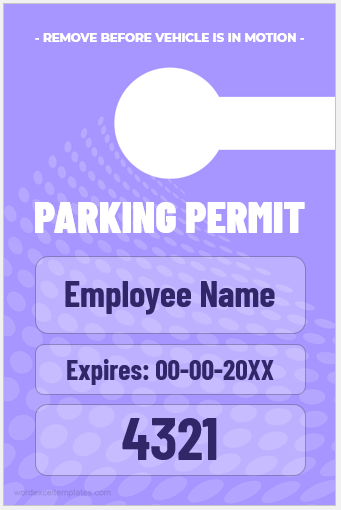
Our Visitor Parking Permit MS Word Template provides a ready-to-use and fully editable design for creating professional parking permits. It includes sections for visitor information, vehicle details, host name, parking area, permit validity, and organization branding. The template can be easily customized in Microsoft Word, printed on demand, and used for temporary or scheduled visitor parking without requiring any special design skills.
#1
Parking Card File: 2 MB
#2
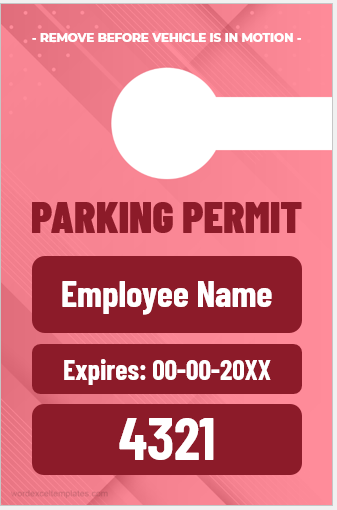
Parking Card File: 2 MB
#3
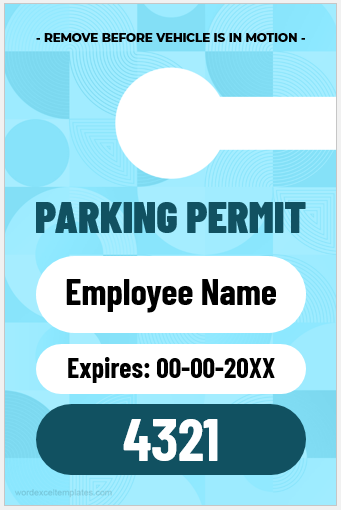
Parking Card File: 2 MB
#4
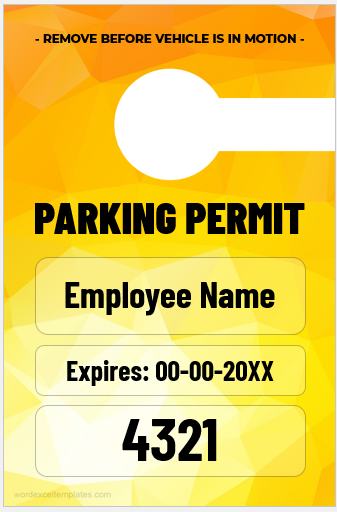
Parking Card File: 2 MB
#5
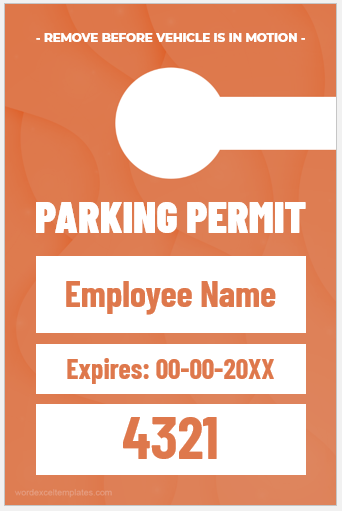
Parking Card File: 2 MB
- Temporary Employee ID Badge Templates
- Construction Worker ID Cards
- Hospital Employee ID Card Templates
- School Staff ID Card Templates
- Corporate Employee Photo ID Cards
- Custom Birthday Gift Card Design
- Security Clearance Card Templates
- Visitor Parking Permit Generator
- Company Meal Card Templates
- Conference Room Reservation Cards
- Employee Birthday Announcement Card Templates
- Happy Holiday Cards for Employees