Hosting a holiday event requires careful planning. You need to arrange catering, decorations, and entertainment, as well as decide whom to invite. A holiday event guest list template can help you organize invitations and keep track of responses.
With a guest list, you can see who has been invited, who has confirmed, and how many adults and children are expected. This information helps you plan seating, food, and activities for your guests.
This is a document that records the people invited to a holiday event and tracks their responses. It can also include attendance numbers, contact details, and relevant preferences to help the host prepare.
Create your template below:
Holiday Event Guest List Template
Plan invitations, RSVPs, guest counts and seating arrangements.
Event Details
Guest Register
Add guests and expand each record to edit invitation and attendance details.
Event Planning
Review & Summary
Verify guest details and RSVPs before exporting or printing.
Benefits of the Template
The following are some advantages of a holiday event guest list template:
- It keeps guest names and invitation details in one place.
- It shows who has accepted, declined, or not yet responded.
- It helps estimate attendance for catering and seating arrangements.
- It reduces the likelihood of overlooking someone you intended to invite.
- It provides space to record dietary requirements or other relevant requests.
Template Overview
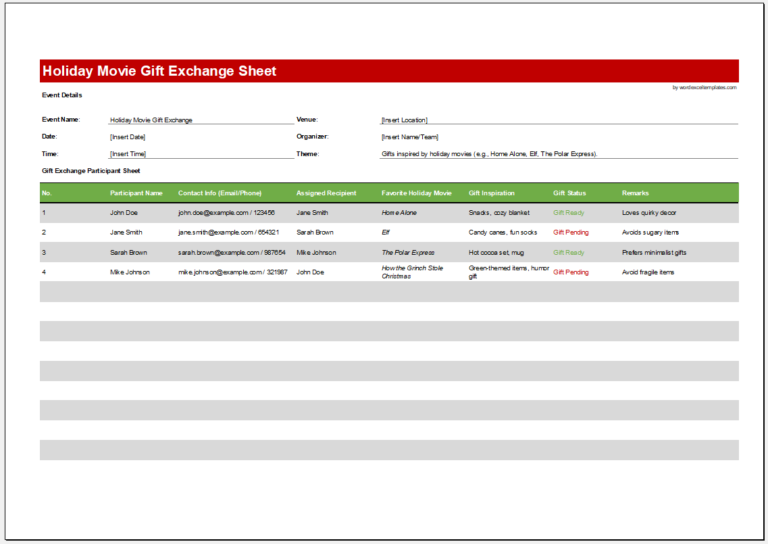
The template includes details such as guest names, contact information, invitation status, RSVP responses, and attendance numbers. It can also record dietary requirements and other details needed for the event.
Tips for Creating a Holiday Event Guest List Template
Keep the template simple and include only the information needed to plan the event. The following tips can help:
Choose an Application
- Use Microsoft Excel or a similar spreadsheet application to create and update the list.
- Organize and format guest information in a table.
- Print the list or share it digitally with the people helping to organize the event.
Format the Template
- Use a heading such as “Holiday Event Guest List.”
- Include the event name, date, time, and location.
- Arrange guest information in a clearly labeled table.
Create a Guest List Table
Useful columns include:
- Guest name
- Contact information
- Invitation status and date
- RSVP status: pending, accepted, or declined
- Number of adults attending
- Number of children attending
- Dietary requirements or other relevant requests
- Notes
Enter attendance numbers consistently: use one row per guest or one row per household, and count accompanying guests only once.
This setup helps you:
- Prepare catering and seating arrangements.
- Organize gift bags and other event materials.
- Maintain a clear overview of expected attendance.
Keep the List Practical
Avoid unnecessary fields, update responses as they arrive, and follow up with guests who have not replied by the requested date. Share contact details and dietary information only with those who need them for planning.
A holiday event guest list helps you organize invitations and prepare for the people attending. Keeping it current makes it easier to plan the details and enjoy time with your guests.