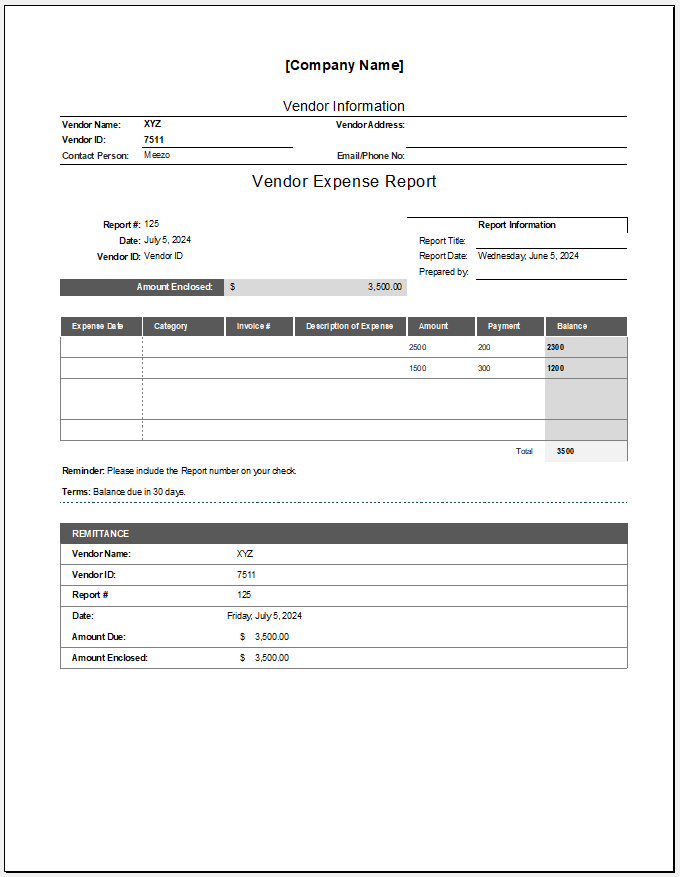
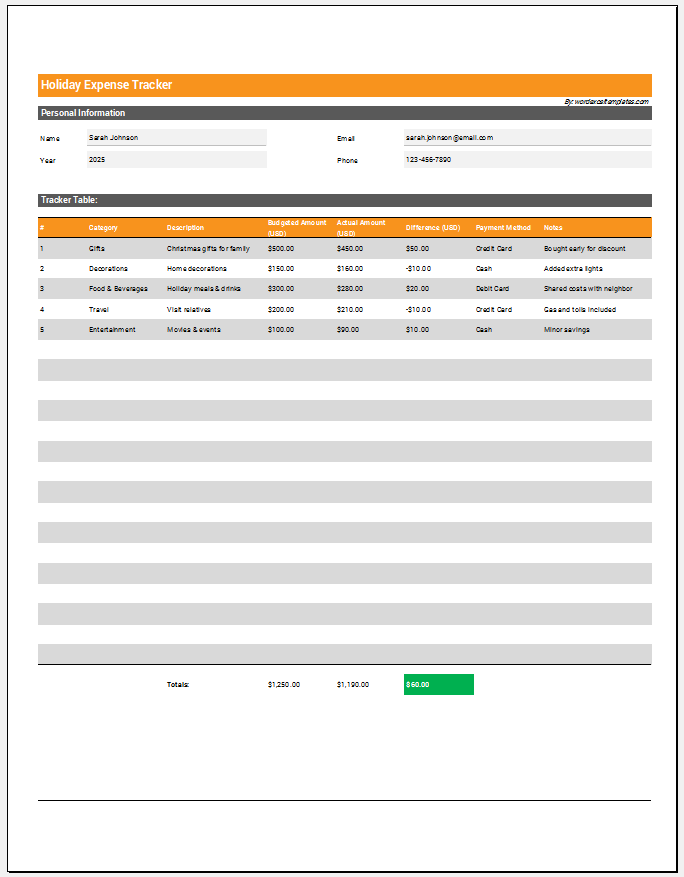
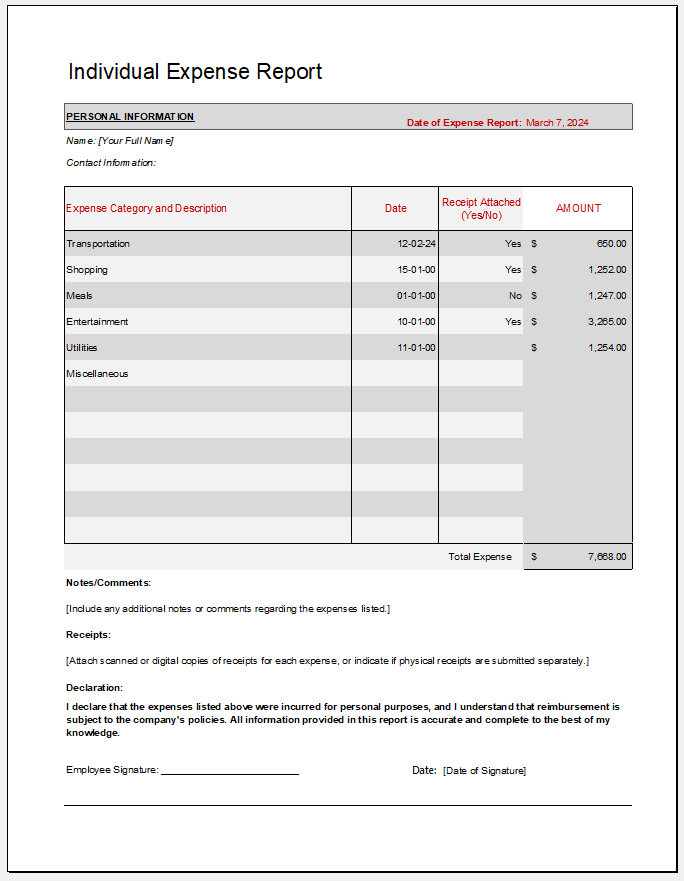
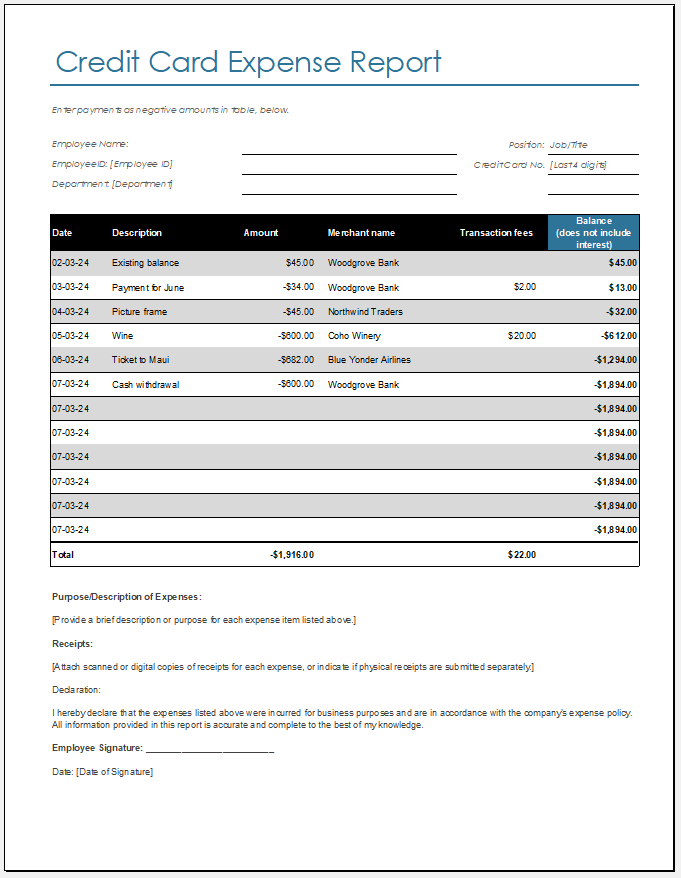
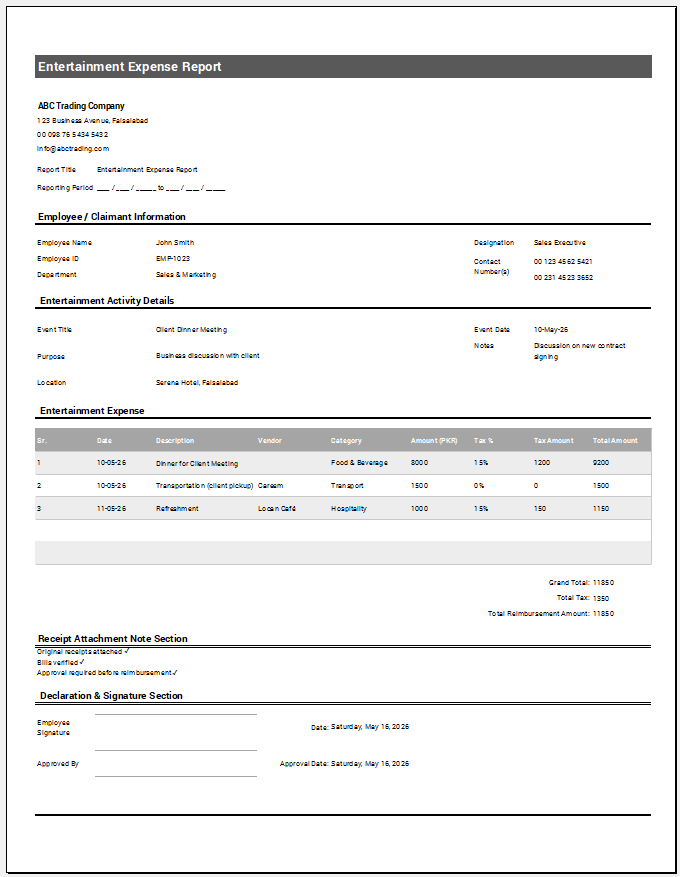
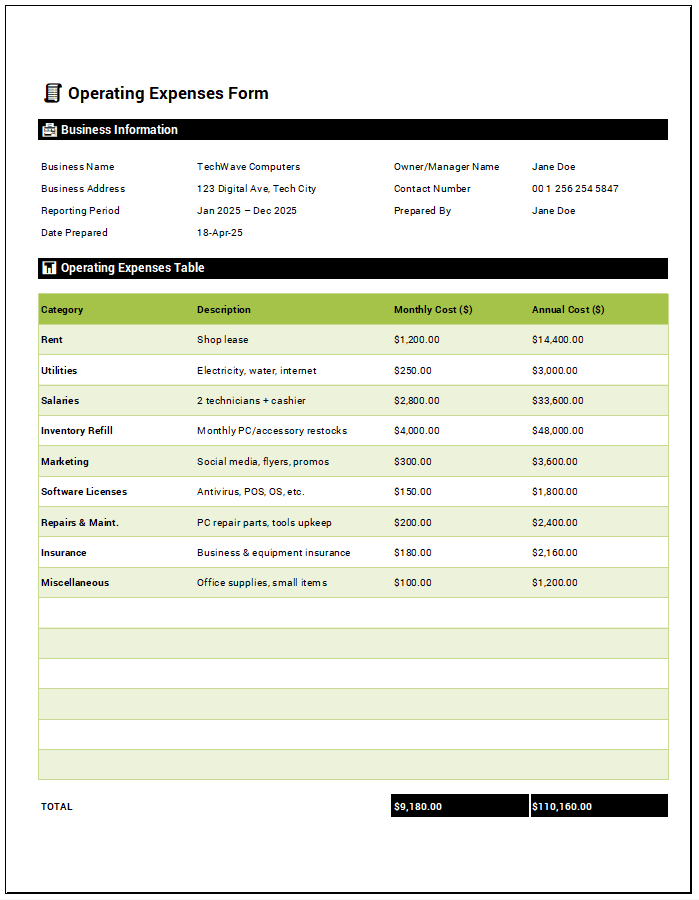
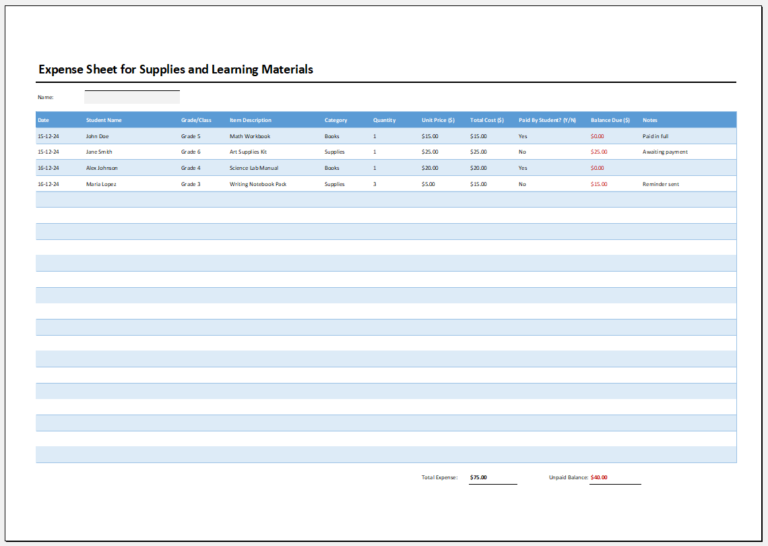
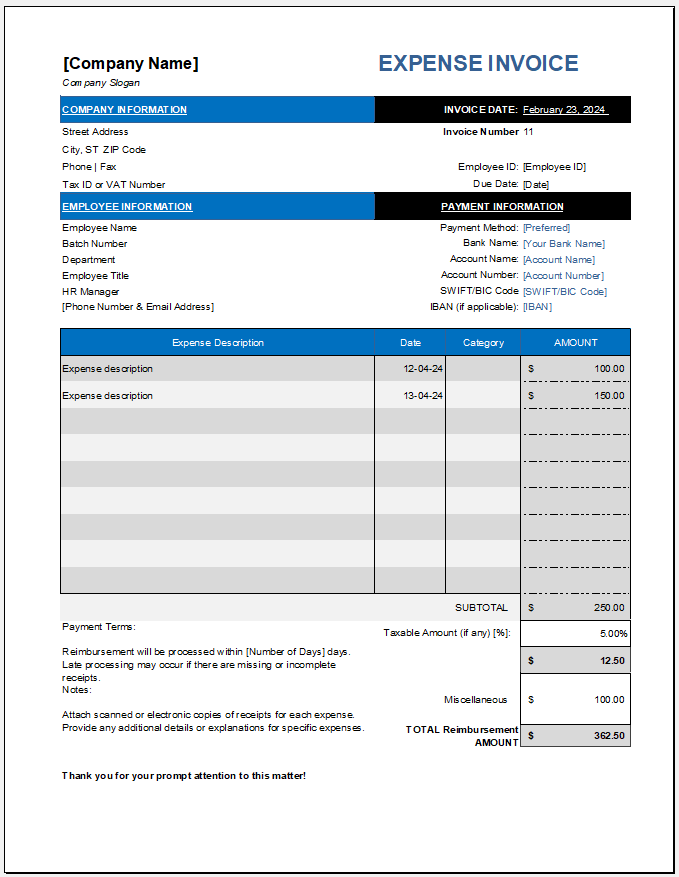
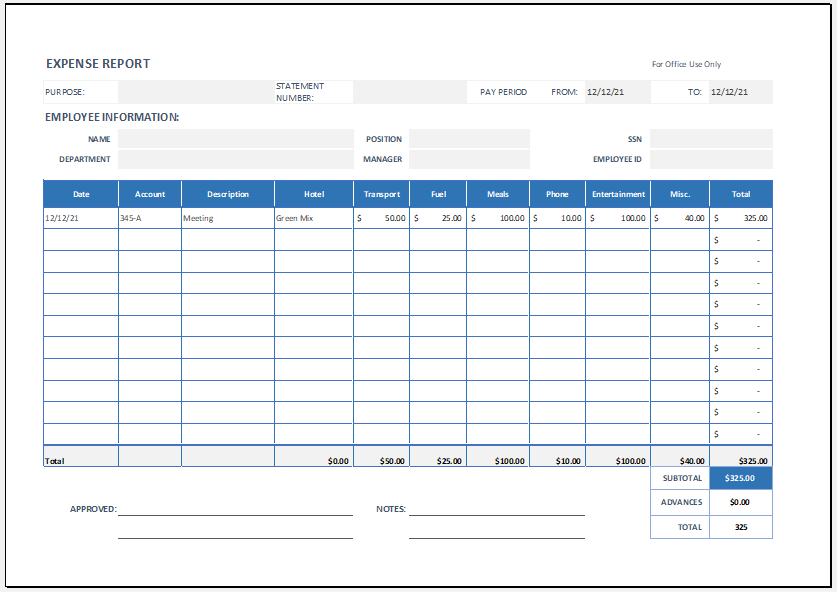
An Employee Expense Report is a document used by employees to record business-related expenses they have paid during a particular period. It provides details such as the expense date, category, description, vendor, payment method, receipt number, amount, and tax, helping an organization review expenses and determine the amount that should be reimbursed to the employee.
Employee Expense Report
Employee & Report
Expense Entries
Reimbursement
Review & Print
How to Use the Employee Expense Report Generator
Start with the Employee & Report section and enter the employee, department, reporting period, manager, and business purpose. Next, add each expense in the Expense Entries section. You can record expenses such as travel, meals, accommodation, fuel, office supplies, parking, communication, and client-related costs, and specify whether each expense is reimbursable.
The generator automatically calculates total expenses, reimbursable and non-reimbursable amounts, taxes, advances received, and the final reimbursement due. Once all expenses have been entered, review the report and add the required manager and finance approval information.
You can then use Print / Save PDF to create a professional expense report or Download Excel to save and further manage the expense data.
MS Excel Template
File: Excel (.xlsx)
Size 18 Kb