A Leave Application Generator is an online tool that helps users create a ready-to-use leave application without writing it manually.
How to Use this Online Generator?
Users simply fill in the required details such as their name, class/designation, leave type, leave dates, reason, organization name, and recipient details. As they enter the information, the tool automatically prepares a professional leave application in the preview area.
It can work for different users, including students, employees, teachers, and office staff. The user can select the tone or format, such as formal, simple, school student, employee, teacher, or short application. Based on this selection, the generator adjusts the wording of the application.
The tool also calculates the number of leave days automatically when the user enters the start and end dates. If needed, the user can manually change the number of days. It also creates a suitable subject line according to the selected leave type, such as “Application for Sick Leave” or “Request for Casual Leave.”
After the application is generated, the user can review it in the live preview section. The preview is editable, so the user can make final changes before using it. Once satisfied, the user can print the application or download it as a text file.
This generator works directly on the WordPress page. It does not require any external software. All details are processed inside the user’s browser, which means the entered information is not stored or sent anywhere.
The tool is useful for quickly preparing leave applications for school, college, office, business, or personal purposes.
Leave Application Generator
Create a professional leave request, edit the final wording, save a draft, copy it, share it, or print the complete A4 preview.
Applicant & Recipient
Leave Details
Contact, Handover & Closing
MS Word Editable Leave Application Forms
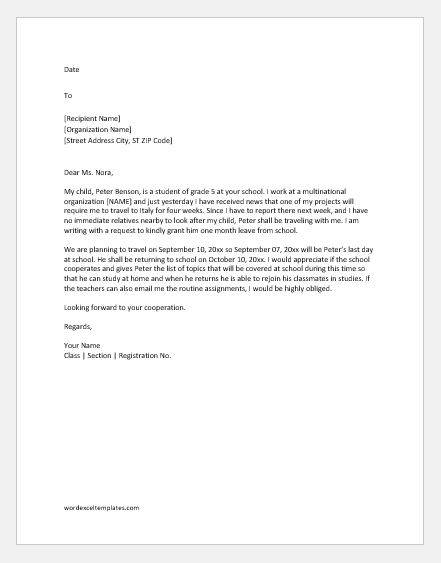
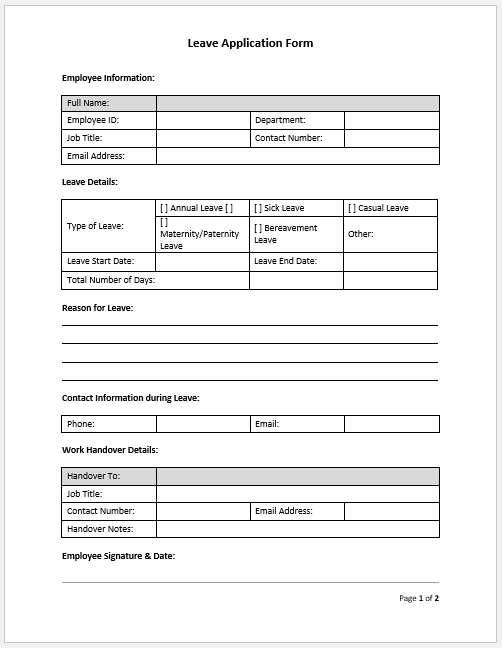
While our online Leave Application Generator offers a quick and convenient way to create professional leave requests, some users prefer working with traditional document formats. For this reason, we also provide a collection of MS Word Editable Leave Application Forms that can be downloaded and customized according to individual requirements.
These forms are ideal for users who need an offline solution, want to maintain their own records, or prefer making edits in Microsoft Word before printing or sharing the application. The templates are professionally formatted and suitable for schools, colleges, universities, offices, businesses, and government organizations.
How to Use the MS Word Leave Application Forms
Using our editable Word templates is simple and requires only a few steps.
Step 1: Choose a Suitable Form
Browse the available leave application forms and select the one that best matches your situation. We offer different types of leave applications, including:
- Sick Leave Applications
- Casual Leave Applications
- Annual Leave Applications
- Vacation Leave Applications
- Emergency Leave Applications
- One-Day Leave Applications
- Medical Leave Applications
- Leave Applications for School Students
- Leave Applications for Employees
- Leave Applications for Teachers
Each template is designed for a specific purpose, making it easier to find a form that closely matches your requirements.
Step 2: Download the Template
Once you have selected a suitable form, simply download the Microsoft Word file to your computer or mobile device. The templates are provided in an editable format so that users can modify the content without affecting the overall layout.
Step 3: Customize the Information
Open the downloaded file in Microsoft Word and replace the sample information with your own details. You can edit:
- Applicant name
- Recipient name
- School or company name
- Leave dates
- Number of leave days
- Reason for leave
- Contact information
- Supporting details or remarks
The templates are fully editable, allowing users to make minor changes or completely rewrite the content if necessary.
Step 4: Review the Application
Before submitting the leave request, review the document carefully to ensure that all information is accurate. Check the dates, recipient details, and leave reason to avoid any confusion or delays in approval.
Step 5: Print or Forward
After customization, the leave application can be printed and signed for physical submission. Alternatively, users can save the document as a PDF and send it through email, messaging applications, or internal office communication systems.
This flexibility makes the templates suitable for both traditional paper-based workflows and modern digital communication.
Benefits of Using Editable Word Forms
Our MS Word leave application forms provide several advantages:
- Easy to download and use
- Fully editable in Microsoft Word
- Suitable for offline use
- Professional formatting and layout
- Can be printed instantly
- Easy to save as PDF
- Convenient to email or forward electronically
- Suitable for personal, educational, and professional use
Whether you need a leave application for school, college, or workplace purposes, these templates provide a quick and reliable solution. Simply choose the form that fits your situation, download it, customize the content, and print or forward it whenever needed.
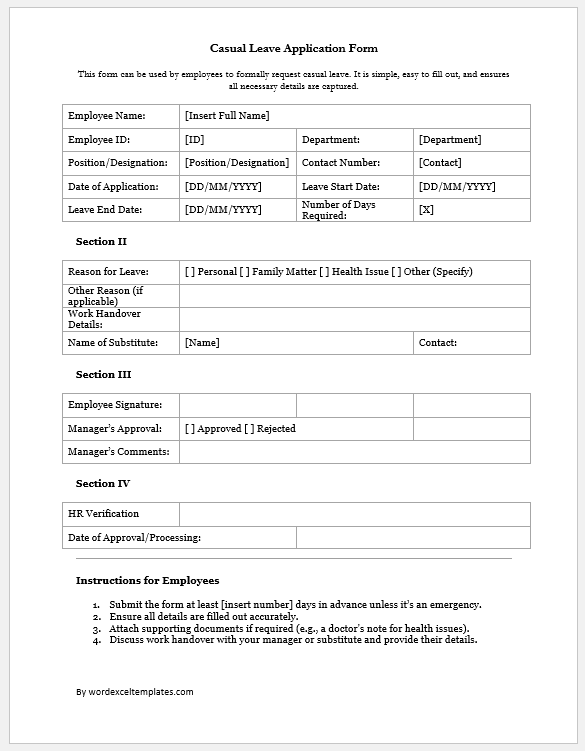
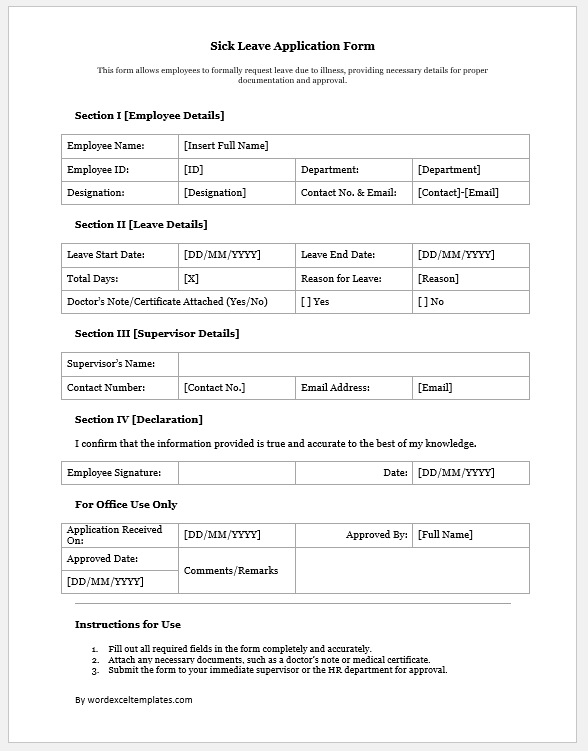
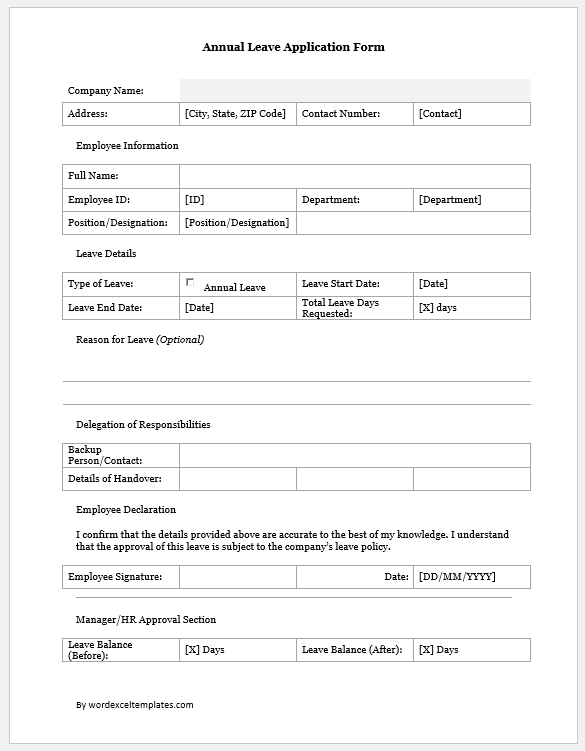
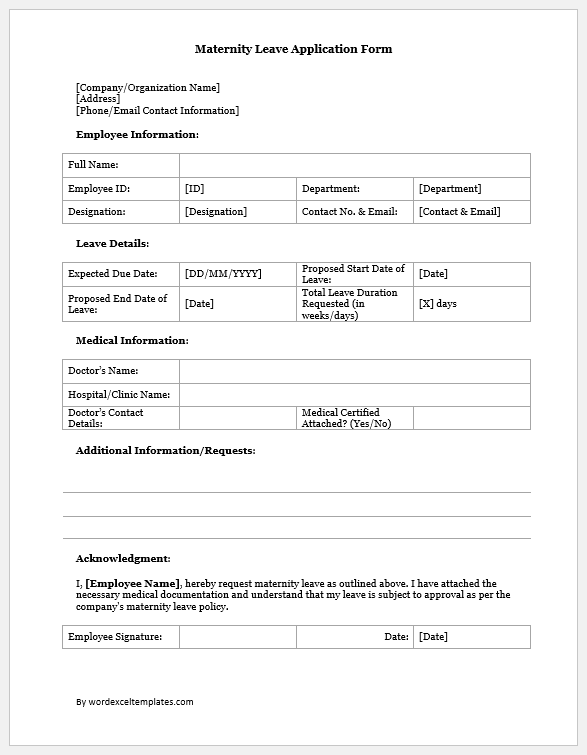
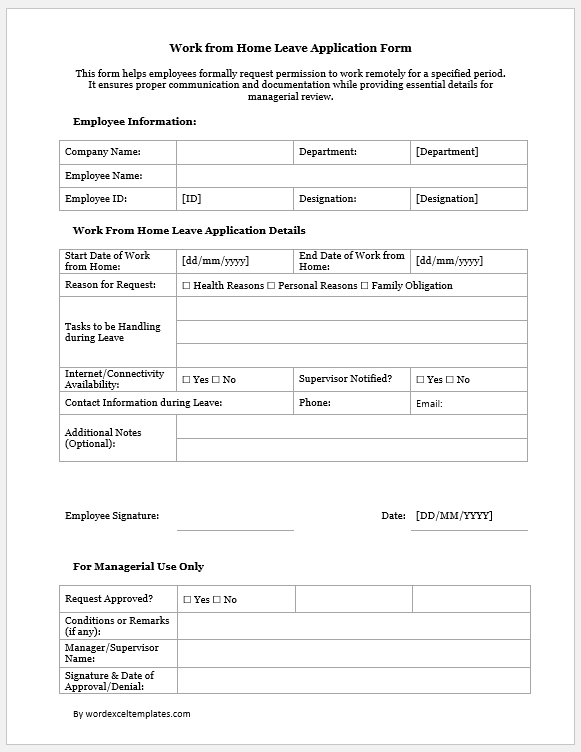
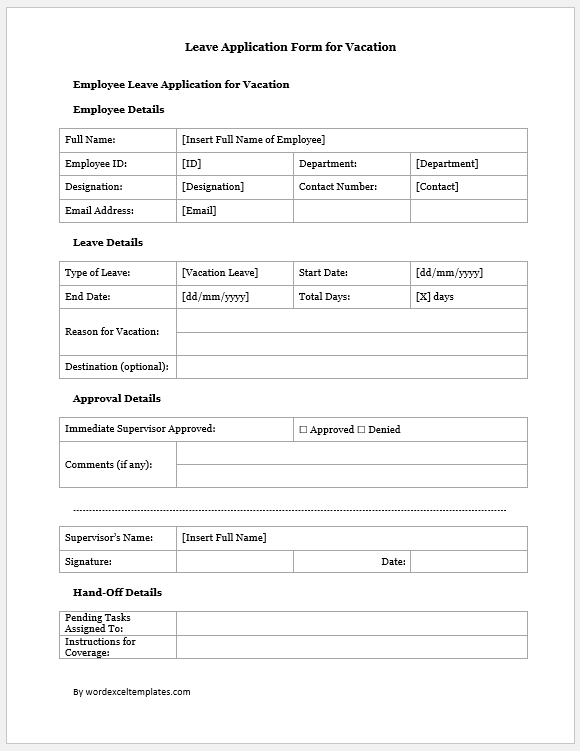
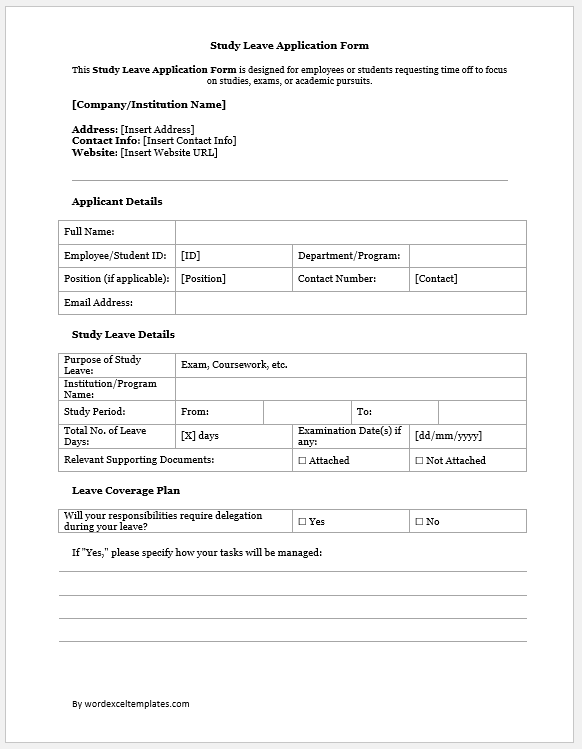
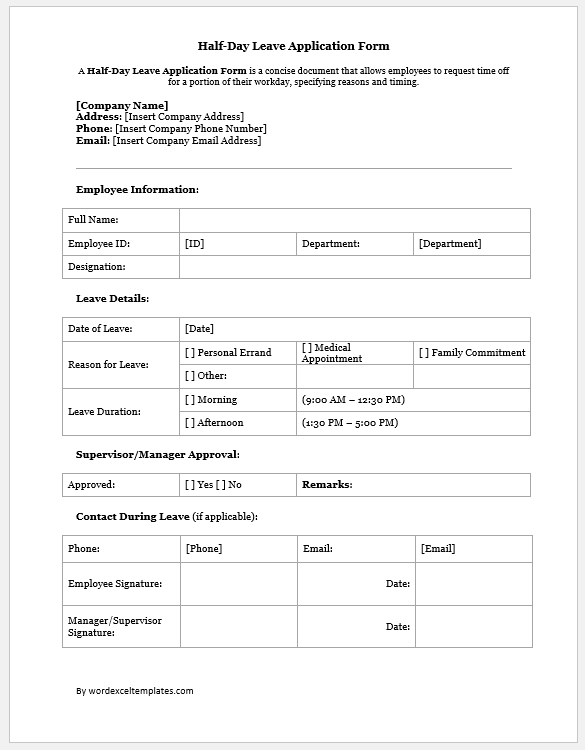
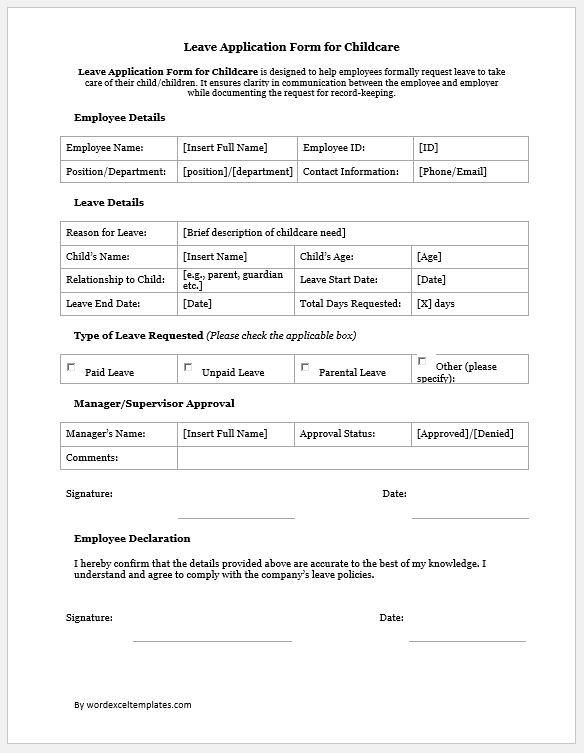

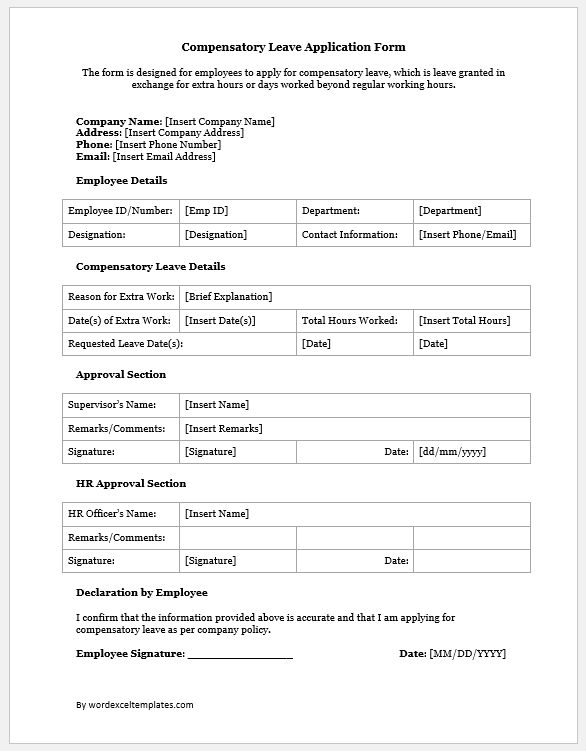
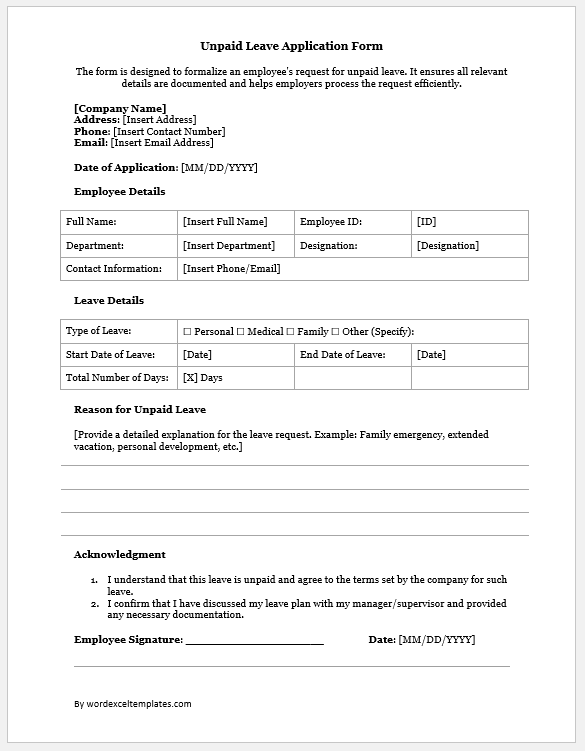
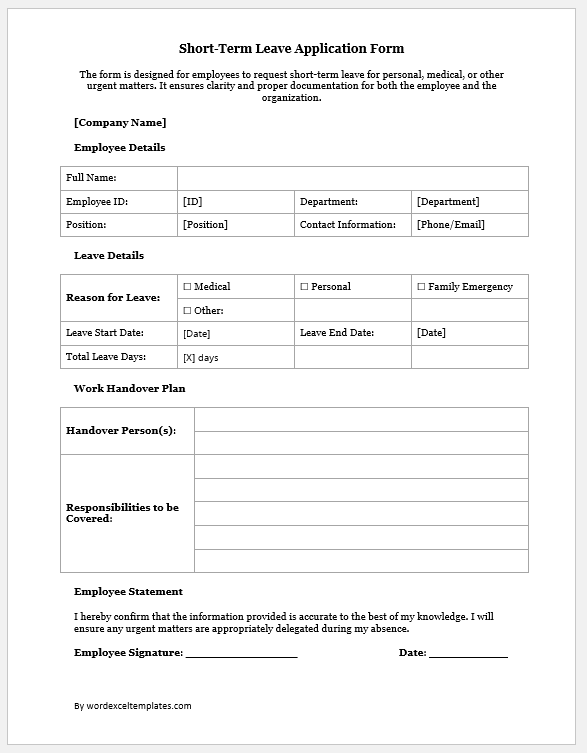
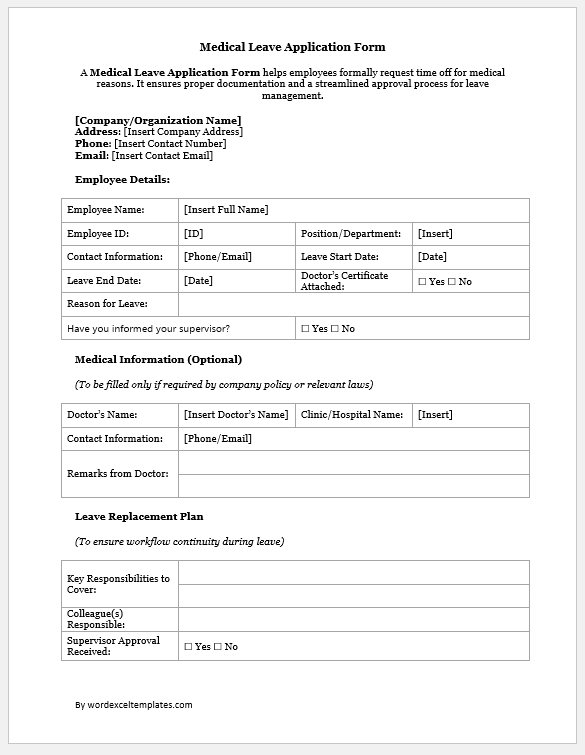
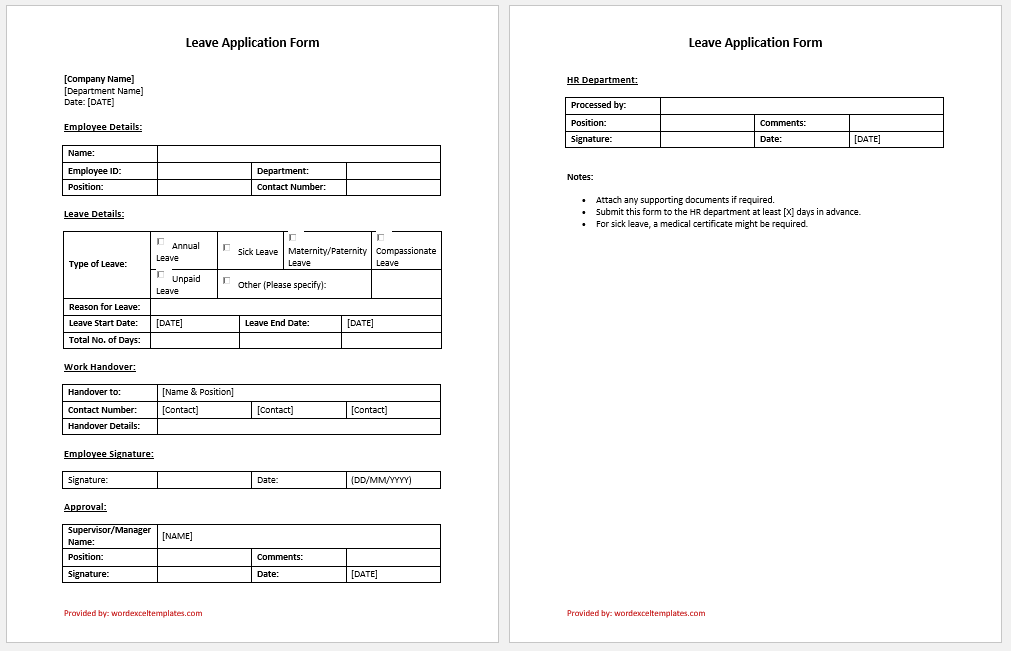
Preview and Details of Template
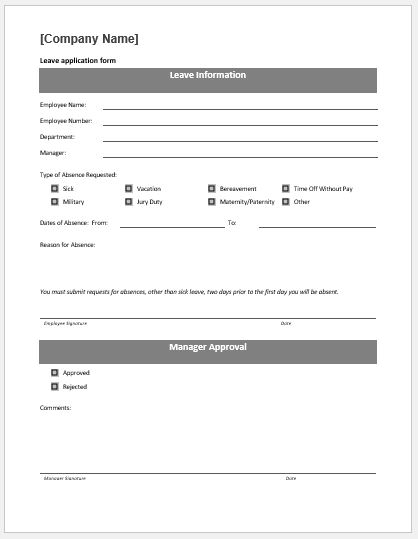
Leave Application Form
File: Word (.doc) and iPad
Size 33 Kb
File: Word (.doc) and iPad
Size 41 Kb
- Reimbursement Management Forms
- Forms Used for Workplace Ethics and Policies
- Forms used for Operations in an Organization
- Procurement/Supply Chain Forms
- Downloadable Forms for Unprofessional Behavior
- Commonly Downloaded Office Forms
- Employee Dispute & Grievance Forms
- Insurance & Protection Benefit Forms
- Employee Retirement & Pension Forms
- Employee Service & Tenure Forms
- Employee Health & Well-being Forms
- Employee Scrutiny & Evaluation Forms
- Employee Training and Development Forms
- Customer Service and Support Form Generator
- Commonly Used Forms for Payroll Correction