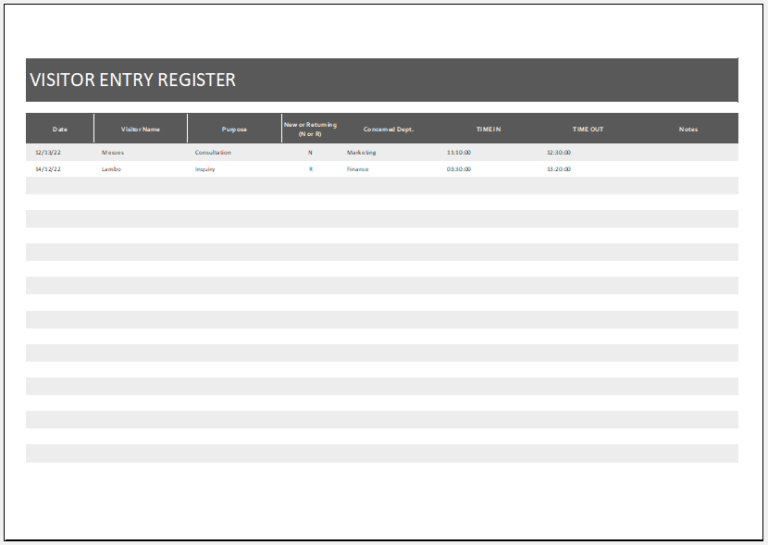
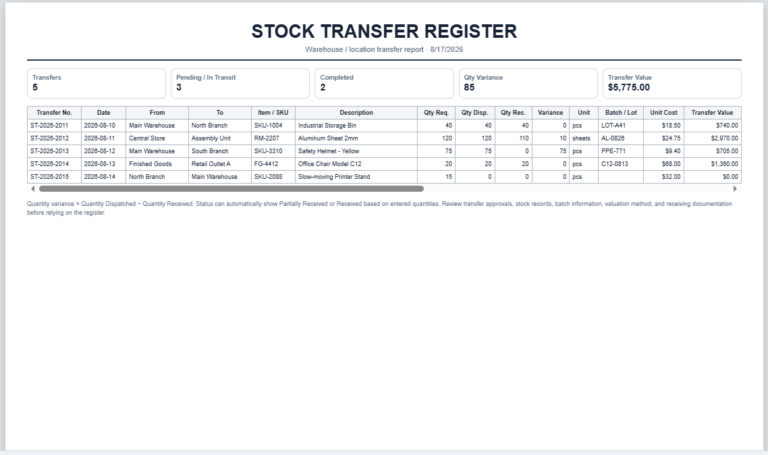
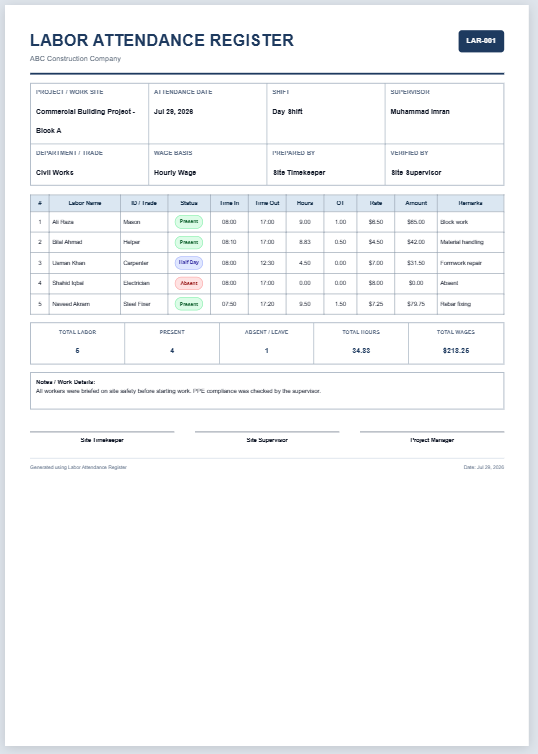
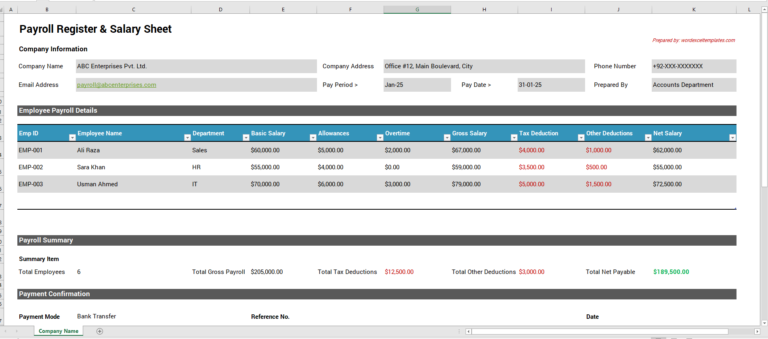
A quotation register provides a central record of quotations issued to customers and helps track what happens after each quote is sent. It can be used to monitor validity dates, follow-up requirements, quoted values, customer decisions, and quotations that eventually convert into orders.
Use the Quotation Register below to record the quotation number, customer, quotation subject, salesperson, quoted amount, discount, tax, validity date, follow-up date, status, probability, converted order reference, and relevant notes. The register automatically calculates the final quotation value from the information entered.
Before relying on the register for sales or financial reporting, compare important details -particularly quoted amounts, discounts, tax treatment, validity dates, customer decisions, and converted order references—with the original quotation and related source records.
Quotation Register FAQs
What is the Quotation Register?
The Quotation Register is a browser-based tool for recording and monitoring customer quotations from issue and follow-up through acceptance, rejection, expiry, and conversion to orders.
What information can I record for each quotation?
You can record the quotation number, date, customer, quotation subject, salesperson, validity date, quoted amount, discount, tax, final quotation value, follow-up date, status, probability, converted order number, and notes.
Does the register calculate the final quotation value?
Yes. The final value is calculated automatically from the quoted amount after discount and tax are applied.
Can the tool identify expired quotations?
Yes. If a quotation has passed its validity date and has not already been accepted, rejected, or converted, the register can show it as Expired.
Can it flag quotations that need follow-up?
Yes. A sent quotation with a follow-up date that has arrived can be shown as Follow-up Due.
Which quotation statuses are available?
The built-in statuses include Draft, Sent, Follow-up Due, Accepted, Rejected, Expired, and Converted.
Can I search and filter quotations?
Yes. The register includes search plus filters for status and salesperson, helping you focus on the quotations that need attention.
What summary information is shown?
The dashboard and Live Preview can show the number of quotations, total quoted value, accepted or converted value, pending value, and conversion rate.
Can I save the quotation register?
Yes. Save Draft stores the current register in the browser's local storage, and Load Draft restores it on the same browser and device.
Can I export the register?
Yes. The filtered quotation data can be exported as CSV for use in compatible spreadsheet software.
Can I print all quotation columns?
Yes. The Live Preview includes all register columns, and the print view uses A4 landscape so the complete quotation register can be printed in a compact format.
Should businesses review quotation values and statuses before relying on the register?
Yes. Check quotation terms, discounts, tax treatment, validity periods, customer decisions, converted order references, and other source records before relying on the register for operational or financial decisions.
Keeping the Quotation Register Up to Date
Update the register when the status of a quotation changes rather than leaving the original entry unchanged. Important updates may include a revised quotation, customer response, follow-up activity, expiry, acceptance, rejection, cancellation, or conversion into an order.
Keep quotation status and follow-up activity distinct. A quotation may still be open while requiring another customer follow-up, while an accepted quotation may need its converted order reference recorded so that it is not treated as an outstanding sales opportunity.
Review expired and overdue quotations periodically. Where figures from the register are used to assess quotation value, conversion, or sales activity, check that statuses and amounts are current so that old or incorrectly classified quotations do not distort the results.
Quotation Register and Source Documents
The Quotation Register is intended to summarize and track quotation activity; it should not replace the original quotation or related customer records. Keep the issued quotation, revisions, customer correspondence, approvals, and converted order documents where they are required for business or recordkeeping purposes.
If an amount, validity date, status, or other register entry differs from the latest approved quotation or supporting record, investigate the difference and update the register accordingly.