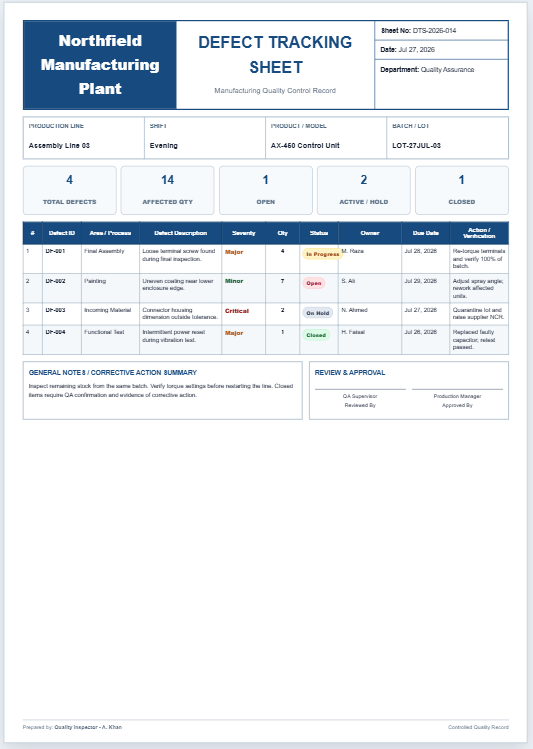
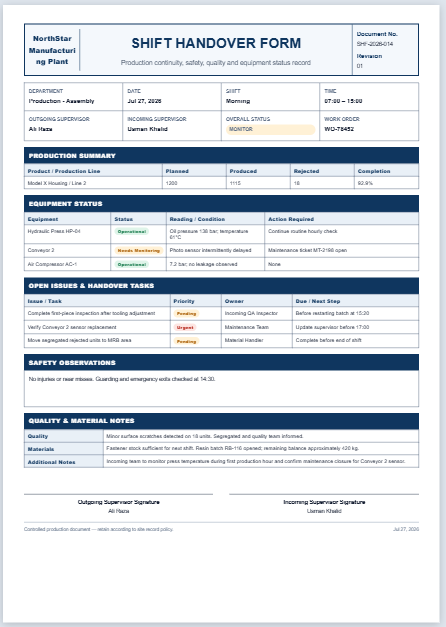
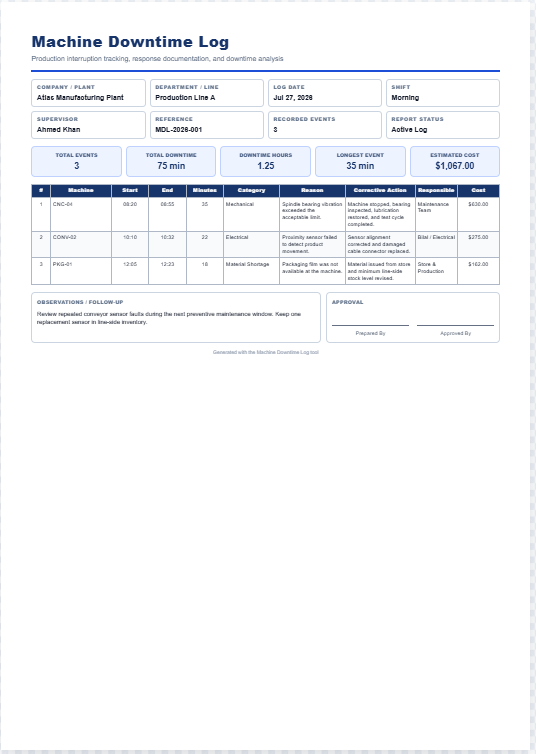
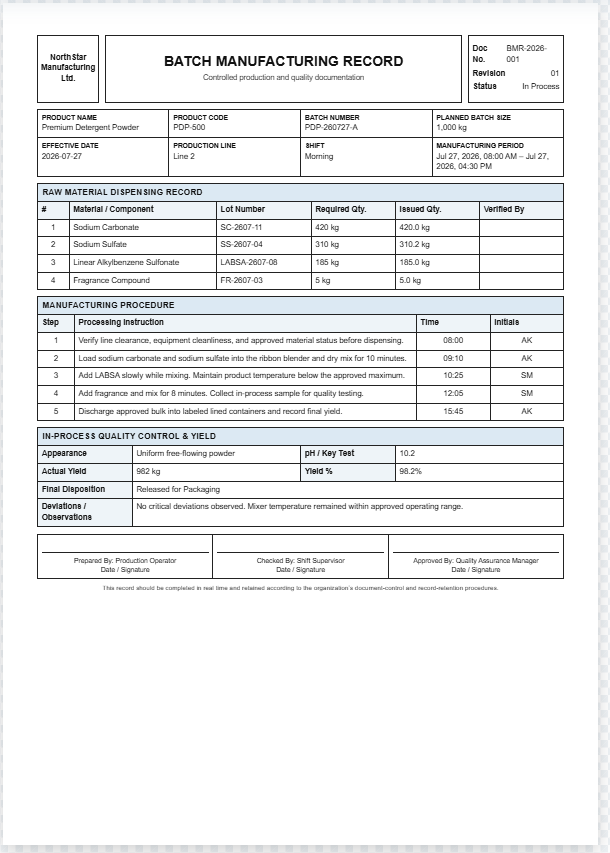
A Quality Inspection Report is a professional document used to record the inspection results of manufactured products, raw materials, components, or finished goods before they move to the next production stage or are delivered to customers. This generator creates a clean, print-ready report with a live preview that updates instantly as information is entered. It helps manufacturers maintain consistent quality standards, document inspection findings, and keep accurate quality assurance records.
The tool is ideal for creating standardized inspection reports without manual formatting. It accepts company details, product information, batch numbers, work order references, inspection dates, inspector details, inspection checkpoints, specifications, measured values, pass/hold/fail statuses, quantities, observations, corrective actions, and approval information.
Users can also upload a company logo to produce branded reports. Based on the entered data, the generator automatically calculates defect rates, summarizes inspection results, and produces a professional A4 Quality Inspection Report with formatted tables, status labels, signatures, and quality notes.
The live preview allows users to review the report before printing, while the built-in print functionality preserves colors, borders, typography, and layout for a professional hard copy.
Suitable for factories, production facilities, quality control departments, warehouses, suppliers, and manufacturing businesses, this generator simplifies documentation, improves traceability, supports compliance, and helps organizations maintain reliable quality records while reducing paperwork and manual formatting time.
Quality Inspection Report
Live Preview
Inspection Results
| Inspection Item | Specification | Measured | Method | Status | Qty |
|---|
Observations / Nonconformities
Corrective Action / Follow-up
Frequently Asked Questions
What is a Quality Inspection Report?
It is a structured record used to document inspection criteria, measured results, defects, decisions, corrective actions, and approvals for a product, batch, component, or production process.
Can I add or remove inspection checkpoints?
Yes. Use the Add Inspection Row button to include more checks. Any row can be removed using its delete button, and the live preview updates immediately.
Does the report calculate the defect rate?
Yes. The defect rate is calculated automatically from the quantity inspected and the quantity defective.
Will the printed report preserve its design?
Yes. Printing uses an isolated document containing only the live preview, with its own A4 page rules, colors, borders, tables, status labels, and typography.
Can I print while the preview tab is hidden on mobile?
Yes. The print process clones the report content directly and does not depend on the preview panel being visible on the screen.
Does the generator store or upload my inspection data?
No. The generator runs in the browser. The logo is read locally for preview purposes, and no report information is sent anywhere by this interface.