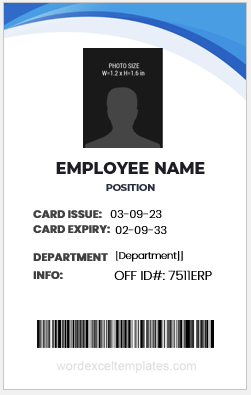
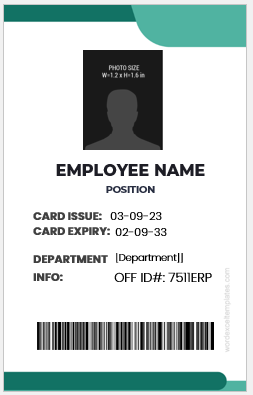
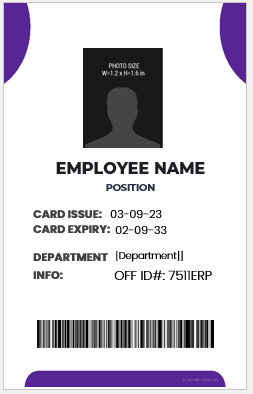
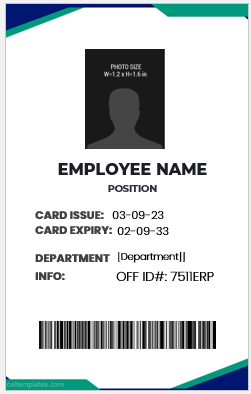
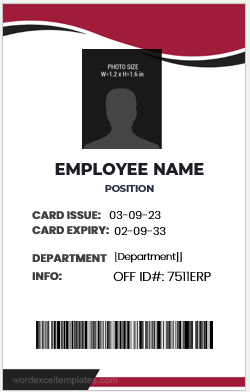
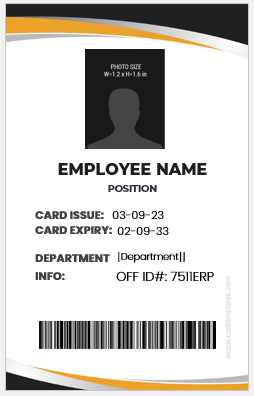
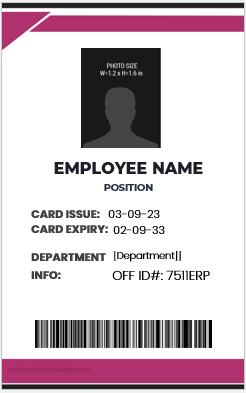
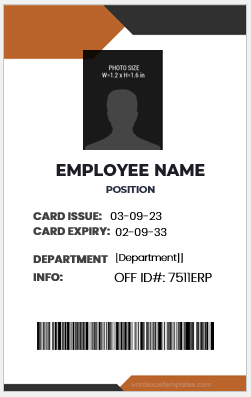
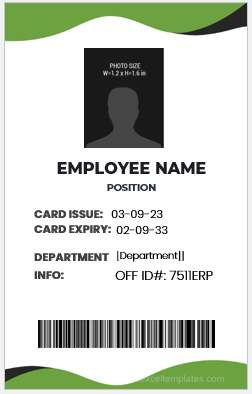
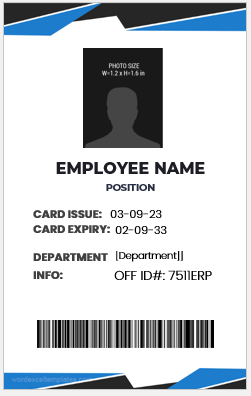
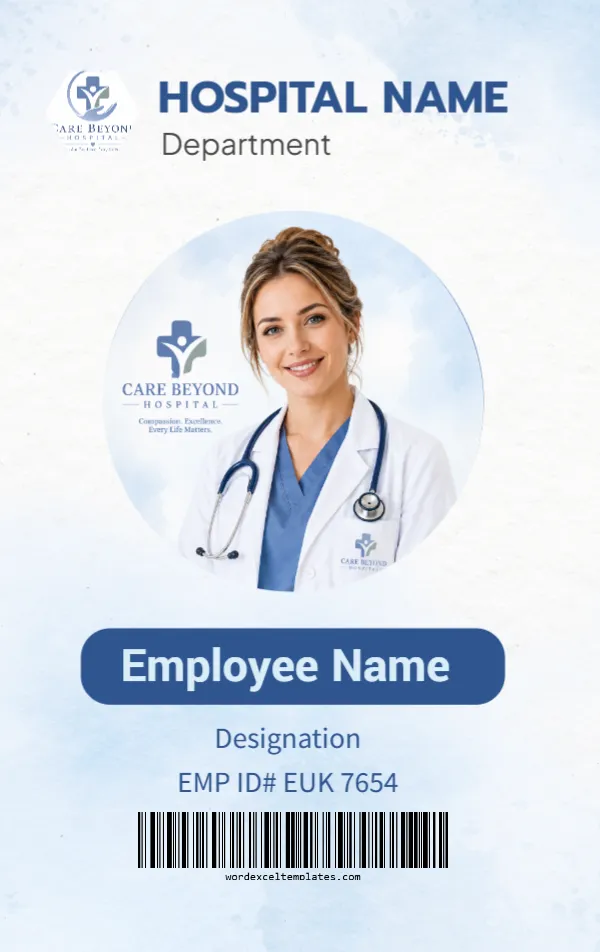
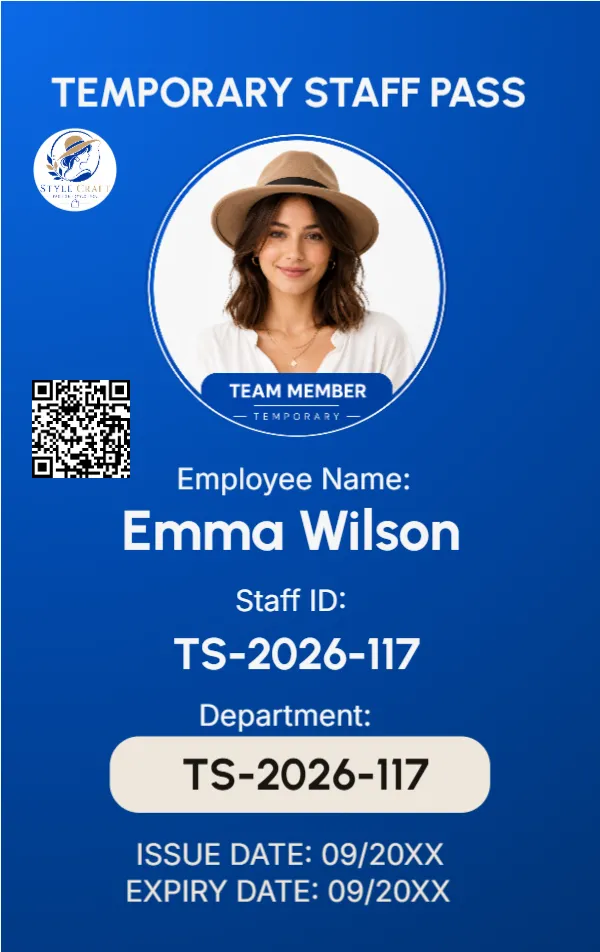
Employee identification cards are used by organizations to identify staff members and, where applicable, support workplace access, security, and visitor recognition. An employee ID card commonly displays the employee’s name, photograph, job title or department, employee ID number, and organization name or logo.
The information included on an ID card should match its intended purpose and the organization’s policies. Some employers may also include an issue or expiration date, office location, emergency contact information, barcode, QR code, or access credentials. Personal information that is not necessary for identification or workplace use should generally be avoided.
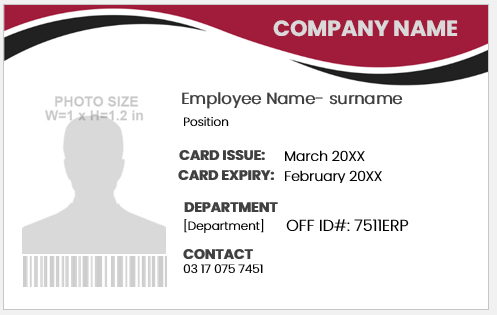
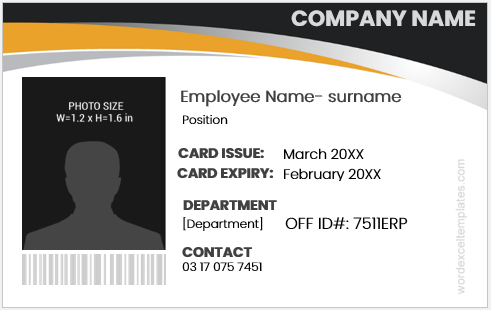
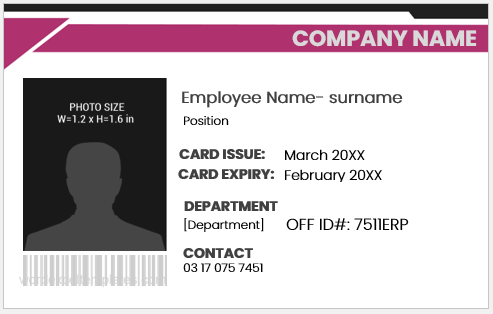
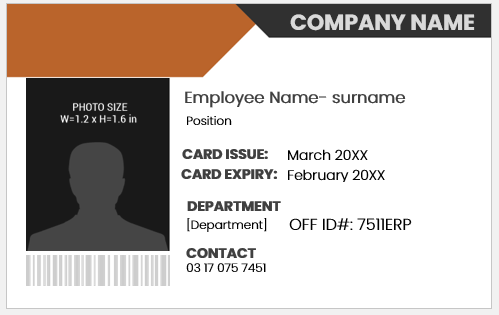
The editable employee ID card templates below provide different layouts that can be customized in Microsoft Word. Replace the sample information with the employee and organization details you actually need, add the appropriate photograph and branding, and review the completed card before printing.
Employee ID Card Generator
Enter employee details and customize the card.
Company Information
Employee Details
Validity & Authorization
Design Settings
Daniel Morgan
Frequently Asked Questions
What is an Employee Identification Card Generator?
What information can I add to the employee ID card?
Can I upload an employee photograph?
Can I add a company logo?
Can I customize the card colors?
Does the generator support front and back card designs?
What size is the generated ID card?
How do I print the employee ID card?
Is uploaded employee information sent to a server?
Can the generator be used on a mobile phone?
What to Include on an Employee ID Card
An employee identification card should contain enough information to identify the cardholder without displaying unnecessary personal information. The exact fields depend on the organization, workplace security requirements, and the purpose of the card.
Common details include:
- Employee name: The employee’s full name as recorded by the organization.
- Photograph: A recent, clear photograph that makes visual identification easy.
- Employee ID number: A unique internal identification number where applicable.
- Job title or department: Helps identify the employee’s role or organizational unit.
- Organization name and logo: Clearly identifies the employer issuing the card.
- Issue or expiry date: Useful when cards are issued for a defined period.
- Barcode or QR code: May be included when the organization uses compatible attendance or access systems.
- Authorized signature: Some organizations include the signature of the cardholder or issuing authority.
Only information necessary for identification or the card’s intended workplace function should be displayed. Avoid adding sensitive personal information unless there is a legitimate organizational requirement.
Preview and Details of Templates
#1
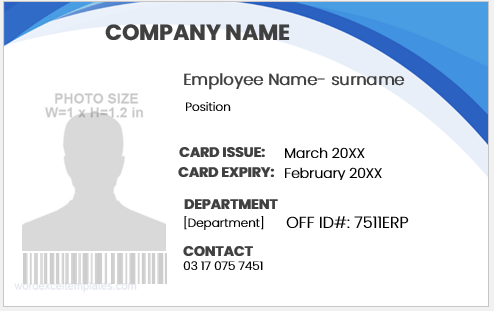
ID badge Template
#2
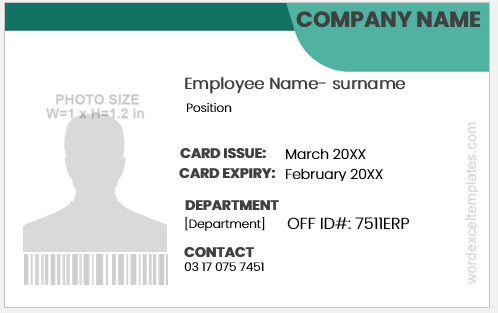
ID badge Template
#3
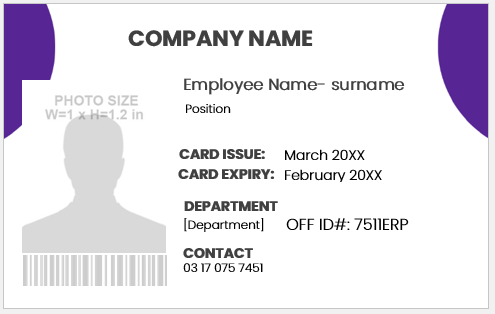
ID badge Template
#4
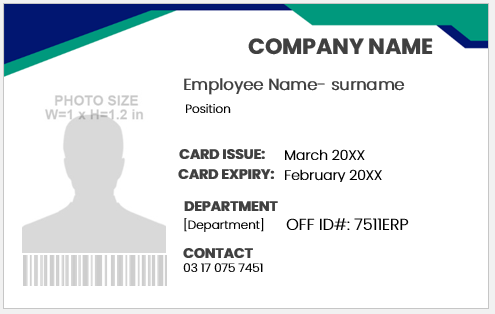
ID badge Template
#5
ID badge Template
#6
ID badge Template
#7
ID badge Template
#8
ID badge Template
#9
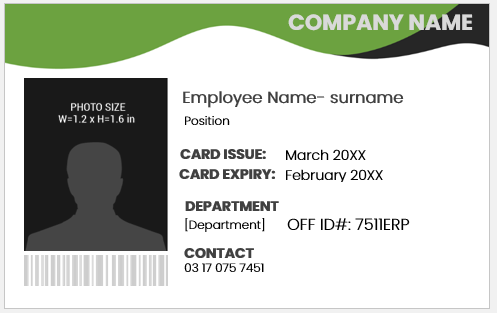
ID badge Template
#10
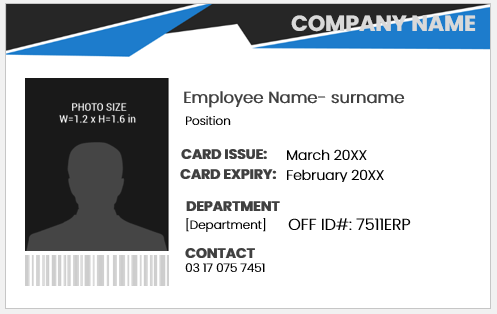
ID badge Template
How to Customize an Employee ID Card
Before printing an employee ID card, replace all sample information with the actual details authorized by your organization. Check the employee’s name, ID number, job title or department, and any issue or expiry dates for accuracy.
Use a clear, recent photograph and keep the organization name and logo easy to recognize. If the card includes a barcode, QR code, or access-related information, confirm that it works with the system for which the card is intended.
After editing the Word template, review the front and back of the card, if applicable, and print a test copy before producing multiple cards. The finished card should remain readable at its intended physical size.
Important: Avoid placing unnecessary sensitive information on an employee ID card. The card should contain only the information required for identification, workplace use, or authorized access.