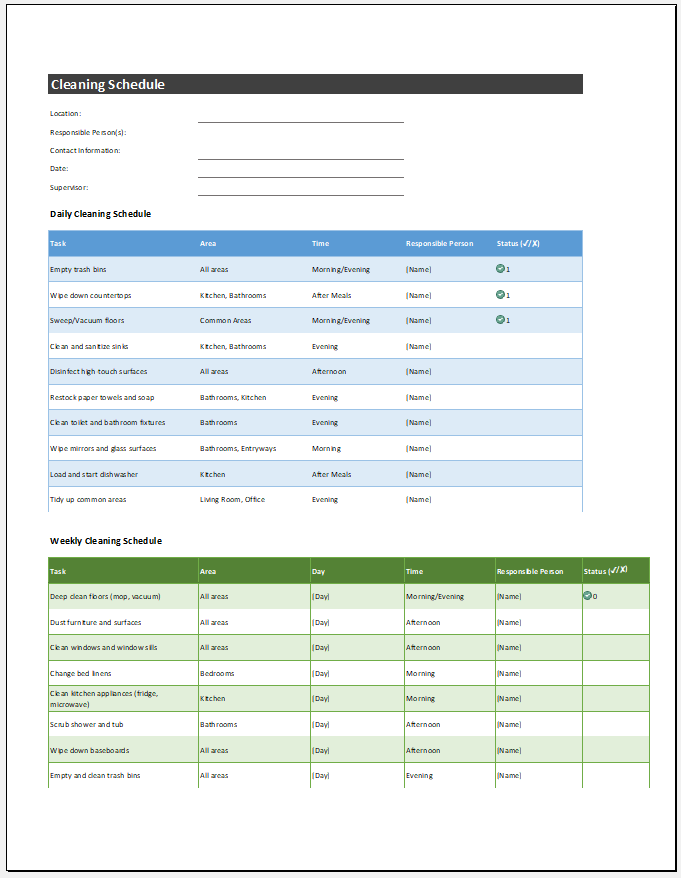
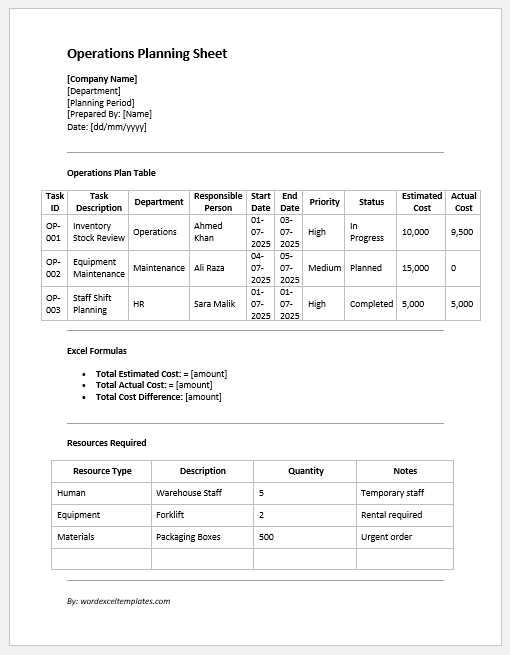
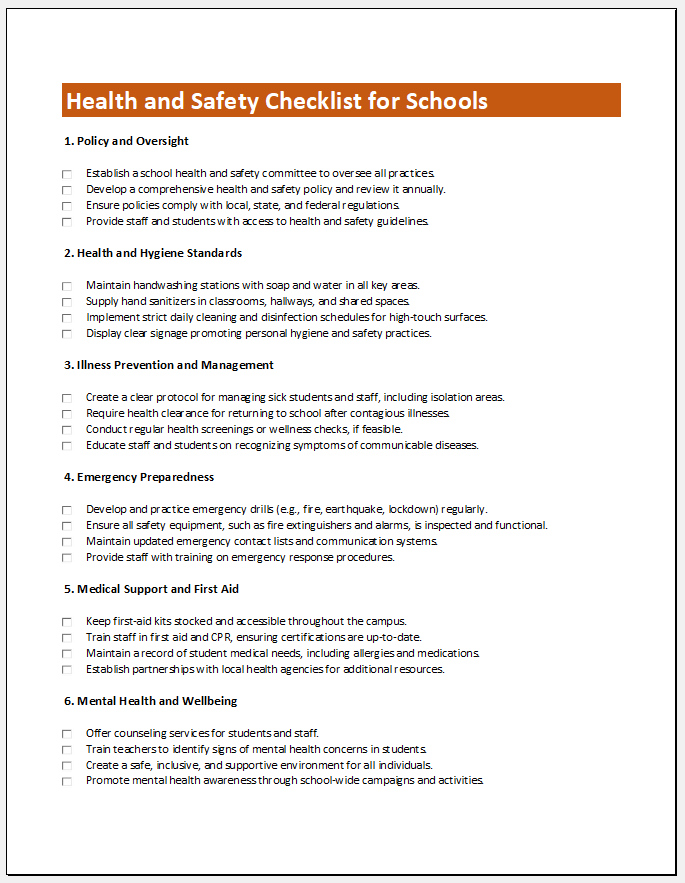
All companies must carefully manage their daily operations to support efficiency, profitability, and stability. These operations may include managing finances, inventory, customer interactions, maintenance, and record-keeping. A daily operations checklist can help organize and track these activities.
This is a list of tasks that need to be completed to keep routine business activities running smoothly. It helps employees understand their daily responsibilities and supports consistent working practices. The tasks included will vary depending on the company or organization.
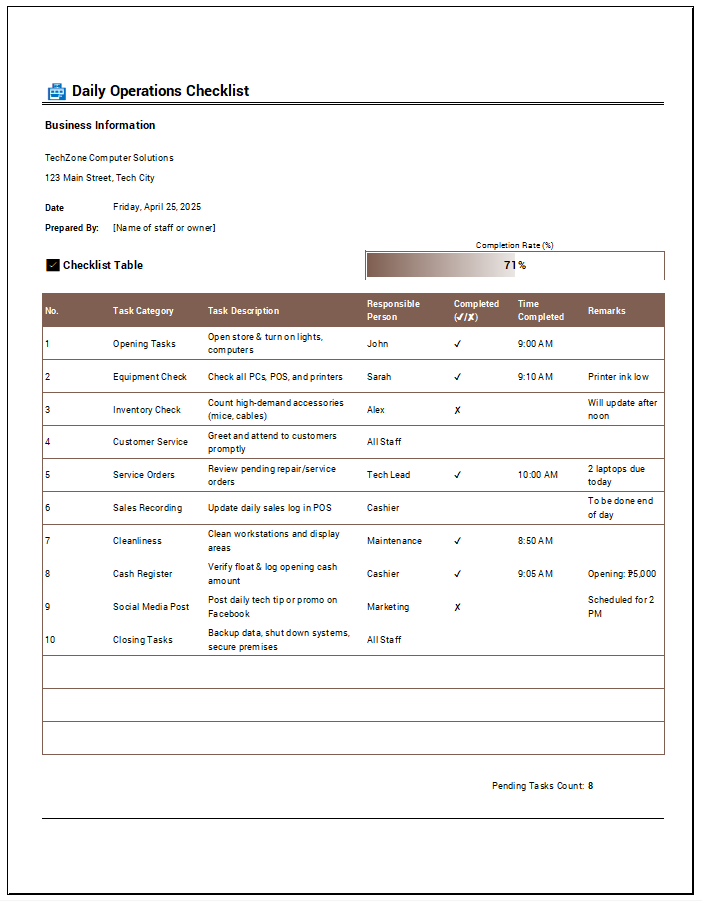
This checklist is important because it reduces the risk of overlooking routine tasks. Employees can mark tasks as complete, while managers can review progress and follow up on outstanding work.
The checklist may cover a single day or include columns for each working day of the week. Important tasks can be prioritized, and larger activities can be broken down into smaller, more manageable steps.
(Use the following tool to create a daily inspections checklist for you).
Daily Operations Checklist
Organize daily tasks, track completion, and record operational follow-ups.
Business & Shift Details
Opening & Routine Tasks
Mark each task Pass (completed), Attention, Fail (not completed), or N/A. Record any notes.
Safety, Closing & Handover
Track daily safety checks, closing activities, and handover tasks.
Review & Sign-Off
Benefits and Limitations of a Daily Operations Checklist
Consider the following when deciding how to use the checklist:
- A clear task list can streamline daily operations and reduce wasted time.
- Documented procedures and assigned responsibilities can support accurate, consistent work.
- Employees can see which tasks they are responsible for completing.
- Managers can review recorded progress and identify tasks that need attention.
- Manual recording may result in inaccuracies, especially when complex procedures are involved.
- Creating the checklist and keeping it up to date can take time.
How to Create a Daily Operations Checklist?
Use the Daily Operations Checklist Generator carefully to ensure that the checklist is easy to complete, read, and update. The following points can help:
Include necessary details:
The heading can be “Daily Operations Checklist.” Include the company’s name, the relevant department, and the date or shift covered. Add the name and designation of the person responsible for completing or reviewing the checklist. The generator organizes this information in a structured format, making it easier to record and review.
Add Daily Operations Tasks:
Use a separate entry for each task. Depending on the business, tasks might include checking emails, reviewing stock levels, ordering supplies, filing paperwork, or completing equipment checks. Include only activities relevant to the team’s daily work.
The generator allows users to add tasks, select their completion status as Pass, Attention, Fail, or N/A, and record remarks or follow-up actions. Tasks can be added, edited, or removed according to the company’s daily operational requirements.
The checklist should be simple and contain only relevant information so employees can use it without confusion.
Daily operations help keep a company running smoothly. Recording routine tasks in a checklist makes them easier to remember, coordinate, and review. Clearly documenting task completion and outstanding activities can also help managers identify operational issues and make adjustments where needed.
File Excel (.xlsx) -137 KB