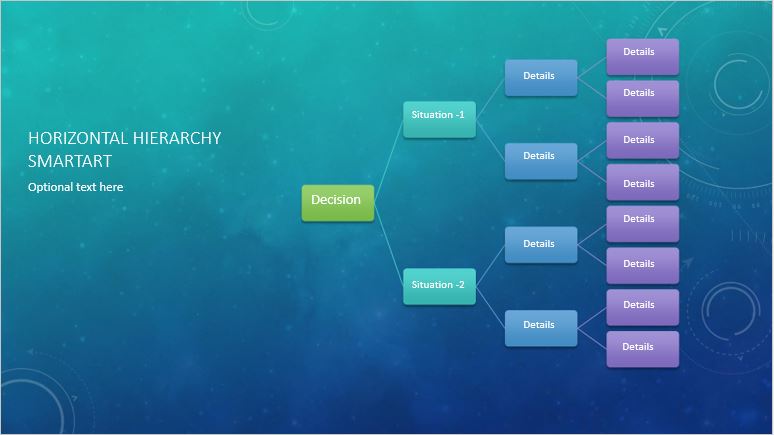
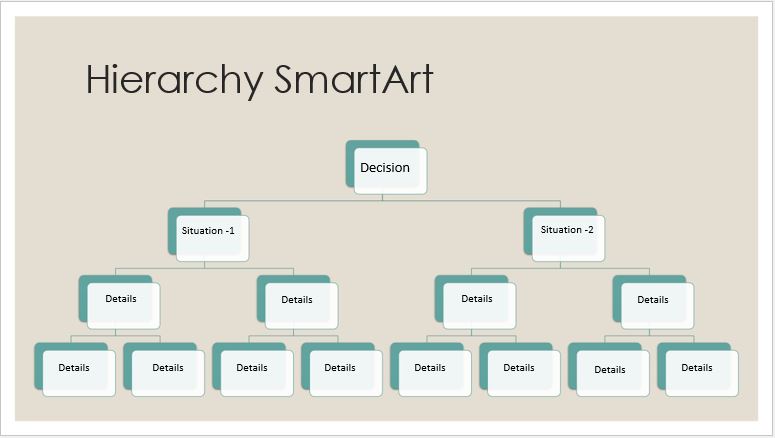
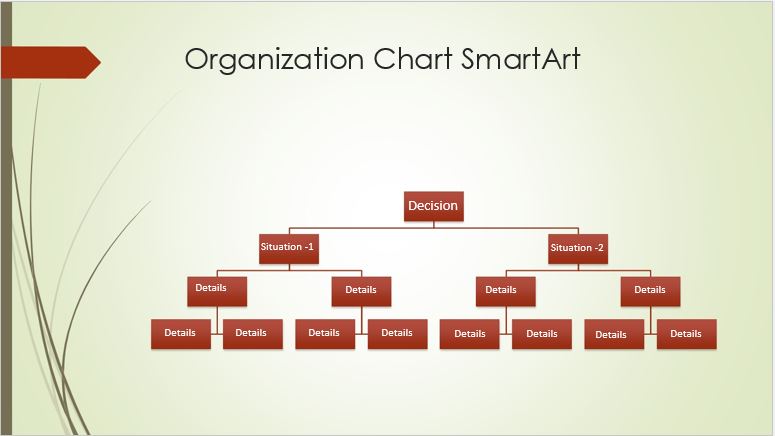
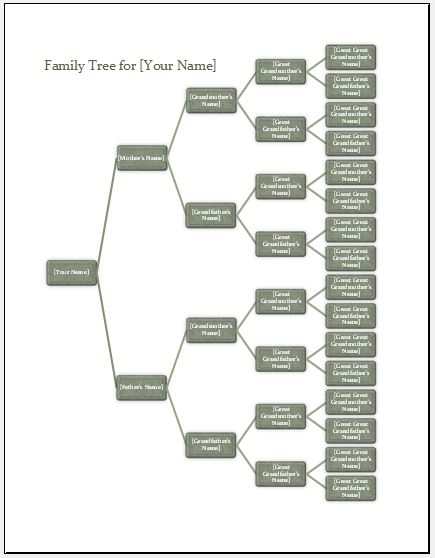
A Decision Tree Diagram is a visual tool that helps people make decisions by presenting questions, possible choices, and outcomes in a step-by-step format. It uses connected boxes and branches to show how different decisions lead to different results.
How to Use the Generator?
Our Decision Tree Diagram Generator helps you create professional decision trees in minutes. Start by entering the diagram title and purpose. Next, add decision questions, action steps, and possible outcomes. Connect the nodes using Yes/No or custom branch labels. The generator automatically arranges the diagram and displays a live preview. Once completed, review your decision tree and print it or save it as a PDF.
Who Can Use This Tool?
This generator is useful for teachers, students, business owners, managers, HR professionals, and project planners. It can be used to illustrate decision-making processes, approval procedures, troubleshooting steps, and business workflows.
How Can It Help?
The tool simplifies complex decisions by presenting information visually. It helps users compare possible choices, understand their consequences, improve communication, and create organized decision-making diagrams without specialized design software.
Edit questions, branches and outcomes to update the diagram. Large trees are automatically fitted to the page.
Preview and Detail of Templates