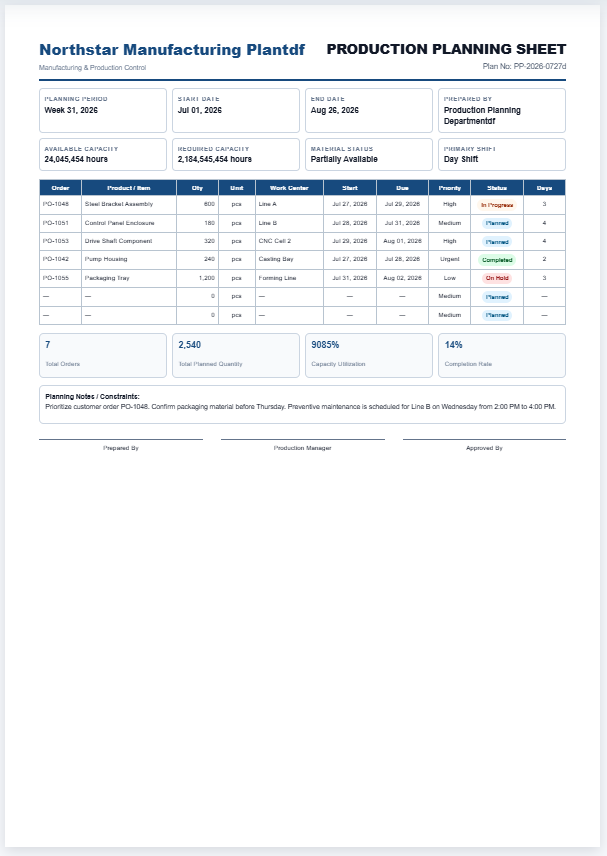
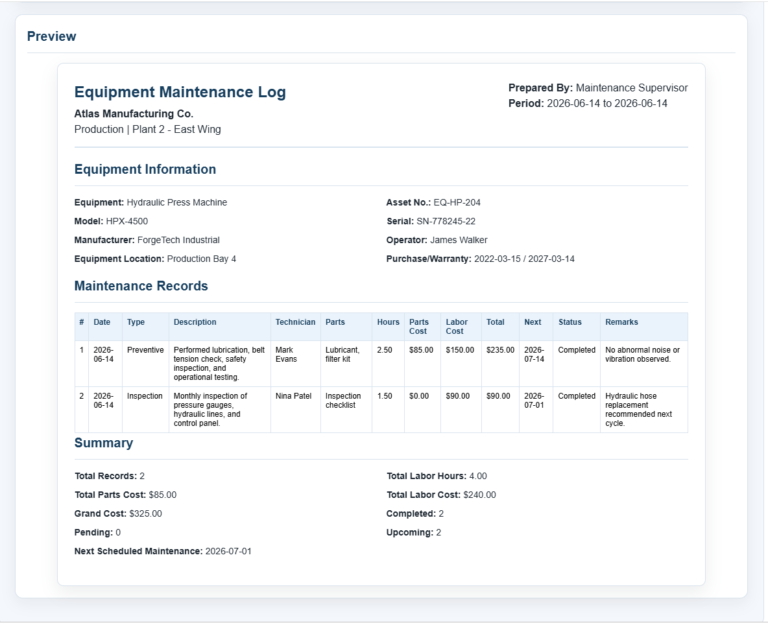
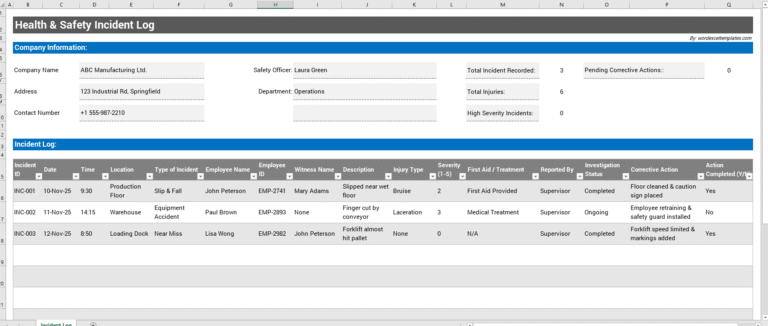
The Machine Downtime Log is a professional record-keeping tool designed to document every instance of equipment or machine downtime in a clear and organized format. It helps businesses monitor operational interruptions, identify recurring issues, and maintain accurate maintenance records. By recording each downtime event, organizations can improve equipment reliability, reduce unexpected breakdowns, and support preventive maintenance programs. The generator creates a clean, print-ready report with automatic calculations and a professional layout suitable for operational documentation.
This tool is ideal for manufacturing plants, production facilities, factories, warehouses, maintenance teams, quality control departments, engineering staff, equipment supervisors, plant managers, and industrial service providers. It is also useful for organizations that need to maintain detailed machine performance records for audits, compliance, reporting, or continuous improvement initiatives.
Machine Downtime Details
Live Preview
Machine Downtime Log
Production interruption tracking, response documentation, and downtime analysis
| # | Machine | Start | End | Minutes | Category | Reason | Corrective Action | Responsible | Cost |
|---|
Frequently Asked Questions
What is a Machine Downtime Log?
A Machine Downtime Log records when production equipment stops, how long the interruption lasts, why it happened, who responded, and what corrective action was taken.
Who should use this downtime log?
Production supervisors, maintenance teams, machine operators, quality personnel, plant managers, and continuous-improvement teams can use it to document interruptions and identify recurring losses.
How is downtime duration calculated?
The tool calculates the difference between the selected start and end times. It also supports events that continue past midnight by treating the end time as the following day.
Can I estimate the cost of downtime?
Yes. Enter the estimated cost per minute for each machine event. The report automatically calculates the event cost and total estimated downtime cost.
Does the print button print only the live preview?
Yes. The print mode hides the website interface and prints only the formatted A4 report while preserving borders, headings, summary cards, and table styling.
Can the log be used on mobile devices?
Yes. On smaller screens, separate Input and Live Preview tabs are provided. The preview remains centered and includes Zoom In, Zoom Out, and Fit controls.
What downtime categories are included?
The default categories include mechanical, electrical, material shortage, setup or changeover, quality issue, operator issue, planned maintenance, utility failure, and other.
Can I add multiple downtime events?
Yes. Use the Add Downtime Entry button to record as many machine interruptions as needed. Each entry appears immediately in the live report.
What problem does it solve?
It eliminates the need for manually prepared downtime records, reduces reporting errors, standardizes maintenance documentation, and helps organizations analyze downtime trends to improve productivity and reduce operational costs.
What inputs does it accept?
Users can enter machine details, department, downtime date, start and end times, duration, reason for downtime, maintenance actions, operator and technician names, production loss, cost per minute, remarks, and multiple downtime entries.
What output does it generate?
The generator produces a professional Machine Downtime Log featuring calculated downtime duration, estimated downtime cost, production loss summary, maintenance information, organized tables, management notes, signatures, and a high-quality A4 print-ready report suitable for record keeping and operational reporting.