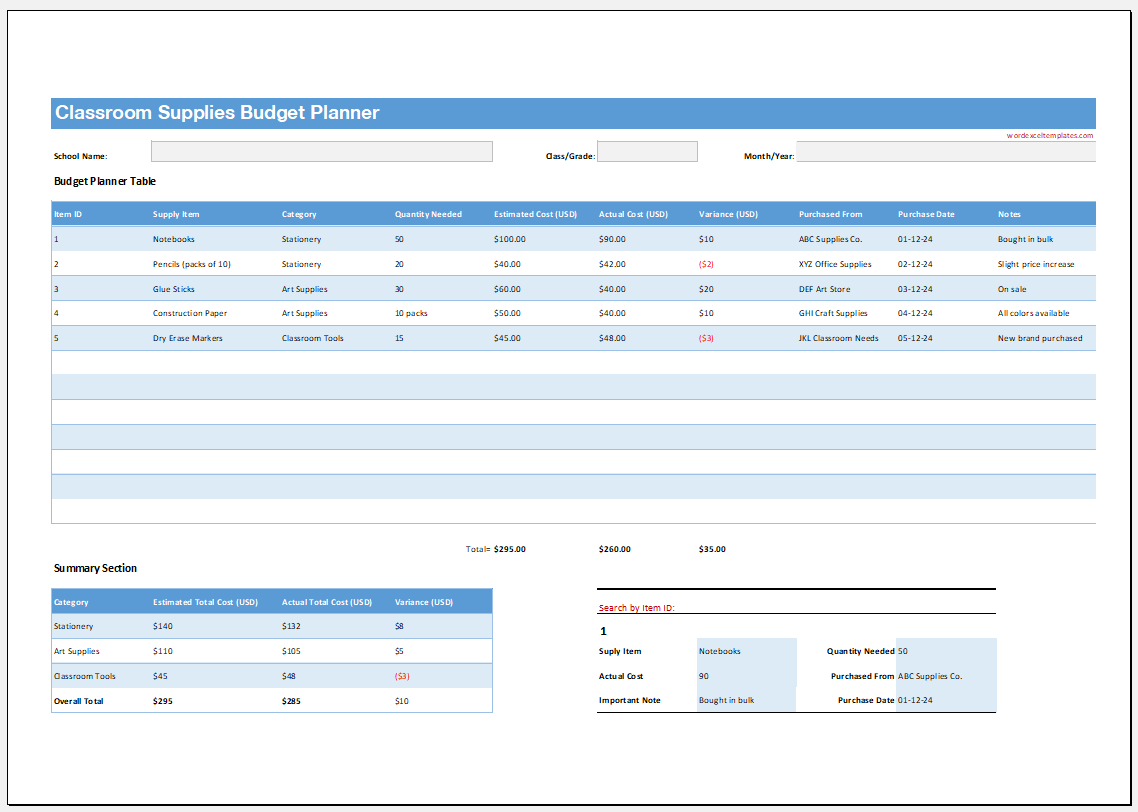
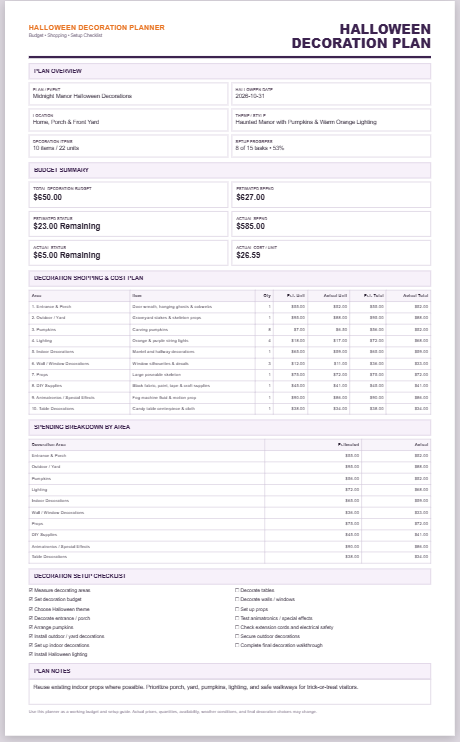
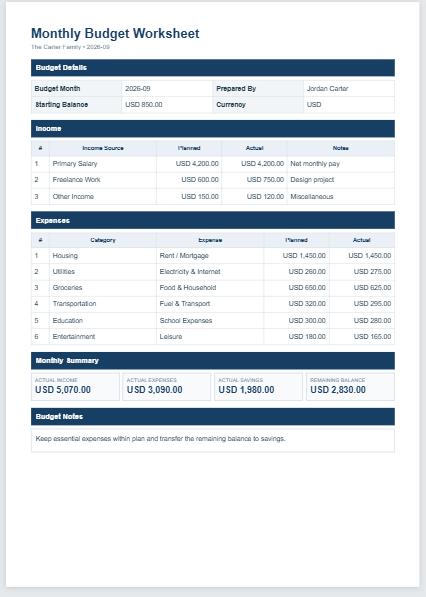
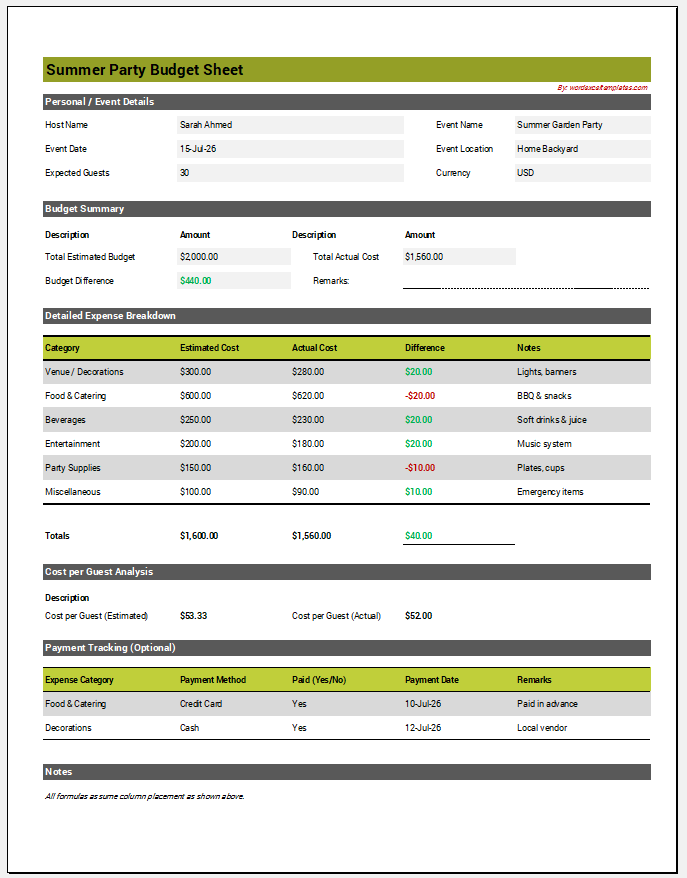
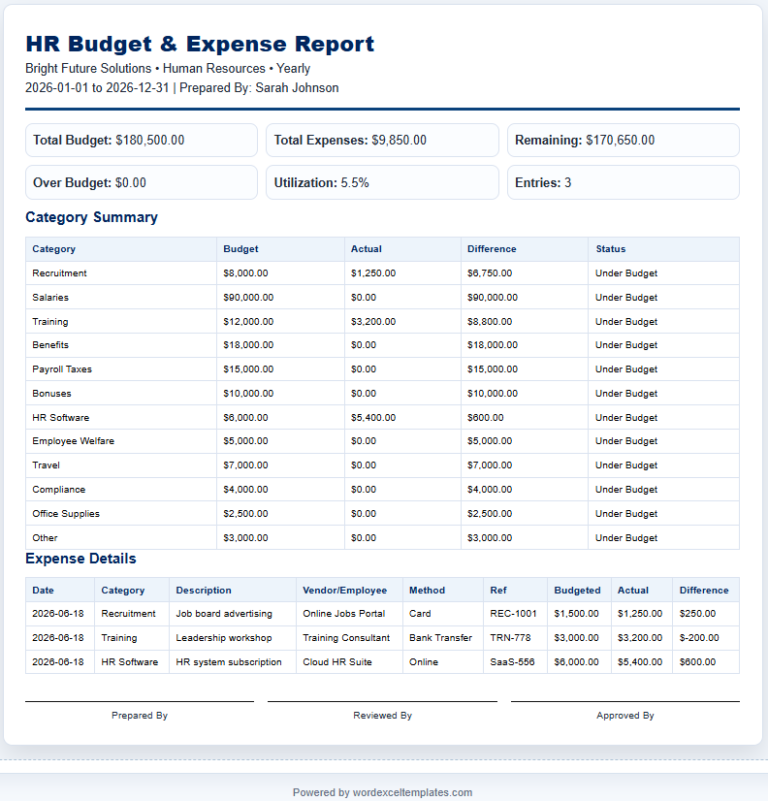
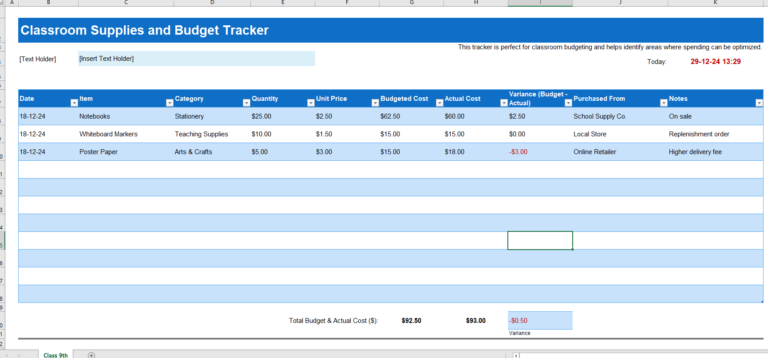
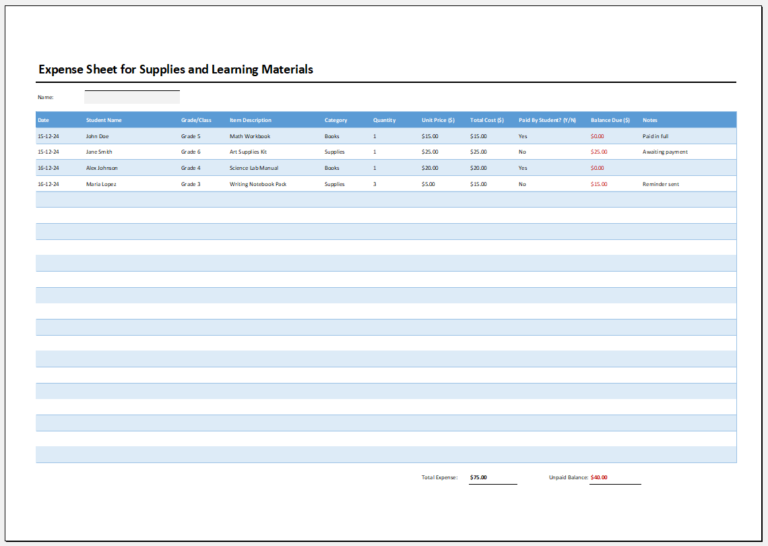
The Classroom Supplies Budget Planner is a practical tool designed to help teachers, schools, and educational institutions organize and manage classroom supply expenses efficiently. It allows users to list essential items, specify quantities, enter unit prices, and automatically calculate total costs for each item and the overall budget.
The planner makes it easy to categorize supplies, monitor spending, and compare planned costs with actual expenses. Whether you are preparing for a new school year, managing a classroom project, or requesting funding, this planner provides a clear and professional budget overview. Its structured layout helps reduce calculation errors and ensures that no important supply is overlooked.
The planner is suitable for classrooms of all sizes and can be printed for meetings, purchasing records, or administrative approval. It simplifies budget planning, improves financial organization, and supports better purchasing decisions throughout the academic year.
Planner Information
Classroom Details
Supply Items
| Item | Category | Qty | Unit Cost | Tax % | Total | Delete |
|---|
Planning Notes
Live Preview
Classroom Supplies Budget Planner
Green Valley School
Teacher: Ayesha Khan
| # | Supply Item | Category | Qty | Unit Cost | Tax | Line Total |
|---|
Spending by Category
Budget Summary
| Subtotal | $0.00 |
| Tax | $0.00 |
| Total Planned | $0.00 |
| Budget Balance | $0.00 |
Prepared By
Approved By
Frequently Asked Questions
What is a Classroom Supplies Budget Planner?
It is a planning tool that helps teachers and school administrators list classroom materials, estimate costs, calculate taxes, and compare the planned total with the available budget.
Who can use this planner?
Teachers, department heads, school office staff, homeschool educators, tuition centers, and education program coordinators can use it to organize classroom purchasing needs.
Can I add or remove supply items?
Yes. Use the Add Supply button to create new rows and the delete button beside an item to remove it. All totals update automatically.
How is the remaining budget calculated?
The planner subtracts the total planned cost, including tax, from the allocated budget. A negative balance means the plan is over budget.
Can I organize expenses by category?
Yes. Each supply can be assigned to a category such as stationery, art supplies, technology, science, cleaning, furniture, or other.
Does the planner save my data?
The Save in Browser button stores the current planner data in the browser on the same device. The Load Saved button restores the saved information later.
Can I export the item list?
Yes. The Download CSV button exports the classroom supply rows and budget totals in a spreadsheet-friendly CSV file.
Can I print the completed planner?
Yes. The Print Planner button prints only the live preview area on an A4 sheet while preserving the table, borders, colors, and summary layout.
Can I use another currency?
Yes. Enter the required currency symbol in the Currency Symbol field. The planner will use it throughout the input summary and printable preview.
What should be included in a classroom supply budget?
Common entries include notebooks, paper, writing tools, art materials, teaching aids, storage items, cleaning supplies, science materials, replacement equipment, and technology accessories.
MS Excel Template
Our professionally designed Microsoft Excel Classroom Supplies Budget Planner Template provides ready-to-use formulas and an organized layout, making it easy to track supply costs, monitor budgets, and manage classroom expenses efficiently.