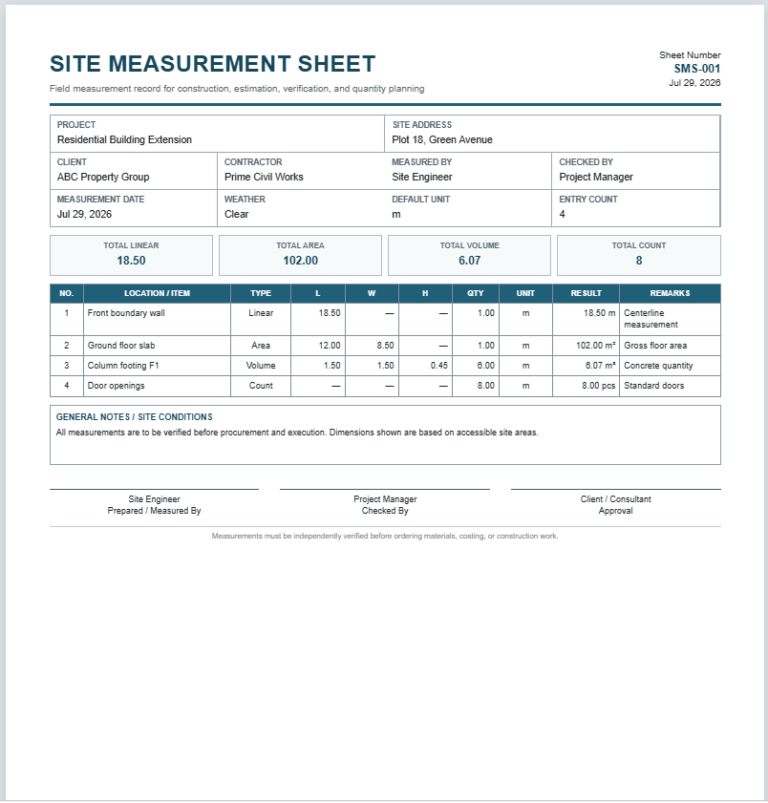
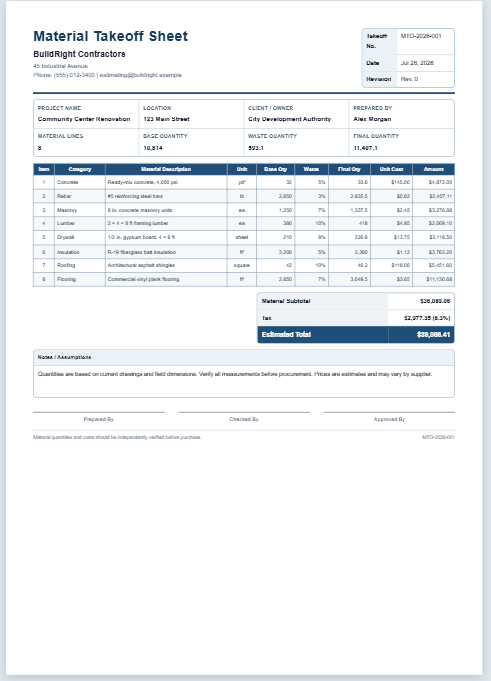
A Bill of Quantities Generator is an online tool used to prepare a clear and organized construction cost document. It allows users to list project work items, descriptions, units, quantities, and unit rates in a professional BOQ format. The generator automatically calculates the amount for each item by multiplying the quantity by the rate. It also calculates the subtotal, discount, tax or VAT, and final grand total.
This tool is useful for quantity surveyors, contractors, civil engineers, builders, architects, estimators, project managers, property developers, and construction students. It helps reduce manual calculations, improves cost accuracy, and saves time when preparing project estimates, tenders, quotations, or budget documents.
Users can enter project details such as the client, contractor, project location, BOQ number, date, currency, and document status. Additional BOQ rows can be added or removed as required. A company logo and project notes can also be included.
The completed BOQ appears instantly in the live preview section. Users can review the calculations, adjust the preview using zoom controls, and print the final document on an A4 sheet.
BOQ Generator
Create a detailed Bill of Quantities with automatic calculations.
Project Information
BOQ Items
Adjustments & Notes
Company Logo
Live Preview
Use Fit for the best centered view.
BILL OF QUANTITIES
Residential Building Construction
| Item | Description | Unit | Qty | Rate | Amount |
|---|
| Subtotal | 0.00 |
| Discount (0%) | 0.00 |
| Tax / VAT (0%) | 0.00 |
| Grand Total | 0.00 |
Frequently Asked Questions
What is a BOQ Generator?
A BOQ Generator is an online tool used to prepare a structured Bill of Quantities. It lists construction work items, units, quantities, rates, and calculated amounts in a clear professional format.
Who can use this Bill of Quantities Generator?
Quantity surveyors, contractors, civil engineers, architects, estimators, builders, project managers, property developers, and construction students can use it to prepare preliminary or project-based cost documents.
How are item amounts calculated?
Each item amount is calculated automatically by multiplying its quantity by its unit rate. The generator then calculates the subtotal, discount, tax or VAT, and final grand total.
Can I add or remove BOQ items?
Yes. Use the Add Item button to insert more rows. Each row includes a cross button that removes that particular item without affecting the remaining entries.
Can I print the completed BOQ?
Yes. The Print BOQ button prints only the live preview document. It preserves the table, borders, colors, totals, notes, and signatures and is formatted for A4 portrait paper.
Does the generator work on mobile devices?
Yes. On smaller screens, separate Input and Live Preview tabs are provided. The Zoom In, Zoom Out, and Fit controls help keep the preview centered and readable.
Can I use my own currency and company logo?
Yes. Choose a currency from the dropdown and optionally upload a company logo. The selected logo appears in the live preview and printed BOQ.
Is the generated BOQ a final contract document?
The generator helps prepare a professional BOQ, but quantities, specifications, rates, taxes, and contractual terms should be reviewed by a qualified professional before formal use.