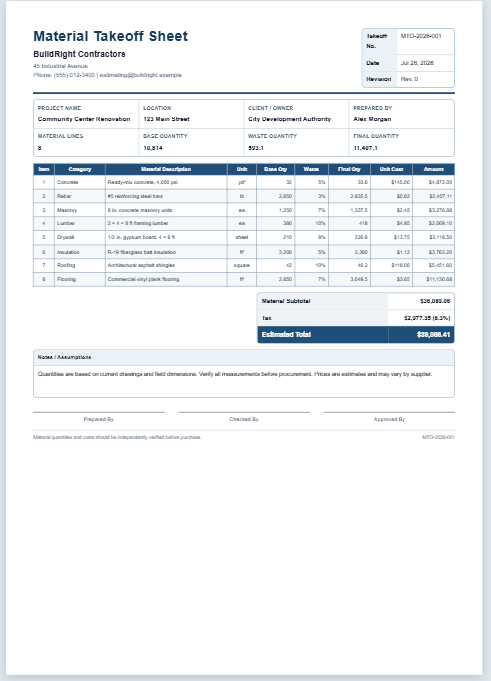
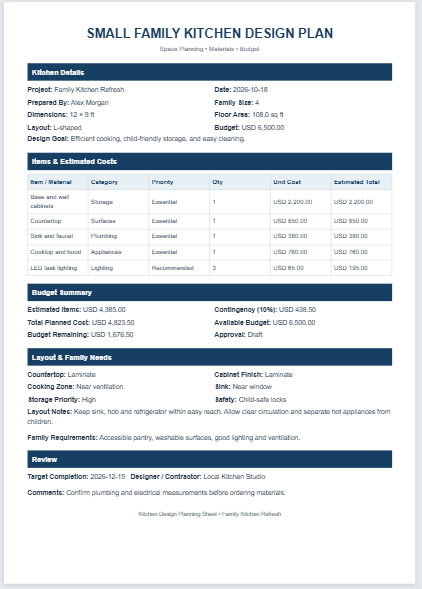
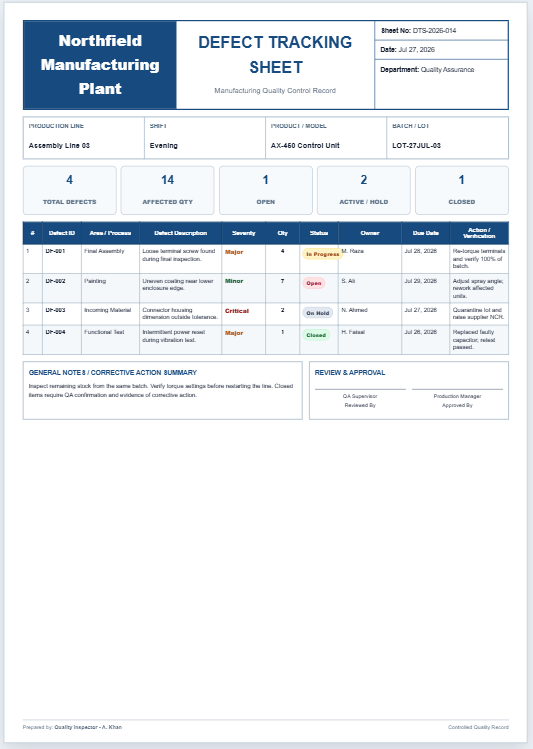
A Site Measurement Sheet is a practical document used to record accurate on-site measurements for construction, renovation, maintenance, and engineering projects. It provides a structured way to capture dimensions, quantities, locations, units, and remarks in one organized sheet, making it easier to plan work and maintain reliable project records. By documenting measurements directly at the job site, it helps reduce calculation errors, prevents material shortages or over-ordering, and improves communication between engineers, contractors, estimators, and clients.
To use this sheet, enter the project information, site details, measurement date, and the name of the person taking the measurements. Add each measured item along with its dimensions, quantity, unit of measurement, and any important notes or observations. The completed sheet serves as a dependable reference for preparing estimates, calculating material requirements, verifying completed work, and supporting project documentation.
This Site Measurement Sheet is suitable for civil engineers, architects, quantity surveyors, construction supervisors, contractors, inspectors, and project managers. Whether used for residential, commercial, or industrial projects, it improves accuracy, simplifies record-keeping, and helps ensure that construction activities are based on clear, organized, and verified site measurements.
Site Measurement Sheet
Record site dimensions, calculate quantities, and print a professional A4 measurement sheet.
Project Information
Measurement Entries
| # | Location / Item | Type | Length | Width | Height | Qty | Unit | Remarks |
|---|
Calculation: Linear = Length × Qty; Area = Length × Width × Qty; Volume = Length × Width × Height × Qty; Count = Qty.
Notes & Approval
Site Measurement Sheet
Field measurement record for construction, estimation, verification, and quantity planning
| No. | Location / Item | Type | L | W | H | Qty | Unit | Result | Remarks |
|---|
General Notes / Site Conditions
Prepared / Measured By
Checked By
Approval
Site Measurement Sheet FAQs
What is a Site Measurement Sheet?
A Site Measurement Sheet is a structured field document used to record dimensions, quantities, locations, and observations collected during a construction-site visit. It provides a clear reference for estimating, material planning, verification, billing, and execution.
Who can use this generator?
It is suitable for site engineers, civil engineers, quantity surveyors, contractors, estimators, architects, supervisors, renovation professionals, property inspectors, and project managers who need an organized measurement record.
Which measurement types are supported?
The generator supports linear measurements, areas, volumes, and item counts. It automatically applies the appropriate calculation using the entered length, width, height, quantity, and unit.
Can I use meters, feet, millimeters, or inches?
Yes. Each measurement row can use meters, feet, millimeters, or inches. For accurate totals, keep entries within the same measurement type and unit or prepare separate sheets for different unit systems.
How are the calculated results produced?
Linear results use length multiplied by quantity. Area results use length × width × quantity. Volume results use length × width × height × quantity. Count results use the entered quantity.
Does the sheet print on A4 paper?
Yes. The Print Live Preview button opens only the completed preview in a dedicated print window formatted for A4 portrait paper. Colors, borders, tables, headings, notes, and signature areas are preserved.
Will long measurement lists continue onto another page?
Yes. When the table exceeds one A4 page, the browser can continue the remaining rows onto subsequent pages while keeping table rows together whenever possible.
Can the preview be used on a mobile device?
Yes. On smaller screens, separate Input and Live Preview tabs are displayed. Zoom In, Zoom Out, and Fit controls help you inspect the A4 sheet without shifting it away from the center.
Are measurements saved automatically?
No. The generator works in the browser and does not store project data automatically. Print or save the completed sheet as a PDF before leaving or refreshing the page.
Should the results be verified before construction?
Yes. Site conditions, access limitations, irregular shapes, deductions, waste factors, and local measurement practices can affect quantities. A qualified professional should verify all measurements before procurement, billing, or construction.