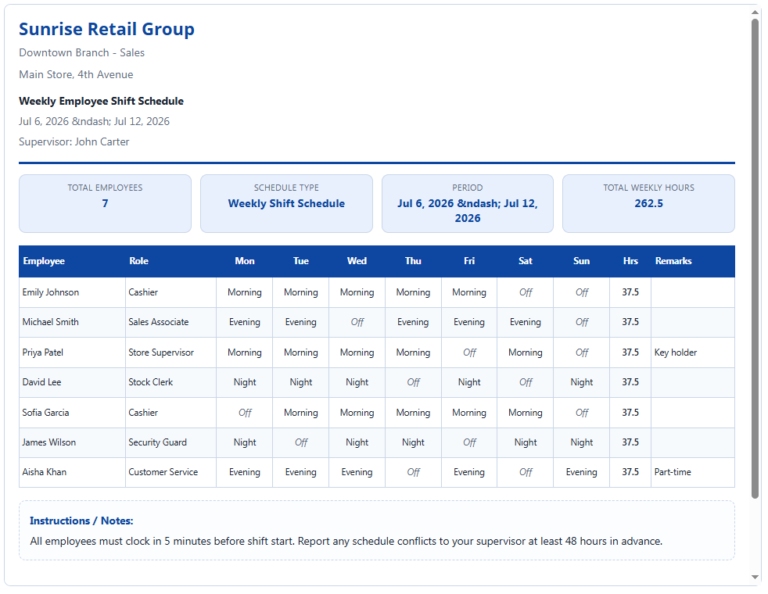
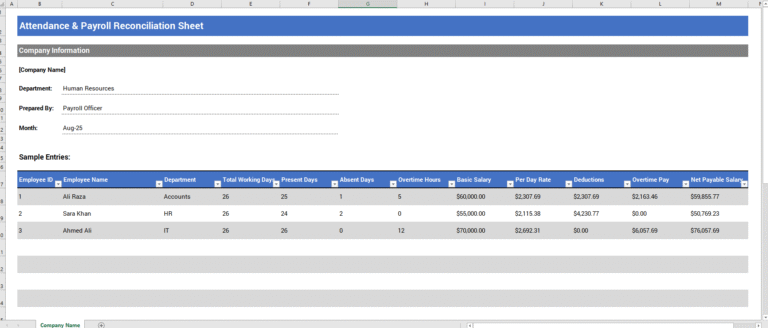
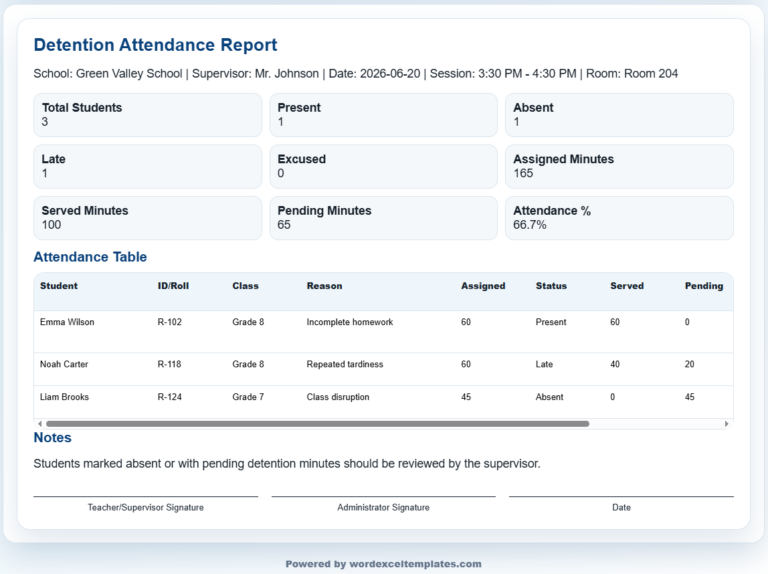
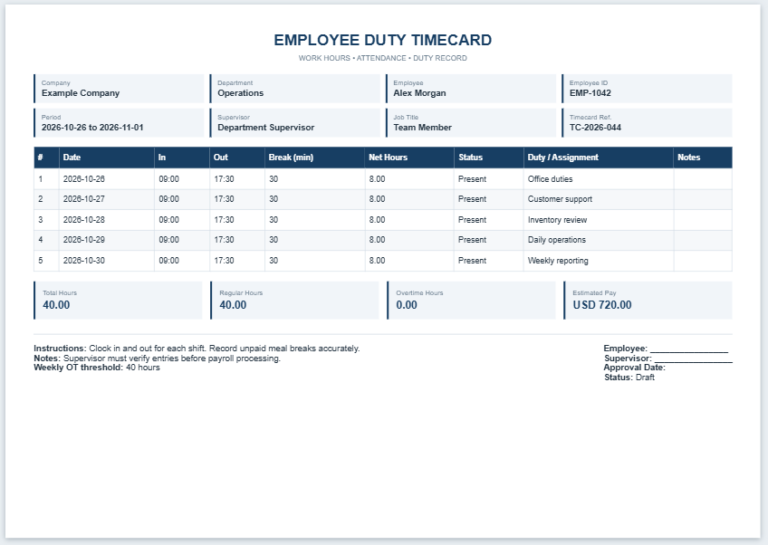
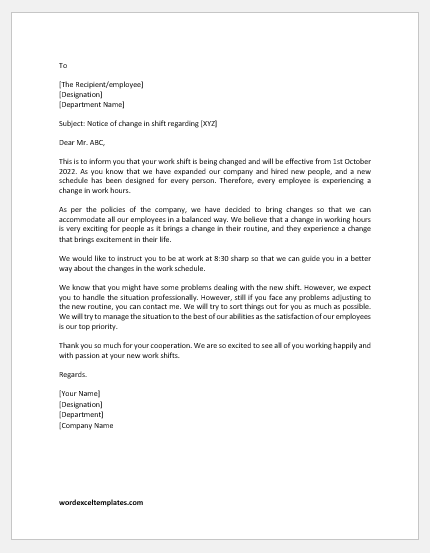
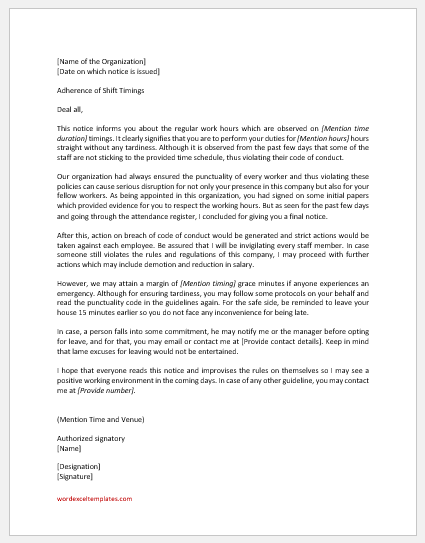
A Shift Roster Generator is a practical scheduling tool that helps businesses create organized employee work schedules quickly. Instead of preparing rosters manually, managers can enter employee information, assign shifts, and instantly generate a professional roster with a live preview. The generator supports weekly and fortnightly schedules, making it suitable for organizations with rotating shifts or fixed work patterns.
Shift Roster Details
Live Preview
Shift Roster
Frequently Asked Questions
What is a Shift Roster Generator?
A Shift Roster Generator is an online tool used to create a clear work schedule showing employees, dates, and assigned shifts in one printable table.
Can I add or remove employees?
Yes. Use the Add Employee button to create new roster rows and the × button to remove any employee entry.
Can I prepare a weekly or fortnightly roster?
Yes. You can select either a 7-day or 14-day roster period. The date columns update automatically from the selected start date.
Can I customize shift names and times?
Yes. Morning, evening, night, and off-day labels can be edited to match your organization’s actual working hours and abbreviations.
Does the generator work on mobile devices?
Yes. On smaller screens, separate Input and Live Preview tabs make the form easier to use. Zoom and Fit controls help center the A4 preview.
What does the Print button print?
The Print button prints only the live roster preview in an A4 portrait layout while hiding the input form, controls, and FAQ section.