The Visitor Badge Generator is a practical online tool designed to help businesses, schools, hospitals, offices, factories, event venues, and other organizations create professional visitor badges within minutes. Instead of designing badges manually, you can simply enter visitor information, upload a company logo and visitor photo, customize the badge appearance, and generate a clean identification badge ready for printing. The generator provides a live preview so you can instantly see every change before printing.
The badge can include important details such as the visitor’s name, company or organization, purpose of the visit, host name, department, visit date, validity time, access level, and a unique badge number. You can also switch between portrait and landscape layouts, customize header and accent colors, and add organization branding to produce badges that match your workplace identity. Automatic badge number generation helps maintain consistency while making visitor management more organized.
Designed with usability in mind, the generator works smoothly on desktop, tablet, and mobile devices. The responsive layout, live preview, zoom controls, and professional A4 printing ensure that the final badge looks exactly as expected. Uploaded logos and photos are displayed in the correct positions, creating neat and attractive visitor identification cards suitable for everyday use.
Whether you need badges for guests, contractors, vendors, interview candidates, delivery personnel, or temporary visitors, this generator provides a fast, reliable, and user-friendly solution. It helps improve workplace security, simplifies visitor identification, and saves valuable time by producing consistent, professional visitor badges without requiring any graphic design skills.
Visitor Badge Generator
Enter visitor information and customize a professional badge.
A4 live preview
Company Logo
Northfield Business Center
VISITOR
Visitor Photo
Daniel Morgan
Business Meeting
CompanyMorgan Consulting
HostSarah Williams
DepartmentAdministration
AccessEscorted Access
Date—
Valid Until5:00 PM
Frequently Asked Questions
What is a Visitor Badge Generator?
A Visitor Badge Generator is an online tool used to create temporary identification badges for guests, contractors, interview candidates, vendors, and other visitors entering an organization.
Which details can be added to a visitor badge?
You can add the visitor’s name, company, purpose of visit, host name, department, visit date, validity time, access level, badge number, visitor photo, and organization logo.
Can I upload a visitor photo?
Yes. The generator includes an image upload field that places the visitor’s photo inside the badge preview while maintaining the correct size and alignment.
Can I add my organization’s logo?
Yes. Upload a logo through the organization details section. The logo is automatically fitted inside the reserved logo area without stretching the badge layout.
Can I create portrait and landscape badges?
Yes. Use the Badge Orientation menu to switch between landscape and portrait designs. The live preview updates automatically.
How is the badge number generated?
You can enter a badge number manually or use the Generate Number button to create a unique number containing the current year and a random four-digit code.
Can badge colors be customized?
Yes. You can select the header color, status strip color, and footer background to match your organization’s branding or visitor classification system.
What are the available access levels?
The generator provides options such as reception only, escorted access, general office access, meeting area, temporary contractor, and VIP visitor.
Does the badge print on an A4 sheet?
Yes. The print function isolates the live preview and positions the completed badge neatly on an A4 page with clean margins.
Can the generator be used on mobile devices?
Yes. On smaller screens, separate Badge Details and Live Preview tabs make the generator easier to use. Zoom In, Zoom Out, and Fit controls are also included.
You May Also Need
Explore templates, tools, calculators, and articles connected to this resource.
An Equipment Log Sheet is a valuable record used to monitor the condition, operation, and maintenance history of equipment in workplaces, factories, schools, workshops, and commercial facilities. This equipment log sheet allows users to record essential information such as facility name, department, equipment location, log date, reference number, equipment category, operating status, condition, maintenance actions, […]
An Asset Register is an essential record for tracking valuable equipment, tools, machinery, furniture, and other organizational assets in one organized place. This register helps businesses, maintenance teams, schools, warehouses, and facilities maintain accurate information about each asset, including its category, location, condition, status, and maintenance history. Keeping asset records up to date makes it […]
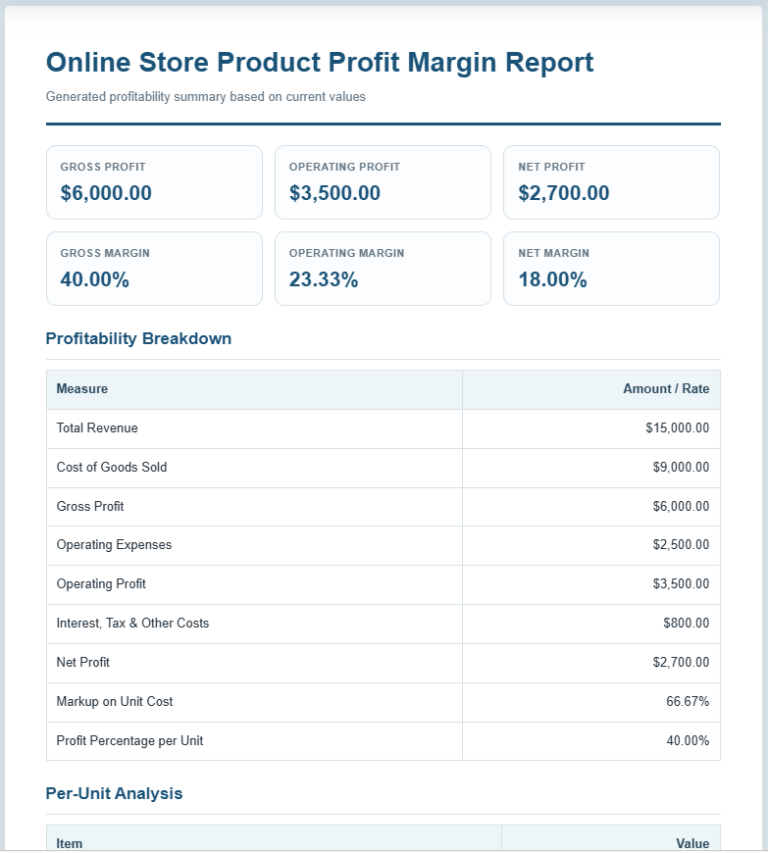
The Profit Margin Calculator is a practical business tool that helps you measure the profitability of your products, services, or overall business operations. Whether you run a small business, an online store, a retail shop, or work as a freelancer, understanding your profit margins is essential for making better pricing and financial decisions. This calculator […]
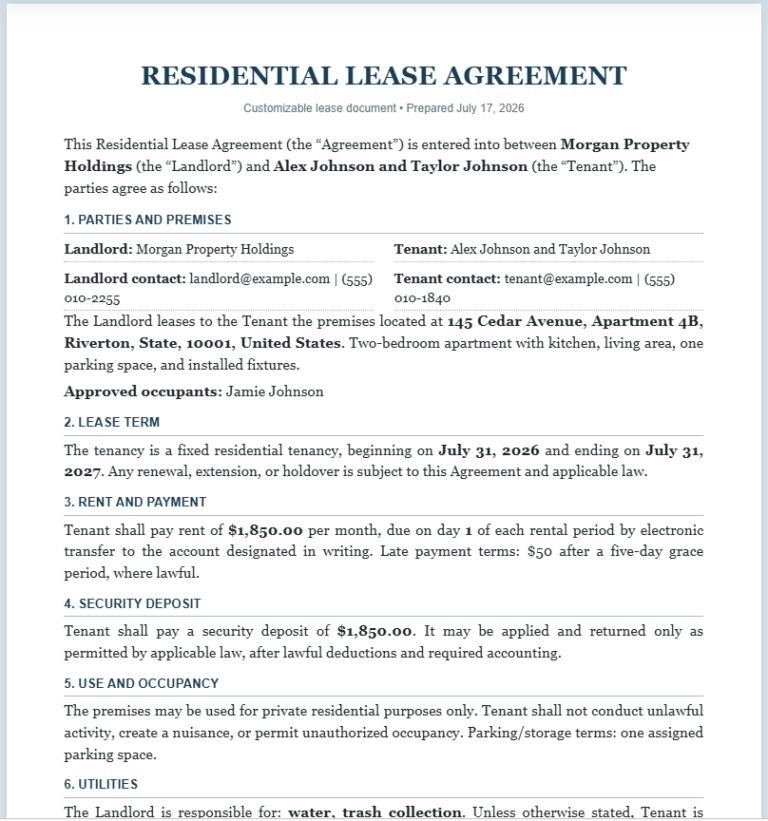
The Lease Agreement Generator is a practical online tool for creating clear and professional rental agreements. It supports residential leases, commercial leases, room rental agreements, and month-to-month tenancy arrangements. Instead of writing an agreement from the beginning, landlords, property managers, tenants, and business owners can enter the required information and generate a properly structured document. […]
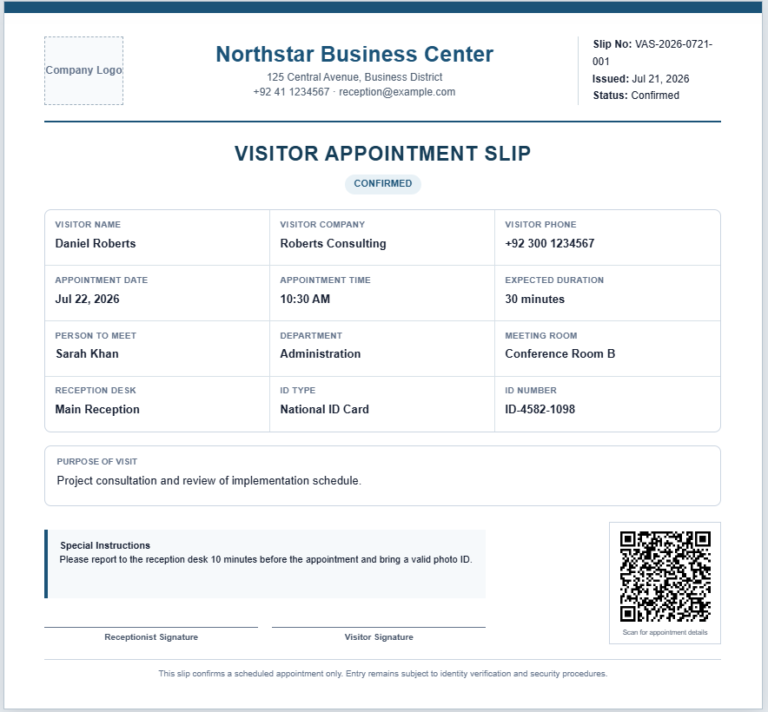
Our Visitor Appointment Slip Generator is a professional online tool designed to simplify visitor scheduling and reception management. It helps businesses, schools, hospitals, factories, offices, and other organizations create neat and well-organized appointment slips within minutes. Instead of preparing appointment slips manually, users can quickly enter visitor information and receive a polished document ready for […]
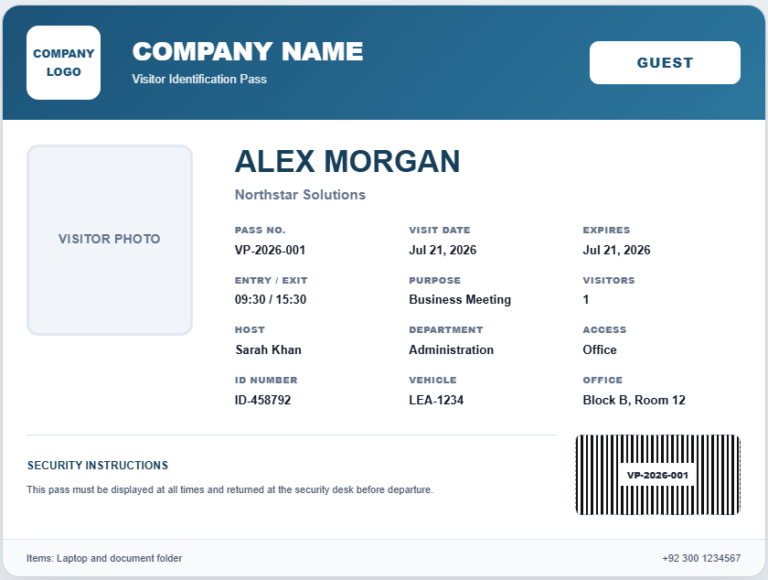
A Visitor Pass Generator is a practical tool that helps organizations create professional visitor passes quickly and accurately. Whether you manage an office, school, hospital, factory, warehouse, apartment complex, or event venue, this generator allows you to prepare clear and organized visitor badges in just a few minutes. Instead of designing a pass manually, simply […]
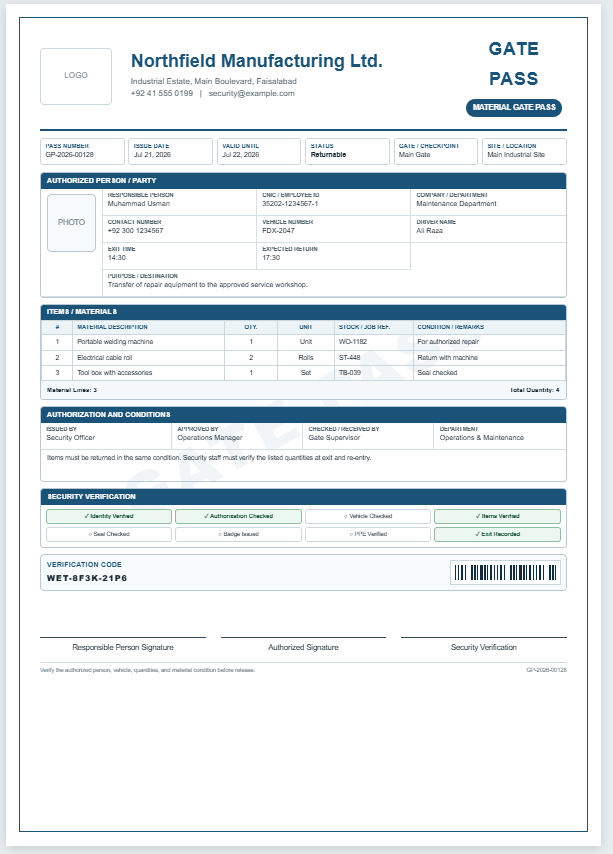
Our Gate Pass Generator helps businesses, schools, factories, warehouses, hospitals, offices, and other organizations create professional gate passes in just a few minutes. Simply select the appropriate gate pass type, such as Visitor, Employee, Vehicle, Contractor, Delivery, Material, Returnable, or Non-Returnable, and the form automatically updates with the relevant fields and layout. Enter the required […]
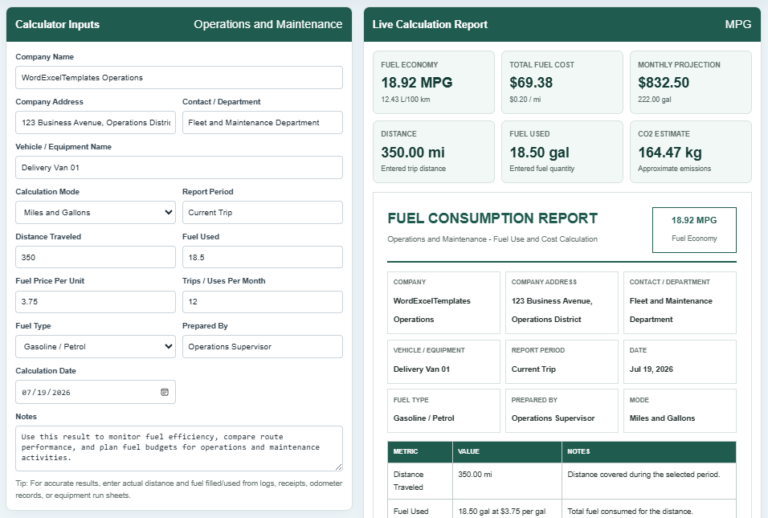
A Fuel Consumption Calculator is a tool that measures how efficiently a vehicle or machine uses fuel over a specific distance. It helps users calculate fuel economy, total fuel consumed, fuel cost, cost per mile or kilometer, and estimated operating expenses. By entering values such as distance traveled, fuel used, fuel price, and the number […]
A Fuel Consumption Calculator is a tool that measures how efficiently a vehicle or machine uses fuel over a specific distance. It helps users calculate fuel economy, total fuel consumed, fuel cost, cost per mile or kilometer, and estimated operating expenses. By entering values such as distance traveled, fuel used, fuel price, and the number […]
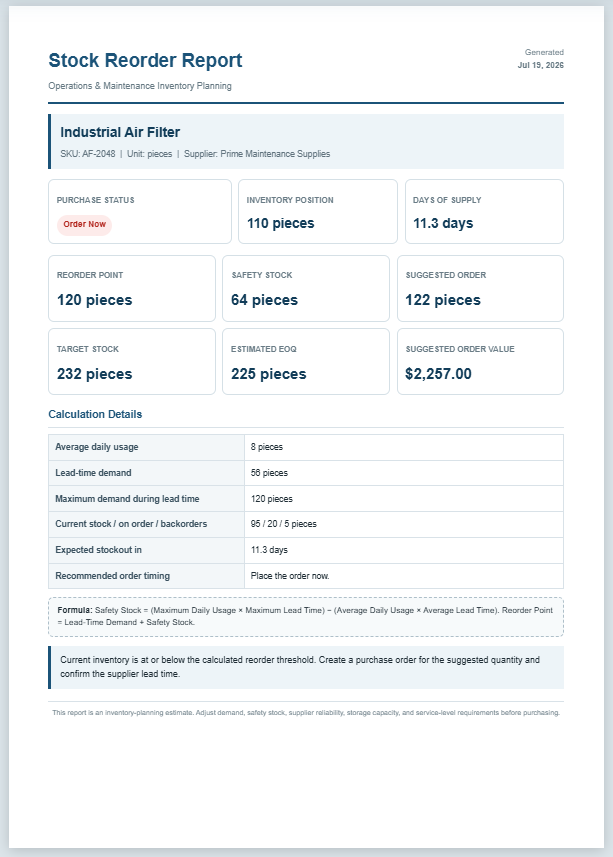
The Stock Reorder Calculator helps businesses determine the right time to replenish inventory before stock levels become too low. It is designed for maintenance departments, warehouses, manufacturing facilities, retail stores, and other organizations that manage spare parts or operational supplies. By entering basic inventory information, the calculator estimates the reorder point, safety stock, suggested order […]
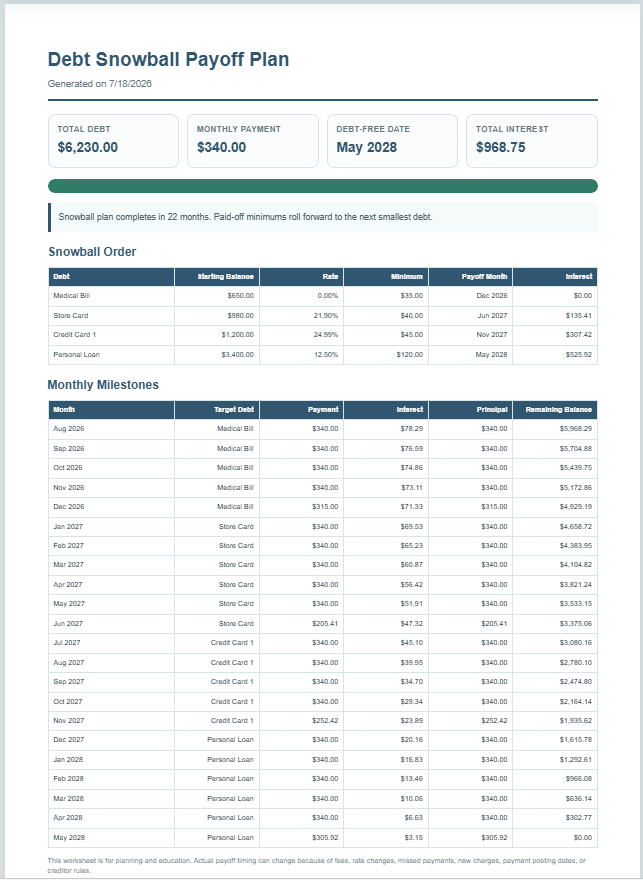
A Debt Snowball Worksheet is a financial planning tool that helps you organize and repay multiple debts using the popular debt snowball strategy. Instead of focusing on the highest interest rate first, this method prioritizes paying off the smallest balance. As each debt is cleared, the money that was being used for its monthly payment […]
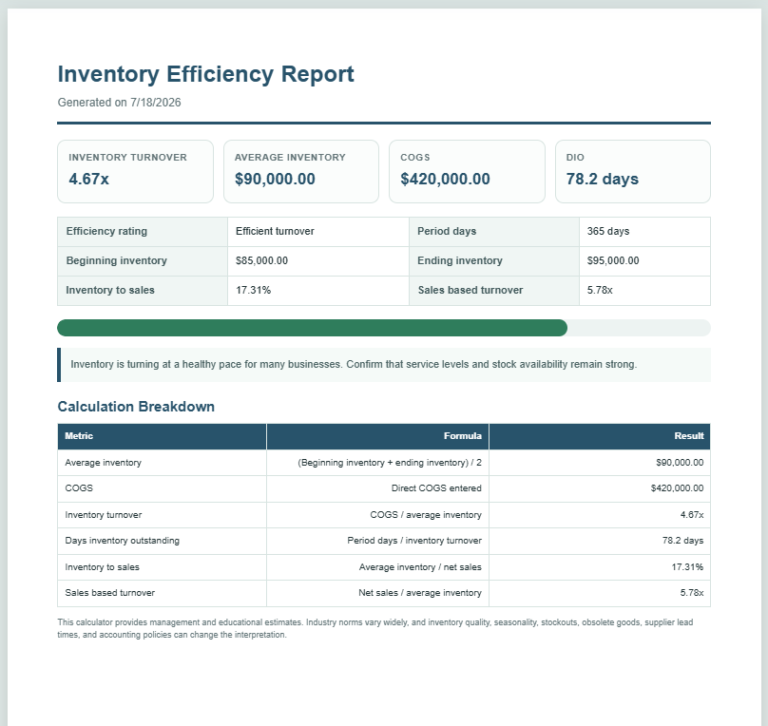
An Inventory Turnover Ratio Calculator is a simple financial tool that measures how efficiently a business manages and sells its inventory. It calculates the inventory turnover ratio using the Cost of Goods Sold (COGS) and average inventory. In addition to the turnover ratio, this calculator also estimates average inventory, Days Inventory Outstanding (DIO), inventory-to-sales ratio, […]
 Company
 Visitor