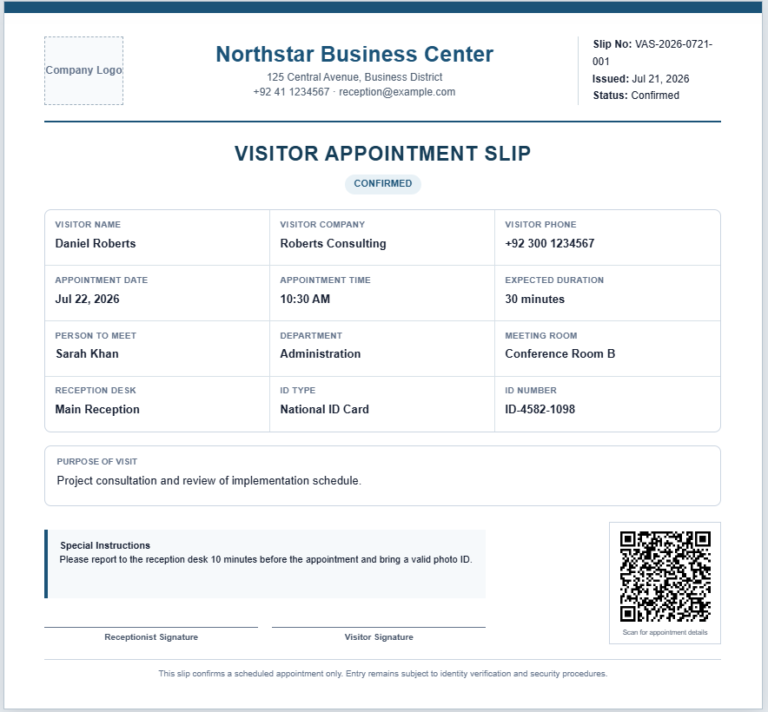
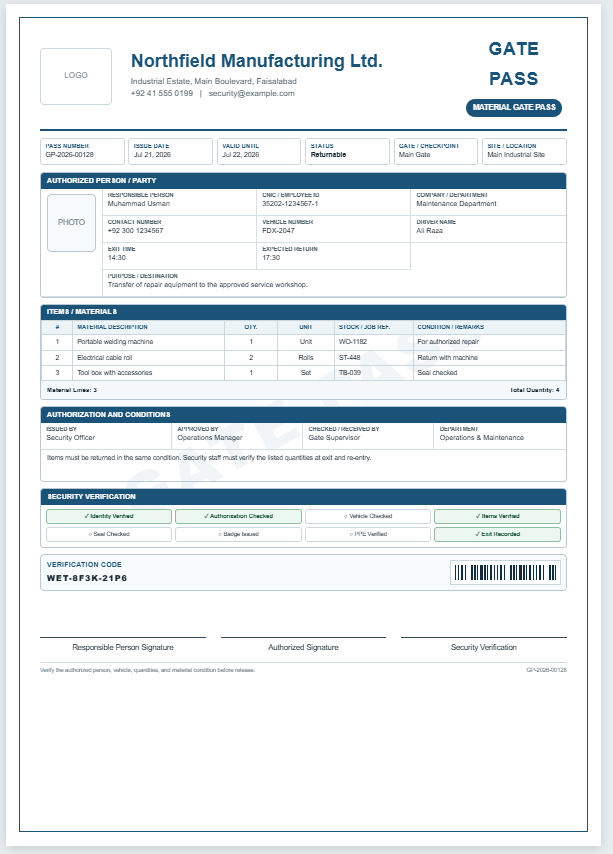
A Visitor Pass Generator is a practical tool that helps organizations create professional visitor passes quickly and accurately. Whether you manage an office, school, hospital, factory, warehouse, apartment complex, or event venue, this generator allows you to prepare clear and organized visitor badges in just a few minutes. Instead of designing a pass manually, simply enter the visitor’s details, upload a photograph and company logo if needed, and the pass is created instantly.
This generator includes fields for visitor information, host details, visit purpose, entry and exit times, pass type, access level, vehicle number, and other important security details. A live preview updates automatically as you enter information, allowing you to review the pass before printing. The automatically generated pass number helps maintain accurate visitor records and improves security.
The Visitor Pass Generator supports multiple pass types such as Guest, Vendor, Contractor, Delivery, Interview, Maintenance, Temporary Staff, and VIP visitors. It is designed with a professional layout that is suitable for businesses of all sizes and provides a neat, easy-to-read visitor badge.
The completed pass can be printed on A4 paper while preserving its professional appearance, making it ideal for reception desks and security checkpoints. Whether you need a single visitor pass or multiple passes throughout the day, this generator simplifies the entire process, saves valuable time, reduces paperwork, and helps maintain a secure and well-organized visitor management system.
Visitor Pass Generator
Create a professional visitor badge with live preview, company branding, access details, and print-ready output.
Organization & Branding
Visitor Information
Visit Details
Host & Security
Uploaded images remain in the browser session and are included in printed output.
LOGO
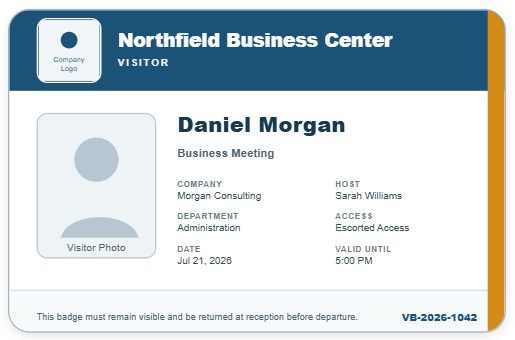
ALEX MORGAN
This pass must be displayed at all times and returned at the security desk before departure.
Frequently Asked Questions
What is a Visitor Pass Generator?
A Visitor Pass Generator is an online tool used to create professional passes for guests, contractors, vendors, interview candidates, delivery staff, and other temporary visitors.
How do I create a visitor pass online?
Enter the visitor, host, and visit details in the input panel. The pass preview updates instantly and can then be printed from the generator.
Can I add a visitor photograph?
Yes. Use the visitor photo upload field to add a photograph that will appear inside the pass preview.
Can I upload my company logo?
Yes. You can upload a company or organization logo and display it in the header of the visitor pass.
Does the pass update automatically?
Yes. Most fields update the live preview immediately, including the visitor name, pass number, type, host, date, time, access level, and purpose of visit.
Can I print the visitor pass?
Yes. The Print Pass button prints only the live pass preview while preserving its colors, borders, text, uploaded images, and layout.
Can I generate different pass types?
Yes. The generator includes guest, contractor, vendor, interview, delivery, temporary staff, VIP, and maintenance pass types.
Is the pass suitable for offices and schools?
Yes. It can be used by offices, schools, hospitals, factories, warehouses, residential buildings, events, and other controlled premises.
Can I save visitor information?
The Save button stores the current entries in the same browser. The saved information can later be restored using the Restore button.
Is the Visitor Pass Generator free to use?
Yes. The generator can be used directly on your website without requiring visitors to install additional software.